 PluginStats
Salesforce: Hit The List users statistics
Chrome Web Store · Developer Tools
Instant search autocomplete for Salesforce Setup pages, Apex classes, objects, and custom tabs.
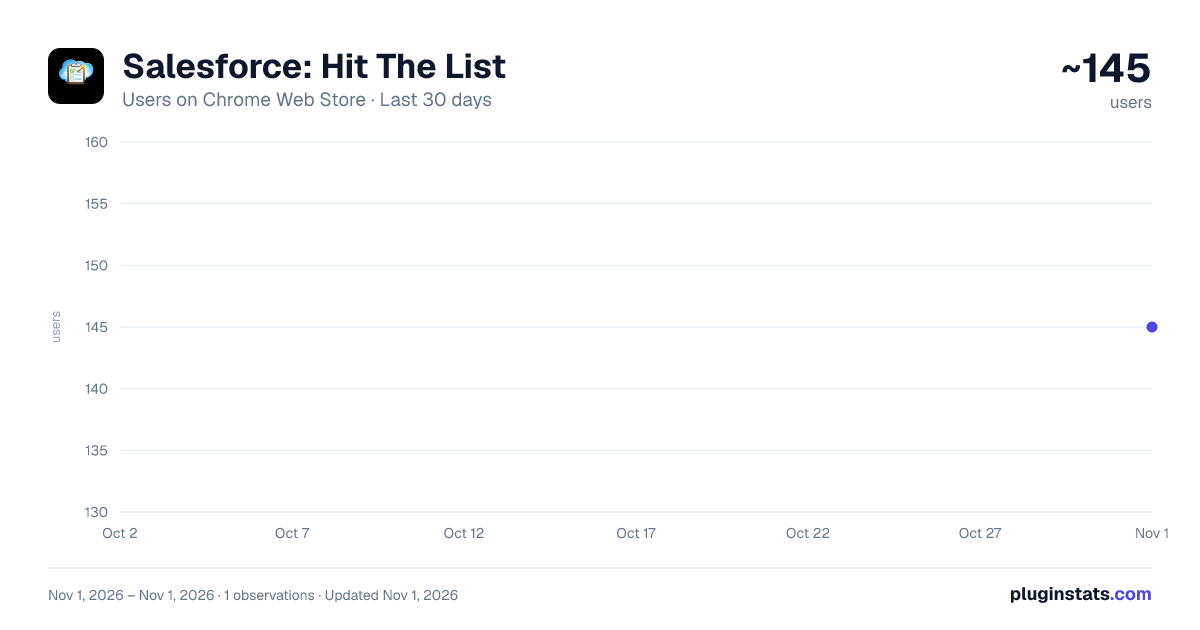
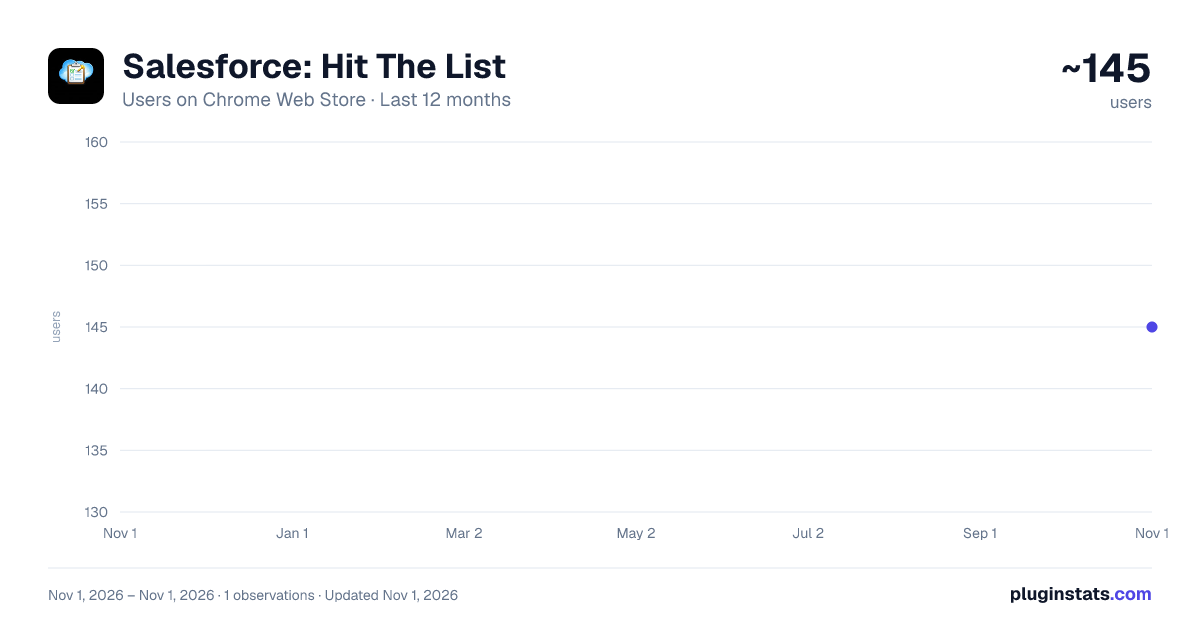
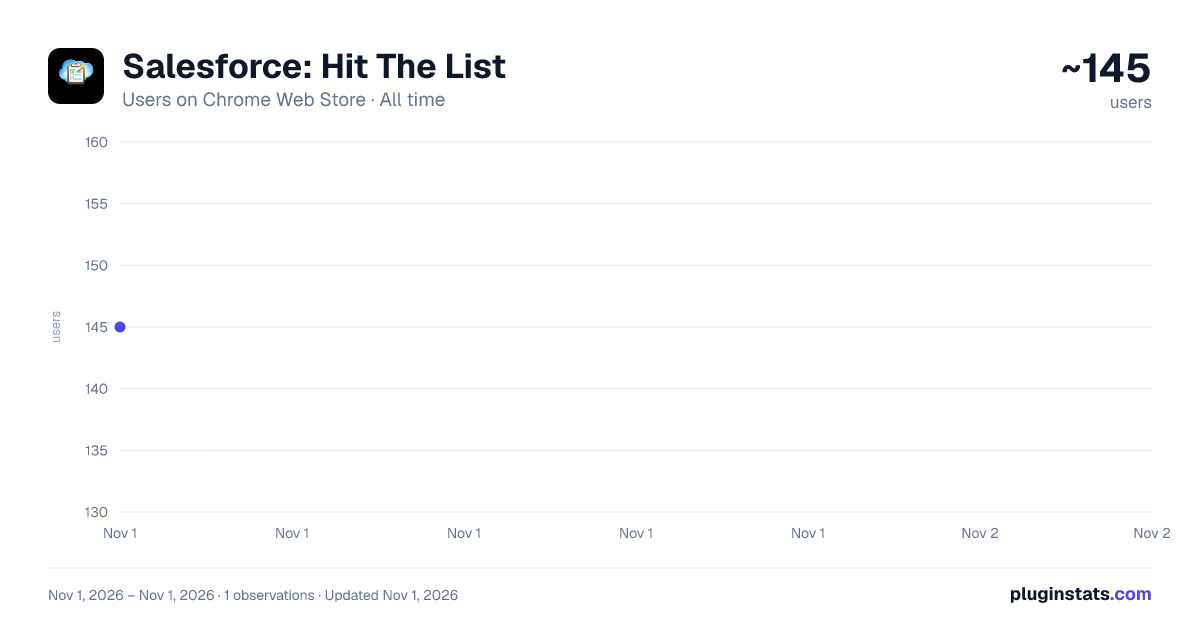
Salesforce: Hit The List has approximately 145 recorded users on Chrome Web Store, ranking #5406 of 6,300 tracked listings.
Rating: 5.00 / 5 from 6 ratings
About Salesforce: Hit The List
Instant search autocomplete for Salesforce Setup pages, Apex classes, objects, and custom tabs.
Hit The List adds a smart search box directly in the Salesforce header, letting you instantly jump to any setup page, Apex class, object, custom tab, or list view — without clicking through menus.
Just start typing. Results appear instantly as you type, then open in a new tab.
─── WHAT YOU CAN SEARCH ───
▸ All Salesforce objects (standard & custom) — jump straight to the list view ▸ Apex Classes & Apex Triggers — opens directly in the code editor ▸ Custom Objects — navigate to Object Manager or list view ▸ Custom Tabs — any tab your org has configured ▸ Setup pages — Debug Logs, Flows, Process Builder, Approval Processes, Installed Packages, Scheduled Jobs, Permission Sets, Profiles, and 25+ more
─── WORKS EVERYWHERE ───
▸ Lightning Experience (lightning.force.com) ▸ Salesforce Setup (my.salesforce-setup.com) ▸ Salesforce Classic ▸ Production orgs, sandboxes, and developer orgs
─── NO CONFIGURATION NEEDED ───
Install, open Salesforce, and start searching. The extension automatically detects your org and environment.
─── PRIVACY ───
Hit The List reads only what it needs to show you search results — your org's metadata (objects, classes, tabs). No data is sent to any external server. All processing happens locally in your browser.
Description from the Chrome Web Store listing.
README badge
Show your rank in a README or on your website. The badge updates automatically.
Charts
Images: 30d · 1y · all time · 1600×900 dark
Adoption over time
7/30/90-day growth
Ranking history
Ratings over time
Listing placement
Listing placement
Filled points are observed values; hollow points come from Internet Archive snapshots of the listing page. Dashed segments span periods with no observations — values between points are not interpolated.
Each band is one page of 20. Users on a linear scale. Placement is projected from users, so it can differ from the marketplace's own sort order. Hover a dot to see the listing.
Recent observations
Full history (1)Similar Chrome Web Store Developer Tools plugins
All 20 Salesforce: Hit The List alternatives



Data source
Covers every Chrome Web Store extension with at least 100 users, found through the store's public sitemap. User counts are read from public listing pages. The 10% most-used extensions are refreshed daily, the next 40% weekly and the next 40% monthly; the least-used 10% are not refreshed. Google displays rounded user counts (and caps the display at 10,000,000+), so small changes may not be visible. Rating counts above 1,000 are rounded (e.g. 1.6K).
Listing: https://chromewebstore.google.com/detail/salesforce-hit-the-list/emjeecoeojjncobbfekhfboajgnpcojc. First seen Nov 1, 2026; last successful collection Nov 1, 2026. See the methodology.