 PluginStats
Tick Tab Clock users statistics
Tick Tab Clock extension will help you keep track of the time while enjoying a soothing new tab design.
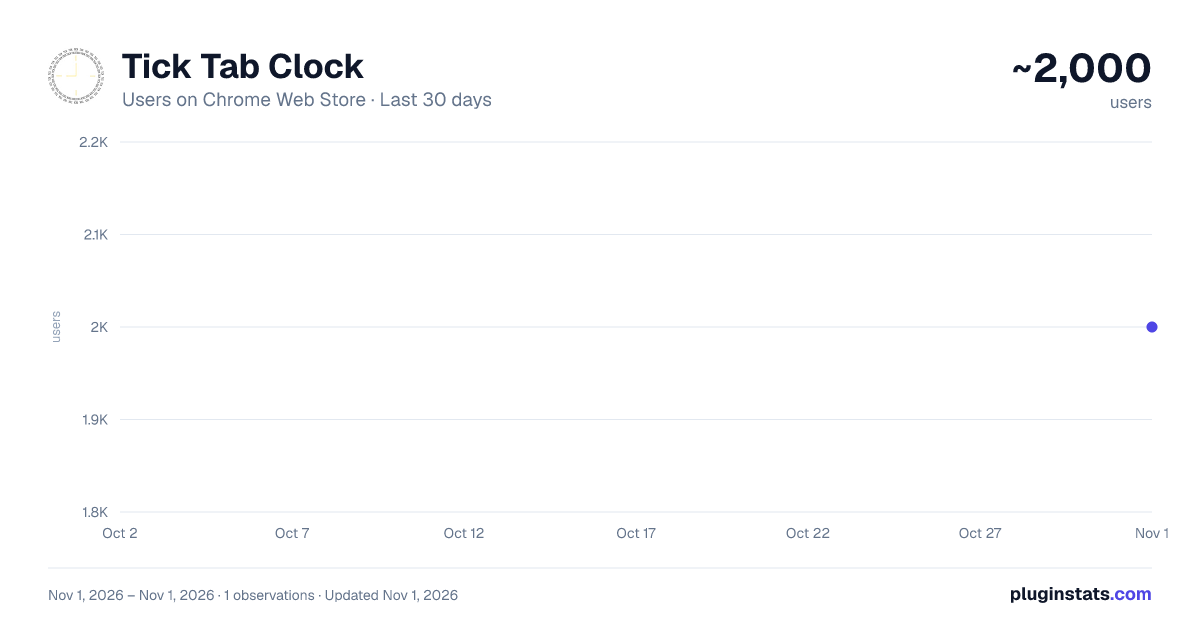
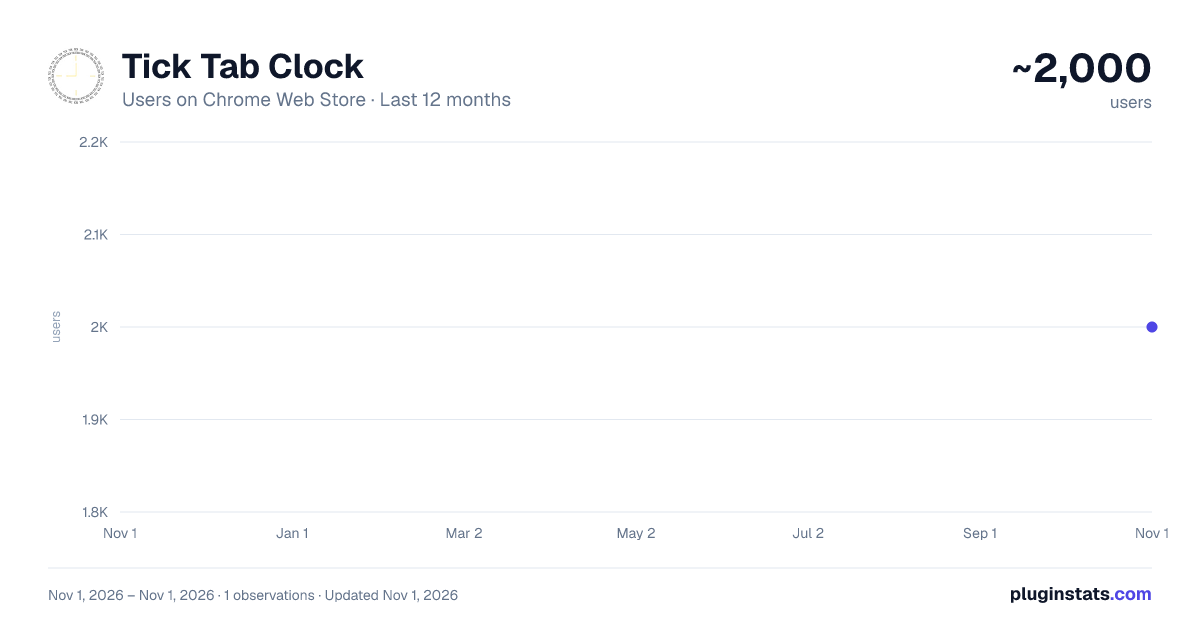
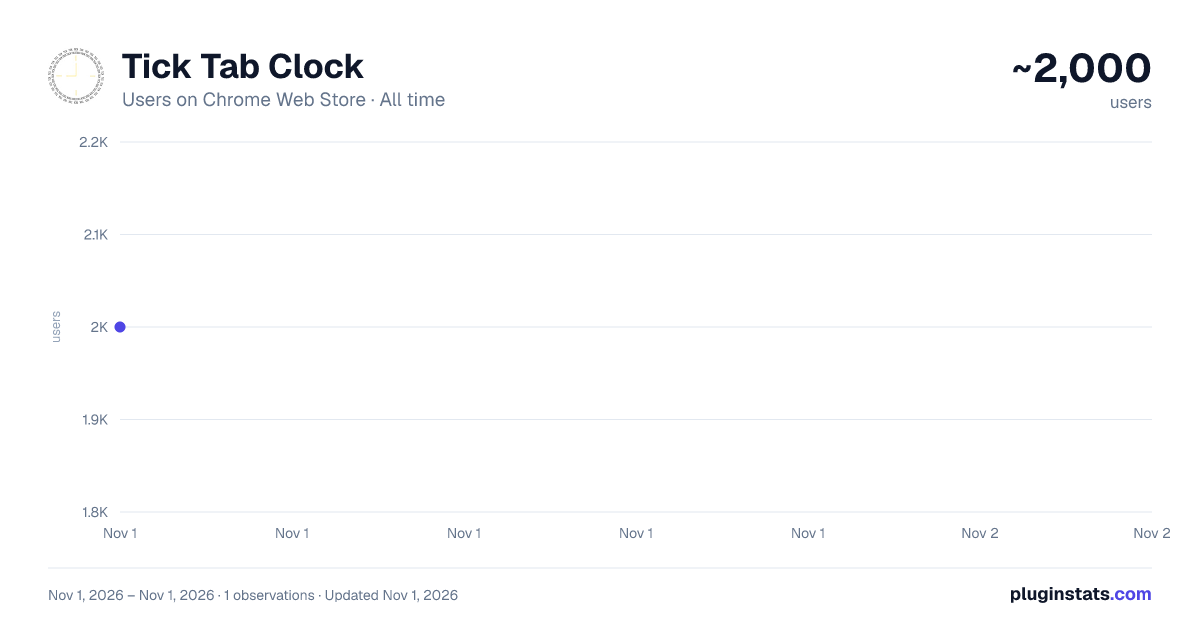
Tick Tab Clock has approximately 2,000 recorded users on Chrome Web Store, ranking #1666 of 6,300 tracked listings.
Rating: 4.90 / 5 from 13 ratings
About Tick Tab Clock
Tick Tab Clock extension will help you keep track of the time while enjoying a soothing new tab design.
By selecting “Add to Chrome”, You accept and agree to install the Tick Tab Clock Extension and set Chrome New Tab to the service’s default, as well as the Terms of Service and Privacy Policy. Microsoft Bing will fuel the New Tab search.
Tick Tab Clock is the perfect extension for anyone who wants to improve their productivity and focus. With a beautiful design on every new tab, as well as a clock in the middle, you can keep track of time and stay focused on your work.
The main goal of this extension is to help its users to regain calmness and focus with carefully designed wallpaper and animation. A beautifully designed clock will not also help you with concentration but will also help you to keep track of time. Tick Tab Clock is an extension that is perfect for anyone who wants to improve their productivity and focus. 🕛
By installing this extension you can design your new tab on your own by changing the theme by selecting dark or bright one. However you like, it is up to you!
You can also use the Search Bar we implemented in the middle of the screen. It is easy to use and there is no change you can miss it!
By using all of these simple but useful features you can really gain more focus and concentration throughout a day and that is why we think this is a must-have extension.
To learn more, visit our website: Homepage: https://ticktabclock.net/index.html
Check our Privacy Policies here: PP: https://ticktabclock.net/privacy-policy.html EULA: https://ticktabclock.net/EULA.html
In case you are not happy with this extension, you can easily uninstall it by right clicking the extension icon on the menu bar and clicking "remove from Chrome".
Contact us for more information: Contact: https://ticktabclock.net/contact.html
Description from the Chrome Web Store listing.
README badge
Show your rank in a README or on your website. The badge updates automatically.
Charts
Images: 30d · 1y · all time · 1600×900 dark
Adoption over time
7/30/90-day growth
Ranking history
Ratings over time
Listing placement
Listing placement
Filled points are observed values; hollow points come from Internet Archive snapshots of the listing page. Dashed segments span periods with no observations — values between points are not interpolated.
Each band is one page of 20. Users on a linear scale. Placement is projected from users, so it can differ from the marketplace's own sort order. Hover a dot to see the listing.
Recent observations
Full history (1)Similar Chrome Web Store Tools plugins
All 20 Tick Tab Clock alternatives



Data source
Covers every Chrome Web Store extension with at least 100 users, found through the store's public sitemap. User counts are read from public listing pages. The 10% most-used extensions are refreshed daily, the next 40% weekly and the next 40% monthly; the least-used 10% are not refreshed. Google displays rounded user counts (and caps the display at 10,000,000+), so small changes may not be visible. Rating counts above 1,000 are rounded (e.g. 1.6K).
Listing: https://chromewebstore.google.com/detail/tick-tab-clock/cpfaonnjbclplimogcpmchejcbhgooke. First seen Nov 1, 2026; last successful collection Nov 1, 2026. See the methodology.