 PluginStats
TimeTrace - Navigate Your Browser History users statistics
View your history in a timeline format that shows time spent. Search through website contents as well as title and URL.
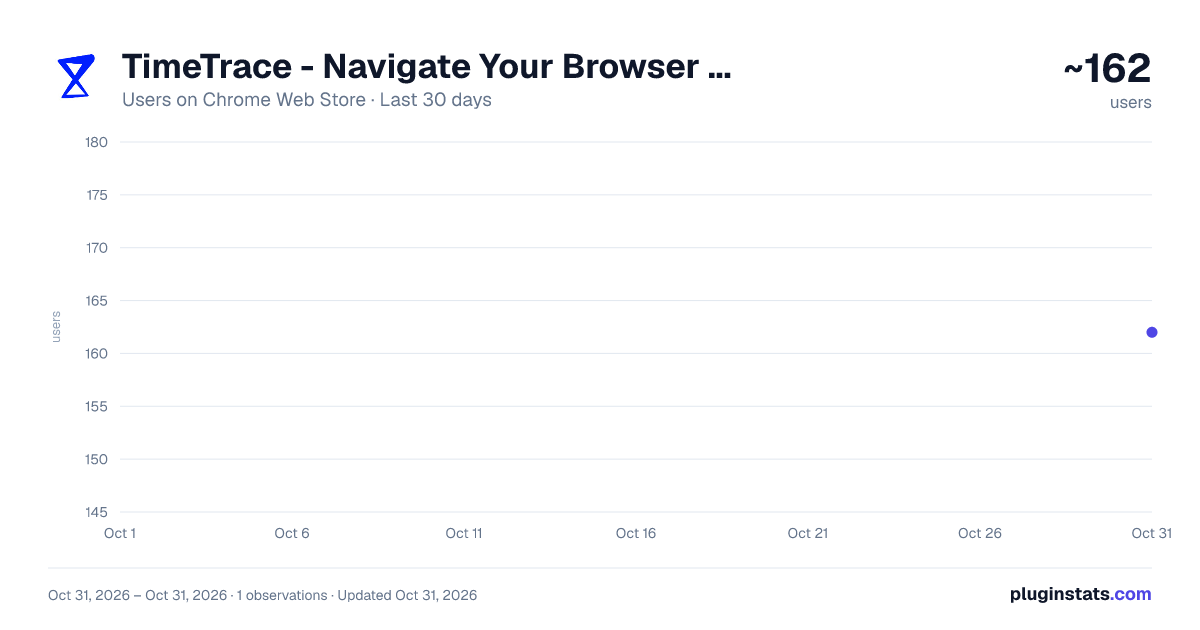
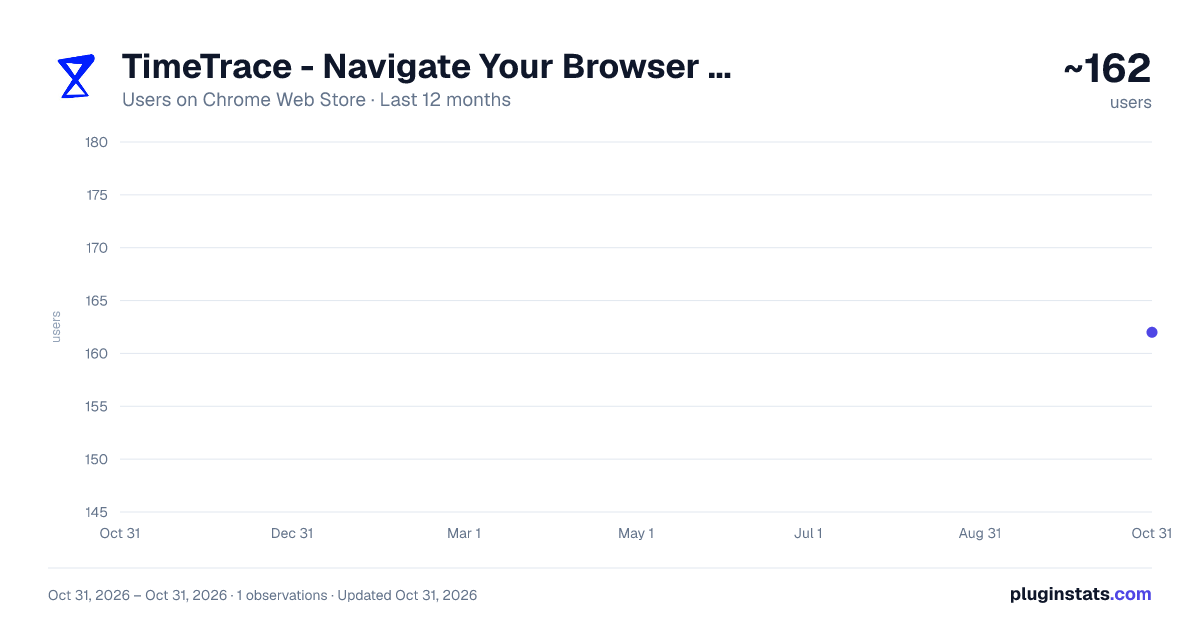
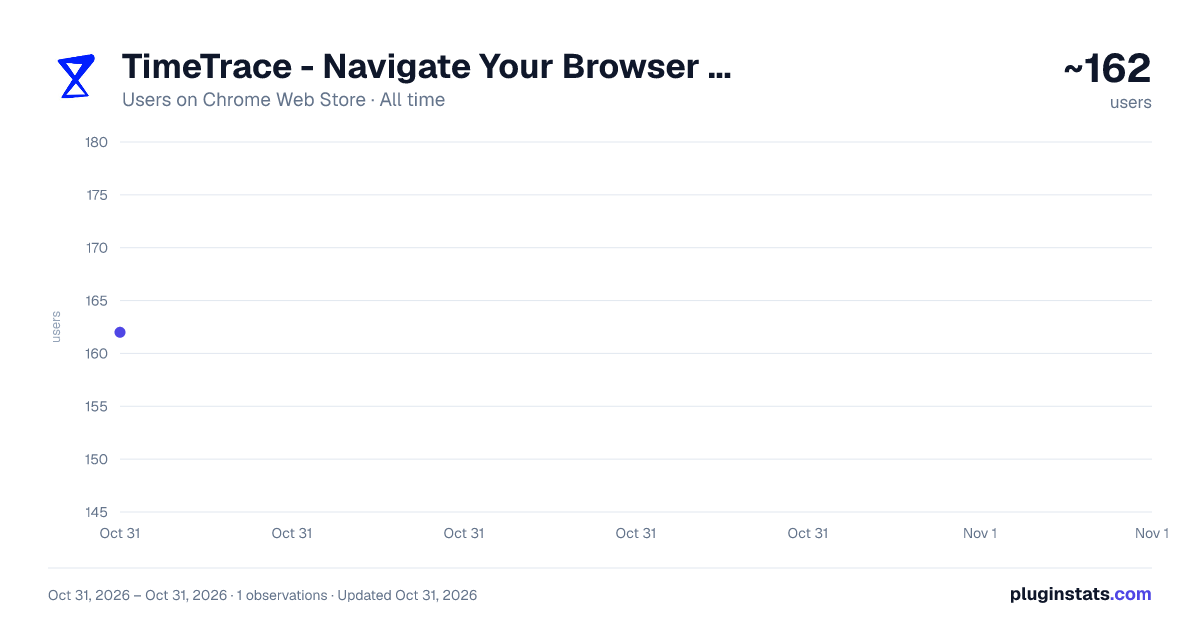
TimeTrace - Navigate Your Browser History has approximately 162 recorded users on Chrome Web Store, ranking #4847 of 5,946 tracked listings.
Rating: 4.60 / 5 from 10 ratings
About TimeTrace - Navigate Your Browser History
View your history in a timeline format that shows time spent. Search through website contents as well as title and URL.
The only history manager that makes life easier, not harder.
Tired of spending hours scrolling through Chrome history trying to find that one website you browsed two weeks ago? Getting frustrated sorting through endless irrelevant websites and irrelevant pop-up sites just to find that one article you viewed roughly two weeks ago?
Introducing TimeTrace — your personalized database designed to help you navigate your browsing history like never before.
TimeTrace is a web extension that presents all of your browser history as an intuitive and informative timeline. Our extension not only allows you to see exactly how much time you’ve spent on each website and better understand your browsing habits, but it also allows you to search for the content of any site you've browsed.
Features include:
- A powerful search bar that allows you to search browsed website content in addition to site title and URL.
- A continuous timeline that shows all browser activity and time spent on each website.
- Timeline automatically folds URLs from the same domain together, with the option of hiding irrelevant browsing activity (hide sites visited for less than 5s).
- Easily go to any day that has browsing history and view your timeline.
Upcoming features:
We are currently working on automatic AI summaries for timeline events.
In the near future, we will be offering an AI co-pilot that helps you find any content on any website you’ve ever browsed using TimeTrace.
Data privacy:
TimeTrace does not store any user personal information. All user data are stored locally. For more information, please view our privacy policy: https://docs.google.com/document/d/12rHAdt82dFMD0kItUu2Y1aHOkg0b7LzJzEfgLlY5SIo/edit?usp=sharing
Love TimeTrace? Join our discord community! https://discord.gg/fEtJCzYQ5M
Description from the Chrome Web Store listing.
README badge
Show your rank in a README or on your website. The badge updates automatically.
Charts
Images: 30d · 1y · all time · 1600×900 dark
Adoption over time
7/30/90-day growth
Ranking history
Ratings over time
Listing placement
Listing placement
Filled points are observed values; hollow points come from Internet Archive snapshots of the listing page. Dashed segments span periods with no observations — values between points are not interpolated.
Each band is one page of 20. Users on a linear scale. Placement is projected from users, so it can differ from the marketplace's own sort order. Hover a dot to see the listing.
Recent observations
Full history (1)Similar Chrome Web Store Tools plugins
All 20 TimeTrace - Navigate Your Browser History alternatives



Data source
Covers every Chrome Web Store extension with at least 100 users, found through the store's public sitemap. User counts are read from public listing pages. The 10% most-used extensions are refreshed daily, the next 40% weekly and the next 40% monthly; the least-used 10% are not refreshed. Google displays rounded user counts (and caps the display at 10,000,000+), so small changes may not be visible. Rating counts above 1,000 are rounded (e.g. 1.6K).
Listing: https://chromewebstore.google.com/detail/timetrace-navigate-your-b/kmnfpbhpiadgjmbhajleoghenphldppi. First seen Oct 31, 2026; last successful collection Oct 31, 2026. See the methodology.