 PluginStats
Notepad - Quick Notes in Your Browser Popup users statistics
By olga.deeva.gritsenko · Chrome Web Store · Tools
Notepad for quick notes in a popup: autosave as you type, search, word count, download as .txt. All notes stay in your browser.
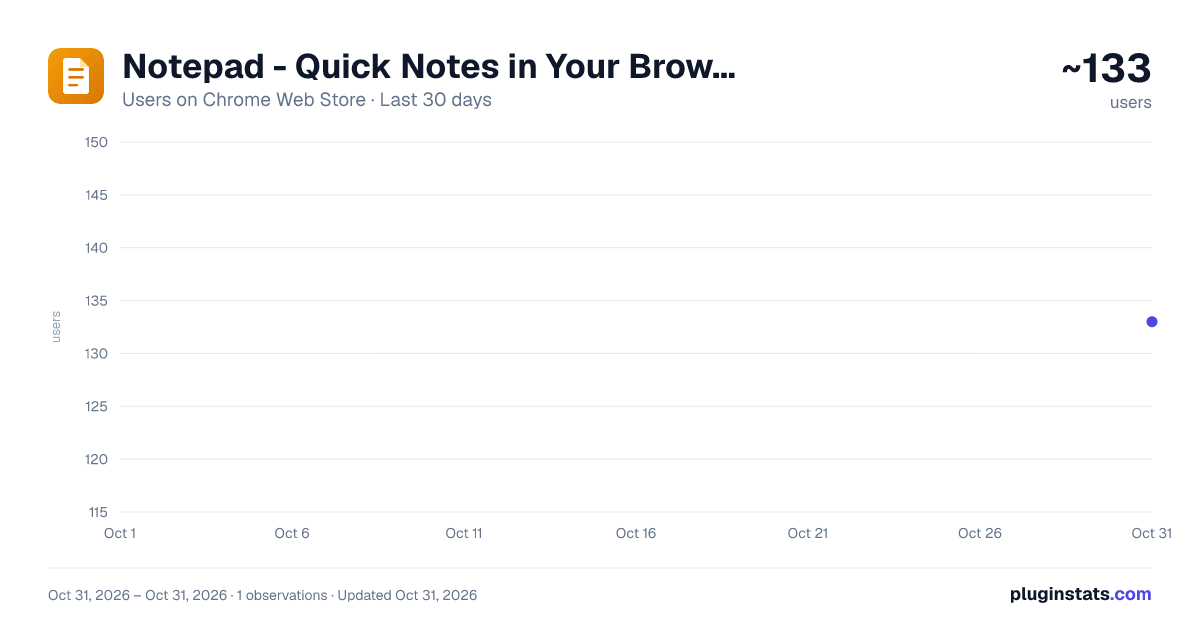
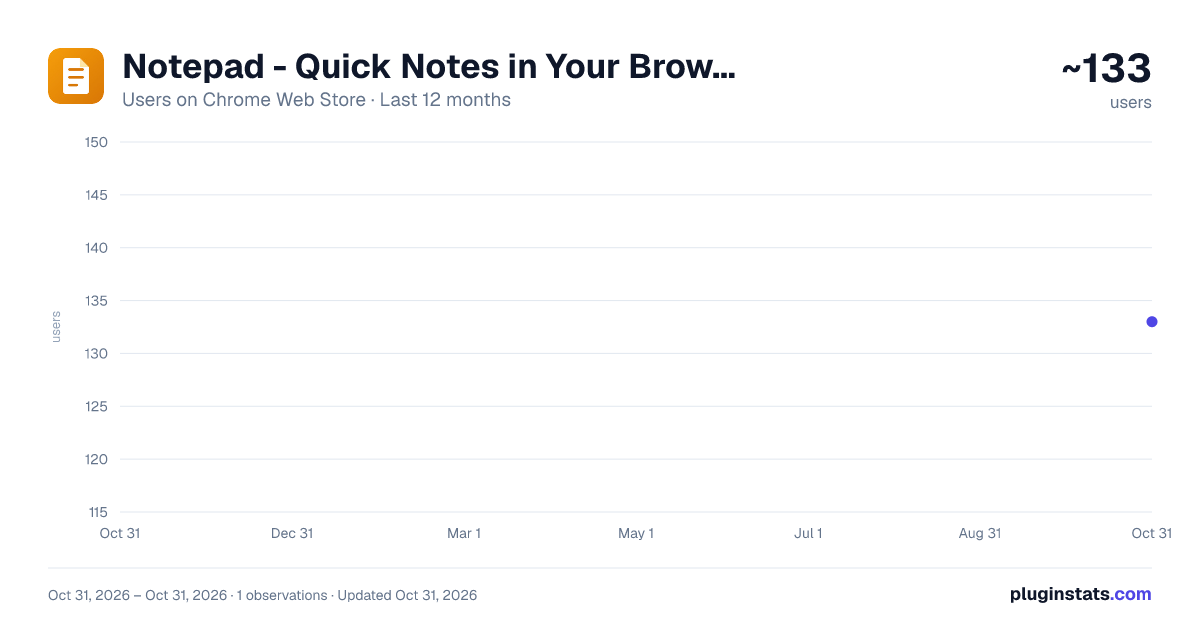
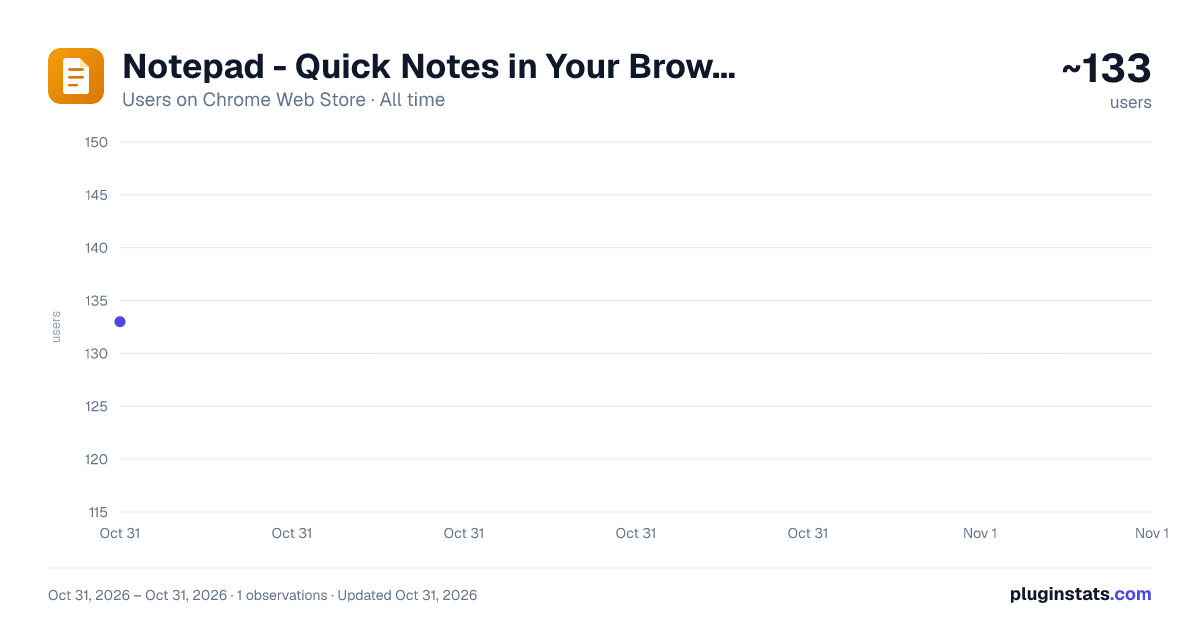
Notepad - Quick Notes in Your Browser Popup has approximately 133 recorded users on Chrome Web Store, ranking #5596 of 6,300 tracked listings.
Rating: 5.00 / 5 from 3 ratings
About Notepad - Quick Notes in Your Browser Popup
Notepad for quick notes in a popup: autosave as you type, search, word count, download as .txt. All notes stay in your browser.
Notepad – Quick Notes in Your Browser Popup
Notepad is a small, fast notepad that lives right in your browser toolbar. Click the icon and a clean popup opens instantly: jot down quick notes, and every keystroke is saved automatically to local browser storage. No accounts, no sign-ins, no servers — this online notepad works completely offline and never sends a single byte anywhere.
WHY A POPUP NOTEPAD
Half of note taking is friction: launching an app, waiting for sync, hunting for the right document. A popup notepad removes all of it. The notepad opens in a fraction of a second, your last note is already in the editor, and the moment you type, the "Saved" indicator confirms your text is safe. Close the popup mid-sentence — your words will be waiting when you return.
KEY FEATURES
📝 Multiple notes with automatic titles — the first line of a note becomes its title 💾 Autosave as you type, with a visible Saving/Saved indicator 🔍 Instant search across all your quick notes 🔢 Live character and word counter for the note you are writing ⬇️ Download any note as a .txt file with one click 📋 Copy all notes to the clipboard as plain text 🌐 Interface translated into 33 languages 🔒 One single permission: local storage. Nothing else is requested.
HOW TO START IN FOUR STEPS
- Pin the Notepad icon to your toolbar and click it.
- A short welcome note shows you around; click "+ New" to create your own.
- Type away — the first line becomes the title, autosave does the rest.
- Find anything later with search, or download a note as .txt for safekeeping.
A SCRATCHPAD THAT ACTUALLY REMEMBERS
Browser tabs are full of half-written thoughts: an address from a chat, a phone number from an email, a sentence you want to reuse. Most people paste those fragments into the URL bar, a random text file, or sticky notes scattered across the screen. This scratchpad gives them a single, durable home. Unlike paper sticky notes, the notes in this notepad are searchable; unlike a heavyweight editor, the scratchpad is open before you finish reaching for your mouse. Note taking becomes a reflex instead of a chore.
DESIGNED FOR SPEED
The popup is a compact, fixed window that renders in milliseconds. There are no menus to dig through and no settings to learn: your list of notes sits on the left, the editor on the right, search above them both. Everything the notepad does is visible on one small screen, so nothing interrupts the thought you came to write down.
WHAT NOTEPAD NEVER DOES
– It never connects to the internet: no sync servers, no analytics, no requests – It never asks for an account, an email address, or payment details – It never reads your browsing: no content scripts, no tab access – It never runs in the background — it works only while the popup is open
PERFECT FOR
• Grocery and shopping lists you check on the go • Meeting fragments and call notes typed in seconds • Code snippets, terminal commands and one-off links • Drafting replies and messages before pasting them anywhere • Daily to-do lists that survive a browser restart • Quick notes during research, with the counter keeping you concise
FAQ
Q: Does this notepad work offline? A: Yes, entirely. It is an online notepad only in the sense that it lives inside your browser — after installation, no connection is ever used.
Q: Where exactly is my note taking data stored? A: In your browser's local extension storage, on your own device. Uninstalling the extension removes it; nothing ever exists on a server.
Q: Can I export my notes? A: Yes — download the current note as a .txt file, or copy all notes to the clipboard in one click and paste them wherever you like.
Q: How many notes can the notepad hold? A: Browser local storage gives the notepad around 10 MB, which is roughly several thousand pages of plain text.
Q: Is there a word counter? A: Yes. The character and word counter updates live while you type — handy for summaries, posts and word-limited forms.
Q: Does it replace sticky notes on my monitor? A: For text, yes: each note in the notepad keeps its place, survives restarts and can be found again with search.
Notepad keeps the smallest unit of writing — the few lines you must not lose — two clicks away at all times. Install it, pin it, and give your quick notes, lists and ideas a permanent home in your browser.
Description from the Chrome Web Store listing.
README badge
Show your rank in a README or on your website. The badge updates automatically.
Charts
Images: 30d · 1y · all time · 1600×900 dark
Adoption over time
7/30/90-day growth
Ranking history
Ratings over time
Listing placement
Listing placement
Filled points are observed values; hollow points come from Internet Archive snapshots of the listing page. Dashed segments span periods with no observations — values between points are not interpolated.
Each band is one page of 20. Users on a linear scale. Placement is projected from users, so it can differ from the marketplace's own sort order. Hover a dot to see the listing.
Recent observations
Full history (1)Similar Chrome Web Store Tools plugins
All 20 Notepad - Quick Notes in Your Browser Popup alternatives



Data source
Covers every Chrome Web Store extension with at least 100 users, found through the store's public sitemap. User counts are read from public listing pages. The 10% most-used extensions are refreshed daily, the next 40% weekly and the next 40% monthly; the least-used 10% are not refreshed. Google displays rounded user counts (and caps the display at 10,000,000+), so small changes may not be visible. Rating counts above 1,000 are rounded (e.g. 1.6K).
Listing: https://chromewebstore.google.com/detail/notepad-quick-notes-in-yo/glgpfplmgkllapiligioabpjbpfhmoli. First seen Oct 31, 2026; last successful collection Oct 31, 2026. See the methodology.