 PluginStats

GrokEngine - Grok Automation users statistics
Automate bulk tasks and prompt sequences on Grok AI.
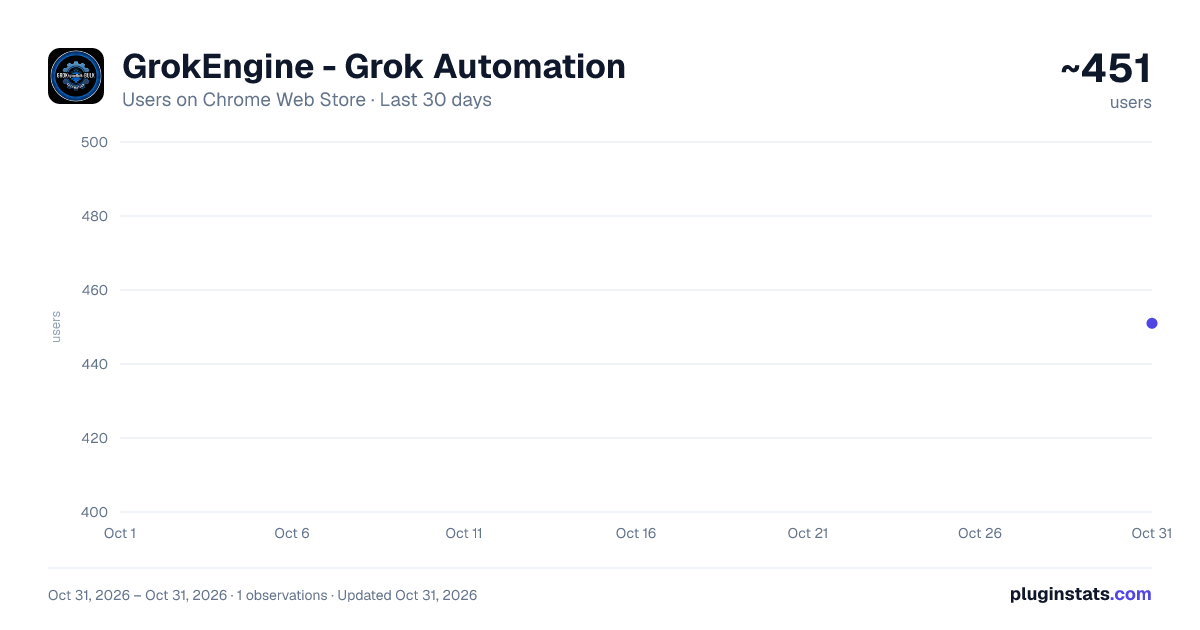
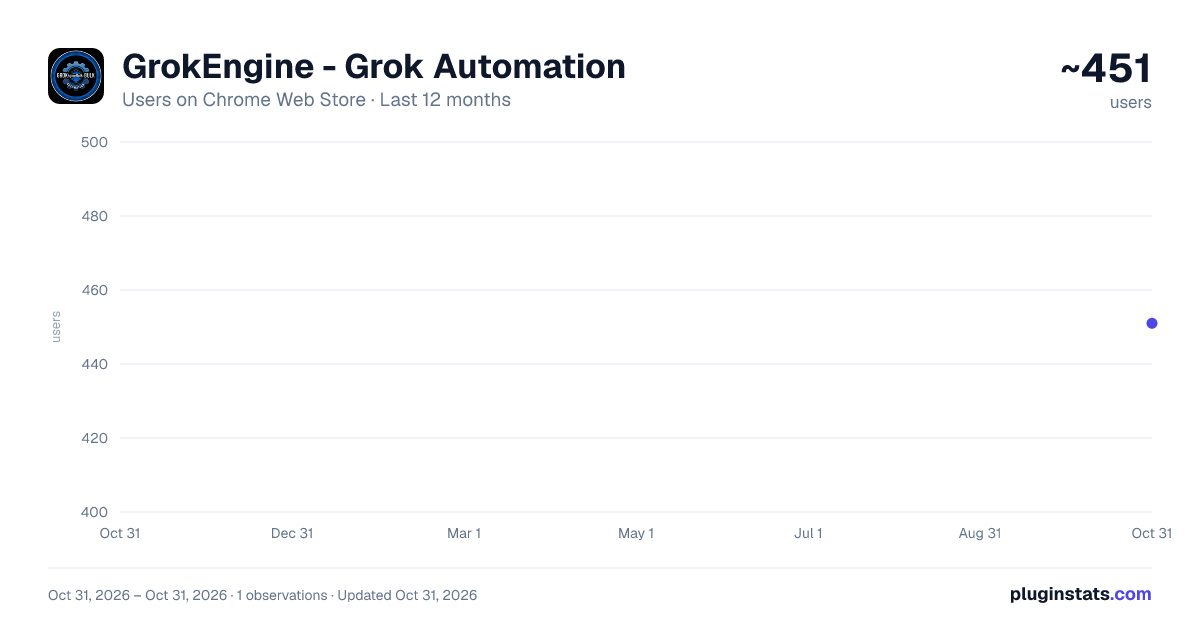
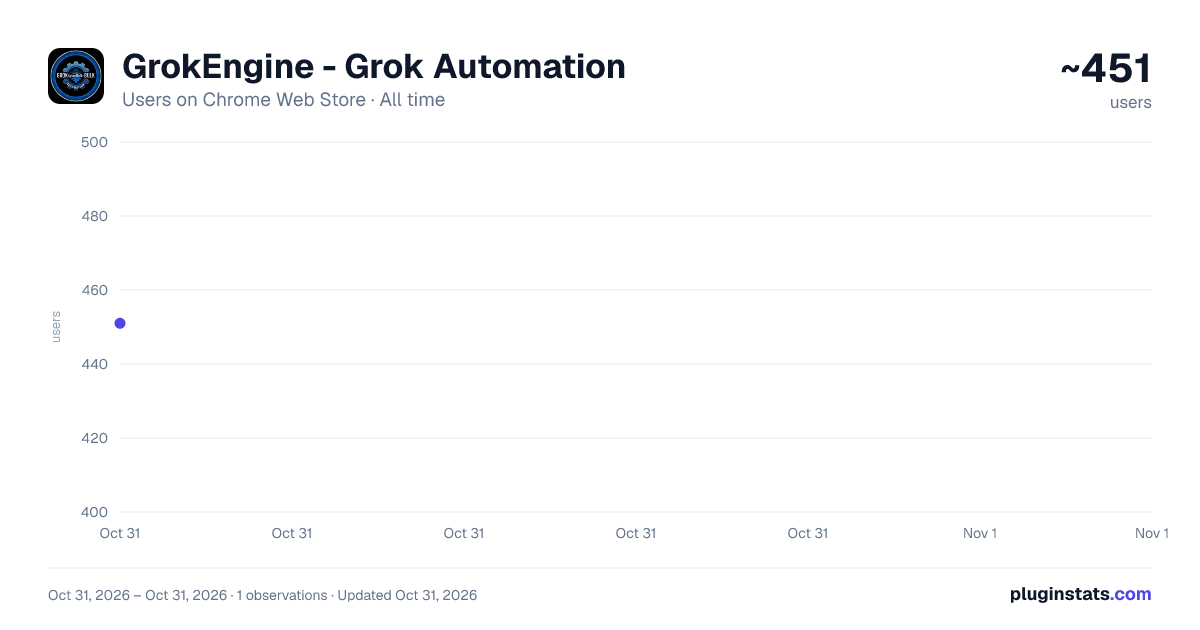
GrokEngine - Grok Automation has approximately 451 recorded users on Chrome Web Store, ranking #3545 of 6,786 tracked listings.
About GrokEngine - Grok Automation
Automate bulk tasks and prompt sequences on Grok AI.
GrokEngine - Grok Automation | Bulk AI Video & Image Generator
Automate bulk video and image generation on Grok AI (grok.com) with powerful batch processing. GrokEngine saves hours of manual work by automating prompt submission, video monitoring, and downloading — all from a convenient side panel.
Grok Engine Update Version
Text to Video ✅ Fix 1 — Prevented sending the same prompt repeatedly ✅ Fix 2 — Enabled true batch mode ✅ Fix 3 — Fixed video download issues ✅ Fix 4 — Fixed Video Ratio Issue ✨ Image to Video module added
🎬 Key Features:
🔹 Batch Video Generation — Submit hundreds of prompts automatically. Load prompts from multiple text files, folders, or type them manually. GrokEngine handles everything from prompt submission to video completion tracking. 🔹 Multi-Model Support — Choose from Veo 3.1 Fast, Veo 3.1 Quality, Veo 2 Fast, and Veo 2 Quality models. Select your preferred aspect ratio (16:9 Landscape or 9:16 Portrait) and configure outputs per prompt. 🔹 Smart Project Management — Organize your work into projects. Create multiple projects with dedicated download folders, queue them up, and run them all sequentially with one click using the "Start All Queue" feature. 🔹 Auto-Download Videos — Automatically download generated videos in 720p or 1080p quality. Videos are saved to custom folders you choose, keeping your projects organized. 🔹 Image Generation — Generate AI images using Nano Banana Pro or Imagen 4 models with auto-download in 1K, 2K, or 4K quality. 🔹 Flexible Prompt Input — Upload .txt, .json, or .docx files individually, load an entire folder of prompt files at once, or type prompts manually — one prompt per line. 🔹 Advanced Settings — Configure prompts per slot (1-5), outputs per prompt (1-4), submission delay, failed retry attempts (up to 5), and auto-reload intervals to keep sessions fresh. 🔹 Real-Time Progress Tracking — Monitor batch processing with a live progress bar, completion count, remaining prompts, failed count, and current prompt display. 🔹 Error Handling & Retry — Built-in error detection with automatic retry for failed prompts. View and manage errors from a dedicated error panel.
⚡ How It Works: 🔹Open grok.com and click the GrokEngine icon to open the side panel 🔹Create a project or go to Video Process tab 🔹Load your prompts (files, folder, or manual input) 🔹Configure video settings (model, quality, aspect ratio) 🔹Click "Start Batch Processing" and let GrokEngine do the rest
💡 Perfect For: Content creators, video producers, AI artists, social media managers, YouTube creators, and anyone who needs to generate multiple AI videos efficiently on Grok AI.
🛡️ Privacy First: GrokEngine works entirely within your browser. No data is sent to external servers. All processing happens locally on grok.com.
Save time. Automate video creation. Scale your AI content production with GrokEngine.
Description from the Chrome Web Store listing.
README badge
Show your rank in a README or on your website. The badge updates automatically.
Charts
Images: 30d · 1y · all time · 1600×900 dark
Adoption over time
7/30/90-day growth
Ranking history
Ratings over time
Listing placement
Listing placement
Filled points are observed values; hollow points come from Internet Archive snapshots of the listing page. Dashed segments span periods with no observations — values between points are not interpolated.
Each band is one page of 20. Users on a linear scale. Placement is projected from users, so it can differ from the marketplace's own sort order. Hover a dot to see the listing.
Recent observations
Full history (1)Similar Chrome Web Store Tools plugins
All 20 GrokEngine - Grok Automation alternatives



Data source
Covers every Chrome Web Store extension with at least 100 users, found through the store's public sitemap. User counts are read from public listing pages. The 10% most-used extensions are refreshed daily, the next 40% weekly and the next 40% monthly; the least-used 10% are not refreshed. Google displays rounded user counts (and caps the display at 10,000,000+), so small changes may not be visible. Rating counts above 1,000 are rounded (e.g. 1.6K).
Listing: https://chromewebstore.google.com/detail/grokengine-grok-automatio/glhpfipglmgkhjkhbljmjcieephenbcg. First seen Oct 31, 2026; last successful collection Oct 31, 2026. See the methodology.