 PluginStats
Whiteboard Online users statistics
By fremika.dev · Chrome Web Store · Workflow & Planning
Make whiteboard online drawing more productive and convenient using this online collaborative whiteboard platform
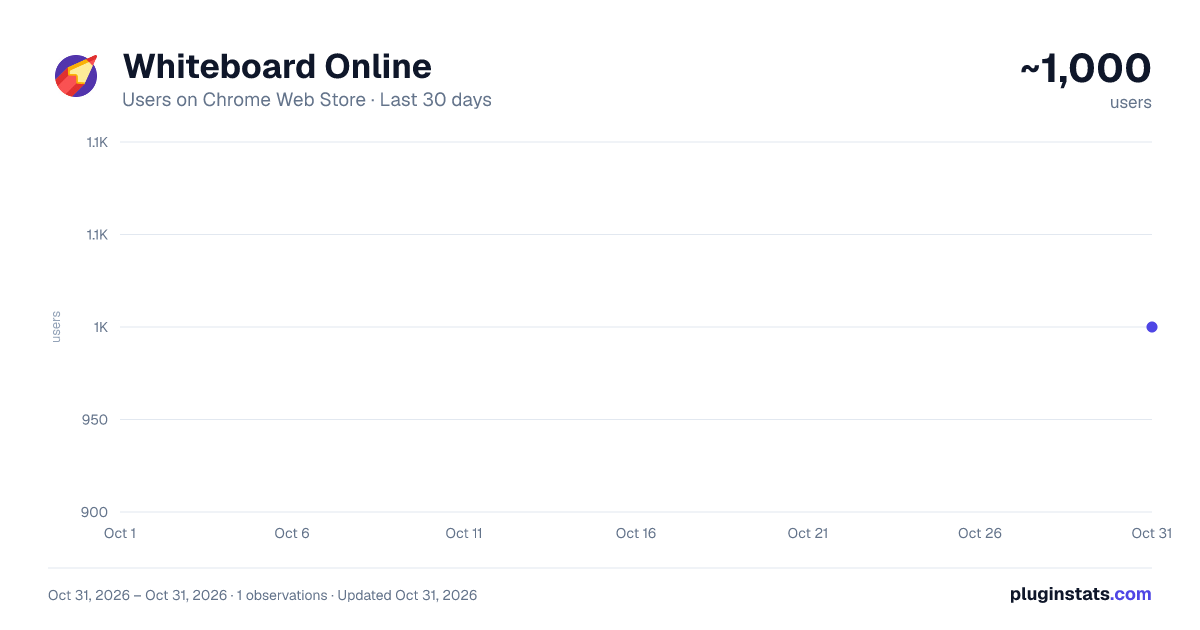
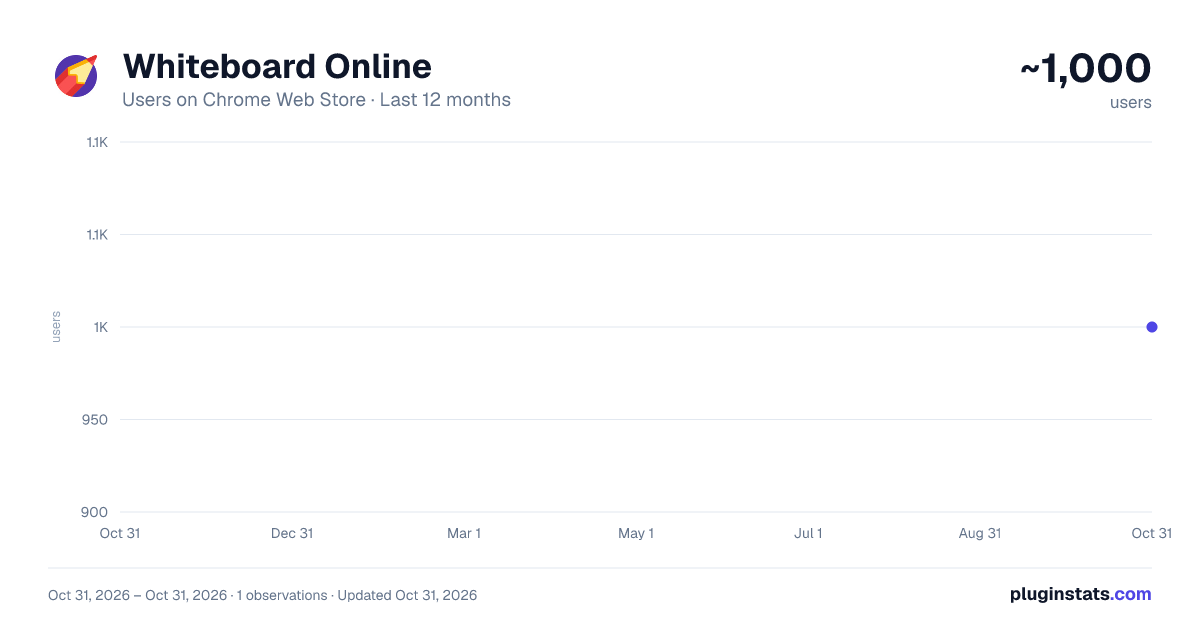
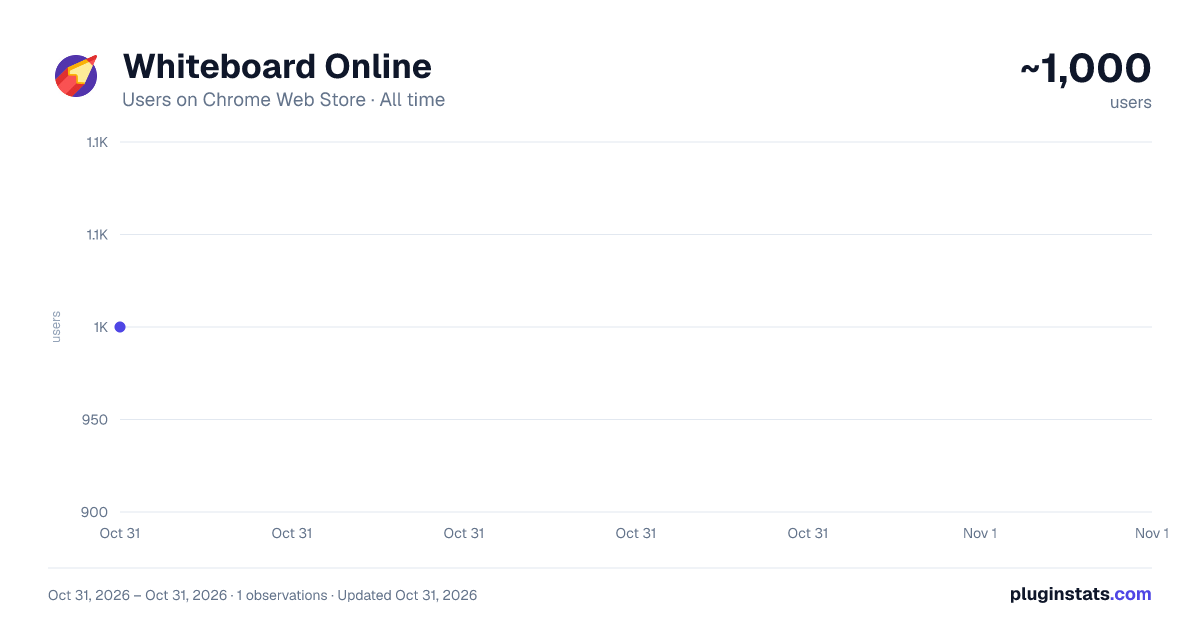
Whiteboard Online has approximately 1,000 recorded users on Chrome Web Store, ranking #2162 of 5,946 tracked listings.
Rating: 5.00 / 5 from 9 ratings
About Whiteboard Online
Make whiteboard online drawing more productive and convenient using this online collaborative whiteboard platform
🤖 Transform the way you create, think, and collaborate with your team using the powerful online whiteboard drawing tool. Whether you are brainstorming solo or running a live workshop with your entire team, Whiteboard Online extension gives you an unlimited digital canvas right inside your browser. No installation, no registrations, no limits.
❓ How can you can use it 📌 Daily standups and sprint planning on your 📌 Live teaching sessions on an virtual marker board 📌 Client presentations using a shared white board 📌 Brainstorming with a convenient tool at hand 📌 Use online whiteboard for classroom lessons 📌 Async collaboration - leave comments and annotations for your team
The whiteboard online drawing tool designed for teams who move fast and think visually. Open it, draw on it, share it - it is that simple.
❓ It is more than just an drawing app. Everything you need to know about it ➤ It is your team's shared thinking space, available anywhere Chrome runs - Things you would expect from a digital whiteboard delivered instantly through your browser as a fully featured web whiteboard. ➤ Real-time collaboration - It makes this sketch pad stand out from every other digital white board on the market. ➤ The interface feels like picking up a pen - Draw on it like a physical board, but with the power of a full online whiteboard drawing suite. Resize, undo, group, lock - everything is possible. ➤ It lives exactly where your work already happens - in the browser - Pull up your digital whiteboard online mid-meeting, sketch during a call, or leave a visual note for a colleague. ➤ Looks like a hand-drawn - Graphs, diagrams, and drawings on interactive whiteboard online look like you drew them by hand and then scanned them. But if necessary, the style can be made more formal.
👷♀️The online whiteboard platform was built from the ground up to feel natural and fast, so all you need to start is: 1️⃣ Open a new tab or your last canvas if available 2️⃣ Start drawing and making diagrams 3️⃣ Share with your team in seconds 4️⃣ Save your canvas as PNG or SVG for the next uses 🔁 Repeat!
🎨 Online whiteboards drawing highlights: • Freehand pen tool for fluid drawing • Shapes, arrows, and connectors for structured diagrams • Notes for quick ideas and online drawing pad-style brainstorming • Endless zooming of your digital canvas • Custom colors, brush sizes, and opacity for every stroke • Integration of your images into canvas
🔧 Technical features of this online whiteboard platform:
- Runs fully inside Chrome: no separate app needed to draw whiteboard online
- Persistent boards: your work is always saved when you return (but only if you want it)
- Export to PNG or SVG directly from the interactive white board
- End-to-end encrypted sharing for private sessions
- White board app opened in new local tab gives your more place to create
These are not just features - they are the online collaboration tools your workflow has been missing.
🔗 Other services used To power the full feature set of this online collaborative whiteboard platform, the extension integrates with the following trusted services:
- Collaboration backend for real-time room-based online whiteboard drawing sessions.
- Firebase for optional cloud persistence of your digital canvas states across devices.
‼️ Both are deployed on private gcloud servers which ensures your online drawing whiteboard is safe.
🔒 Permissions and why we request them Transparency matters. Here is exactly what permissions are requested for interactive whiteboard online and the specific reason behind each one: 📍 Side Panel - to open extension in Chrome's native side panel for seamless multitasking 📍 Clipboard read and write - to make standard copy/paste operations on the canvas: pasting images and diagrams in, copying selected elements out.
‼️ Clipboard data is never stored, we never collect personal information, never sell data and never track your activity on the virtual canvas.
🌐 The draw website experience just reimagined for Chrome
This is not just another white board website. It is a complete visual workspace built for the modern browser. The interactive white board tool adapts to how you think.
🎯 Join the huge community already using this digital Whiteboard Online to run better meetings, design better products, and think more clearly together. Add it to Chrome today and experience an intuitive drawing tool.
Description from the Chrome Web Store listing.
README badge
Show your rank in a README or on your website. The badge updates automatically.
Charts
Images: 30d · 1y · all time · 1600×900 dark
Adoption over time
7/30/90-day growth
Ranking history
Ratings over time
Listing placement
Listing placement
Filled points are observed values; hollow points come from Internet Archive snapshots of the listing page. Dashed segments span periods with no observations — values between points are not interpolated.
Each band is one page of 20. Users on a linear scale. Placement is projected from users, so it can differ from the marketplace's own sort order. Hover a dot to see the listing.
Recent observations
Full history (1)Similar Chrome Web Store Workflow & Planning plugins
All 20 Whiteboard Online alternatives



Data source
Covers every Chrome Web Store extension with at least 100 users, found through the store's public sitemap. User counts are read from public listing pages. The 10% most-used extensions are refreshed daily, the next 40% weekly and the next 40% monthly; the least-used 10% are not refreshed. Google displays rounded user counts (and caps the display at 10,000,000+), so small changes may not be visible. Rating counts above 1,000 are rounded (e.g. 1.6K).
Listing: https://chromewebstore.google.com/detail/whiteboard-online/glkpofjhhocameccmdmphpmnadaomion. First seen Oct 31, 2026; last successful collection Oct 31, 2026. See the methodology.