 PluginStats
Cutout Image To Prompt users statistics
By promeai.pro · Chrome Web Store · Tools
Upload or right-click any image to generate bilingual AI prompts. Supports local upload, drag & drop, and context menu.
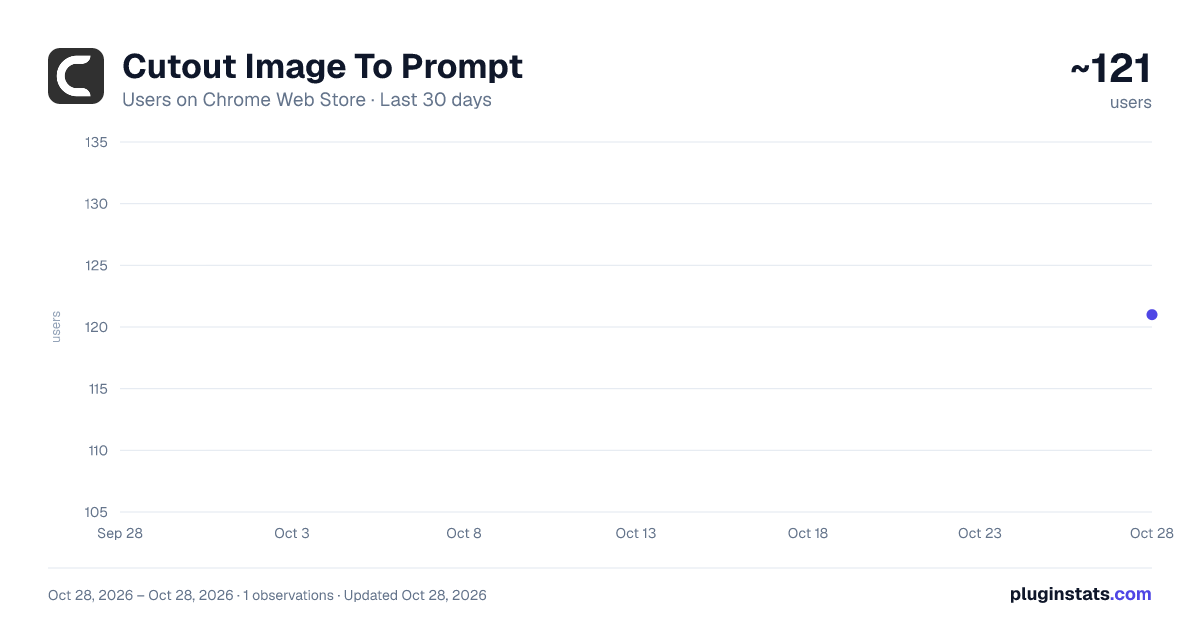
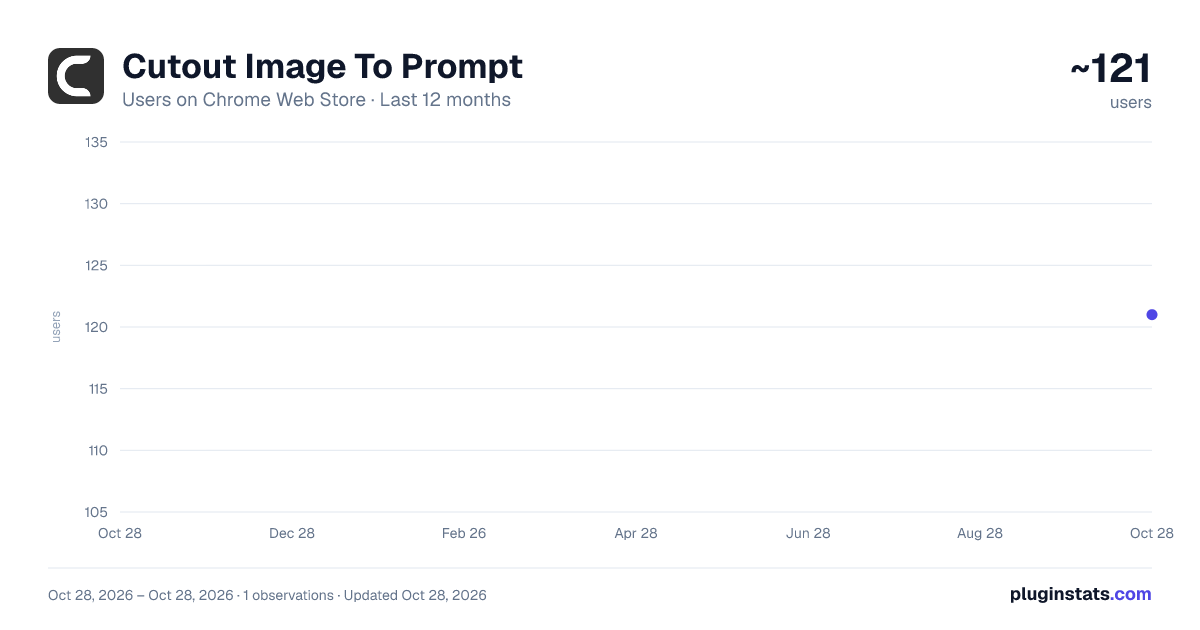
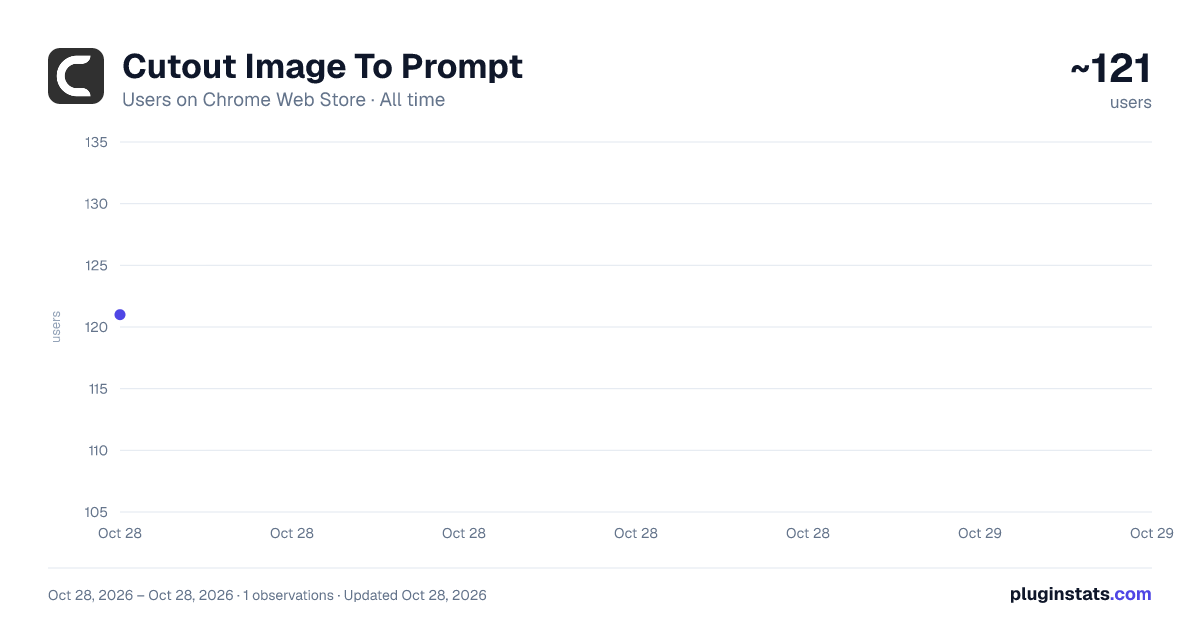
Cutout Image To Prompt has approximately 121 recorded users on Chrome Web Store, ranking #4510 of 4,880 tracked listings.
Rating: 5.00 / 5 from 3 ratings
About Cutout Image To Prompt
Upload or right-click any image to generate bilingual AI prompts. Supports local upload, drag & drop, and context menu.
Turn any image on the web into high-quality AI prompts with one click.
Whether you are browsing inspiration, collecting references, or preparing ideas for AI image generation, this extension lets you analyze images directly on the page and turn them into structured prompts in seconds.
What you can do with Cutout ImageToPrompt:
Hover over images on any webpage and launch prompt analysis instantly Right-click an image to generate prompts without leaving the page Upload or drag local images into the sidebar for analysis Get bilingual prompt results in English and Chinese Copy prompts quickly for use in your AI workflow Continue your workflow on Cutout by creating images from the generated prompts
Why install it:
Save time when reverse-engineering visual styles and references Avoid manually describing complex images from scratch Stay inside your browsing workflow without switching tools constantly Build prompts faster for AI image generation, moodboarding, ideation, and creative research Who it is for:
AI artists Prompt engineers Designers Content creators Creative teams using image generation tools Cutout ImageToPrompt is designed to make image-to-prompt analysis fast, simple, and practical for real creative work.
Promotional Paragraph Analyze any image on the web, extract detailed prompts instantly, and move directly into creation on Cutout. Cutout ImageToPrompt helps creators turn visual inspiration into usable AI prompts without breaking flow.
Category Suggestion Productivity or Photo
Description from the Chrome Web Store listing.
README badge
Show your rank in a README or on your website. The badge updates automatically.
Charts
Images: 30d · 1y · all time · 1600×900 dark
Adoption over time
7/30/90-day growth
Ranking history
Ratings over time
Listing placement
Listing placement
Filled points are observed values; hollow points come from Internet Archive snapshots of the listing page. Dashed segments span periods with no observations — values between points are not interpolated.
Each band is one page of 20. Users on a linear scale. Placement is projected from users, so it can differ from the marketplace's own sort order. Hover a dot to see the listing.
Recent observations
Full history (1)Similar Chrome Web Store Tools plugins
All 20 Cutout Image To Prompt alternatives



Data source
Covers every Chrome Web Store extension with at least 100 users, found through the store's public sitemap. User counts are read from public listing pages. The 10% most-used extensions are refreshed daily, the next 40% weekly and the next 40% monthly; the least-used 10% are not refreshed. Google displays rounded user counts (and caps the display at 10,000,000+), so small changes may not be visible. Rating counts above 1,000 are rounded (e.g. 1.6K).
Listing: https://chromewebstore.google.com/detail/cutout-image-to-prompt/nmifkmmclbbjndbojnllhlfipegcfjnh. First seen Oct 28, 2026; last successful collection Oct 28, 2026. See the methodology.