 PluginStats
Magic OCR - Extract Text from Images, PDFs & Screenshots (100+ Languages) users statistics
Chrome Web Store · Accessibility
Extract text from images, PDFs & videos in 100+ languages using AI OCR. Fast, secure, free 200 credits.
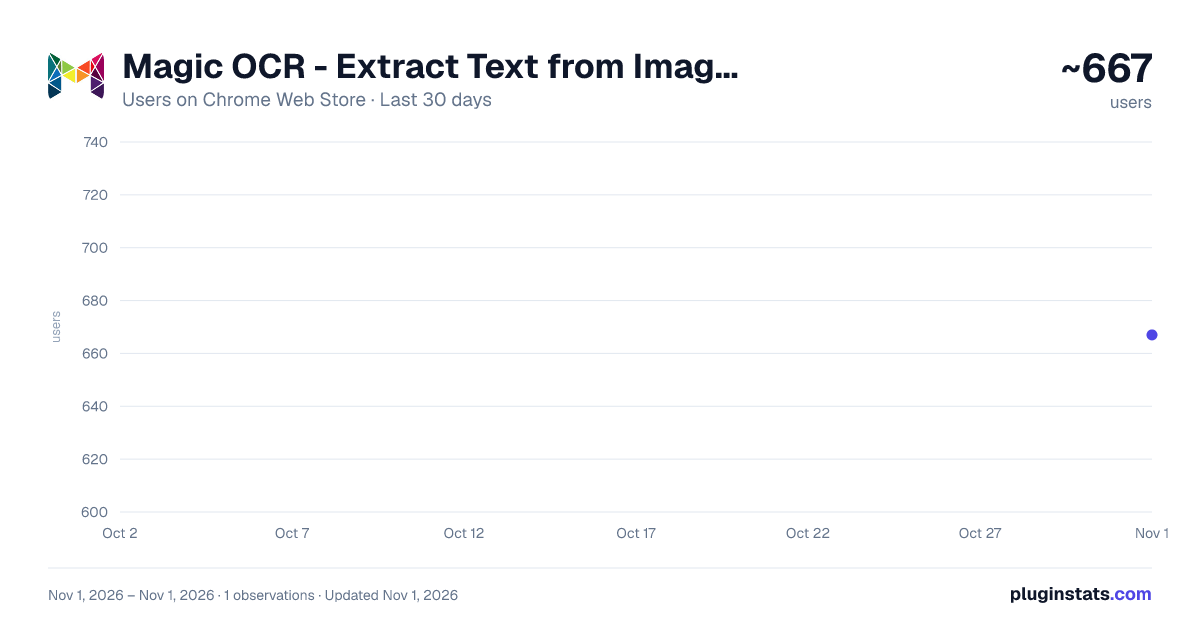
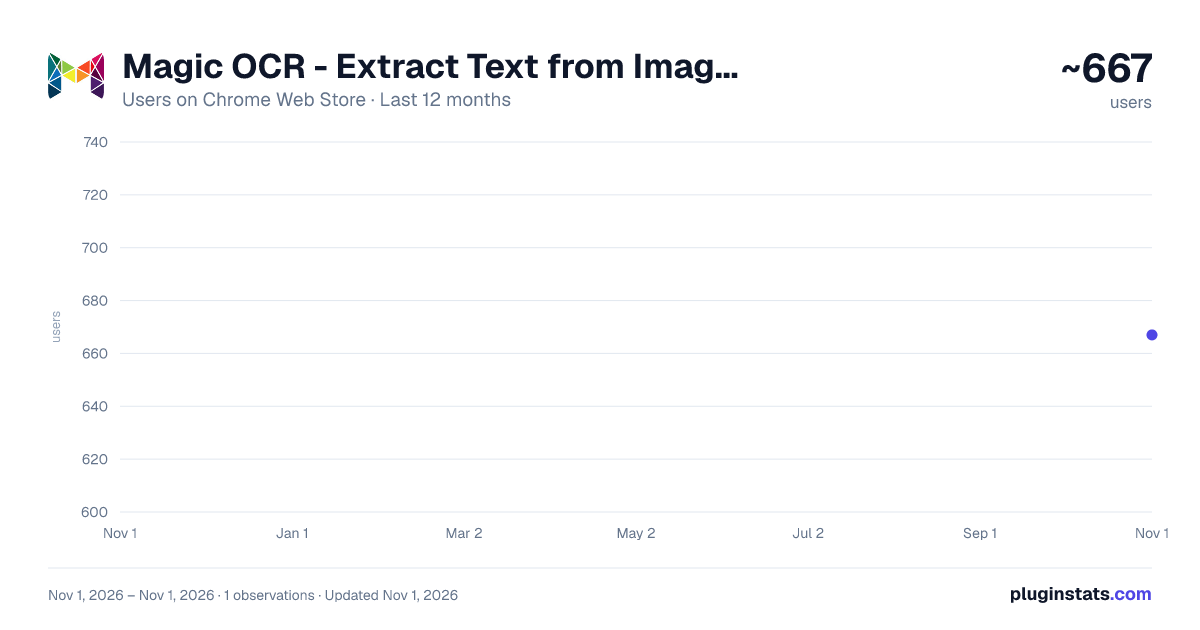
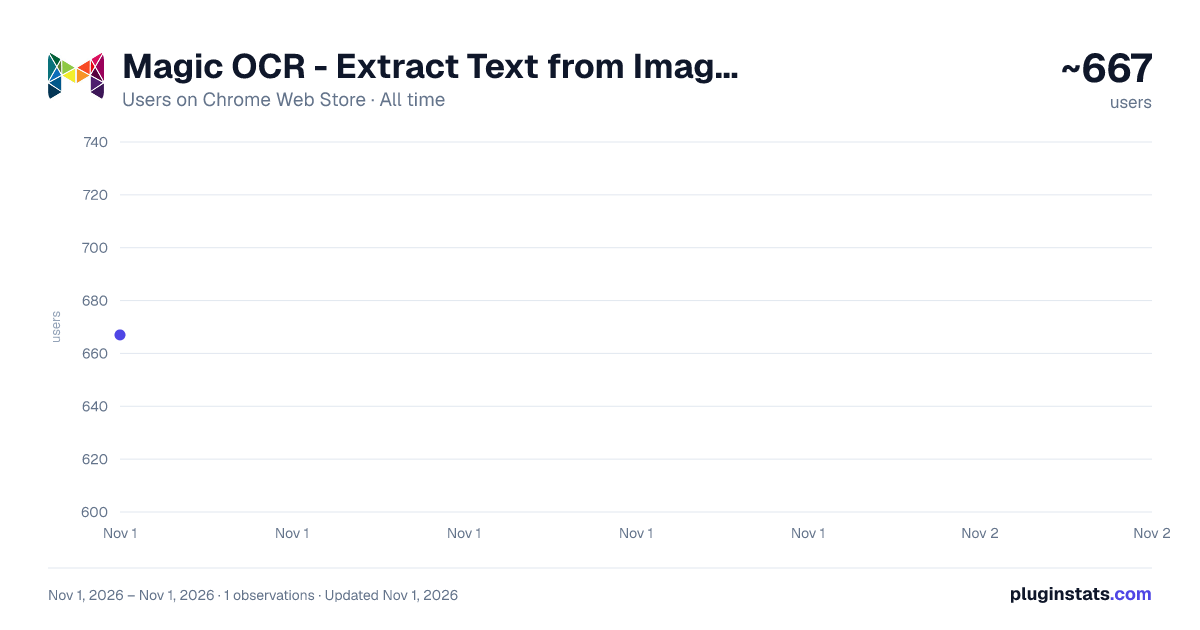
Magic OCR - Extract Text from Images, PDFs & Screenshots (100+ Languages) has approximately 667 recorded users on Chrome Web Store, ranking #2756 of 6,300 tracked listings.
Rating: 4.60 / 5 from 20 ratings
About Magic OCR - Extract Text from Images, PDFs & Screenshots (100+ Languages)
Extract text from images, PDFs & videos in 100+ languages using AI OCR. Fast, secure, free 200 credits.
🚀 Unleash the Power of Magic OCR – AI-Powered Text Recognition for Google Chrome
Transform images, PDFs, documents, videos, and screenshots into editable and searchable text using our powerful Chrome OCR extension. Magic OCR supports 100+ languages.
Whether you're a developer, student, or professional, say goodbye to manual data entry and unlock the speed of digital conversion right inside your browser.
✨ Key Features:
✅ Extract text from images, scanned PDFs, websites, YouTube videos & screenshots ✅ Supports 100+ languages including English, Portuguese (português), Spanish (Español), Arabic (العربية), Chinese (中文), Japanese (日本語), Korean (한국어), Russian (русский), Thai (ไทย), Gujarati (ગુજરાતી), Hindi (हिन्दी), Tamil (தமிழ்), Telugu (తెలుగు), Bengali (বাংলা), and more. ✅ Lightning-fast AI OCR with smart detection ✅ Copy, download, or export extracted text instantly ✅ No account required – includes 200 free credits to get started ✅ Secure & privacy-respecting (no hidden tracking)
🎯 Built for everyone – from coders watching tutorials to researchers handling scanned files, Magic OCR saves time, boosts productivity, and simplifies text extraction.
💡 Works wherever you browse – simply click, capture, and convert visual content into editable text. Perfect for subtitles, PDFs, receipts, forms, and more.
🔓 Get started with Magic OCR today – your AI text recognition toolkit, built for the modern web.
Description from the Chrome Web Store listing.
README badge
Show your rank in a README or on your website. The badge updates automatically.
Charts
Images: 30d · 1y · all time · 1600×900 dark
Adoption over time
7/30/90-day growth
Ranking history
Ratings over time
Listing placement
Listing placement
Filled points are observed values; hollow points come from Internet Archive snapshots of the listing page. Dashed segments span periods with no observations — values between points are not interpolated.
Each band is one page of 20. Users on a linear scale. Placement is projected from users, so it can differ from the marketplace's own sort order. Hover a dot to see the listing.
Recent observations
Full history (1)Similar Chrome Web Store Accessibility plugins
All 20 Magic OCR - Extract Text from Images, PDFs & Screenshots (100+ Languages) alternatives



Data source
Covers every Chrome Web Store extension with at least 100 users, found through the store's public sitemap. User counts are read from public listing pages. The 10% most-used extensions are refreshed daily, the next 40% weekly and the next 40% monthly; the least-used 10% are not refreshed. Google displays rounded user counts (and caps the display at 10,000,000+), so small changes may not be visible. Rating counts above 1,000 are rounded (e.g. 1.6K).
Listing: https://chromewebstore.google.com/detail/magic-ocr-extract-text-fr/cklfgeknegbomheldjnlcphpgcdnkgfl. First seen Nov 1, 2026; last successful collection Nov 1, 2026. See the methodology.