 PluginStats
Saladict: Online Dictionary & Text Selection & Immersive Translation users statistics
Chrome Web Store · Workflow & Planning
Saladict is a pop-up dictionary and page translator which supports text selection , web , AI , PDF translation, and word notebook
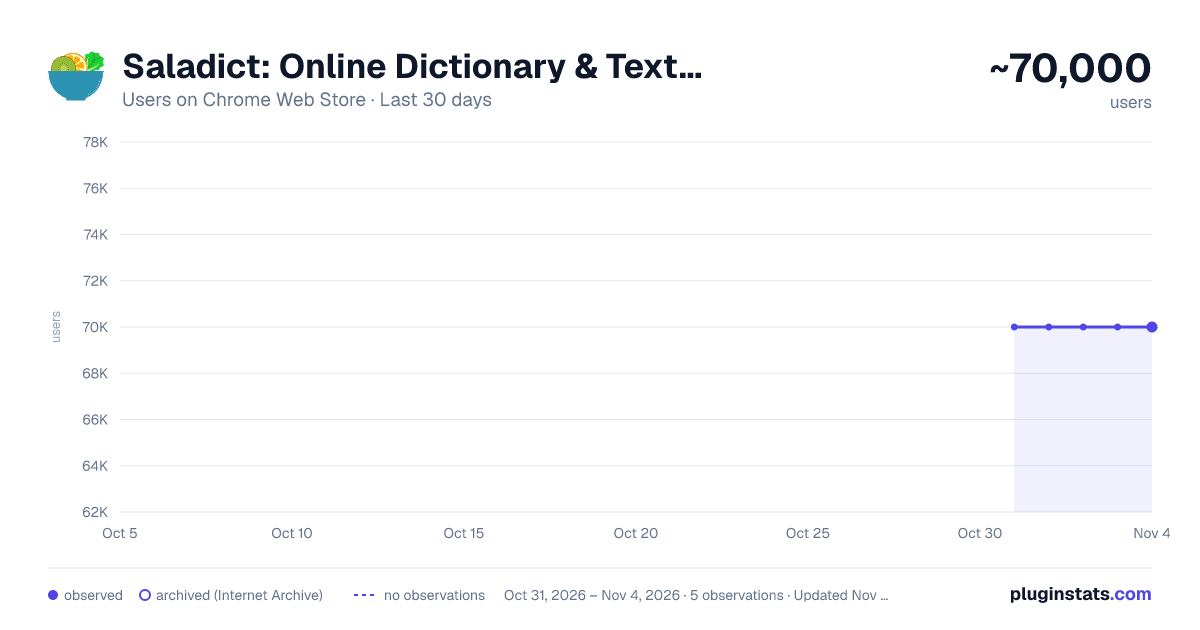
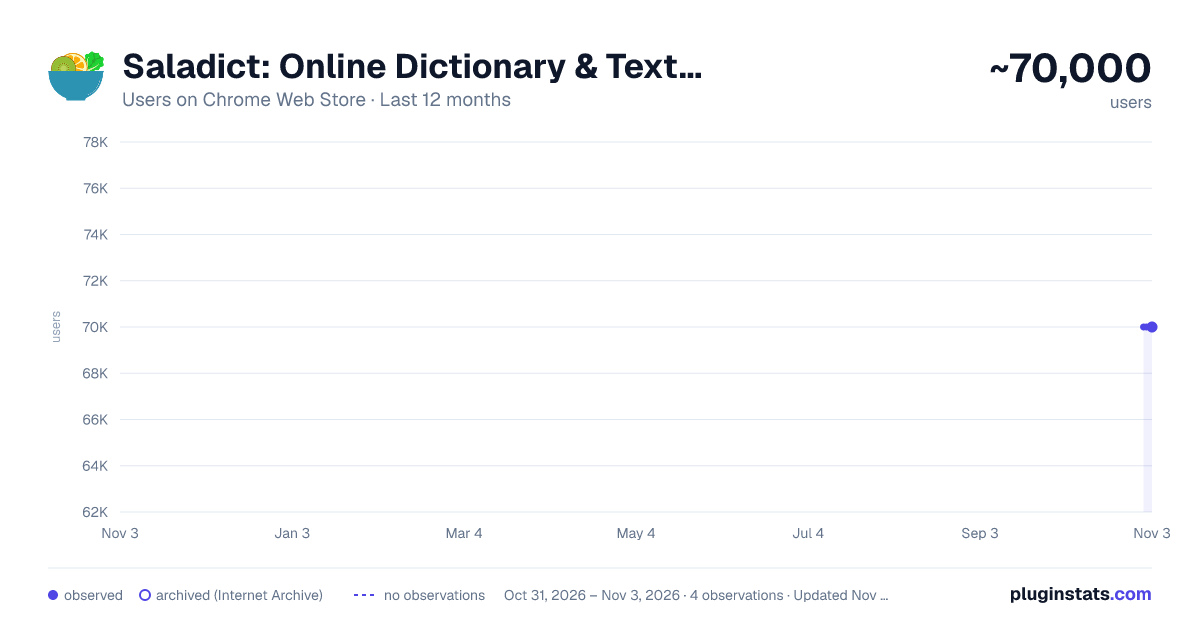
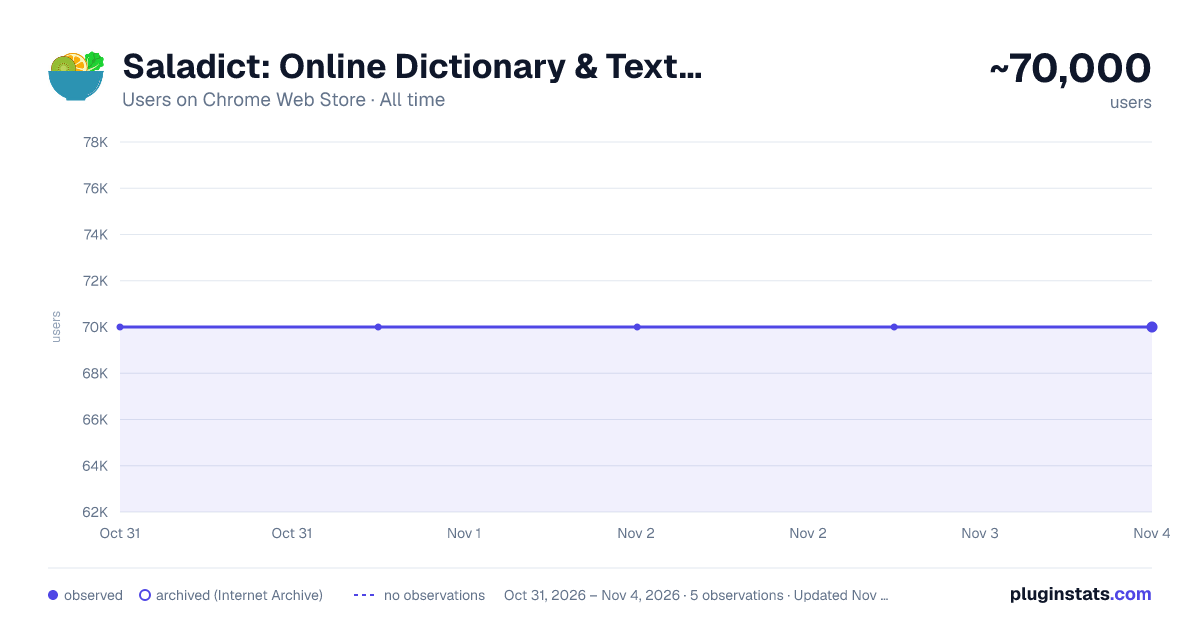
Saladict: Online Dictionary & Text Selection & Immersive Translation has approximately 70,000 recorded users on Chrome Web Store, ranking #225 of 5,946 tracked listings.
Rating: 4.20 / 5 from 225 ratings
About Saladict: Online Dictionary & Text Selection & Immersive Translation
Saladict is a pop-up dictionary and page translator which supports text selection , web , AI , PDF translation, and word notebook
🌟 Saladict
A professional word translation、page translation ( Bilingual Immersive Translate ) and dictionary extension that helps you easily overcome language barriers. Supported AI Translation Services: OpenAI、Claude、 Gemini etc
🚀 Main Features:
• Translate Website
-
Offers bilingual website translate by smartly identifying the main content area of web pages, reducing the "intrusiveness" on the original webpage. This brings a better foreign language webpage translation and reading experience, usually call it [Immersive Translate].
-
In-depth customization optimizes mainstream website translations, optimizing translations for Twitter, Reddit, Medium and other mainstream websites, making search, social, and information more smooth and efficient
-
Web page input box translation, where typing in your native language followed by a AltLeft + space in any web page's input box (immediately translates your input into the target language you've set). This unlocks a bilingual real-time conversation experience across languages with tools like Google Search, ChatGPT, and others.
• Vast Dictionary, Knowledge at Your Fingertips!
A selection of authoritative dictionaries covering Chinese, English, Japanese, Korean, French, German, and Spanish, supporting voice reading and automatic pronunciation, allowing you to navigate language learning with ease. 📚 Supported Dictionaries: Bing Dictionary、Oxford Advanced Learner's Dictionary、Google Dictionary etc
• 🏞️ Image/Screenshot Translation
🚀 Say goodbye to the traditional mode of saving web images to the local area before uploading the translation, and directly right-click on the web page to achieve web image translation without interrupting web browsing. Or use shortcuts to take screenshots for translation
• Flexible Word Selection, At Your Convenience!
Four methods of word selection for you to choose from, with mouse hover for easier word retrieval. The word lookup panel can be pinned, dragged, or input freely, fully accommodating your usage habits.
• Context Mode, Quick Switching!
Each context has independent dictionary settings, allowing for quick switching, helping you learn efficiently and easily handle different scenarios, enhancing learning efficiency.
• Full Keyboard Operation, Boost Efficiency!
Customizable shortcuts, quickly look up words by pressing the Ctrl key three times, and clicking the address bar icon is incredibly convenient, making word lookup easy and enjoyable.
• Intelligent Word Management, Learning Made Easy!
Save context and translations, support for vocabulary lists and word lookup history, with black and white list features to help you precisely control and easily track every new word.
• Built-in PDF Reader, Reading Without Barriers!
Supports PDF word selection and black and white lists, easily handling document content, making your reading experience smoother.
• Independent Translation Window, Anytime, Anywhere!
Translate text outside the browser, helping you communicate seamlessly, break down language barriers, and access global information anytime, anywhere.
🌐 Supported Translation Services: Google、 DeepL、Azure etc
Download Saladict now and start your journey of language exploration!
Let’s break down language barriers together, swim in the ocean of knowledge, and become a better version of ourselves! 🌊
You can use it with Saladict Desktop App (https://app.saladict.net) to experience smoother translation services!
Description from the Chrome Web Store listing.
README badge
Show your rank in a README or on your website. The badge updates automatically.
Charts
Images: 30d · 1y · all time · 1600×900 dark
Adoption over time
7/30/90-day growth
Ranking history
Ratings over time
Listing placement
Listing placement
Filled points are observed values; hollow points come from Internet Archive snapshots of the listing page. Dashed segments span periods with no observations — values between points are not interpolated.
Each band is one page of 20. Users on a linear scale. Placement is projected from users, so it can differ from the marketplace's own sort order. Hover a dot to see the listing.
Recent observations
Full history (1)Similar Chrome Web Store Workflow & Planning plugins
All 20 Saladict: Online Dictionary & Text Selection & Immersive Translation alternatives



Data source
Covers every Chrome Web Store extension with at least 100 users, found through the store's public sitemap. User counts are read from public listing pages. The 10% most-used extensions are refreshed daily, the next 40% weekly and the next 40% monthly; the least-used 10% are not refreshed. Google displays rounded user counts (and caps the display at 10,000,000+), so small changes may not be visible. Rating counts above 1,000 are rounded (e.g. 1.6K).
Listing: https://chromewebstore.google.com/detail/saladict-online-dictionar/kmmcnncdadfmbjkoloakclhfllocaeap. First seen Oct 31, 2026; last successful collection Oct 31, 2026. See the methodology.