 PluginStats

Sheets Organizer: Navigate Sheets Faster users statistics
Chrome Web Store · Workflow & Planning
Organize Google Sheets Tabs Efficiently: Group tabs, Search tabs, and Pin most-used tabs
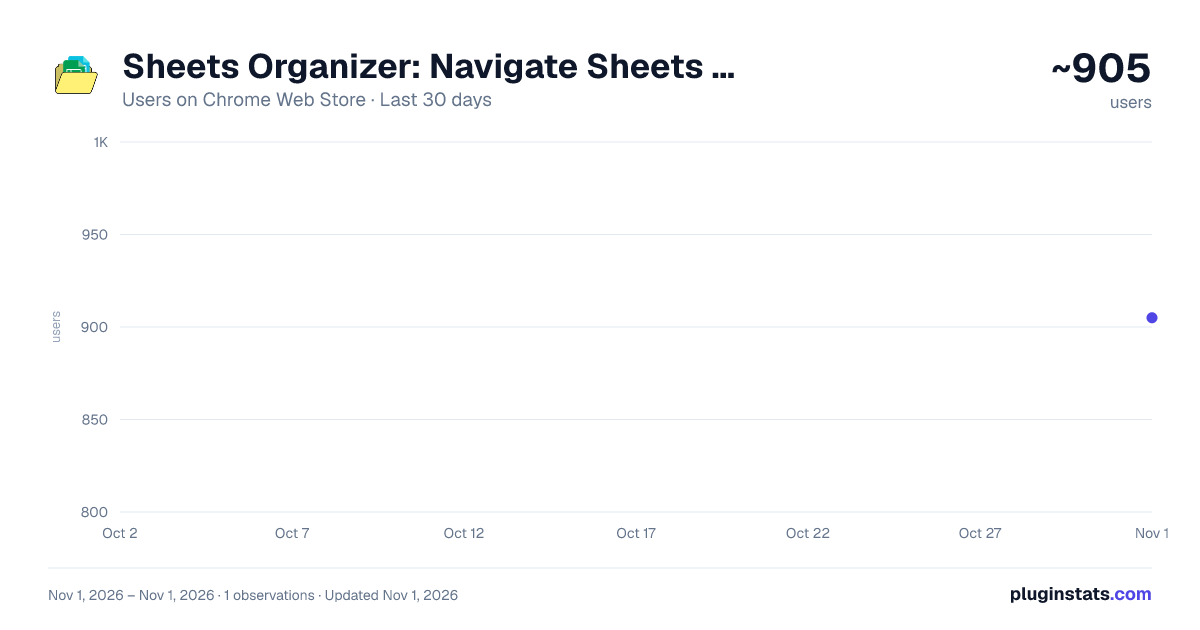
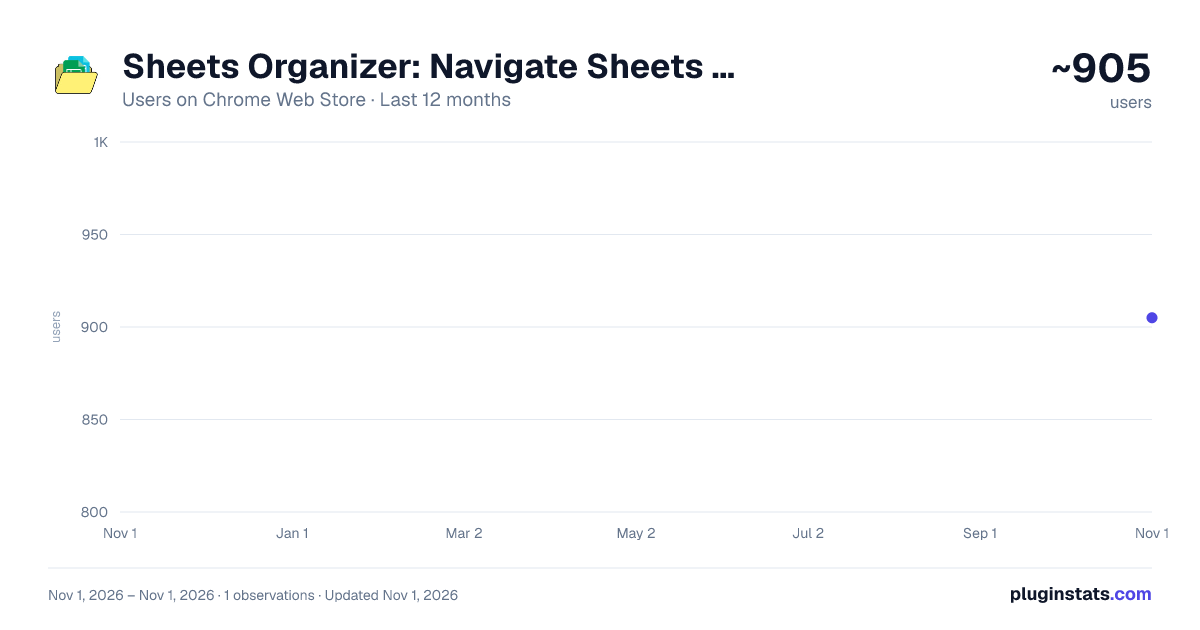
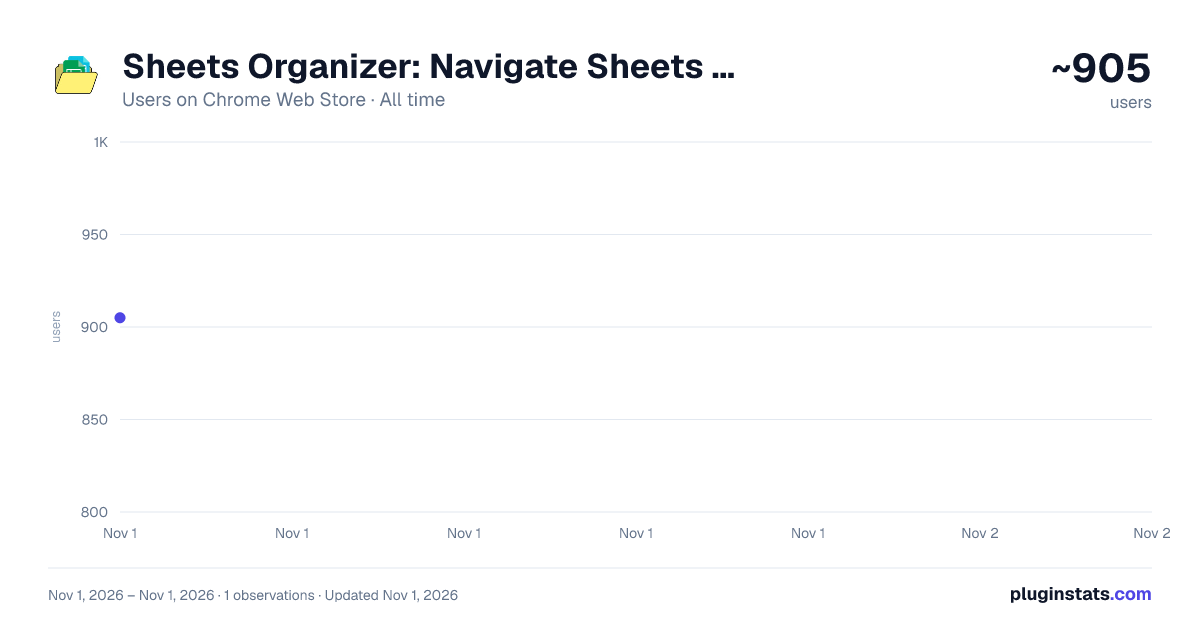
Sheets Organizer: Navigate Sheets Faster has approximately 905 recorded users on Chrome Web Store, ranking #2568 of 6,786 tracked listings.
Rating: 5.00 / 5 from 2 ratings
About Sheets Organizer: Navigate Sheets Faster
Organize Google Sheets Tabs Efficiently: Group tabs, Search tabs, and Pin most-used tabs
Managing a Google Sheets file with dozens of tabs can be frustrating.
Sheets Organizer helps you navigate the sheets faster and organizer them better.
Press Ctrl+Shift+K on Windows or Cmd+Shift+K to open and close the sidebar, instantly.
📁 Group Your Tabs: Organize your sheet tabs into custom color-coded folders. Keep related sheets together and collapse groups when you don't need them. No more hunting through a sea of tabs.
🔍 Search Tabs Instantly: Forget scrolling endlessly. Open the sidebar, and type to jump to any sheet in milliseconds.
📌 Pin Your Most-Used Tabs: Keep your most important sheets at the top, always one click away. Pin any tab and it stays pinned, even when you reorganize everything else.
👥 Share & Collaborate (New!): Share your tab organization layouts with your colleagues on the same Google Sheet. Assign roles like "Editor" (can edit layouts) or "Viewer" (read-only layout) so your team is always aligned.
Install & Get Started
- Click “Add to Chrome.”
- Open a Google Sheets
- Click the extension icon at the bottom
- Start organizing your sheets
Changelog
(v1.0.4) - June 18, 2026
- Layout Sharing: Share your spreadsheet layouts (folders and pins) with team members. (v1.0.5) - July 4, 2026
- Added a Help & Feedback view inside the extension, accessible via the footer "Support" button or a link on the paywall screen. (v1.0.6) - July 29, 2026
- A-Z Folder Sorting: Toggle alphabetical sorting for folders with a single click.
- Accordion Folders: Opening a folder automatically collapses all other folders.
Description from the Chrome Web Store listing.
README badge
Show your rank in a README or on your website. The badge updates automatically.
Charts
Images: 30d · 1y · all time · 1600×900 dark
Adoption over time
7/30/90-day growth
Ranking history
Ratings over time
Listing placement
Listing placement
Filled points are observed values; hollow points come from Internet Archive snapshots of the listing page. Dashed segments span periods with no observations — values between points are not interpolated.
Each band is one page of 20. Users on a linear scale. Placement is projected from users, so it can differ from the marketplace's own sort order. Hover a dot to see the listing.
Recent observations
Full history (1)Similar Chrome Web Store Workflow & Planning plugins
All 20 Sheets Organizer: Navigate Sheets Faster alternatives



Data source
Covers every Chrome Web Store extension with at least 100 users, found through the store's public sitemap. User counts are read from public listing pages. The 10% most-used extensions are refreshed daily, the next 40% weekly and the next 40% monthly; the least-used 10% are not refreshed. Google displays rounded user counts (and caps the display at 10,000,000+), so small changes may not be visible. Rating counts above 1,000 are rounded (e.g. 1.6K).
Listing: https://chromewebstore.google.com/detail/sheets-organizer-navigate/gednaahncejflgckpcajdlmiocbomneh. First seen Nov 1, 2026; last successful collection Nov 1, 2026. See the methodology.