 PluginStats
Auto Scroller Pro users statistics
Chrome Web Store · Accessibility
Automatically scroll through web pages with adjustable speed and smooth scrolling
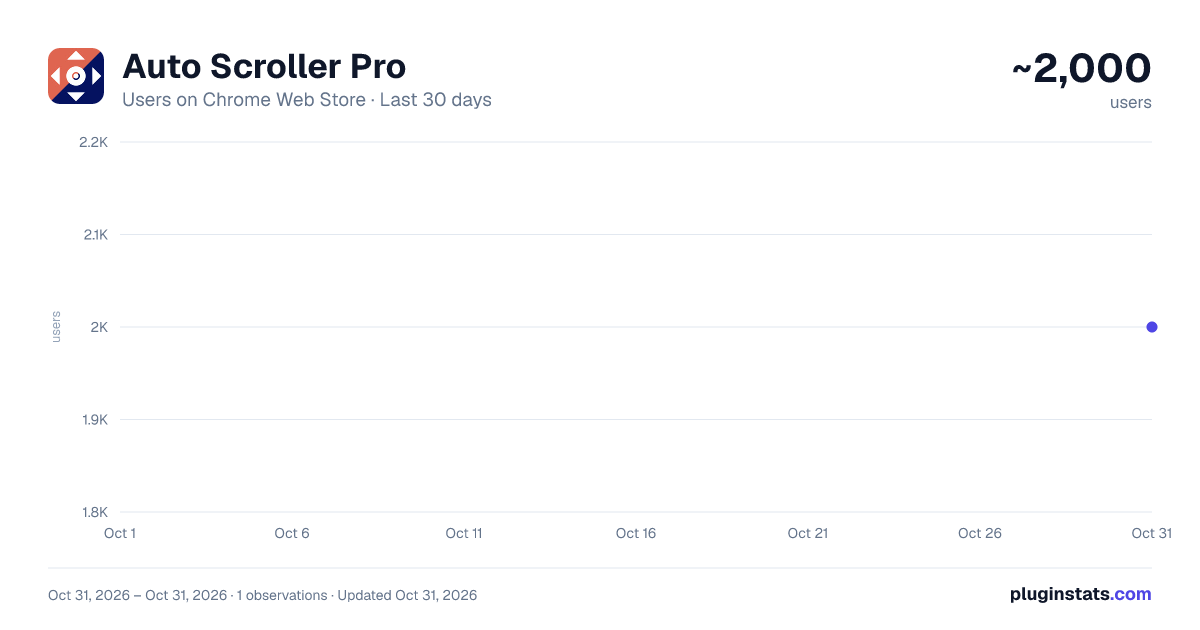
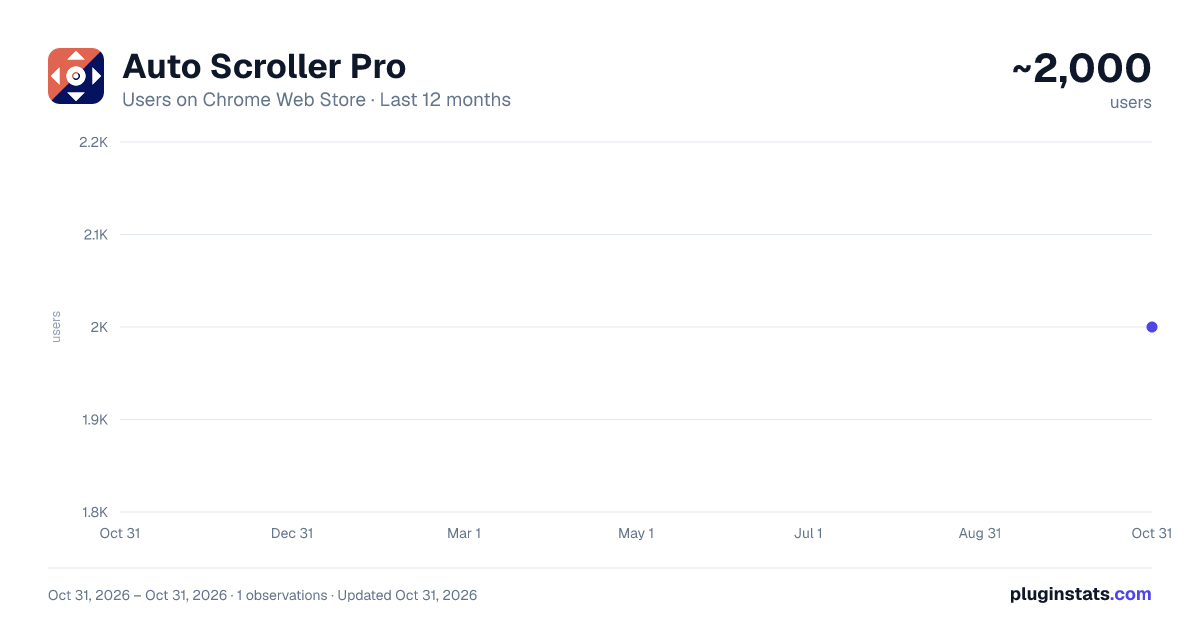
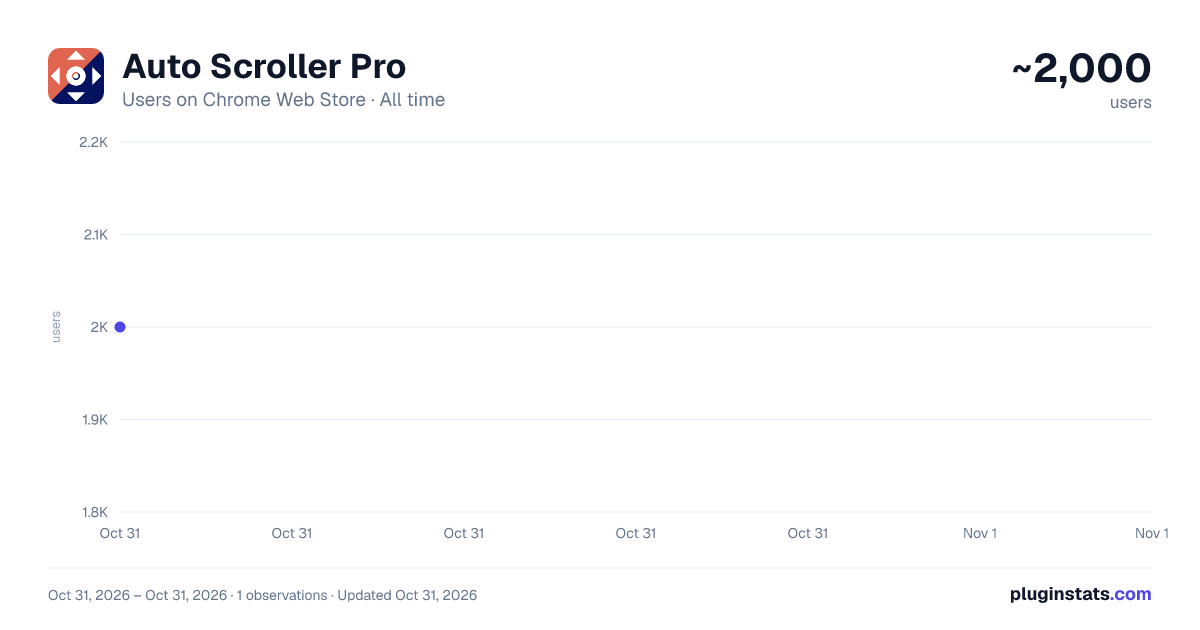
Auto Scroller Pro has approximately 2,000 recorded users on Chrome Web Store, ranking #1570 of 5,946 tracked listings.
Rating: 3.90 / 5 from 8 ratings
About Auto Scroller Pro
Automatically scroll through web pages with adjustable speed and smooth scrolling
Effortlessly scroll through web pages with customizable speed and smooth motion.
How it works:
- Click on the Auto Scroll Pro icon in your browser toolbar
- Set your desired scrolling speed using the slider or click the "Start" button to start auto-scrolling
- Click "Stop" to stop auto-scrolling. Alternatively, you can check one or both of the two checkboxes to stop scrolling based on certain events
Features:
- Adjustable scrolling speed to suit your reading pace
- Smooth, continuous scrolling for a seamless reading experience
- Works on any website - perfect for long articles, documentation, or social media feeds
- Start/stop scrolling with a single click
- Option to automatically stop scrolling when you manually interact with the page
- Setting to cease scrolling when you close the extension popup
- Lightweight and optimized - won't slow down your browsing
- All functionality happens directly in your browser - no data is sent to external servers
- Available in 47 languages
- Compatible with both light and dark browser themes
Advanced Options:
- "Stop on user scroll" - Automatically stops scrolling if you manually scroll the page
- "Stop on popup exit" - Halts scrolling when you close the extension popup
Auto Scroll Pro is perfect for:
- Reading long articles or documentation
- Reviewing code repositories
- Browsing social media feeds
- Scanning search results
- Any situation where you need hands-free scrolling
No account needed, no complicated setup. Just install and start enjoying effortless scrolling across the web.
Auto Scroll Pro respects your privacy - it only requests necessary permissions to function and doesn't collect any personal data.
Description from the Chrome Web Store listing.
README badge
Show your rank in a README or on your website. The badge updates automatically.
Charts
Images: 30d · 1y · all time · 1600×900 dark
Adoption over time
7/30/90-day growth
Ranking history
Ratings over time
Listing placement
Listing placement
Filled points are observed values; hollow points come from Internet Archive snapshots of the listing page. Dashed segments span periods with no observations — values between points are not interpolated.
Each band is one page of 20. Users on a linear scale. Placement is projected from users, so it can differ from the marketplace's own sort order. Hover a dot to see the listing.
Recent observations
Full history (1)Similar Chrome Web Store Accessibility plugins
All 20 Auto Scroller Pro alternatives



Data source
Covers every Chrome Web Store extension with at least 100 users, found through the store's public sitemap. User counts are read from public listing pages. The 10% most-used extensions are refreshed daily, the next 40% weekly and the next 40% monthly; the least-used 10% are not refreshed. Google displays rounded user counts (and caps the display at 10,000,000+), so small changes may not be visible. Rating counts above 1,000 are rounded (e.g. 1.6K).
Listing: https://chromewebstore.google.com/detail/auto-scroller-pro/glhllaplijblknhaffllbeofagbkbnlf. First seen Oct 31, 2026; last successful collection Oct 31, 2026. See the methodology.