 PluginStats
Chat4Data: AI Web Scraper & Data Extractor users statistics
Chrome Web Store · Workflow & Planning
AI web scraper powered by Gemini, Claude & more. Get any web data by describing it in plain language — no coding, no XPath needed.
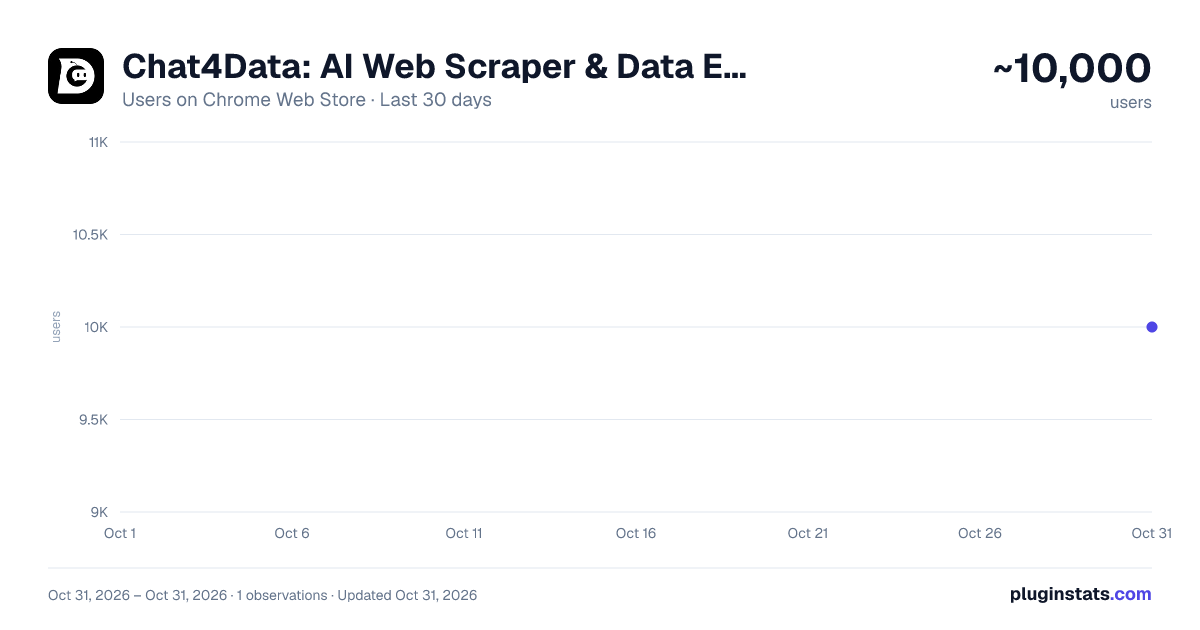
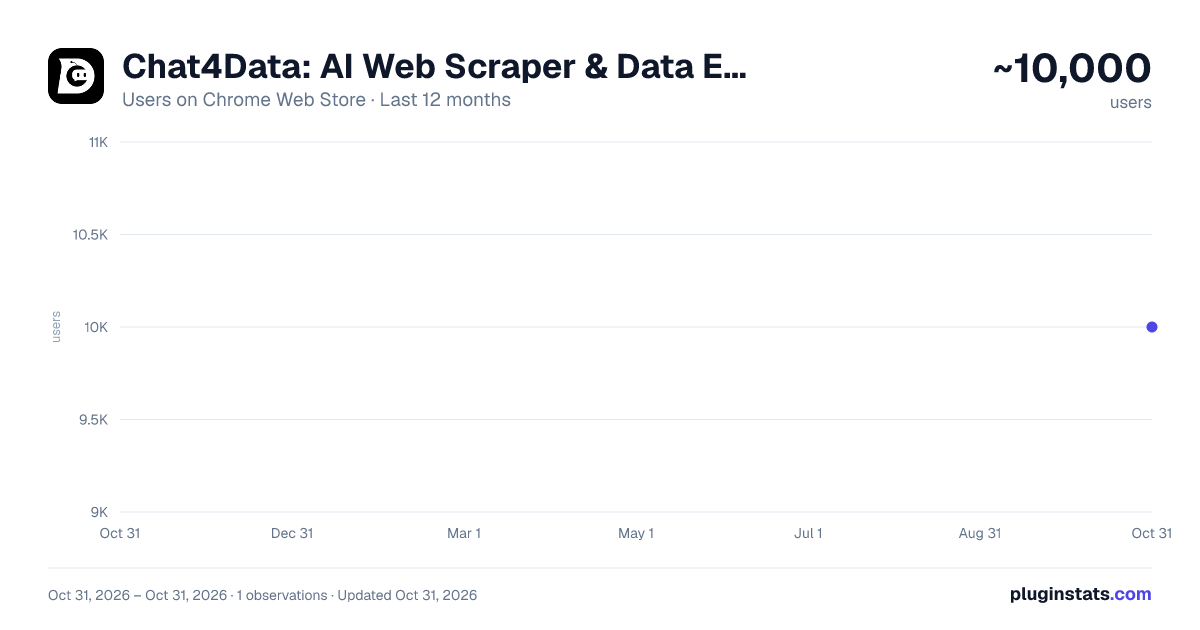
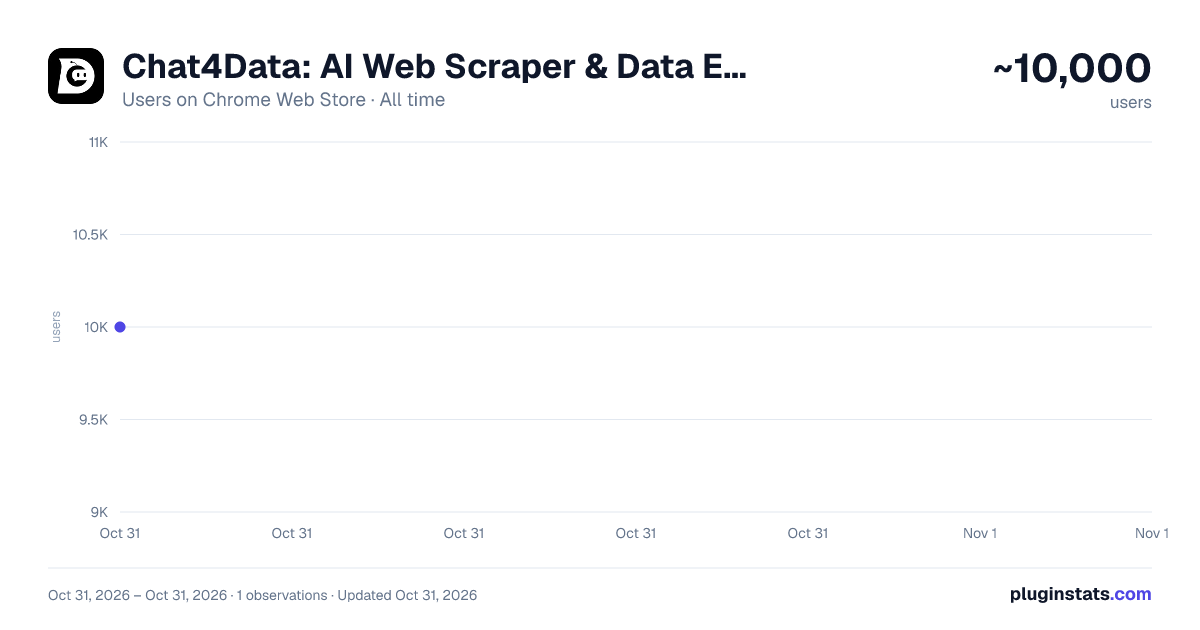
Chat4Data: AI Web Scraper & Data Extractor has approximately 10,000 recorded users on Chrome Web Store, ranking #719 of 5,946 tracked listings.
Rating: 4.70 / 5 from 179 ratings
About Chat4Data: AI Web Scraper & Data Extractor
AI web scraper powered by Gemini, Claude & more. Get any web data by describing it in plain language — no coding, no XPath needed.
Your smartest AI web scraper for effortless web scraping 🎯
Powered by Gemini, Claude, and other leading LLMs, Chat4Data Agent runs entirely in your Chrome browser. Just ask for any web data you need— it navigates the page, finds the right fields, handles pagination, and delivers structured data in Excel, CSV or Json. You don't open the page. You don't click anywhere. You don't write a single XPath. Just ask, and it does the rest. 🏆 #1 Product of the Day & #1 Product of the Week on Product Hunt 🌐 Official Website: https://chat4data.ai
How it works
-
Ask Type what you want in plain English. Be as specific as you'd be with a colleague: "Open Amazon, search for 'Lego', sort by best sellers, and scrape product name, brand, rating, number of ratings, and price from the first 3 pages."
-
Check the plan The agent doesn't just nod and disappear. It lays out exactly what it's going to do, step by step:
-
Open Amazon homepage
-
Search for 'Lego' in the search box
-
Sort results by Best Sellers
-
Scroll to bottom of the product list, collect brand, name, rating, ratings count, and price
-
Click next page, repeat for 3 pages total
-
Confirm & Run Need tweaks? Just say so. Happy with it? Hit start.
-
Export Data Get clean, structured data delivered straight to Excel or CSV.
Your second-to-none web scraping assistant.
All it asks is your ask— No setup, no site hunting, no flow configuration. Just describe what you need, and Chat4Data handles the rest. Scrapes the whole page in one task—No more splitting tasks or merging CSVs by hand. Want to add a field mid-scrape? Just say so. Adapts when things get tricky — Handles pagination, infinite scroll, detail pages, and one-level-deeper extraction. A dual-XPath locator with field validation ensures it delivers the right data even on complex, dynamic pages. Human-in-the-loop — Hit a login wall or CAPTCHA? It pauses so you can step in, then picks up where it left off. Low cost — Configure once, rerun anytime at a fraction of the cost of cloud-based scrapers Privacy-first by design — All scraping runs locally in your browser; No data uploaded or stored on our end.
Use cases
Lead generation & B2B sales — Extract email addresses, phone numbers, and contact info from directories and listing sites to build high-intent outreach lists 🛒 E-commerce price monitoring — Scrape product titles, prices, discounts, stock status, and reviews from competitor or marketplace pages to optimize pricing and promotions 🏠 Real estate research — Collect property listings, prices, photos, attributes, and agent contacts from housing portals to analyze market trends and generate leads 🌐 Local business prospecting — Scrape local directories for addresses, phone numbers, and ratings to build geo-targeted lead lists 💬 Competitor analysis — Monitor competitor pages for content, pricing, and positioning changes 👤 Recruitment — Scrape job boards and professional directories to source candidates or track hiring trends
Pricing Free to start. Premium plans for heavier use. More: https://chat4data.ai/pricing
Good to know
- Works on publicly accessible web pages only
- Supports list pages with one level of linked detail pages — deeper sub-page navigation is not currently supported
- Please ensure your use complies with the target website's Terms of Service
- For pages behind a login, the agent will pause and ask you to sign in.
- Privacy Policy: https://chat4data.ai/privacy-policy
Support
Help Center: https://chat4data.ai/docs/tutorials Email: support@chat4data.ai If you encounter a website that doesn't extract correctly, we typically respond within 24 hours.
Description from the Chrome Web Store listing.
README badge
Show your rank in a README or on your website. The badge updates automatically.
Charts
Images: 30d · 1y · all time · 1600×900 dark
Adoption over time
7/30/90-day growth
Ranking history
Ratings over time
Listing placement
Listing placement
Filled points are observed values; hollow points come from Internet Archive snapshots of the listing page. Dashed segments span periods with no observations — values between points are not interpolated.
Each band is one page of 20. Users on a linear scale. Placement is projected from users, so it can differ from the marketplace's own sort order. Hover a dot to see the listing.
Recent observations
Full history (1)Similar Chrome Web Store Workflow & Planning plugins
All 20 Chat4Data: AI Web Scraper & Data Extractor alternatives



Data source
Covers every Chrome Web Store extension with at least 100 users, found through the store's public sitemap. User counts are read from public listing pages. The 10% most-used extensions are refreshed daily, the next 40% weekly and the next 40% monthly; the least-used 10% are not refreshed. Google displays rounded user counts (and caps the display at 10,000,000+), so small changes may not be visible. Rating counts above 1,000 are rounded (e.g. 1.6K).
Listing: https://chromewebstore.google.com/detail/chat4data-ai-web-scraper/cpnjplgolcfhabpjcnfopcmhbbciglif. First seen Oct 31, 2026; last successful collection Oct 31, 2026. See the methodology.