 PluginStats
Simple Auto Clicker users statistics
By Daniel's QOL · Chrome Web Store · Tools
A clean, lightweight auto clicker with follow-mouse, element-picker, and coordinate modes.
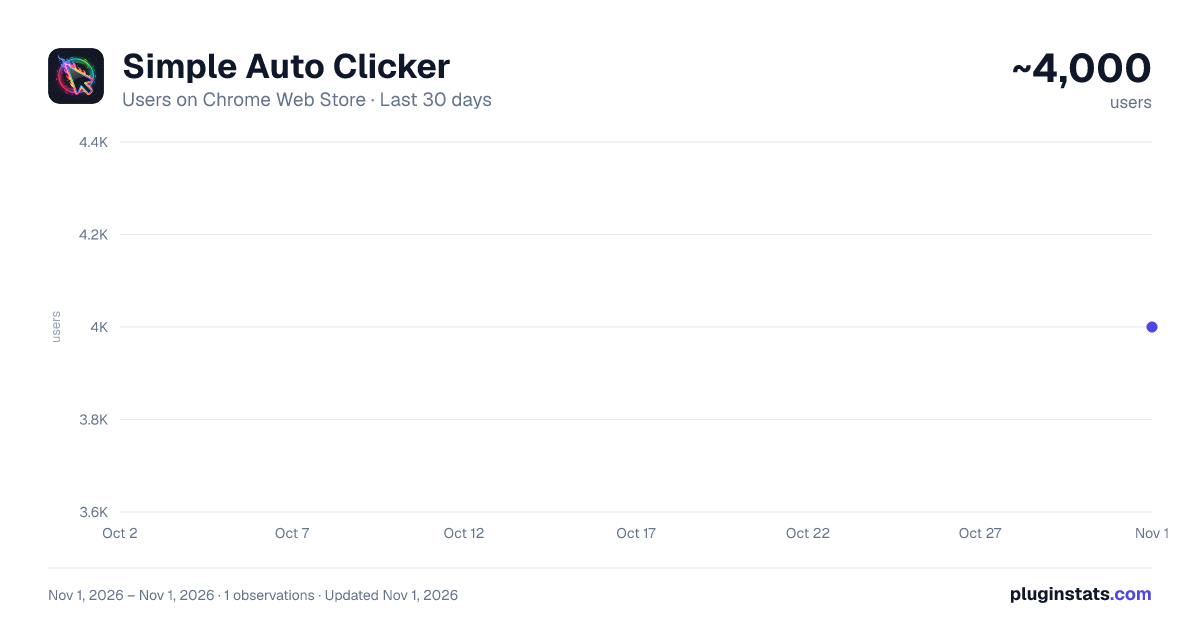
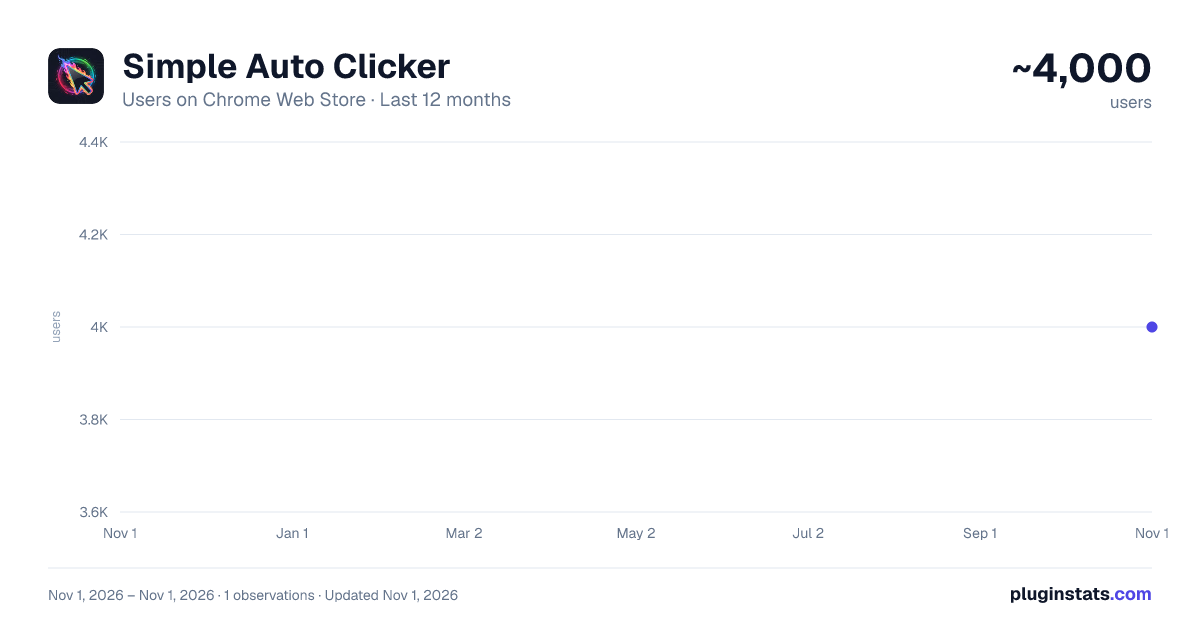
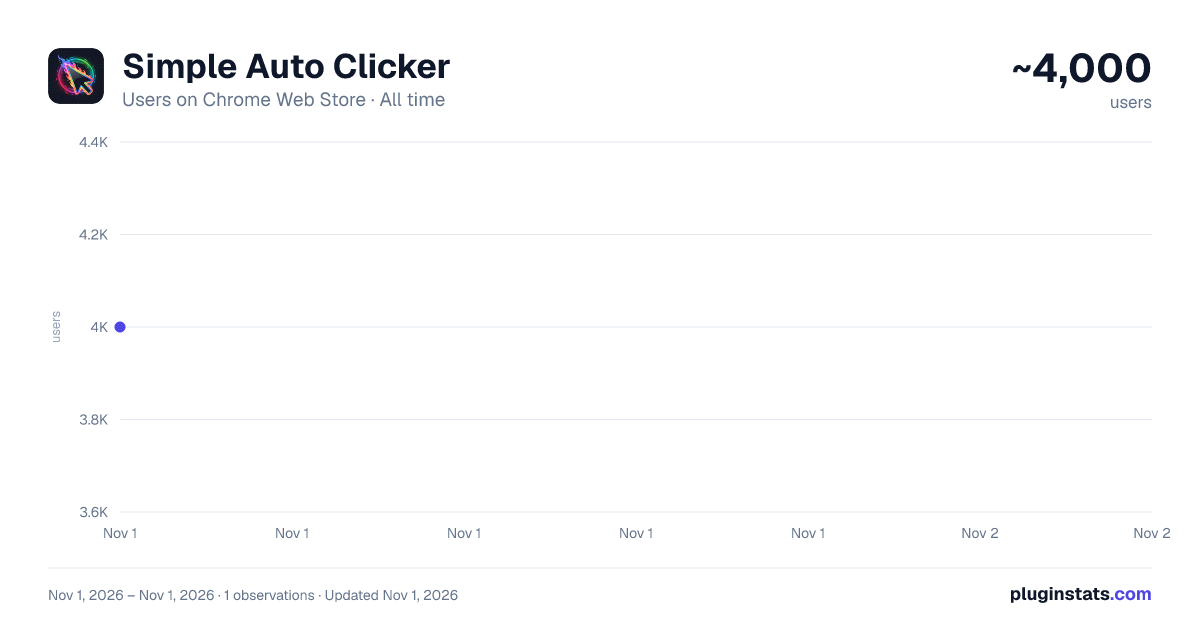
Simple Auto Clicker has approximately 4,000 recorded users on Chrome Web Store, ranking #1196 of 6,300 tracked listings.
Rating: 3.80 / 5 from 18 ratings
About Simple Auto Clicker
A clean, lightweight auto clicker with follow-mouse, element-picker, and coordinate modes.
Are you tired of all the slop autoclickers that don't work?
Introducing Simple Auto Clicker, the cleanest, fastest, and most reliable autoclicker for Chrome: with follow-mouse, element & coordinate modes, custom hotkeys, up to 200+ CPS. No ads, no tracking, works on Chromebooks, Mac, and Windows!
Simple Auto Clicker is a lightweight tool designed to save you time and handle repetitive clicking tasks effortlessly. Whether you need to keep a session active, win a clicking game, or automate data entry, this extension provides precision control without the bloat.
3 Powerful Modes:
Follow Mouse: Automate clicks wherever your cursor moves.
Fixed Location (Element Picker): Select a specific button or element on the page, and the clicker will target it even if you move your mouse away.
Fixed Location (Coordinate Picker): Targets an exact X/Y pixel on your screen. Same properties as Element Picker, and now with an optional Multi-Point mode (in Advanced settings) that lets you click several spots in a row every cycle, instead of just one.
Customizable Speed: Set your exact clicking speed, from slow automation to ultra-fast rapid fire (up to 200+ clicks per second).
Smart Hotkeys: Start and stop instantly with the default shortcut (Ctrl + Shift + Q) or bind your own custom key (e.g., "Q" or "Ctrl+Space").
Safety First: Inputs are locked while running to prevent accidental speed changes.
Visual Feedback: Clear status indicators and a "green flash" confirmation when selecting elements so you always know what's happening.
Privacy Focused: No ads, no tracking, and no data collection. It runs locally on your browser.
🎯 How to Use:
Select Mode: Choose "Follow Mouse" to click where you point, "Pick Element" to lock onto a specific target, or "Pick Coordinate" to lock it at a specific coordinate.
Set Speed: Enter your desired Clicks Per Second (CPS).
Start: Click the "START" button or press your hotkey.
Stop: Press the hotkey again or click "STOP" in the popup.
Why choose Simple Auto Clicker? Unlike other extensions that are filled with ads or confusing settings, this tool focuses on doing one thing perfectly: clicking. It is optimized for performance, ensuring it won't slow down your browser even at high speeds.
Perfect for:
Gaming (specifically designed to work on Cookie Clicker)
Keeping website sessions active
Automating form submissions
Testing website responsiveness
Download now and save your mouse (and your finger)!
Description from the Chrome Web Store listing.
README badge
Show your rank in a README or on your website. The badge updates automatically.
Charts
Images: 30d · 1y · all time · 1600×900 dark
Adoption over time
7/30/90-day growth
Ranking history
Ratings over time
Listing placement
Listing placement
Filled points are observed values; hollow points come from Internet Archive snapshots of the listing page. Dashed segments span periods with no observations — values between points are not interpolated.
Each band is one page of 20. Users on a linear scale. Placement is projected from users, so it can differ from the marketplace's own sort order. Hover a dot to see the listing.
Recent observations
Full history (1)Similar Chrome Web Store Tools plugins
All 20 Simple Auto Clicker alternatives



Data source
Covers every Chrome Web Store extension with at least 100 users, found through the store's public sitemap. User counts are read from public listing pages. The 10% most-used extensions are refreshed daily, the next 40% weekly and the next 40% monthly; the least-used 10% are not refreshed. Google displays rounded user counts (and caps the display at 10,000,000+), so small changes may not be visible. Rating counts above 1,000 are rounded (e.g. 1.6K).
Listing: https://chromewebstore.google.com/detail/simple-auto-clicker/emggejledlldffijahchmidkmapjidfi. First seen Nov 1, 2026; last successful collection Nov 1, 2026. See the methodology.