 PluginStats
Fast Fill - Fill the form only with one click users statistics
By abit.tools · Chrome Web Store · Workflow & Planning
Fill the forms with one click
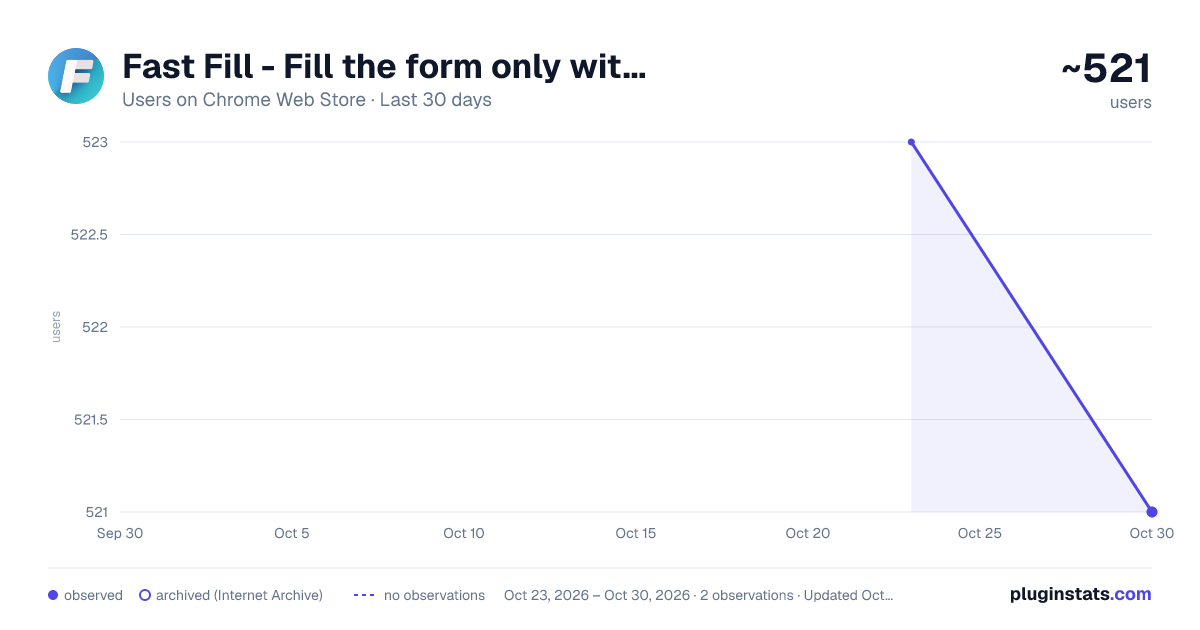
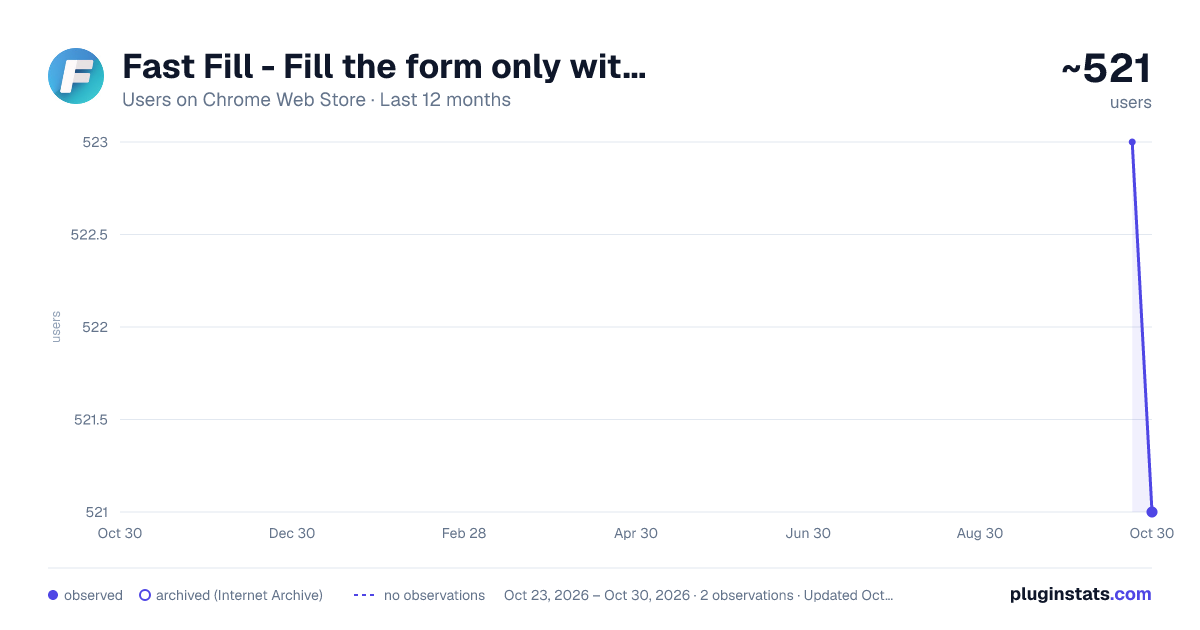
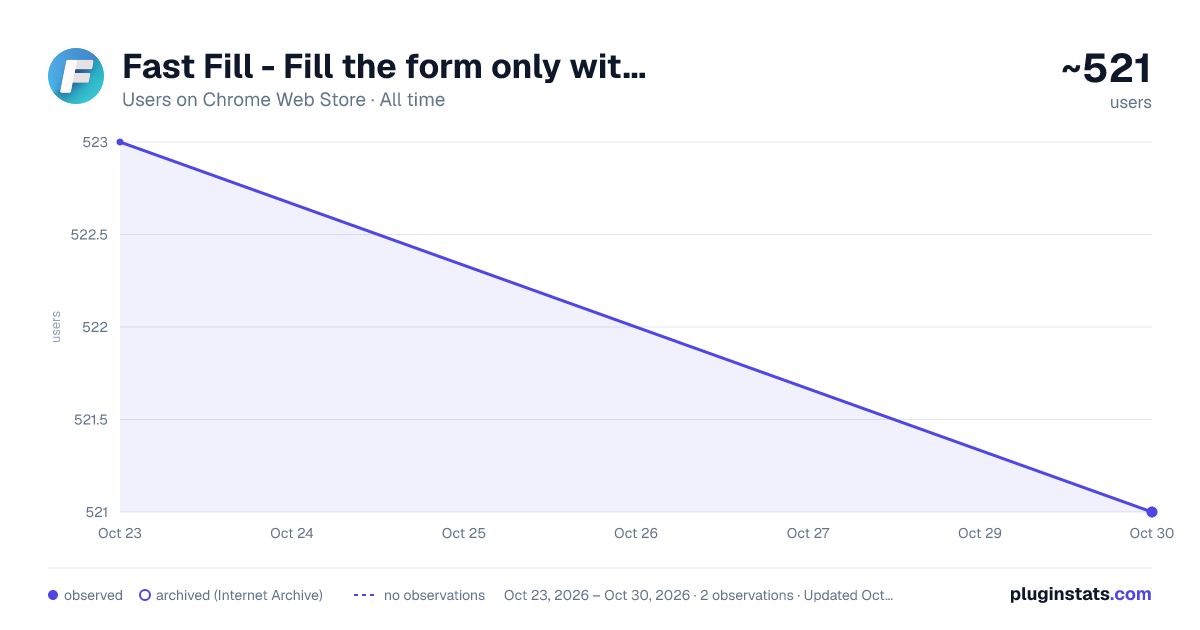
Fast Fill - Fill the form only with one click has approximately 523 recorded users on Chrome Web Store, ranking #2246 of 4,553 tracked listings.
Rating: 1.00 / 5 from 1 ratings
About Fast Fill - Fill the form only with one click
Fill the forms with one click
Sometimes, we need to input a large amount of text into a form, such as an article or a set of data. In the traditional way, we have to copy and paste the text into each input box of the form one by one, which is time-consuming, laborious, and error-prone. With the Fast Fill Chrome extension, we can easily fill in all the input boxes of the form with a large amount of text at once, greatly improving efficiency and accuracy.
Specifically, the Chrome extension can achieve this function through the following steps:
- Open the form page that needs to be filled in the browser.
- Click the Chrome extension icon, enter the text that needs to be filled in the pop-up extension window. Fast Fill will automatically divide the text into different input box contents.
- Click the "Fill into the form" button, and the extension will automatically fill in all the form input boxes with the text at once, eliminating the trouble of filling them in one by one.
Description from the Chrome Web Store listing.
README badge
Show your rank in a README or on your website. The badge updates automatically.
Charts
Images: 30d · 1y · all time · 1600×900 dark
Adoption over time
7/30/90-day growth
Ranking history
Ratings over time
Listing placement
Listing placement
Filled points are observed values; hollow points come from Internet Archive snapshots of the listing page. Dashed segments span periods with no observations — values between points are not interpolated.
Each band is one page of 20. Users on a linear scale. Placement is projected from users, so it can differ from the marketplace's own sort order. Hover a dot to see the listing.
Recent observations
Full history (1)Similar Chrome Web Store Workflow & Planning plugins
All 20 Fast Fill - Fill the form only with one click alternatives



Data source
Covers every Chrome Web Store extension with at least 100 users, found through the store's public sitemap. User counts are read from public listing pages. The 10% most-used extensions are refreshed daily, the next 40% weekly and the next 40% monthly; the least-used 10% are not refreshed. Google displays rounded user counts (and caps the display at 10,000,000+), so small changes may not be visible. Rating counts above 1,000 are rounded (e.g. 1.6K).
Listing: https://chromewebstore.google.com/detail/fast-fill-fill-the-form-o/fkkjpkjghkoifdielbommckgjlbgemoo. First seen Oct 23, 2026; last successful collection Oct 23, 2026. See the methodology.