 PluginStats
YouTube Clean: Block Shorts, Filter Recommendations & Skip Ads users statistics
Chrome Web Store · Workflow & Planning
Block Shorts, stop auto-dubbing and translated titles, hide watched videos and comments, get an endless home feed. 70+ free tools.
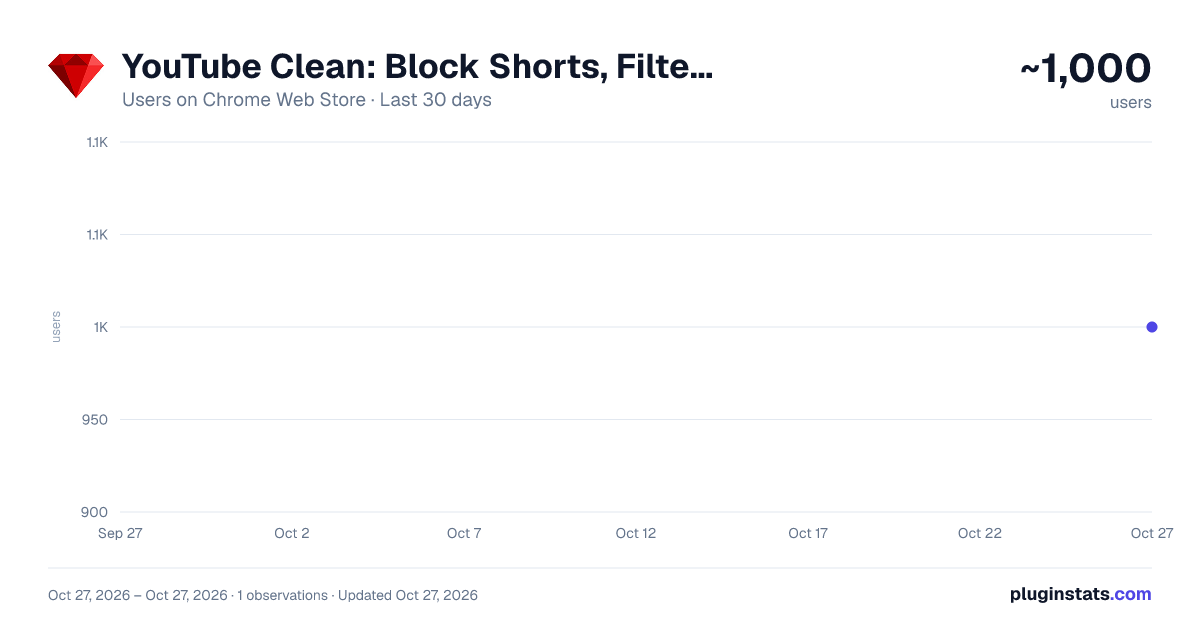
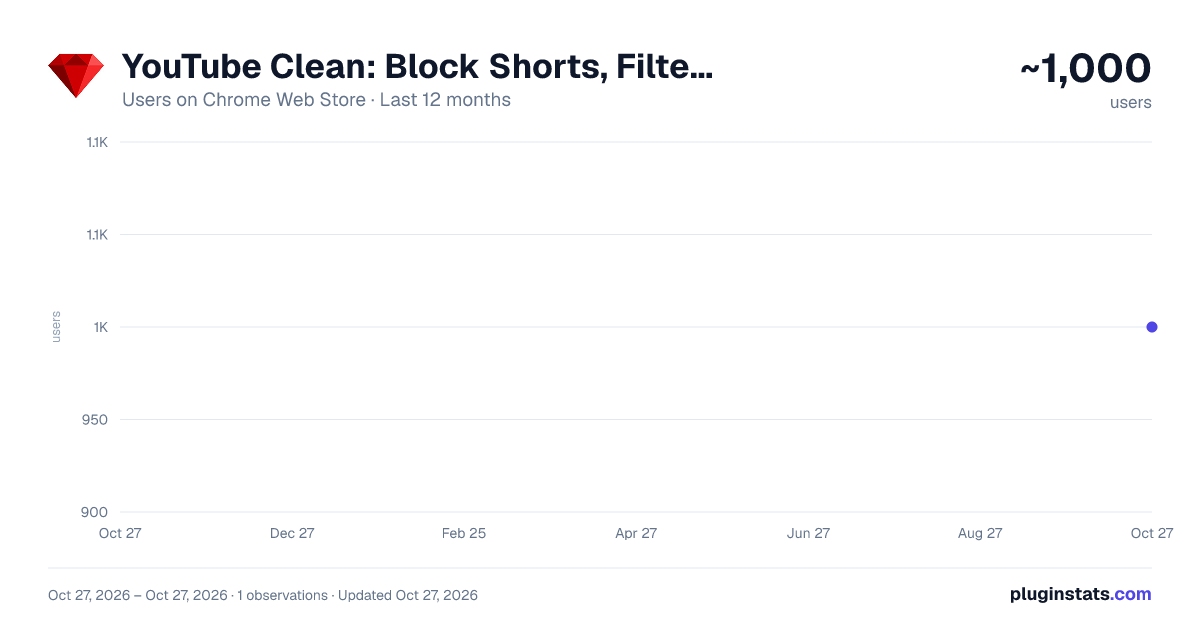
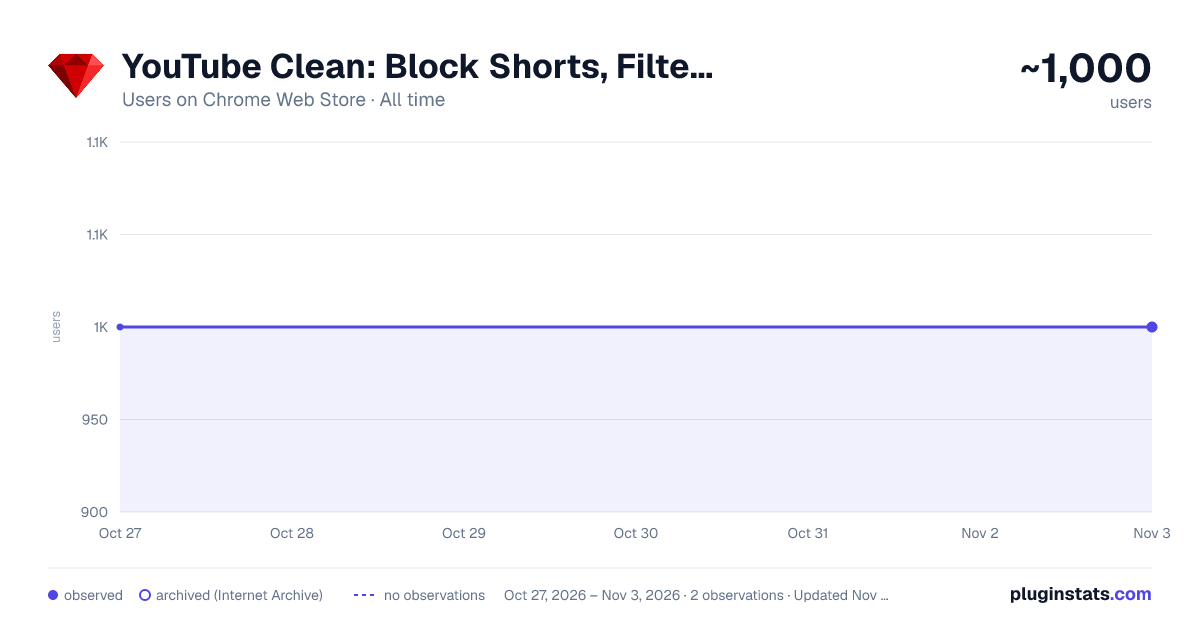
YouTube Clean: Block Shorts, Filter Recommendations & Skip Ads has approximately 1,000 recorded users on Chrome Web Store, ranking #1642 of 4,553 tracked listings.
Rating: 4.90 / 5 from 14 ratings
About YouTube Clean: Block Shorts, Filter Recommendations & Skip Ads
Block Shorts, stop auto-dubbing and translated titles, hide watched videos and comments, get an endless home feed. 70+ free tools.
Block YouTube Shorts, clean up recommendations and watch with fewer distractions. YouTube Clean brings feed filters, comment hiding, experimental ad skipping and playback controls together in one free Chrome extension. Keep the videos you want, remove the clutter around them and make the site work for you.
Choose from 70+ settings in a side panel beside your video. Start with an editable preset or customize individual elements: your home feed, subscriptions, search results, watch page, player and left navigation. Free and open source, with no account, subscription or tracking.
A QUICK LOOK AT WHAT YOU CAN DO
• Remove short-video shelves and their navigation entry. • Filter out watched videos, mixes, playlists and members-only content. • Hide comments, live chat, end screen cards and promotional panels. • Make thumbnails smaller with a compact feed and search layout. • Adjust playback from 0.25x to 3x with an in-player speed slider. • Switch your cleanup settings on or off with a keyboard shortcut.
BLOCK SHORTS AND REDUCE ENDLESS SCROLLING
Looking for a Shorts blocker that lets you keep using regular videos? Hide short-video shelves in the feed, remove matching search results and clear their entry from the left menu. The feed and navigation settings work together to remove common entry points into vertical scrolling.
Use a ready-made cleanup preset or enable the relevant switches individually. You can keep long-form videos, subscriptions and search available while removing the short-form content that interrupts your viewing. These controls change what appears in the interface; direct video links remain accessible.
HIDE WATCHED VIDEOS FROM YOUR FEED
Tired of scrolling past videos you have already seen? Remove watched videos independently from Home, Subscriptions, channel pages and watch-page recommendations. Keep the filter on in your subscription feed but off on a channel you like to revisit, or use all four settings together.
Detection uses the watch-progress indicator displayed on video thumbnails. It filters the visible page without deleting your watch history or marking videos as watched. Videos without a matching progress indicator may remain visible.
CLEAN UP RECOMMENDATIONS, MIXES AND PLAYLISTS
Make room for useful suggestions by filtering specific kinds of content. Hide mixes and playlists, remove members-only videos and clear Explore or News blocks. Combine these options with the watched-video filter to reduce repeat suggestions and feed clutter.
This gives you control over what remains visible while preserving discovery. The extension filters selected content types; it does not replace the recommendation algorithm or blank the entire home feed.
HIDE COMMENTS, LIVE CHAT AND END SCREEN CARDS
Watch a lecture without the discussion below it competing for your attention. Hide comments on video pages, remove live chat during streams and clear end screen cards or card teasers over the player.
You can also remove merchandise and ticket shelves, like and dislike controls, action buttons and channel pictures. Each setting is independent, so a cleaner watch page can still keep the description, captions button or other elements you use.
SKIP ADS AND REMOVE SPONSORED FEED CONTENT
Clear advertising clutter by hiding banners, sponsored video cards and ad information panels. These controls work separately, so you can choose which promotional elements disappear from your browsing and viewing pages.
An optional ad skipper attempts to skip video ads automatically. Auto-skip is experimental: its behavior depends on the current player and advertising format. Enable it separately when you want to try automatic ad skipping. It is not a network-level ad blocker and does not guarantee an ad-free experience.
DISABLE AUTOPLAY PREVIEWS ON HOVER
Stop moving thumbnail previews from starting when your pointer passes over a video. Turn off hover previews to browse a quieter, more static feed and read titles without a preview competing for your attention.
This setting controls thumbnail behavior. The separate option to hide the autoplay switch only removes that button from the player; it does not disable next-video autoplay.
SMALLER THUMBNAILS AND A COMPACT LAYOUT
Want more videos per screen instead of oversized thumbnails? Compact mode reduces visual bulk in the home feed, search results and watch-page suggestions. Smaller previews, tighter spacing and a denser arrangement make it easier to scan titles and compare results.
Use the compact grid to browse tutorials, find the next episode of a series or work through search results with less scrolling. The layout is a preset arrangement, so you do not need to edit CSS or configure individual column widths.
VIDEO SPEED CONTROL: SLOW DOWN OR WATCH FASTER
Adjust playback speed directly inside the video player. Use a slider from 0.25x to 3x, fine-tune in 0.05x steps, or choose a preset such as 1.25x, 1.5x, 2x or 3x. Your selected speed is saved in the extension settings.
Slow down pronunciation during language practice, follow a detailed demonstration at your own pace, or speed up a familiar lecture. The speed controller is available for regular watch-page videos. You can also hide the miniplayer, theater or subtitles buttons for a simpler set of player controls.
H.264, 60 FPS AND ENHANCED BITRATE SETTINGS
Advanced playback controls let you force H.264 by blocking VP9 and AV1, or block 60 fps streams when you prefer lower-frame-rate video. This can be useful on older laptops and devices with limited codec support. Hardware decoding, CPU load and available quality depend on your device and the streams offered for each video; forcing H.264 can limit available resolution.…
Description from the Chrome Web Store listing.
README badge
Show your rank in a README or on your website. The badge updates automatically.
Charts
Images: 30d · 1y · all time · 1600×900 dark
Adoption over time
7/30/90-day growth
Ranking history
Ratings over time
Listing placement
Listing placement
Filled points are observed values; hollow points come from Internet Archive snapshots of the listing page. Dashed segments span periods with no observations — values between points are not interpolated.
Each band is one page of 20. Users on a linear scale. Placement is projected from users, so it can differ from the marketplace's own sort order. Hover a dot to see the listing.
Recent observations
Full history (1)Similar Chrome Web Store Workflow & Planning plugins
All 20 YouTube Clean: Block Shorts, Filter Recommendations & Skip Ads alternatives



Data source
Covers every Chrome Web Store extension with at least 100 users, found through the store's public sitemap. User counts are read from public listing pages. The 10% most-used extensions are refreshed daily, the next 40% weekly and the next 40% monthly; the least-used 10% are not refreshed. Google displays rounded user counts (and caps the display at 10,000,000+), so small changes may not be visible. Rating counts above 1,000 are rounded (e.g. 1.6K).
Listing: https://chromewebstore.google.com/detail/youtube-clean-block-short/dnglnblikgiogcfdbhaapakjamhfldhd. First seen Oct 27, 2026; last successful collection Oct 27, 2026. See the methodology.