 PluginStats
Talk with GPT Extensions users statistics
Chrome Web Store · Workflow & Planning
Extension to talk with GPT
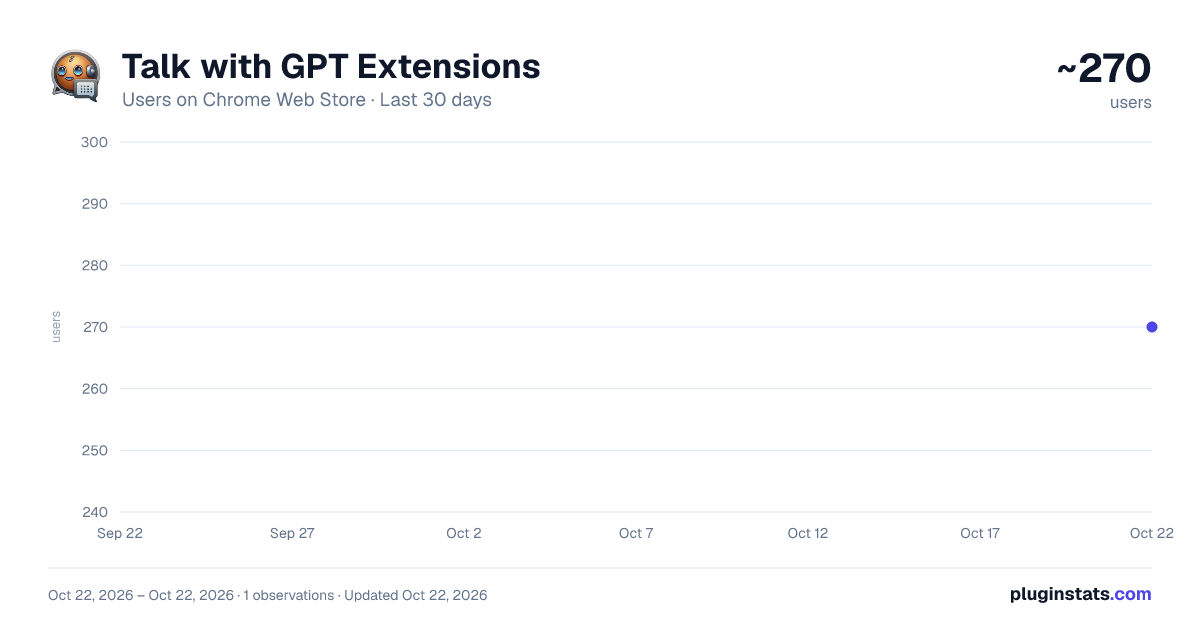
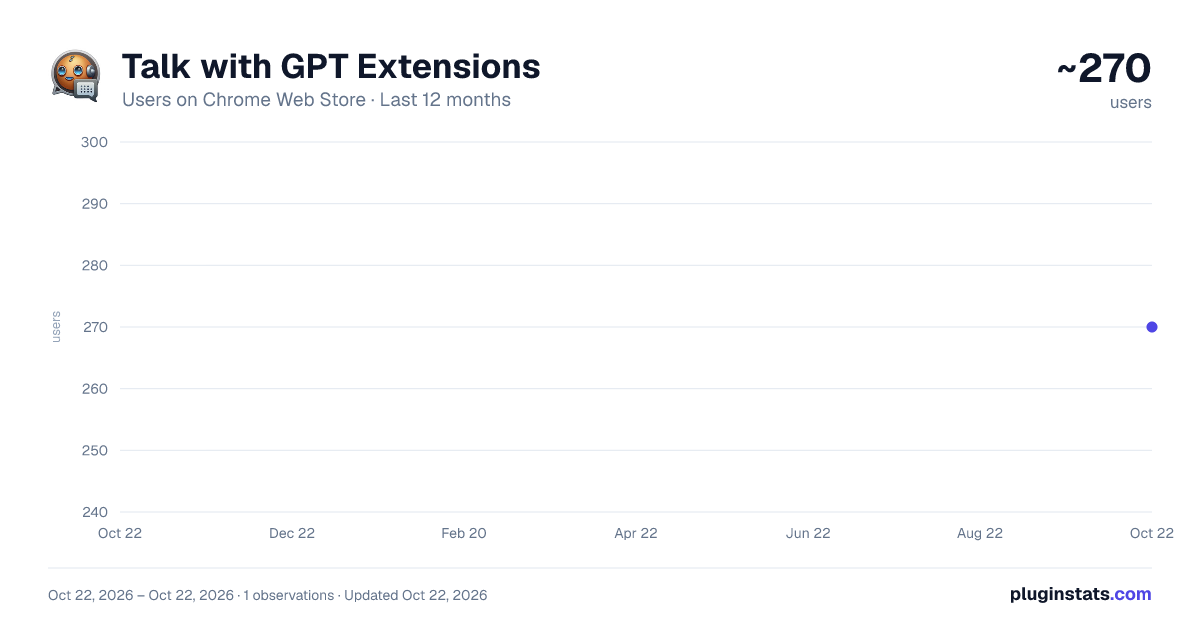
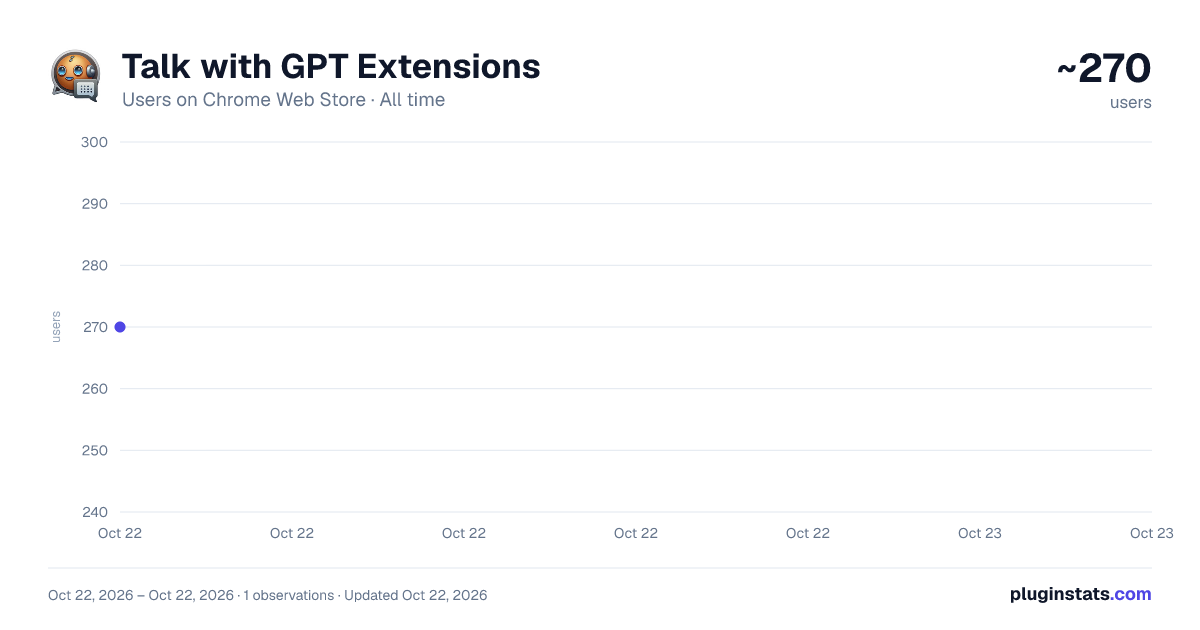
Talk with GPT Extensions has approximately 270 recorded users on Chrome Web Store, ranking #2240 of 3,404 tracked listings.
About Talk with GPT Extensions
Extension to talk with GPT
Talk-with-GPT is a Chrome extension that lets you have a conversation with the latest language model AI from OpenAI. With Talk-with-GPT, you can engage in a natural and engaging chat with GPT-3, using your voice or text input. The extension uses Chrome's text-to-speech and text recognition features to facilitate a conversation experience with the AI.
To use Talk-with-GPT, simply register an OpenAI API key, and you're ready to go. The extension comes with a simple and intuitive user interface.
Whether you're looking to have a casual conversation, practice your language skills, or just experiment with the latest in AI technology, Talk-with-GPT is the perfect tool for you.
** Usage **
- Get API-KEY from open ai.
- Open extension popup.
- Register the key.
- Select language if needed.
- Click "Start conversation" button.
- On the modal, click "click to speak" button and start the conversation.
Talk-with-GPT는 OpenAI의 최신 언어 모델 AI와 대화할 수 있는 크롬 확장 프로그램입니다. Talk-with-GPT를 사용하면 음성 또는 텍스트 입력을 사용하여 GPT-3와 자연스러운 대화를 나눌 수 있습니다. 이 확장 프로그램은 크롬의 텍스트 음성 변환 및 텍스트 인식 기능을 사용하여 AI와 대화를 쉽게 할 수 있도록 도와줍니다.
Talk-with-GPT를 사용하려면 OpenAI API 키를 등록하기만 하면 됩니다. 이 확장 프로그램은 간단하고 직관적인 사용자 인터페이스를 제공합니다.
캐주얼 대화, 언어 실력 향상, 최신 AI 기술 실험 등 다양한 용도로 Talk-with-GPT가 완벽한 도구입니다.
** 사용 방법 **
Open AI에서 API-KEY를 받으세요. 확장 프로그램 팝업을 엽니다. API-KEY를 등록합니다. 필요한 경우 언어를 선택합니다. "대화 시작" 버튼을 클릭합니다. 모달에서 "클릭하여 말하기" 버튼을 클릭하고 대화를 시작하세요.
Description from the Chrome Web Store listing.
README badge
Show your rank in a README or on your website. The badge updates automatically.
Charts
Images: 30d · 1y · all time · 1600×900 dark
Adoption over time
7/30/90-day growth
Ranking history
Ratings over time
Listing placement
Listing placement
Filled points are observed values; hollow points come from Internet Archive snapshots of the listing page. Dashed segments span periods with no observations — values between points are not interpolated.
Each band is one page of 20. Users on a linear scale. Placement is projected from users, so it can differ from the marketplace's own sort order. Hover a dot to see the listing.
Recent observations
Full history (1)Similar Chrome Web Store Workflow & Planning plugins
All 20 Talk with GPT Extensions alternatives



Data source
Covers every Chrome Web Store extension with at least 100 users, found through the store's public sitemap. User counts are read from public listing pages. The 10% most-used extensions are refreshed daily, the next 40% weekly and the next 40% monthly; the least-used 10% are not refreshed. Google displays rounded user counts (and caps the display at 10,000,000+), so small changes may not be visible. Rating counts above 1,000 are rounded (e.g. 1.6K).
Listing: https://chromewebstore.google.com/detail/talk-with-gpt-extensions/galockpmkiembebpfcnnalaomfglknkf. First seen Oct 22, 2026; last successful collection Oct 22, 2026. See the methodology.