 PluginStats
YTSummary: YouTube Summarizer with ChatGPT users statistics
Chrome Web Store · Workflow & Planning
YouTube Video Summarizer with GhatGPT. Get concise YouTube summaries with ChatGPT instantly. Save time and learn quickly.
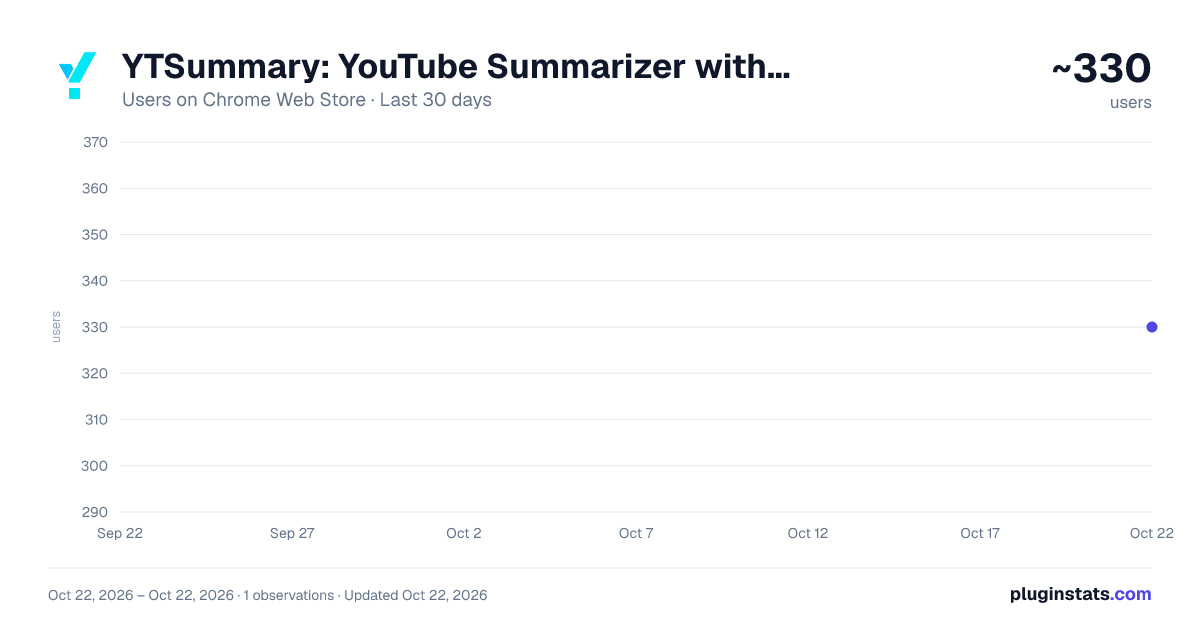
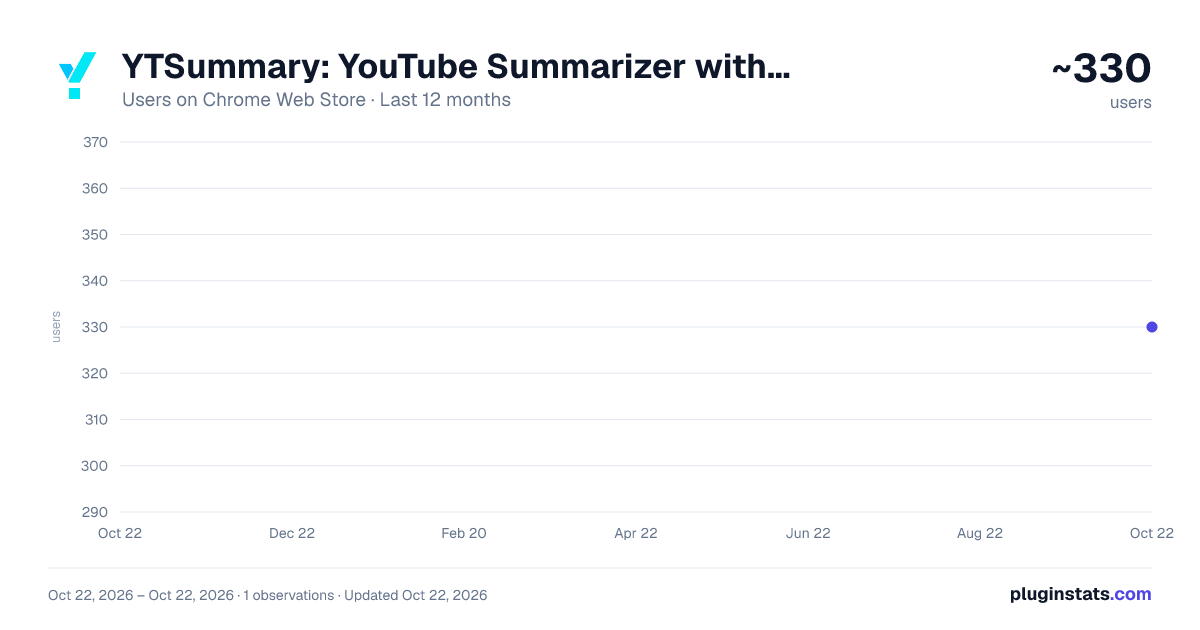
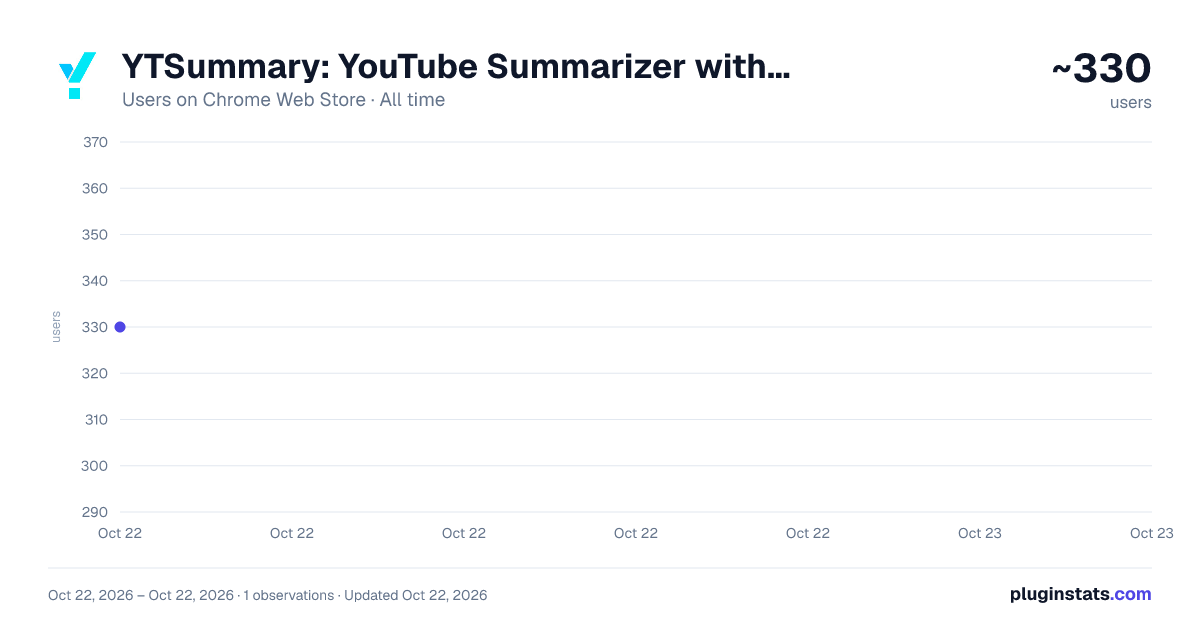
YTSummary: YouTube Summarizer with ChatGPT has approximately 330 recorded users on Chrome Web Store, ranking #2750 of 4,553 tracked listings.
Rating: 2.00 / 5 from 4 ratings
About YTSummary: YouTube Summarizer with ChatGPT
YouTube Video Summarizer with GhatGPT. Get concise YouTube summaries with ChatGPT instantly. Save time and learn quickly.
☑️ Don't waste time on videos that are not relevant to your goals or interests.
--- Features ---
- 🤖 AI-powered Summarization: Generate video summaries and highlights by ChatGPT
- 🌐 Multi-Language Support: Summarize videos in your preferred language
- ⏲️ Long Video Summary: Summarize YouTube videos that are up to 4 hours long
- 📤 Summary Export: Export the summary to various formats making it easy to share and use
- 📜 Summary History: Keep track of your summaries and easily access them in the future
- 📨 Summary Share: Easily share the summary to collaborate and communicate with others.
- ⚙️ Three Summarize Mode Support:
- Outline Mode Summarize: Quickly get the gist of a YouTube video with a brief summary along with key highlights and detailed summaries
- Mind Map Mode Summarize: Visualize the key points of a YouTube video and see how they are connected in a hierarchical view
- Segment Mode: Get a detailed understanding of a YouTube video based on chapters, key moments or fixed interval segments
--- Usecases ---
- 📚 Learning new skills
- 📰 Staying informed about industry news and trends
- 🔍 Conducting research on a topic
- 📝 Preparing for exams
- 🚀 Enhancing productivity
--- How to use YTSummary ---
- 🔳 Method 1: Summarize YouTube video using the YTSummary extension
- While watching a YouTube video, you will find the YTSummary extension on the right side of the screen.
- Log in to our YouTube video summary app through the YTSummary extension.
- Select your desired options and click the "Summarize" button within the YTSummary extension.
- 🌐 Method 2: Summarize YouTube video using YTSummary website.
- Login to our YouTube video summary app via the website YTSummary.app.
- While watching a YouTube video, simply click the "Summarize" button located below the video.
- While browsing the YouTube web page, click the three dots button to the right of the video title to access the "Summarize" button.
Description from the Chrome Web Store listing.
README badge
Show your rank in a README or on your website. The badge updates automatically.
Charts
Images: 30d · 1y · all time · 1600×900 dark
Adoption over time
7/30/90-day growth
Ranking history
Ratings over time
Listing placement
Listing placement
Filled points are observed values; hollow points come from Internet Archive snapshots of the listing page. Dashed segments span periods with no observations — values between points are not interpolated.
Each band is one page of 20. Users on a linear scale. Placement is projected from users, so it can differ from the marketplace's own sort order. Hover a dot to see the listing.
Recent observations
Full history (1)Similar Chrome Web Store Workflow & Planning plugins
All 20 YTSummary: YouTube Summarizer with ChatGPT alternatives



Data source
Covers every Chrome Web Store extension with at least 100 users, found through the store's public sitemap. User counts are read from public listing pages. The 10% most-used extensions are refreshed daily, the next 40% weekly and the next 40% monthly; the least-used 10% are not refreshed. Google displays rounded user counts (and caps the display at 10,000,000+), so small changes may not be visible. Rating counts above 1,000 are rounded (e.g. 1.6K).
Listing: https://chromewebstore.google.com/detail/ytsummary-youtube-summari/gbhpdgodkjichnmknlkeeemanikneopa. First seen Oct 22, 2026; last successful collection Oct 22, 2026. See the methodology.