 PluginStats
Mercury: Degiro Portfolio Tracking, Visualizations & AI Metrics users statistics
By Dani · Chrome Web Store · Tools
Track & Visualize your Degiro portfolio performance with AI, an amazing dark theme while being privacy focused.
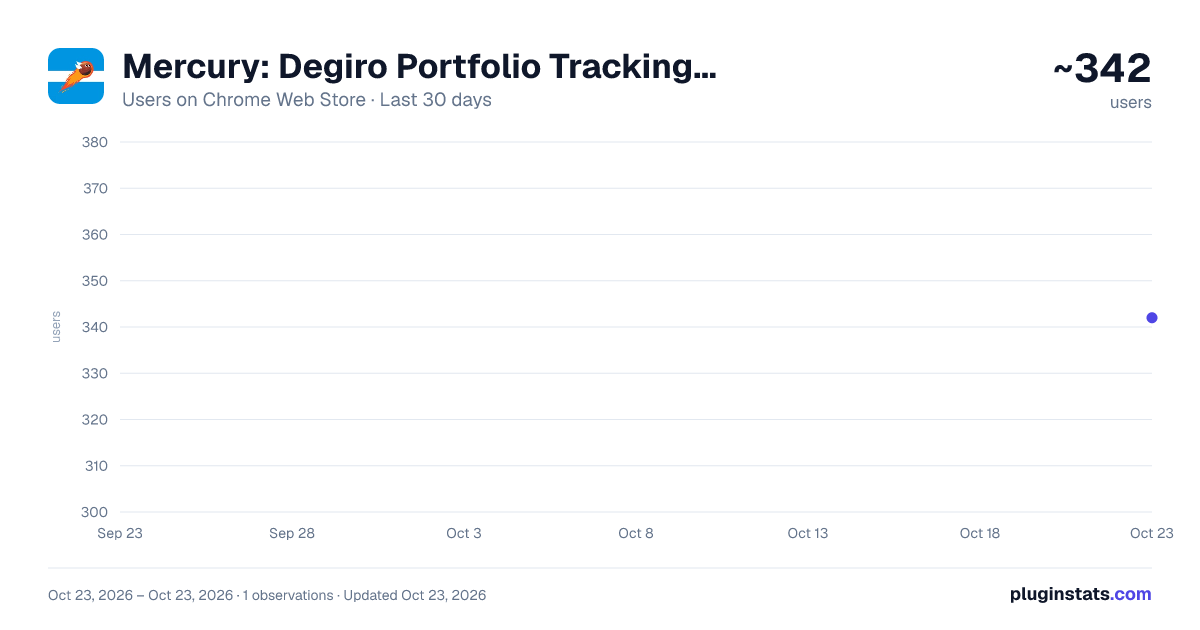
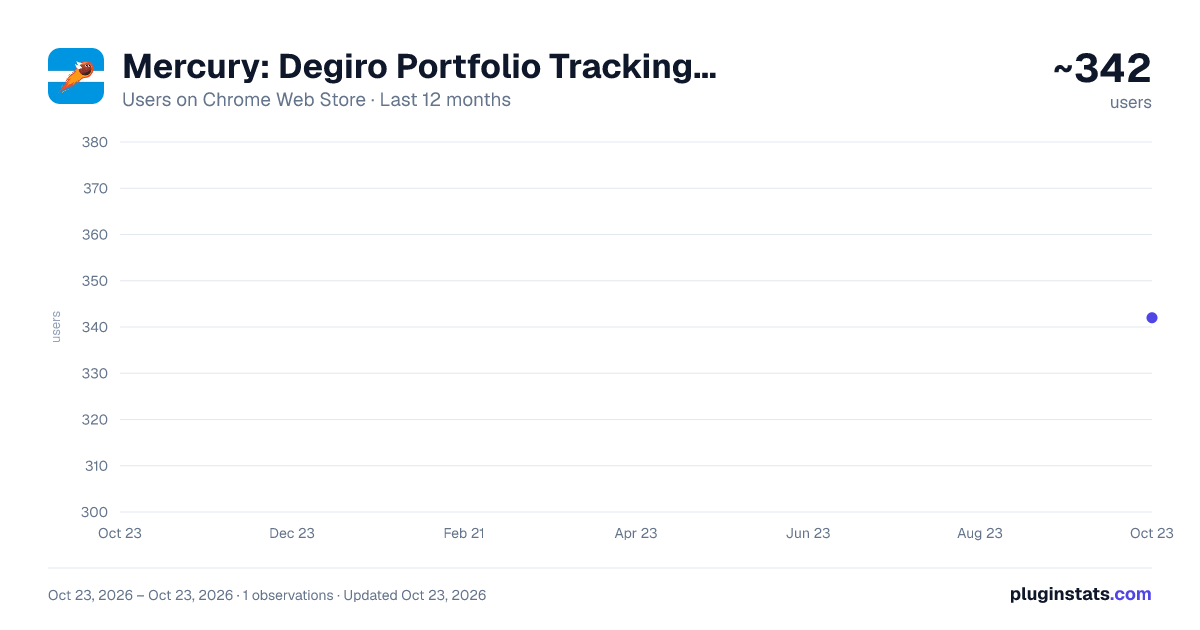
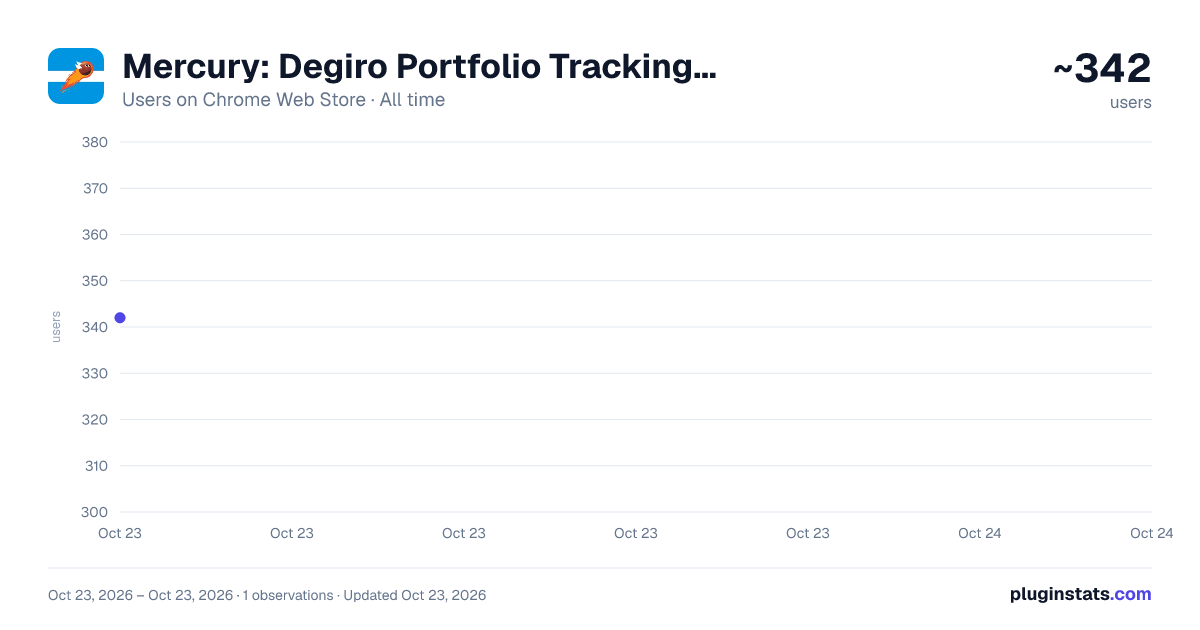
Mercury: Degiro Portfolio Tracking, Visualizations & AI Metrics has approximately 342 recorded users on Chrome Web Store, ranking #2284 of 3,853 tracked listings.
Rating: 3.50 / 5 from 14 ratings
About Mercury: Degiro Portfolio Tracking, Visualizations & AI Metrics
Track & Visualize your Degiro portfolio performance with AI, an amazing dark theme while being privacy focused.
Mercury - Degiro Portfolio Tracker with AI Forecasting
Experience the power of AI forecasting to visualize your Degiro portfolio's performance over the next 20 years. Mercury offers a comprehensive suite of features designed to optimize your investment strategy and provide deep insights into your portfolio's performance.
Key Features
Performance Tracking
- Effortlessly monitor your portfolio's performance with real-time updates and historical analysis.
Investment Monitoring
- Track total invested amounts with precision, including deposits and withdrawals.
Portfolio Composition
- Stay informed about your portfolio's asset distribution through intuitive visualizations.
Month-to-Month Evaluation
- Analyze performance changes with and without considering deposits for accurate growth tracking.
Advanced Statistics
- Dive deep into comprehensive metrics including:
- Gaussian distributions
- Sharpe ratio
- Yearly returns
- Volatility analysis
- Sortino ratio
- Drawdown analysis
- Rolling returns
- Performance heatmaps
AI Forecasting
- Leverage advanced Monte Carlo simulations to project your portfolio's potential performance over the next 20 years with confidence intervals and multiple forecasting methods.
Personalization
- Tailor your experience with a sleek dark theme and customizable interface.
Privacy & Security
Privacy Priority Mercury respects your privacy, ensuring that your personal data is handled securely and transparently.
Direct Data Sourcing All necessary data is sourced directly from your Degiro account—no third-party intermediaries.
Strict Data Confidentiality Your information is securely stored locally in your browser, with no disclosure to third parties. Your data never leaves your device.
No External Operations Mercury operates solely within your browser, without any external account operations or modifications to your Degiro account.
How to Use
Mercury does not require your password or login information.
-
Open Degiro: Navigate to your Degiro account in your browser and ensure you're logged in.
-
Fetch Data: Click the "Fetch Data" button in the Mercury extension. Since Mercury doesn't have access to your Degiro login credentials, you need to fetch data while the Degiro page is open and you're authenticated.
-
Use Offline: After fetching, your data is imported and stored locally. You can use Mercury even when offline or after closing the Degiro tab.
-
Explore Insights: Navigate through different tabs to view your portfolio performance, statistics, and AI forecasts.
Use Case & Limitations
Ideal For Mercury is specialized for tracking long-term portfolios, particularly Dollar-Cost Averaging (DCA) strategies. It excels at monitoring steady, consistent investment patterns over extended periods.
Limitations If you are an active trader who frequently buys, sells, deposits, or withdraws, the numbers may not be perfectly accurate. Degiro does not disclose all transaction details, and frequent trading activity cannot be easily incorporated into Mercury's calculations.
Supported Currencies EUR, USD, CAD, AUD, CHF, GBP
Terms & Conditions
By utilizing the Mercury Chrome Extension, you acknowledge and agree to Mercury's terms and conditions.
Mercury stands as the ultimate Degiro Portfolio Tracker and Visualizer, providing a seamless solution for monitoring your portfolio growth and investment performance.
Keywords: Portfolio Management, AI Forecasting, Degiro Portfolio Tracker, Investment Monitoring, Portfolio Visualization, Advanced Statistics, Privacy Protection, Data Security, Personalization, Investment Performance, Financial Analysis, Monte Carlo Simulation, Risk Metrics
Description from the Chrome Web Store listing.
README badge
Show your rank in a README or on your website. The badge updates automatically.
Charts
Images: 30d · 1y · all time · 1600×900 dark
Adoption over time
7/30/90-day growth
Ranking history
Ratings over time
Listing placement
Listing placement
Filled points are observed values; hollow points come from Internet Archive snapshots of the listing page. Dashed segments span periods with no observations — values between points are not interpolated.
Each band is one page of 20. Users on a linear scale. Placement is projected from users, so it can differ from the marketplace's own sort order. Hover a dot to see the listing.
Recent observations
Full history (1)Similar Chrome Web Store Tools plugins
All 20 Mercury: Degiro Portfolio Tracking, Visualizations & AI Metrics alternatives



Data source
Covers every Chrome Web Store extension with at least 100 users, found through the store's public sitemap. User counts are read from public listing pages. The 10% most-used extensions are refreshed daily, the next 40% weekly and the next 40% monthly; the least-used 10% are not refreshed. Google displays rounded user counts (and caps the display at 10,000,000+), so small changes may not be visible. Rating counts above 1,000 are rounded (e.g. 1.6K).
Listing: https://chromewebstore.google.com/detail/mercury-degiro-portfolio/codebcdegkebiploiddbbofkljbcigij. First seen Oct 23, 2026; last successful collection Oct 23, 2026. See the methodology.