 PluginStats
Adobe Bulk Download users statistics
By Salty Dalton · Chrome Web Store · Tools
Download your entire Adobe Creative Cloud library at once. No more clicking through files one at a time. Free for up to 50 files.
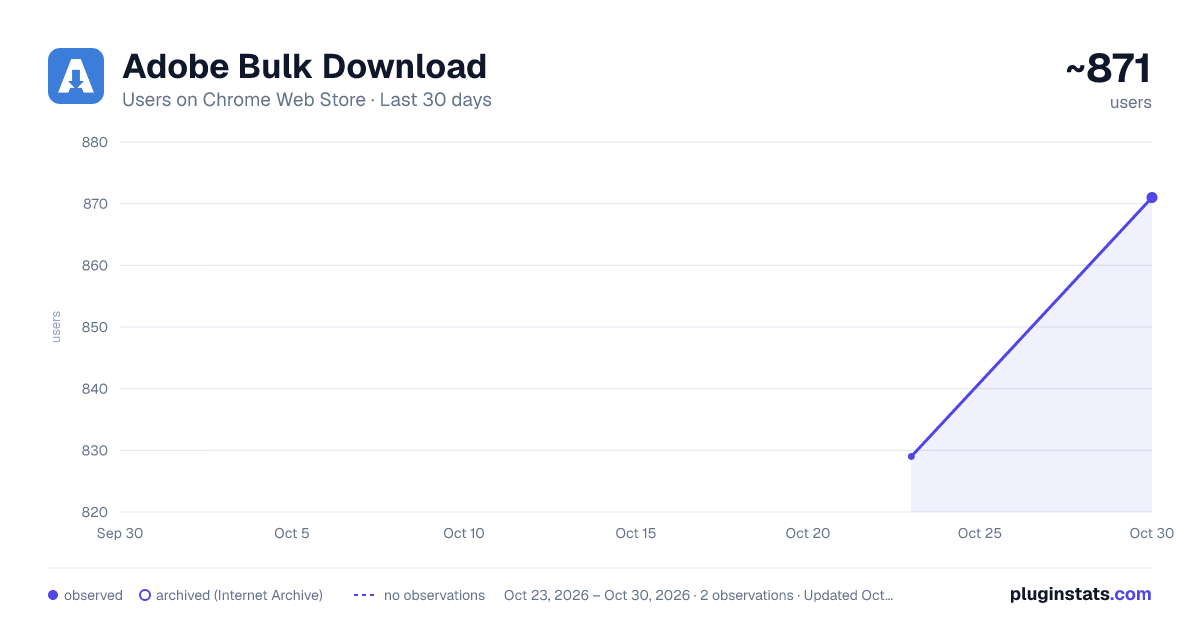
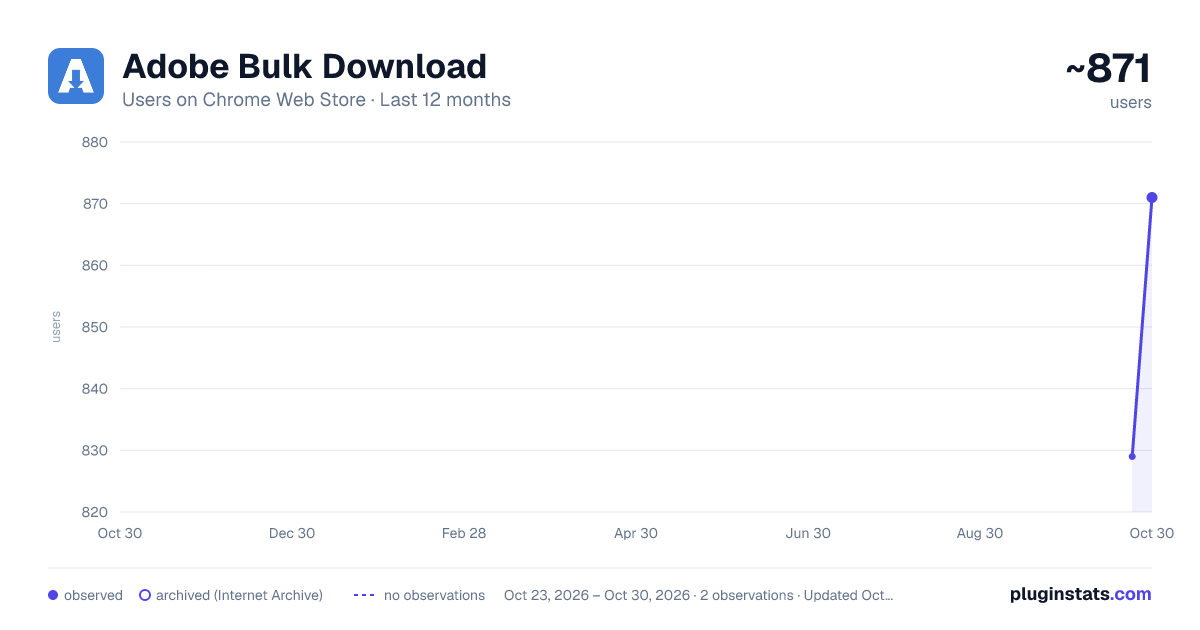
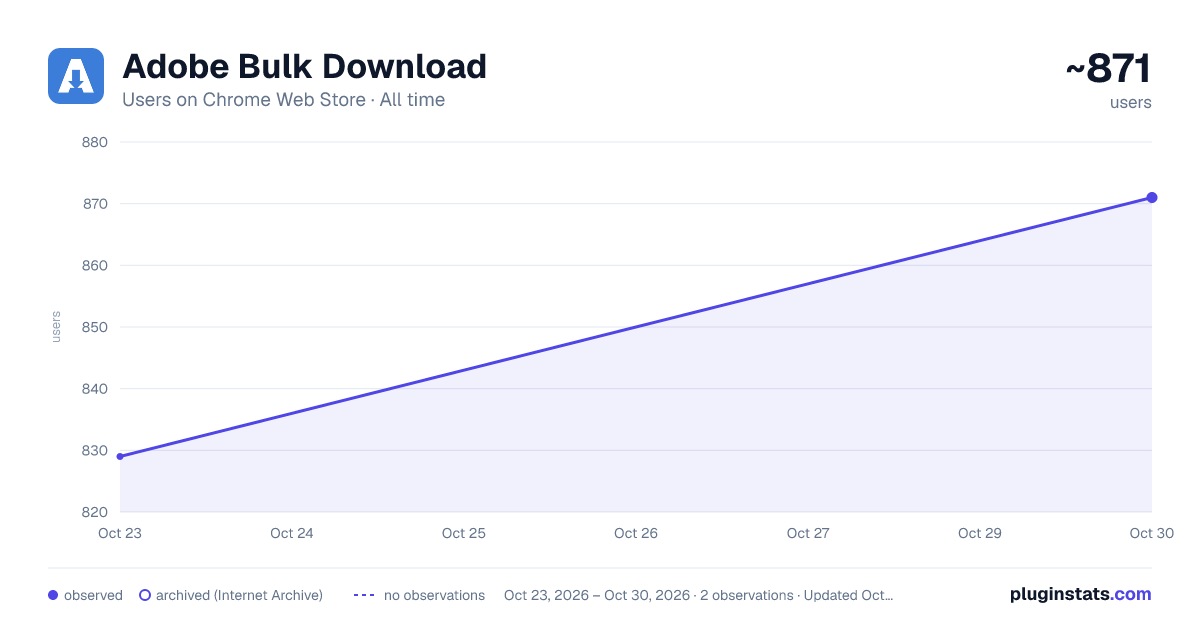
Adobe Bulk Download has approximately 829 recorded users on Chrome Web Store, ranking #1546 of 3,853 tracked listings.
Rating: 4.40 / 5 from 14 ratings
About Adobe Bulk Download
Download your entire Adobe Creative Cloud library at once. No more clicking through files one at a time. Free for up to 50 files.
Tired of downloading files one at a time from Adobe Creative Cloud? Adobe Bulk Download scans your cloud library and downloads everything to your computer all at once.
Key Features
• One-click bulk download: Scan your entire Creative Cloud folder tree and download all files with a single click. • Smart file handling: Automatically handles regular files, Photoshop Cloud Documents (PSDC), and Adobe Illustrator Cloud Documents (AIC) with the correct conversion pipelines. • Parallel downloads: Configurable concurrency for faster throughput. Adjust the number of simultaneous downloads from the settings panel. • Pause and resume: Long download interrupted? Pause and pick up right where you left off. Progress is saved automatically. • ETA and progress tracking: Real-time progress bar with estimated time remaining, file counts, and download speed. • Completion notifications: Get a desktop notification when your bulk download finishes. • Privacy first: No tracking, no analytics, no telemetry. Your token stays in session memory and is never sent anywhere except Adobe's own servers.
How to Use
- Navigate to adobe.com/files and make sure you are logged in to Adobe Creative Cloud
- Click the Adobe Bulk Download icon in your extension toolbar to open the side panel.
- Click "Start Scan" to enumerate all files and folders in your Creative Cloud account.
- Click "Download All" to begin bulk downloading. Files are saved to your browser's default download folder, preserving the original folder structure.
- Click "Pause" at any time. Your progress is saved so you can resume later.
Permissions Explained
• Storage: Saves download progress and your preferences (theme, concurrency). • Downloads: Saves files to your computer's download folder. • Alarms: Keeps the extension active during long download operations. • Side Panel: Displays the main user interface. • Notifications: Alerts you when a download completes. • Host access (adobe.io / adobe.com): Required to call Adobe APIs and detect your login session. No other domains are contacted.
Privacy
This extension does not collect any personal data, analytics, or telemetry. Your authentication token is stored only in session memory and is cleared when you close your browser. All network requests go exclusively to Adobe's own servers. See the full privacy policy for details.
This extension is not affiliated with, endorsed by, or sponsored by Adobe Inc.
Description from the Chrome Web Store listing.
README badge
Show your rank in a README or on your website. The badge updates automatically.
Charts
Images: 30d · 1y · all time · 1600×900 dark
Adoption over time
7/30/90-day growth
Ranking history
Ratings over time
Listing placement
Listing placement
Filled points are observed values; hollow points come from Internet Archive snapshots of the listing page. Dashed segments span periods with no observations — values between points are not interpolated.
Each band is one page of 20. Users on a linear scale. Placement is projected from users, so it can differ from the marketplace's own sort order. Hover a dot to see the listing.
Recent observations
Full history (1)Similar Chrome Web Store Tools plugins
All 20 Adobe Bulk Download alternatives



Data source
Covers every Chrome Web Store extension with at least 100 users, found through the store's public sitemap. User counts are read from public listing pages. The 10% most-used extensions are refreshed daily, the next 40% weekly and the next 40% monthly; the least-used 10% are not refreshed. Google displays rounded user counts (and caps the display at 10,000,000+), so small changes may not be visible. Rating counts above 1,000 are rounded (e.g. 1.6K).
Listing: https://chromewebstore.google.com/detail/adobe-bulk-download/cojbhhjiinmondnmgpfkeehkfbbfmnpo. First seen Oct 23, 2026; last successful collection Oct 23, 2026. See the methodology.