 PluginStats
webQsee: AI Debugging with Session Replay & Network Capture users statistics
Chrome Web Store · Developer Tools
Record network, console and session replays, then ask AI what broke, with evidence you can click. Use our AI or bring your own.
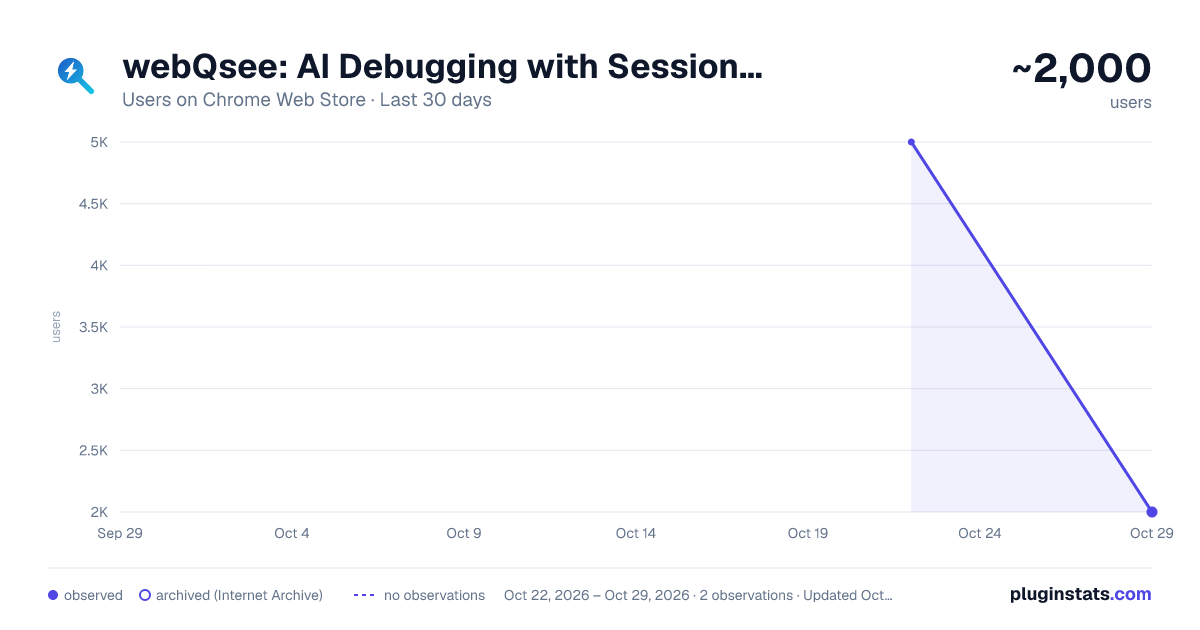
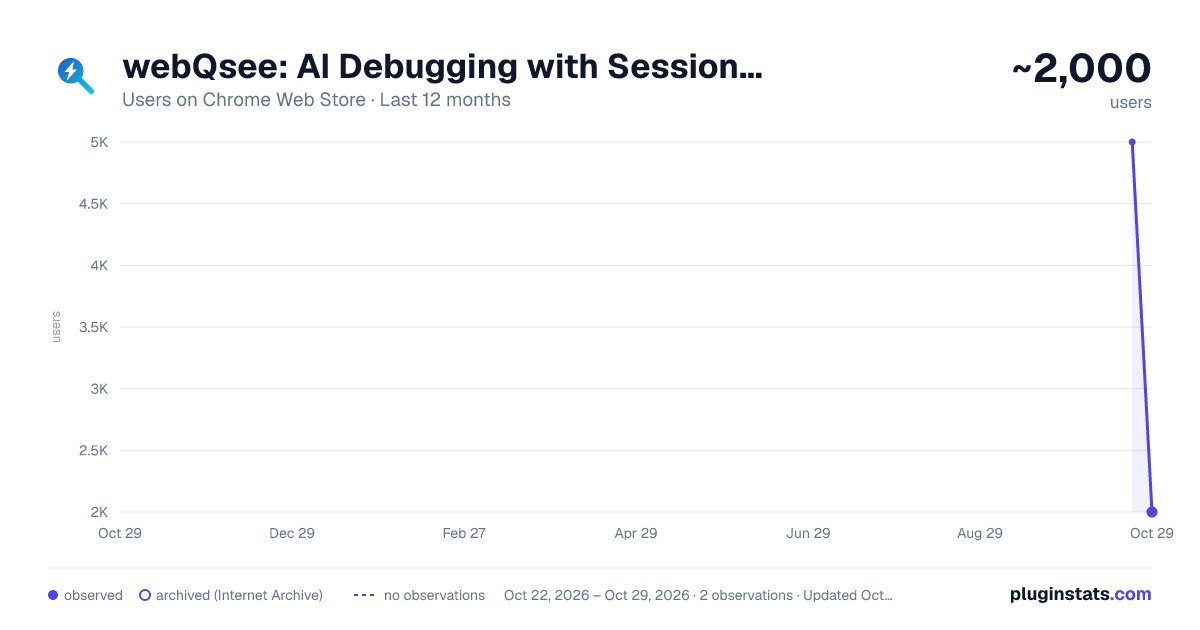
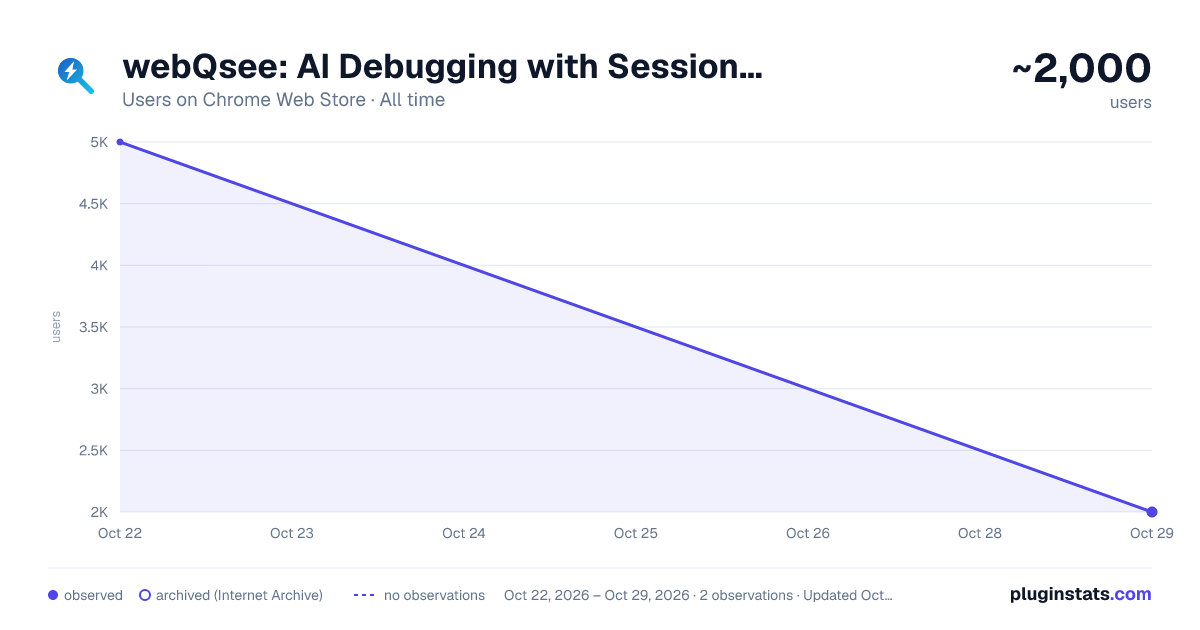
webQsee: AI Debugging with Session Replay & Network Capture has approximately 5,000 recorded users on Chrome Web Store, ranking #602 of 3,404 tracked listings.
Rating: 4.90 / 5 from 14 ratings
About webQsee: AI Debugging with Session Replay & Network Capture
Record network, console and session replays, then ask AI what broke, with evidence you can click. Use our AI or bring your own.
webQsee records what happens in a browser tab, its network traffic, console output, WebSockets and a video of the session, and now lets you ask AI what went wrong. Every answer cites its evidence, and a click on that evidence jumps to the request in the analyzer or to the moment in the video.
Recording, replay, the analyzer, import and export are free and need no account.
──────────────────────────────────── AI ANALYSIS, WITH THE MODEL YOU CHOOSE
▸ Ask a recording what went wrong Open a behavior report or an event snapshot and ask in your own words. The model reads the requests and responses, the console, frames of the video and what you did on the page, and answers with findings you can check: each one has a severity and cites the requests, console lines, video moments and steps it rests on. Ask follow-up questions in the same conversation, and save the analysis with the recording, so it travels with it into the cloud and into a shared link.
▸ webQsee AI: nothing to set up No key, no endpoint, no model name. We run the model and pay for it, inside the EU, on routes that keep nothing after the answer. Three strengths: Standard for most recordings, Smart and Genius for the questions that need more. An analysis you already started can be escalated to a stronger one, and the recording and the evidence come with it.
▸ BYO AI: bring your own model Use your own Anthropic API key, any OpenAI-compatible endpoint, or a model running on your own computer. The recording goes from your browser straight to that model and never through webQsee; with a local model it never leaves your device. You pay your model provider directly, or nobody at all.
▸ Deep Inspection: your own coding agent Install the small webQsee helper (Windows, macOS, Linux) and the coding agent you already use in your terminal reads the whole recording over MCP. It searches response bodies, looks at video frames and, if you map your project, reads your source code to point at the code behind a problem. Follow its steps live in the browser, or carry on the same conversation in a terminal. Which agents work with it, and how to set each one up: https://webqsee.com/feature-matrix/agent-support.html. Included in Pro and Studio, and open on any plan with a BYO AI booster.
▸ A whole collection at once Deep Inspection reads every item of a collection together: recordings, screenshots, videos, HAR files and spreadsheets. It can compare a run that works with one that fails, and the analysis is saved on the collection and remembers what it contained.
▸ The user journey While a behavior report records, webQsee also captures what you did on the page and how the page reacted: clicks, typed text, scrolling, submits, navigations, and changes such as an error message appearing. The analysis reads it as steps, with dead clicks, rage clicks and errors after a submit first. The recording options decide what the keyboard contributes, or switch the journey off.
▸ Privacy, built in Tokens, cookies, passwords and API keys are masked by default before a recording goes to a model outside your machine. The destination of every question is named above the question box, and before data leaves your device for the first time webQsee asks you once and keeps a record of what you agreed to. With masking switched off, it asks again for every new conversation with webQsee AI or a model on a server.
──────────────────────────────────── CAPTURE, REPLAY, ANALYZE
▸ Network and console analyzer Three connected grids slice every signal a tab produces: HTTP, WebSockets, Server-Sent Events and the JavaScript console. Group by domain, filter by status, jump to errors or warnings with one quick-filter chip, then export only the rows you need. The request viewer shows headers, payload, response, cookies and timing, and copies any request as cURL or fetch().
▸ Behavior reports: session replay with the traffic attached A replayable video of the tab together with every request, console line, WebSocket frame and SSE message that happened while it recorded. Click an event to jump to that moment in the video.
▸ Event snapshots (.esa) A richer alternative to HAR: requests, console output, WebSocket frames, SSE messages, an optional screenshot, the cookie jar and the browser fingerprint in one shareable file.
▸ Screenshots, screencasts and videos Full-page screenshots that handle sticky headers, tab, window or desktop recording with tab audio and microphone, and Dashcam Mode, which watches a tab for as long as you like and keeps only the last 30 to 60 seconds. A built-in editor crops, annotates, blurs and highlights, also long after saving, and the share link stays the same.
▸ Collections, rules, import and export Group related captures into a collection that uploads, shares and plays back as one. Write error-detection rules once and share them with your team. Import .bar, .esa and plain .har files from other tools, and export to HAR, Excel, JSON, MHTML, .bar and .esa.
──────────────────────────────────── YOUR STORAGE, ENCRYPTED, AND LINKS YOU CAN TAKE BACK
▸ Cloud Gallery, two ways webQsee cloud in one of six AWS regions, set up in about thirty seconds. Or bring your own: connect an Amazon S3 bucket or any S3-compatible storage on Pro and Studio. The browser talks to your bucket directly, and the secret access key never leaves your browser.
▸ Encrypted before it leaves your browser The recorded data of a cloud item (events, requests and response bodies, attached files, saved AI analyses) is encrypted in the browser with AES-256, with a key of its own for every item. Videos and screenshots stay directly playable. On your own bucket it is a switch in the storage settings, on by default for new storages. It protects the storage, not against people you gave access, so we do not call it end-to-end encryption.…
Description from the Chrome Web Store listing.
README badge
Show your rank in a README or on your website. The badge updates automatically.
Charts
Images: 30d · 1y · all time · 1600×900 dark
Adoption over time
7/30/90-day growth
Ranking history
Ratings over time
Listing placement
Listing placement
Filled points are observed values; hollow points come from Internet Archive snapshots of the listing page. Dashed segments span periods with no observations — values between points are not interpolated.
Each band is one page of 20. Users on a linear scale. Placement is projected from users, so it can differ from the marketplace's own sort order. Hover a dot to see the listing.
Recent observations
Full history (1)Similar Chrome Web Store Developer Tools plugins
All 20 webQsee: AI Debugging with Session Replay & Network Capture alternatives



Data source
Covers every Chrome Web Store extension with at least 100 users, found through the store's public sitemap. User counts are read from public listing pages. The 10% most-used extensions are refreshed daily, the next 40% weekly and the next 40% monthly; the least-used 10% are not refreshed. Google displays rounded user counts (and caps the display at 10,000,000+), so small changes may not be visible. Rating counts above 1,000 are rounded (e.g. 1.6K).
Listing: https://chromewebstore.google.com/detail/webqsee-session-replay-ne/gamdpfnfkjknkimfbboonmgdfnondfme. First seen Oct 22, 2026; last successful collection Oct 22, 2026. See the methodology.