 PluginStats
Color Inverter users statistics
Chrome Web Store · Art & Design
Instantly invert image colors. Simple, fast, privacy-first. Works offline.
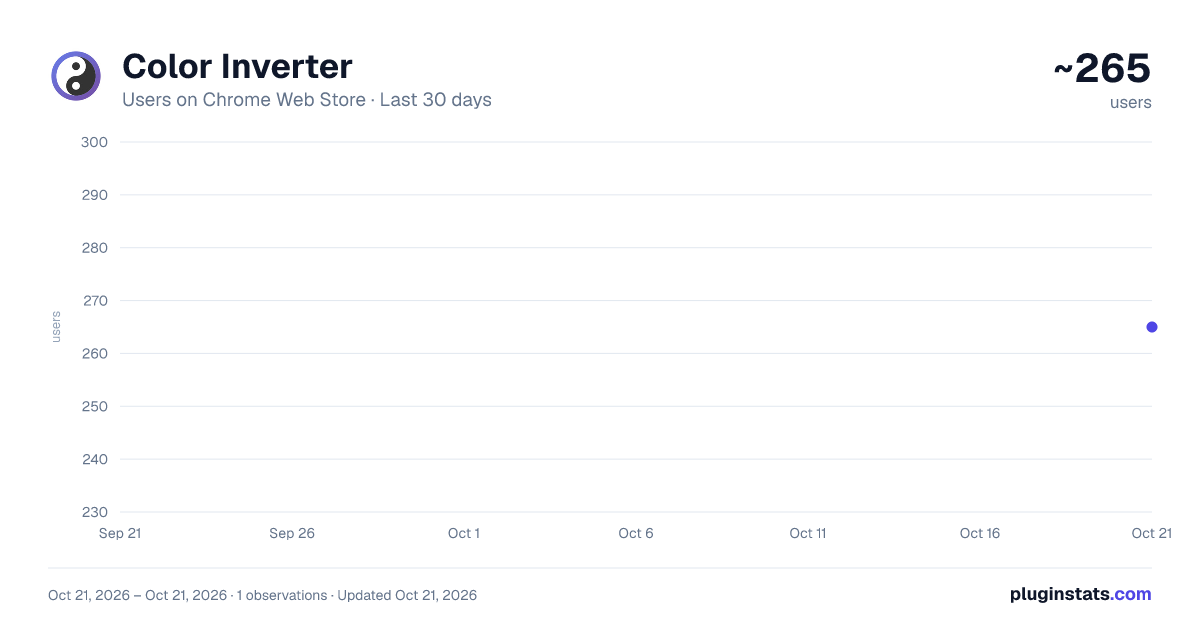
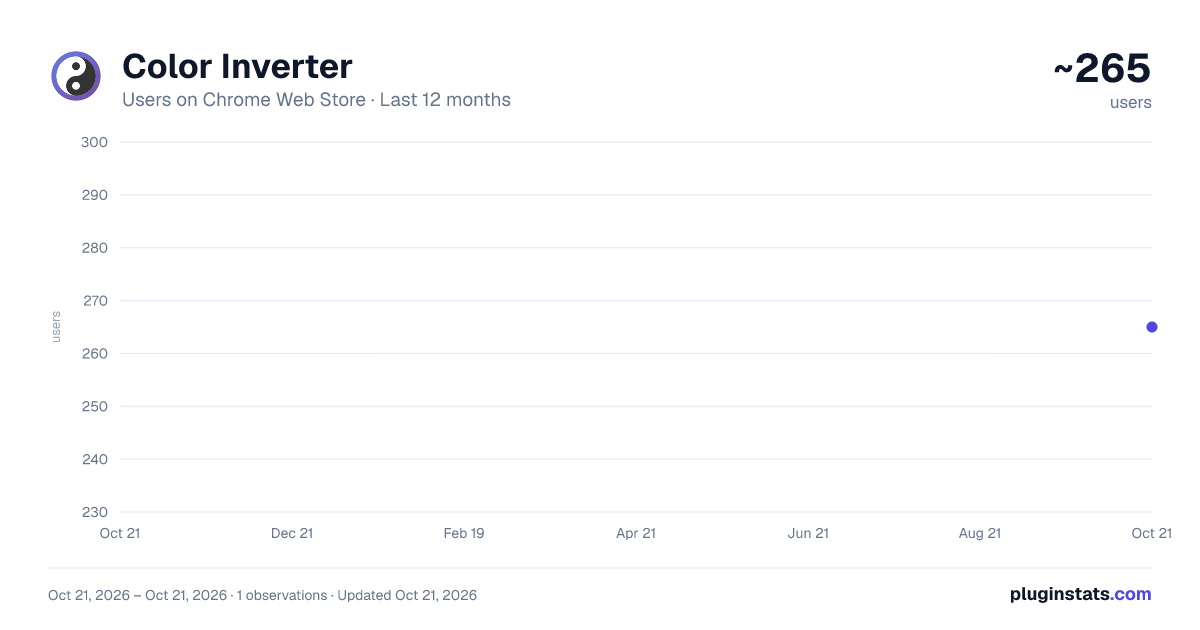
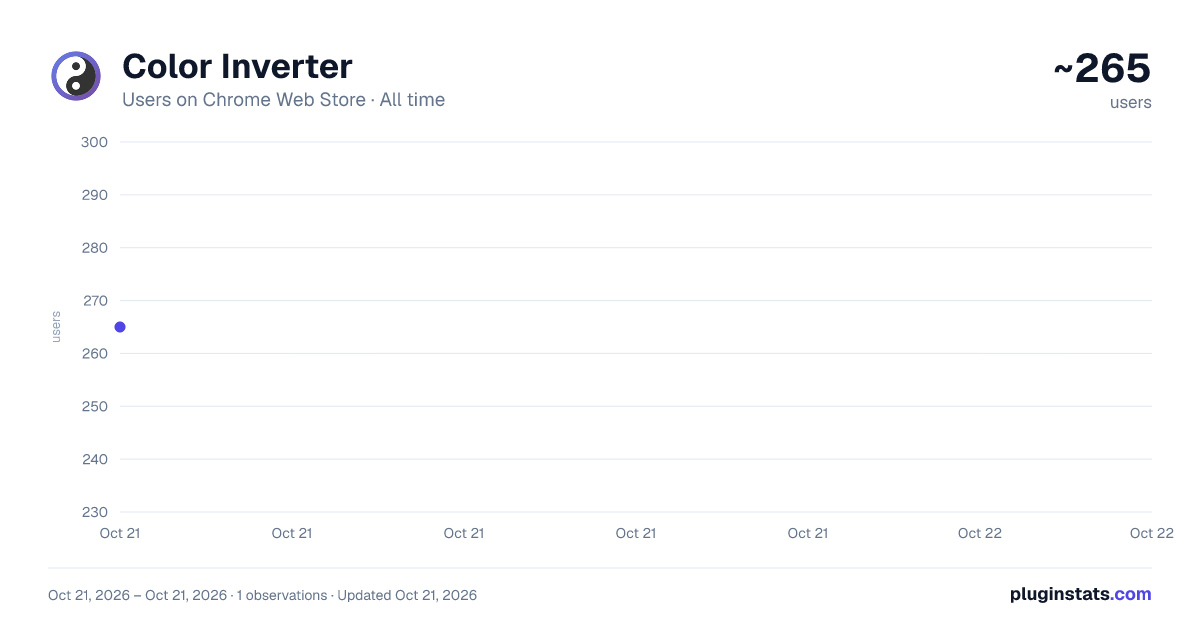
Color Inverter has approximately 265 recorded users on Chrome Web Store, ranking #1946 of 2,952 tracked listings.
Rating: 5.00 / 5 from 1 ratings
About Color Inverter
Instantly invert image colors. Simple, fast, privacy-first. Works offline.
Color Inverter - Simple & Fast Image Color Inversion
Transform any image with instant color inversion. Perfect for creating negative effects, improving visibility, dark mode conversions, or artistic exploration.
✨ KEY FEATURES
• Simple RGB Inversion - Professional-grade color transformation • 100% Privacy-First - All processing happens in your browser, nothing uploaded • Lightning Fast - Instant results with no waiting • Works Offline - No internet connection required after installation • Multiple Methods - Right-click menu or drag & drop upload • Side-by-Side Preview - Compare original and inverted images • One-Click Download - Save inverted images instantly
🎯 HOW TO USE
Method 1: Right-Click (Fastest)
- Right-click any image on any webpage
- Select "Invert Image Colors"
- View the inverted result in a beautiful overlay
- Click Download to save
Method 2: Extension Popup
- Click the Color Inverter icon
- Drag & drop or upload your image
- Preview original and inverted side-by-side
- Download with one click
🔒 PRIVACY & SECURITY
• No data collection - We never see your images • No tracking or analytics • No sign-up required • No external servers - Everything processes locally • All processing happens in your browser using HTML5 Canvas API • Zero permissions for browsing history or personal data
📁 SUPPORTED FORMATS
• JPEG / JPG • PNG • WebP • GIF • BMP
Maximum file size: 50MB
🎨 HOW IT WORKS
Uses standard RGB inversion algorithm (255 - RGB): • Red → Cyan • Green → Magenta • Blue → Yellow • White → Black • Black → White
Perfect for: • Creating photo negatives • Enhancing image visibility • Artistic effects • Dark mode conversions • Medical imaging review • Accessibility improvements • Educational purposes • Creative design work
🌐 BROWSER COMPATIBILITY
Works seamlessly on Chrome, Edge, and all Chromium-based browsers.
💡 WHY CHOOSE COLOR INVERTER?
Unlike online tools that upload your images to remote servers, Color Inverter processes everything directly in your browser. This means: • Your images never leave your device • Instant processing with no upload time • Works completely offline • No file size limitations from servers • Complete privacy and security • Minimal permissions - only what's needed for the core functionality
🔧 MINIMAL PERMISSIONS
• contextMenus - Adds "Invert Image Colors" to right-click menu • activeTab - Access images on the page you're viewing • All URLs - Process images from any website
That's it! No access to your browsing history, passwords, or personal data.
📞 SUPPORT & MORE
Visit https://invertcolor.app for more information and web-based color inversion tools.
Free forever. No ads. No tracking. Just simple, fast color inversion.
Description from the Chrome Web Store listing.
README badge
Show your rank in a README or on your website. The badge updates automatically.
Charts
Images: 30d · 1y · all time · 1600×900 dark
Adoption over time
7/30/90-day growth
Ranking history
Ratings over time
Listing placement
Listing placement
Filled points are observed values; hollow points come from Internet Archive snapshots of the listing page. Dashed segments span periods with no observations — values between points are not interpolated.
Each band is one page of 20. Users on a linear scale. Placement is projected from users, so it can differ from the marketplace's own sort order. Hover a dot to see the listing.
Recent observations
Full history (1)Similar Chrome Web Store Art & Design plugins
All 20 Color Inverter alternatives



Data source
Covers every Chrome Web Store extension with at least 100 users, found through the store's public sitemap. User counts are read from public listing pages. The 10% most-used extensions are refreshed daily, the next 40% weekly and the next 40% monthly; the least-used 10% are not refreshed. Google displays rounded user counts (and caps the display at 10,000,000+), so small changes may not be visible. Rating counts above 1,000 are rounded (e.g. 1.6K).
Listing: https://chromewebstore.google.com/detail/color-inverter/dkjbppkncackljljncgadahdddegafao. First seen Oct 21, 2026; last successful collection Oct 21, 2026. See the methodology.