 PluginStats
Convert WebP & AVIF Images users statistics
By Helpful Software Apps · Chrome Web Store · Tools
Right‑click any WebP / AVIF image and save as JPEG or PNG.
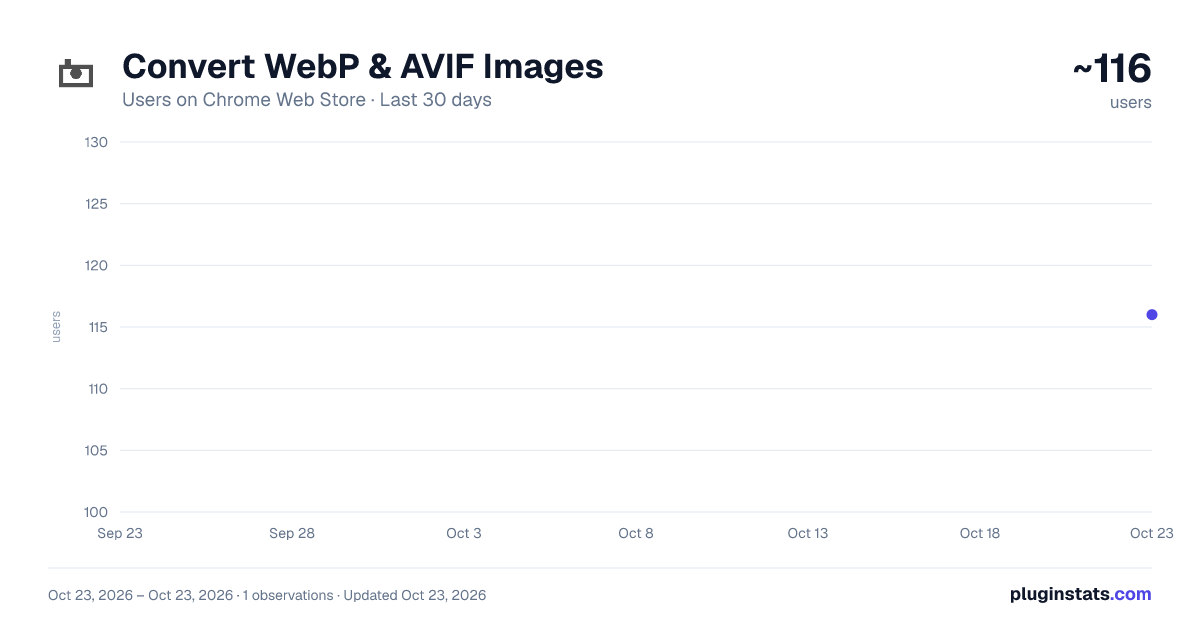
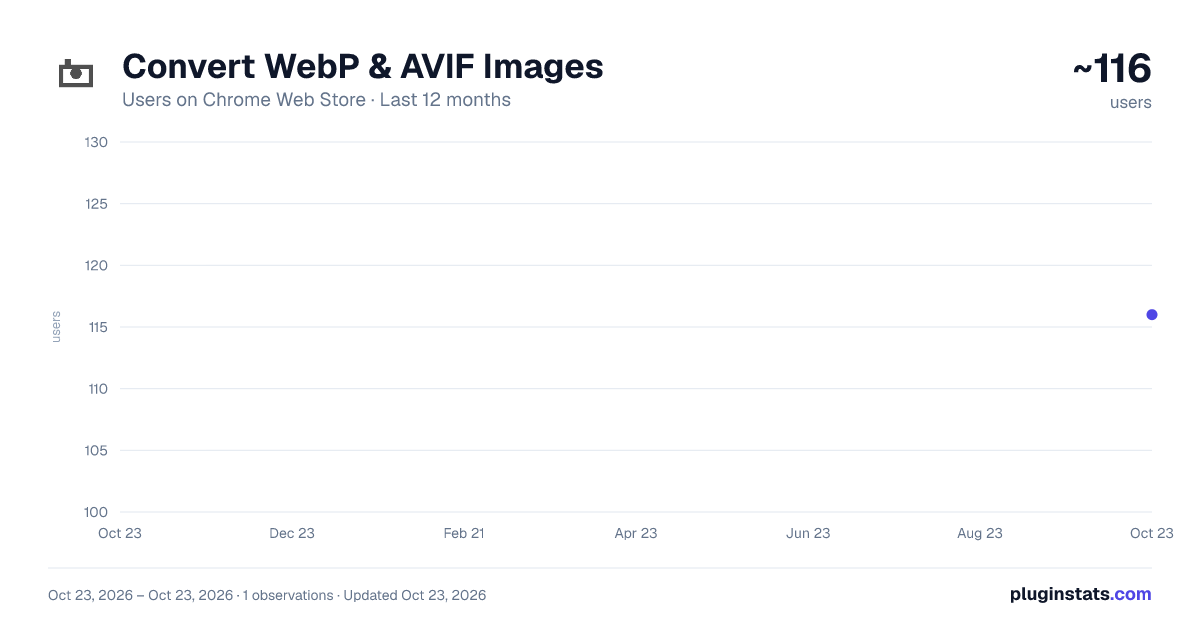
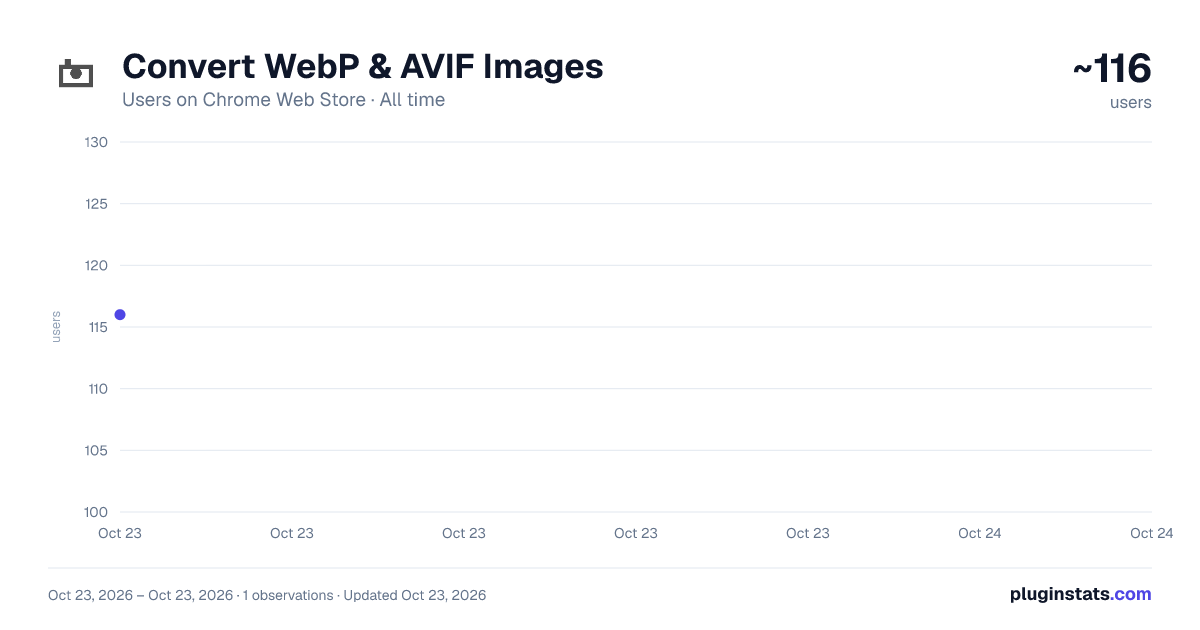
Convert WebP & AVIF Images has approximately 116 recorded users on Chrome Web Store, ranking #3628 of 3,853 tracked listings.
Rating: 4.00 / 5 from 1 ratings
About Convert WebP & AVIF Images
Right‑click any WebP / AVIF image and save as JPEG or PNG.
Here are a few simple steps to follow to convert your WebP images to PNG.
Install the software Right click a WebP/AVIF image file and choose to save as png/jpeg format Check your downloads folder and confirm the image has been converted correctly.
Modern websites are awash with images. Google’s WebP format delivers smaller file sizes without perceptible quality loss, yet many legacy tools still expect JPEG or PNG. A WebP converter browser extension bridges that gap instantly. Below are the chief benefits it provides to designers, marketers, developers, and everyday users.
-
One-click productivity Opening a dedicated graphics program or cloud converter every time you meet an incompatible file drains momentum. A browser extension embeds the task right in the context-menu or toolbar, so you can convert or download with a single click. Cutting out repeated app switching saves minutes each session and hours across a month of creative or administrative work.
-
Guaranteed file compatibility Some chat apps refuse to preview WebP; WordPress blocks uploads unless MIME types are tweaked; older editions of Photoshop cannot decode the format at all. Keeping a converter at arm’s length ensures every stakeholder—clients, editors, and social media schedulers—receives a universally supported PNG or JPEG. You avoid broken thumbnails, urgent re-exports, and embarrassing last-minute scrambles.
Description from the Chrome Web Store listing.
README badge
Show your rank in a README or on your website. The badge updates automatically.
Charts
Images: 30d · 1y · all time · 1600×900 dark
Adoption over time
7/30/90-day growth
Ranking history
Ratings over time
Listing placement
Listing placement
Filled points are observed values; hollow points come from Internet Archive snapshots of the listing page. Dashed segments span periods with no observations — values between points are not interpolated.
Each band is one page of 20. Users on a linear scale. Placement is projected from users, so it can differ from the marketplace's own sort order. Hover a dot to see the listing.
Recent observations
Full history (1)Similar Chrome Web Store Tools plugins
All 20 Convert WebP & AVIF Images alternatives



Data source
Covers every Chrome Web Store extension with at least 100 users, found through the store's public sitemap. User counts are read from public listing pages. The 10% most-used extensions are refreshed daily, the next 40% weekly and the next 40% monthly; the least-used 10% are not refreshed. Google displays rounded user counts (and caps the display at 10,000,000+), so small changes may not be visible. Rating counts above 1,000 are rounded (e.g. 1.6K).
Listing: https://chromewebstore.google.com/detail/convert-webp-avif-images/cofidmhjgojbficenmjmcoggoohbcmed. First seen Oct 23, 2026; last successful collection Oct 23, 2026. See the methodology.