 PluginStats
ThouShaltNotClick — Phishing Protection & Training users statistics
Chrome Web Store · Privacy & Security
Catches phishing in Gmail and Outlook. Real-time link analysis, breach alerts, and in-context security training.
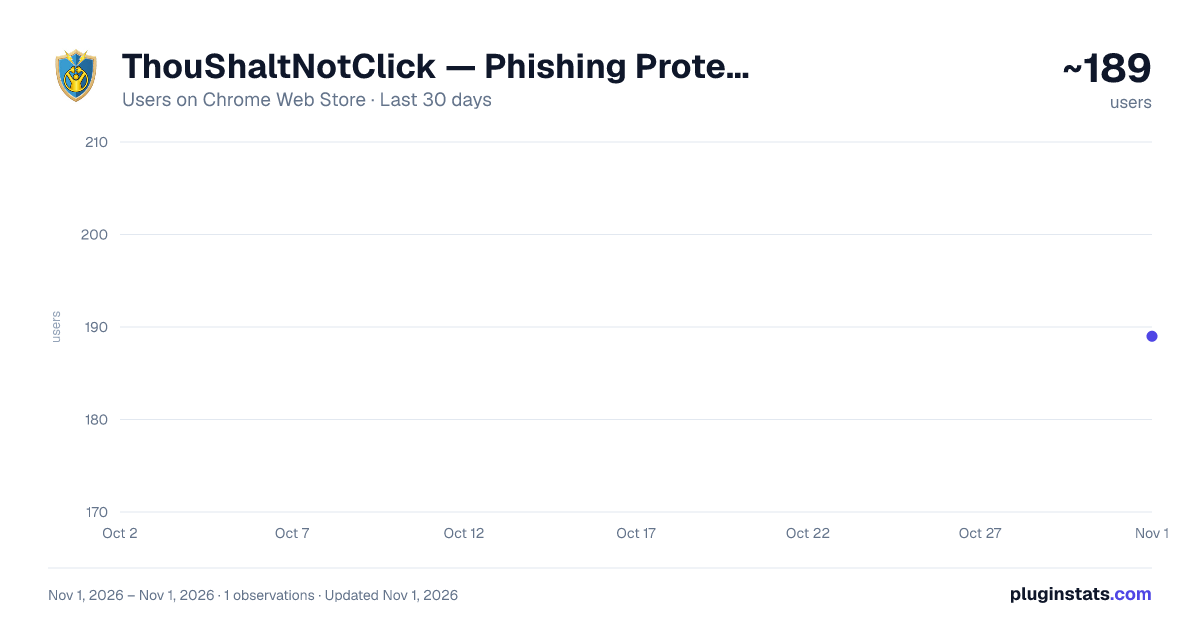
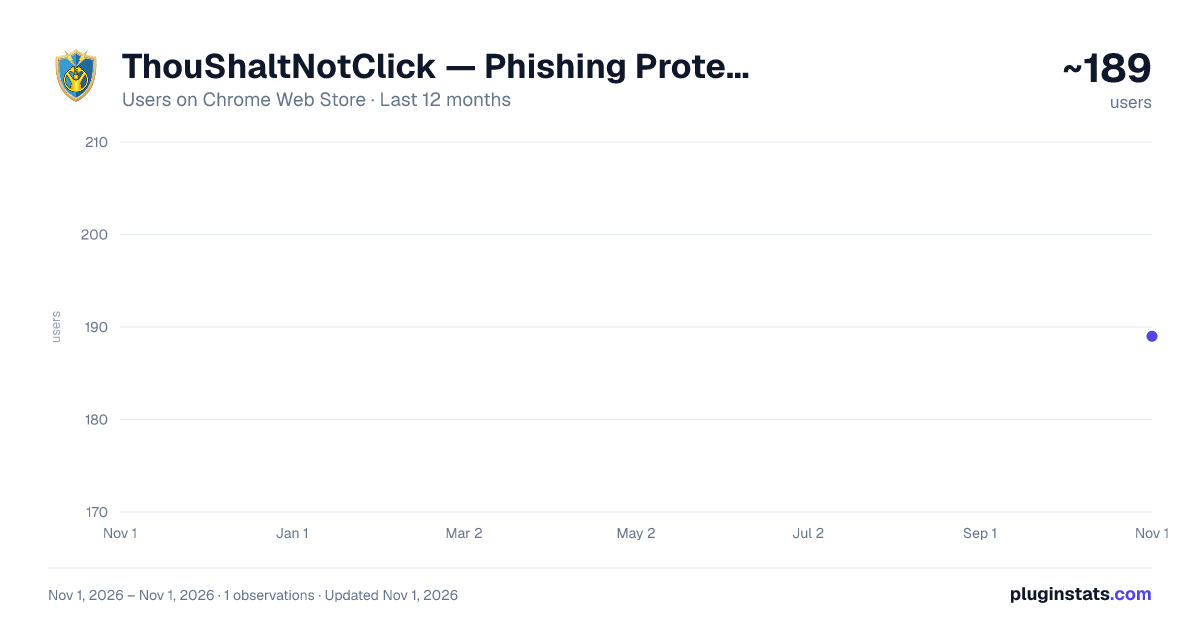
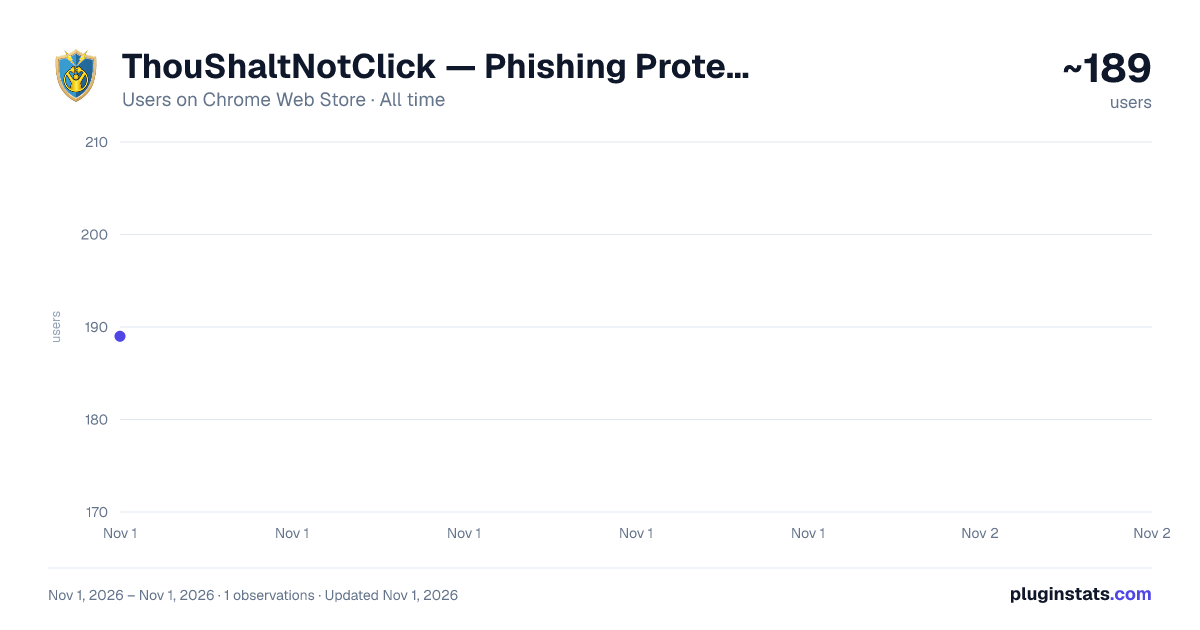
ThouShaltNotClick — Phishing Protection & Training has approximately 189 recorded users on Chrome Web Store, ranking #4819 of 6,300 tracked listings.
Rating: 5.00 / 5 from 2 ratings
About ThouShaltNotClick — Phishing Protection & Training
Catches phishing in Gmail and Outlook. Real-time link analysis, breach alerts, and in-context security training.
v1.9.183 • "Score too low?" is now "Score wrong?" — flag a score that looks off in either direction (too cautious or too lenient), add an optional note, and see how the score was reached before it goes to your school's admins. • Accuracy improvements so trustworthy everyday email — links, and routine account and workplace messages — reads as trustworthy.
v1.9.182 • One sign-in for the website and the extension: sign in on either one and the other follows right away. Signing out works the same way. • Signed out? Every email now shows a short line with a Sign in button that takes you to sign-in and back to your email, and the toolbar icon shows a gray OFF. • Replies from people you trust are judged on what they wrote, not on older messages quoted underneath. • Sharper at spotting “your account will be closed, verify your email” phishing, and smarter about genuine Stripe payment notices and Microsoft Azure alerts. • Choose how long you have to undo a report (1 to 5 seconds) in your Profile.
v1.9.177 • One sign-in: sign in to the extension or the ThouShaltNotClick website and the other is signed in too, with no second sign-in and no page refresh. Signing out of the extension signs you out of the website as well. • A clearer trust badge: the details open with two short lines. Sender says what we know about who sent the email; Request says what it's asking you to do. • Better link checks: "Show where this goes" reveals where a tracked or shortened link really lands before you open it. The result stays on one steady line, says where any warning comes from, and Open Link turns red when the link has a problem. • Fewer false alarms: genuine Microsoft Azure and Entra security alerts are no longer flagged because of Microsoft's own link tracking. • Stronger scam detection: fake invoices and renewal notices keep their red warning, and an email from a Microsoft address that asks you to call a phone number about a charge is flagged. • "Partial check" appears when part of a check can't finish, and your other protections stay on. • For schools: the Content Filter stays on for school-managed Chromebooks after someone signs out. • Performance improvements and fixes.
v1.9.171 • Security improvements to how messages are checked. On school-managed Chromebooks, the Content Filter now stays on after signing out. Smaller download.
v1.9.166 • Teachers waiting for their free account to be approved now see that their application is being reviewed (or wasn’t approved) and what happens next, instead of being told to ask their administrator.
v1.9.165 • A cleaner look: new navy-and-gold buttons with simple icons in Gmail and Outlook on the web, with clear “reporting”, “reported”, “marked safe” and “saved — will send” states and a more visible keyboard focus outline. • Gmail’s own “Report phishing” and “Report spam” buttons now count as your report on our practice emails. • AI Analysis shows how its view compares with our score, explains why, and lets you report straight from the result. • Better protection against scams that imitate our practice emails: reports are checked more carefully before they count as practice. • Fewer false alarms on genuine account notices. • Fixes: undoing a Community Alert on a forwarded email now always cancels it; Outlook on the web keeps checking new messages while the banner is showing; and “Thank you for reporting” only appears when the report really went through.
v1.9.151 • Better protection against account-takeover email. Messages from inside your school that contain scam wording or a disguised e-signature request ("Pending eSign") now show a caution instead of a trusted green. • Fewer false alarms. Everyday wording like "signature required", links that stay on your school's own sites, and scam wording that only appears in a forwarded "is this real?" message no longer trigger the takeover warning. • Made-up addresses at your school's own domain are no longer trusted (schools with Google Workspace connected). • Behind-the-scenes cleanup and reliability improvements.
v1.9.149 • Trust-score engine v2 now stays in sync with ThouShaltNotClick's servers automatically - scoring updates roll out centrally, without needing an extension update. • Reliability and performance improvements.
v1.9.148 • Fixed: the extension could appear signed in while every check silently failed, if your school requires two-factor authentication and you hadn't finished setting it up • Fixed: routine subscription and invoice emails were sometimes flagged as possible phishing • Fixed: a reply in a conversation you're part of is no longer treated as a cold approach from a stranger • Fixed: badges now appear as soon as you sign in, without needing to reload the tab • Improved: warnings now explain which specific signal triggered them, and how confident we are • Improved: links rewritten by a corporate email gateway are unwrapped before analysis
v1.9.139 • Fewer false alarms, one real hole closed. • Banks, parishes and dioceses are no longer scored as impersonators. • Better detection of payment-fraud (BEC) style messages, and more accurate sender identification. • Closed a genuine sender-spoofing gap found in a security audit.…
Description from the Chrome Web Store listing.
README badge
Show your rank in a README or on your website. The badge updates automatically.
Charts
Images: 30d · 1y · all time · 1600×900 dark
Adoption over time
7/30/90-day growth
Ranking history
Ratings over time
Listing placement
Listing placement
Filled points are observed values; hollow points come from Internet Archive snapshots of the listing page. Dashed segments span periods with no observations — values between points are not interpolated.
Each band is one page of 20. Users on a linear scale. Placement is projected from users, so it can differ from the marketplace's own sort order. Hover a dot to see the listing.
Recent observations
Full history (1)Similar Chrome Web Store Privacy & Security plugins
All 20 ThouShaltNotClick — Phishing Protection & Training alternatives



Data source
Covers every Chrome Web Store extension with at least 100 users, found through the store's public sitemap. User counts are read from public listing pages. The 10% most-used extensions are refreshed daily, the next 40% weekly and the next 40% monthly; the least-used 10% are not refreshed. Google displays rounded user counts (and caps the display at 10,000,000+), so small changes may not be visible. Rating counts above 1,000 are rounded (e.g. 1.6K).
Listing: https://chromewebstore.google.com/detail/thoushaltnotclick-—-phish/cpnepnmopionnobdffmnoikbjgnnfkpf. First seen Nov 1, 2026; last successful collection Nov 1, 2026. See the methodology.