 PluginStats

LockTab — Password Lock for Your Browser users statistics
Chrome Web Store · Privacy & Security
Password-protect your Chrome profile, windows and tabs. Lock on startup or auto-lock when idle. Private, local, no accounts.
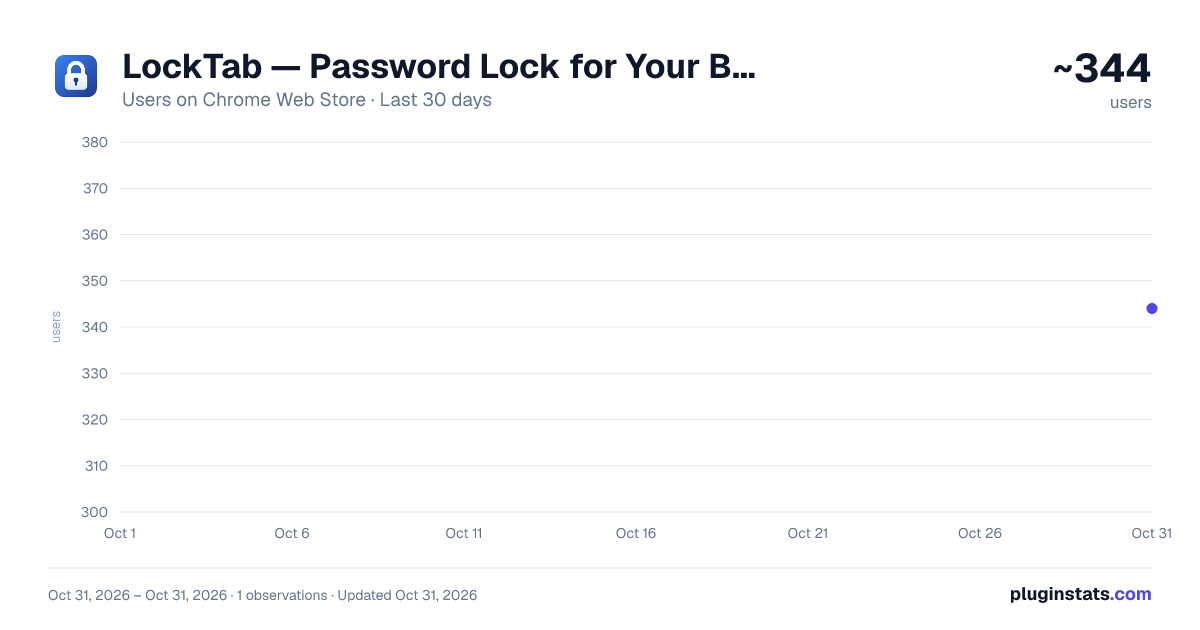
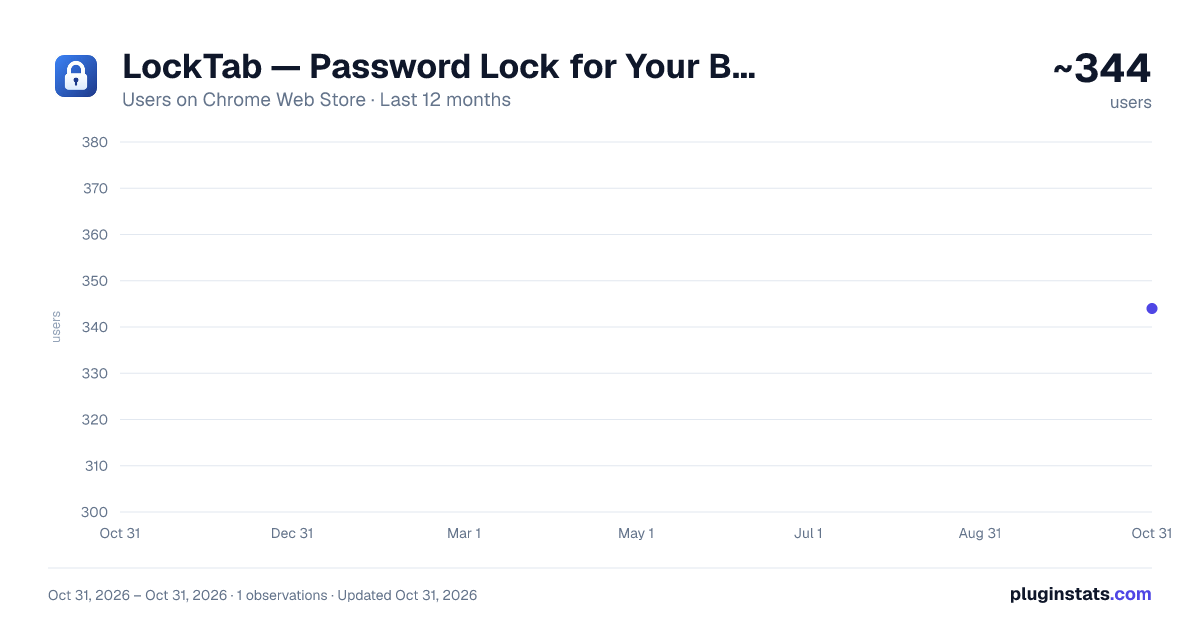
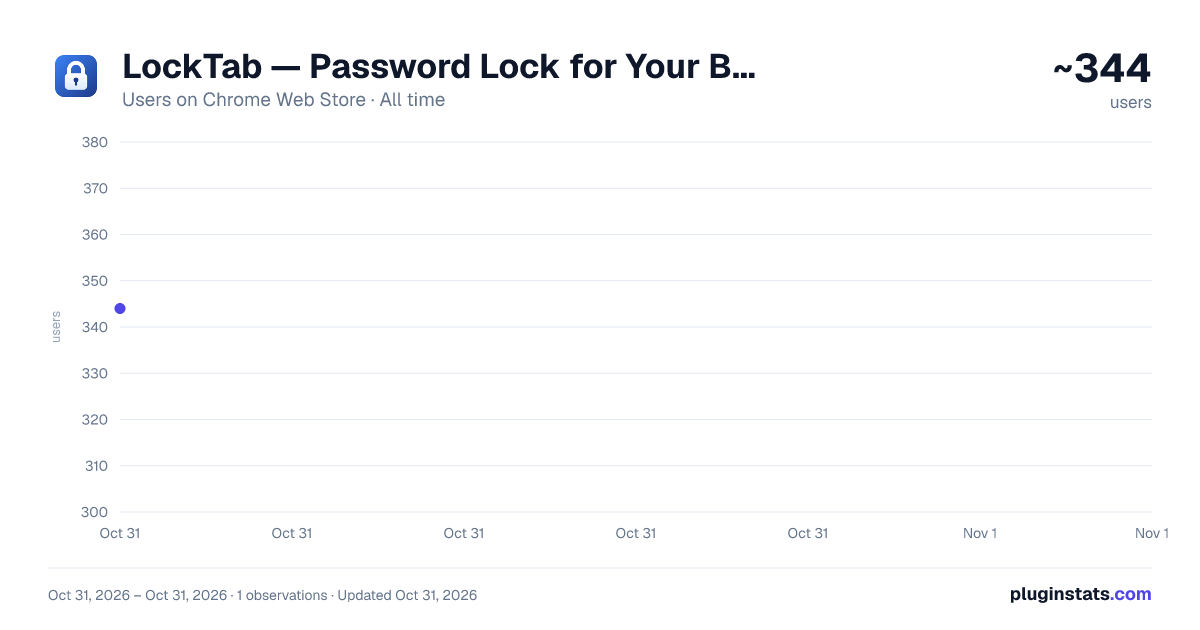
LockTab — Password Lock for Your Browser has approximately 344 recorded users on Chrome Web Store, ranking #3934 of 6,672 tracked listings.
Rating: 5.00 / 5 from 1 ratings
About LockTab — Password Lock for Your Browser
Password-protect your Chrome profile, windows and tabs. Lock on startup or auto-lock when idle. Private, local, no accounts.
Keep your browser private when you step away. LockTab puts your Chrome profile, a window or a single tab behind a master password, with no account and no cloud.
LOCK EVERYTHING • Lock Chrome now: every window and tab is locked with one click or Alt+Shift+L. • Lock when Chrome starts: Chrome asks for your password on every launch. • Auto-lock: lock after 1–60 minutes of inactivity, or when your computer locks or sleeps. • A locked Chrome stays locked after a restart.
OR LOCK JUST WHAT MATTERS • Lock a single tab (Alt+Shift+K), such as your email, bank or a private document, and keep using everything else. • Lock a whole window. New tabs opened in it are locked too. • Protected tabs and windows stay protected when Chrome restarts.
PICK UP WHERE YOU LEFT OFF • Locked pages stay loaded behind the lock screen, so after unlocking your forms, videos and scroll position are exactly as you left them. • Tab titles are hidden while locked, so the tab strip doesn't give anything away. • Chrome's own pages (Settings, New Tab and others) are covered too.
PRIVATE BY DESIGN • Your password is never stored. LockTab keeps only an encrypted verifier (PBKDF2 + AES-256-GCM via the Web Crypto API). • No account, no servers, no analytics. LockTab makes no network requests at all. • Forgot your password? Use the recovery key you saved during setup. • Brute-force protection pauses new attempts after repeated wrong passwords.
FOR THE CAUTIOUS • Strict mode replaces locked pages with the lock screen, so they can't be uncovered with developer tools.
Works on Windows, macOS, Linux and ChromeOS, in light or dark mode.
Note: LockTab is a browser extension. It protects against people using your computer while you're away, not against someone who can change Chrome's settings or your operating system. For full protection, also lock your computer.
Description from the Chrome Web Store listing.
README badge
Show your rank in a README or on your website. The badge updates automatically.
Charts
Images: 30d · 1y · all time · 1600×900 dark
Adoption over time
7/30/90-day growth
Ranking history
Ratings over time
Listing placement
Listing placement
Filled points are observed values; hollow points come from Internet Archive snapshots of the listing page. Dashed segments span periods with no observations — values between points are not interpolated.
Each band is one page of 20. Users on a linear scale. Placement is projected from users, so it can differ from the marketplace's own sort order. Hover a dot to see the listing.
Recent observations
Full history (1)Similar Chrome Web Store Privacy & Security plugins
All 20 LockTab — Password Lock for Your Browser alternatives



Data source
Covers every Chrome Web Store extension with at least 100 users, found through the store's public sitemap. User counts are read from public listing pages. The 10% most-used extensions are refreshed daily, the next 40% weekly and the next 40% monthly; the least-used 10% are not refreshed. Google displays rounded user counts (and caps the display at 10,000,000+), so small changes may not be visible. Rating counts above 1,000 are rounded (e.g. 1.6K).
Listing: https://chromewebstore.google.com/detail/locktab-—-password-lock-f/glgekgclclebijdnjljoajioleoiepbe. First seen Oct 31, 2026; last successful collection Oct 31, 2026. See the methodology.