 PluginStats

Tracking Number users statistics
Use Tracking Number extension to track your packages effortlessly. Enjoy seamless package and parcel tracking.
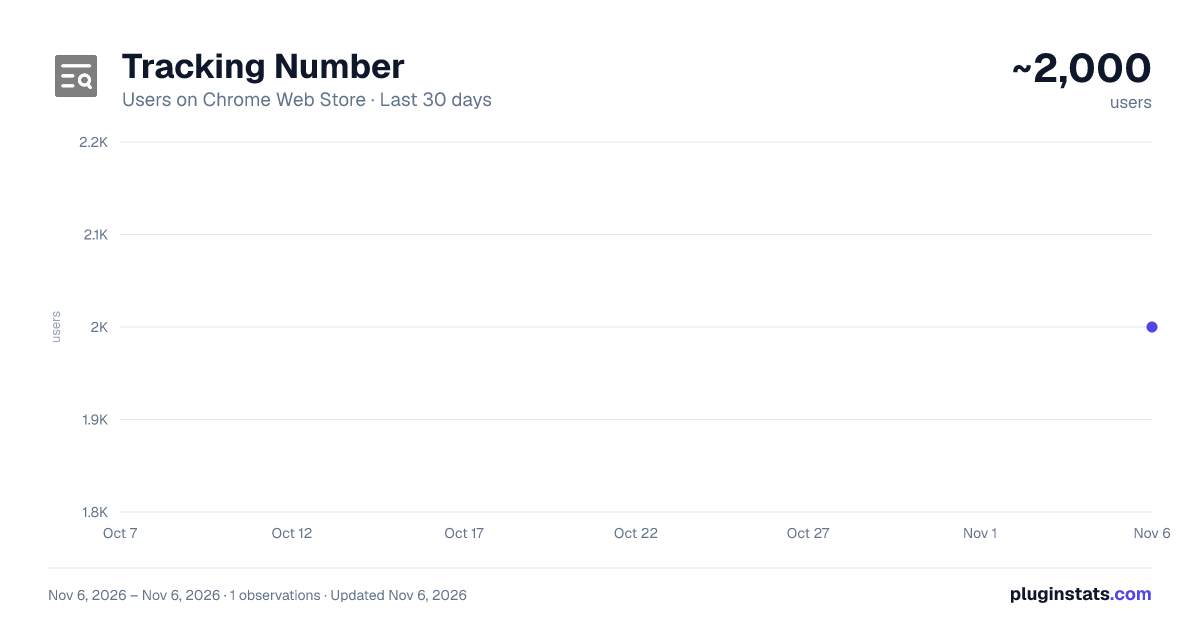
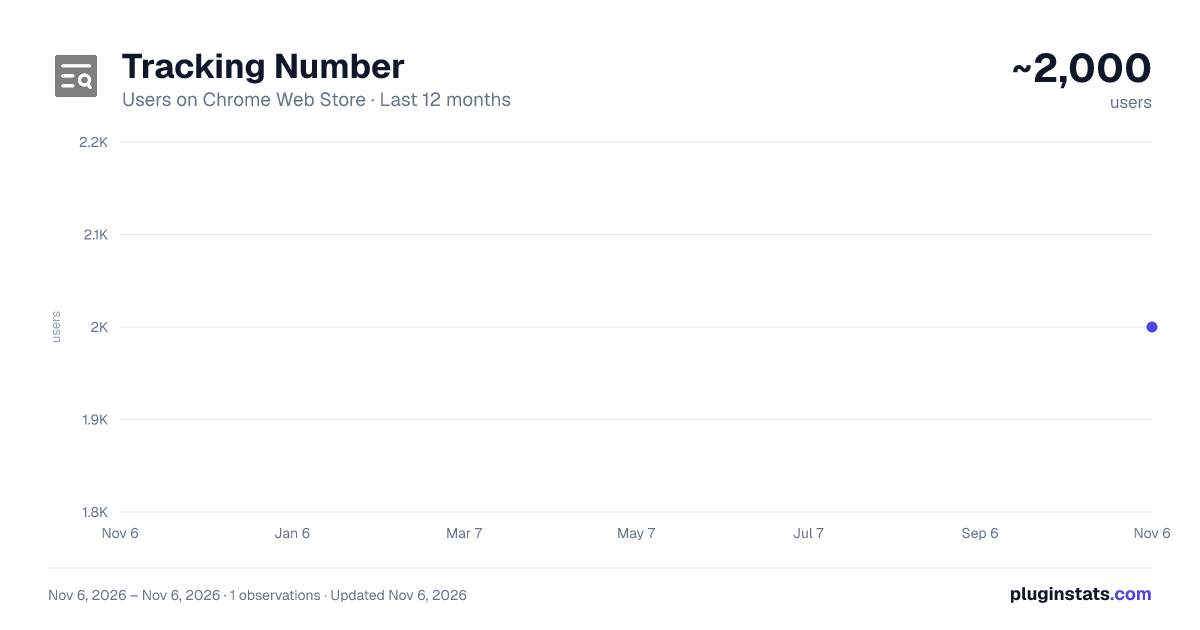
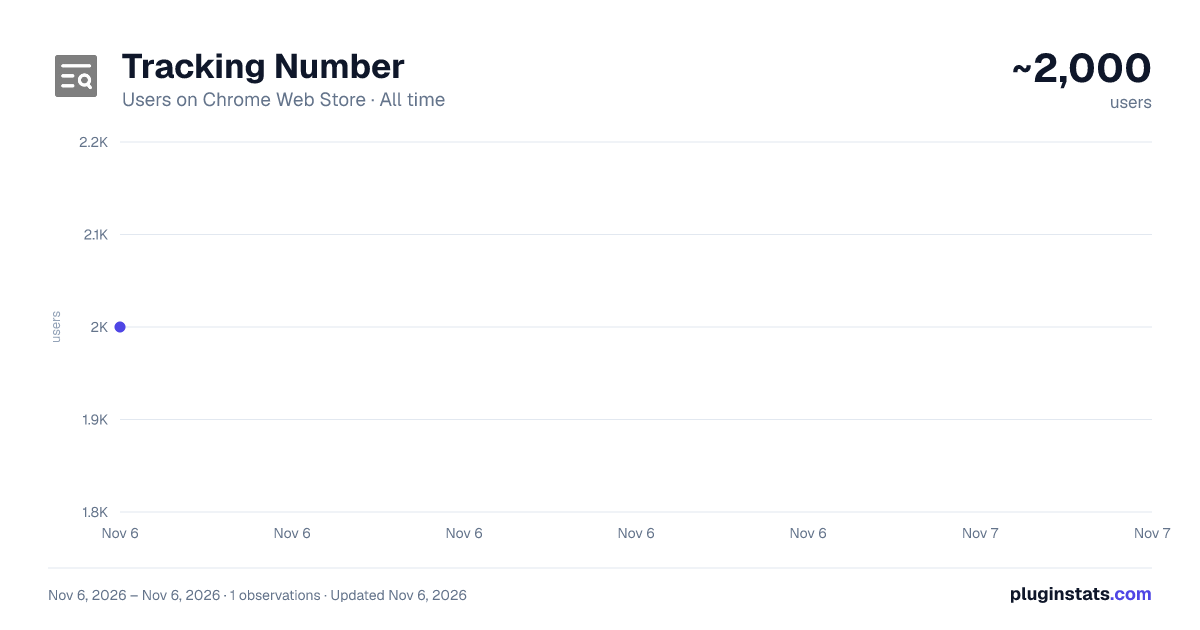
Tracking Number has approximately 2,000 recorded users on Chrome Web Store, ranking #1993 of 7,624 tracked listings.
Rating: 3.90 / 5 from 108 ratings
About Tracking Number
Use Tracking Number extension to track your packages effortlessly. Enjoy seamless package and parcel tracking.
Are you tired of juggling multiple websites to track your packages? Say goodbye to the hassle and hello to convenience with our Google Chrome extension. Whether you're waiting for a delivery from USPS, UPS, FedEx, DHL, or Amazon, this tool is your one-stop solution for all your package tracking needs.
🌟 Key Features:
1️⃣ Comprehensive Tracking: Track packages from major carriers like USPS, UPS, FedEx, and DHL. Whether it's a USPS or a FedEx tracking number, we've got you covered. 2️⃣ User-Friendly Interface: Easily monitor your packages with a simple and intuitive interface. Enter your tracking number and get real-time updates on your package's status. 3️⃣ Informed Delivery: Stay informed with delivery notifications. Know exactly when your package will arrive with USPS informed delivery and other carrier updates. 4️⃣ My Packages: Access the "My Packages" feature, which allows you to keep monitor of all your shipments on one page. 5️⃣ Quick Access: Save time with a built-in parcel number search tool. 6️⃣ Detailed Updates: Get step-by-step details of your package's journey.
🔮 Why Use Tracking Number?
Tracking packages has never been easier. With just a few clicks, you can input your USPS, UPS, or FedEx parcel number and get real-time updates. No more switching between tabs or searching for the right website.
❗️Here’s what makes this extension a must-have:
➤ Versatility: Monitor packages from different postal services and courier companies, regardless of their country of origin. This makes tracking easier, especially for international shipments. ➤ Convenience: Instead of visiting multiple postal sites, use a single service that gathers all the information in one place. Save time and simplify the process. ➤ History: Store tracking history for regular orders. This feature is particularly useful for frequent online shoppers or businesses that handle multiple shipments. ➤ Universal Compatibility: Works with USPS, UPS, FedEx, DHL, Amazon. ➤ Real-Time Updates: Get the latest status of your package instantly. ➤ User-Friendly Interface: Simple and intuitive design for all users. ➤ Secure and Private: Your parcel number data is safe with us. ➤ Free to Use: No hidden fees or subscriptions.
⚡ How It Works
Using the extension is as easy as 1, 2, 3: • How to use: Install the Tracking Number extension and click its button in the top right corner of the browser. • Enter your tracking number (e.g., USPS or UPS parcel code) in the special field to get information on the location and status of your parcel. • Click "Track" to get instant updates. • Check Status: Get real-time updates on your package's status, whether it's "Sent," "In transit," or "Processed." • Contact Sender: If you're unsure about the shipment status, contact the sender (e-shop, retailer, or individual) to clarify the shipment details and obtain a parcel code if one is not provided.
❓FAQs
Q: Can I monitor international packages? A: Yes! Use your DHL or FedEx tracking number for international shipments. Q: Is it free to use? A: Absolutely. Monitoring your package parcel code is 100% free. Q: What if I lose my tracking number? A: Contact your carrier (e.g., USPS or UPS) for a post office tracking number from receipt.
Download the Tracking Number Chrome Extension today and experience the convenience of seamless package tracking! 📦
Description from the Chrome Web Store listing.
README badge
Show your rank in a README or on your website. The badge updates automatically.
Charts
Images: 30d · 1y · all time · 1600×900 dark
Adoption over time
7/30/90-day growth
Ranking history
Ratings over time
Listing placement
Listing placement
Filled points are observed values; hollow points come from Internet Archive snapshots of the listing page. Dashed segments span periods with no observations — values between points are not interpolated.
Each band is one page of 20. Users on a linear scale. Placement is projected from users, so it can differ from the marketplace's own sort order. Hover a dot to see the listing.
Recent observations
Full history (1)Similar Chrome Web Store Shopping plugins
All 20 Tracking Number alternatives



Data source
Covers every Chrome Web Store extension with at least 100 users, found through the store's public sitemap. User counts are read from public listing pages. The 10% most-used extensions are refreshed daily, the next 40% weekly and the next 40% monthly; the least-used 10% are not refreshed. Google displays rounded user counts (and caps the display at 10,000,000+), so small changes may not be visible. Rating counts above 1,000 are rounded (e.g. 1.6K).
Listing: https://chromewebstore.google.com/detail/tracking-number/jmakaoiamffmcilmpdndjpjdanjhfheh. First seen Nov 6, 2026; last successful collection Nov 6, 2026. See the methodology.