 PluginStats
Ctrl-F Plus: Ctrl + F Search Across All Tabs users statistics
Find words and phrases across ALL your open tabs! 🔍
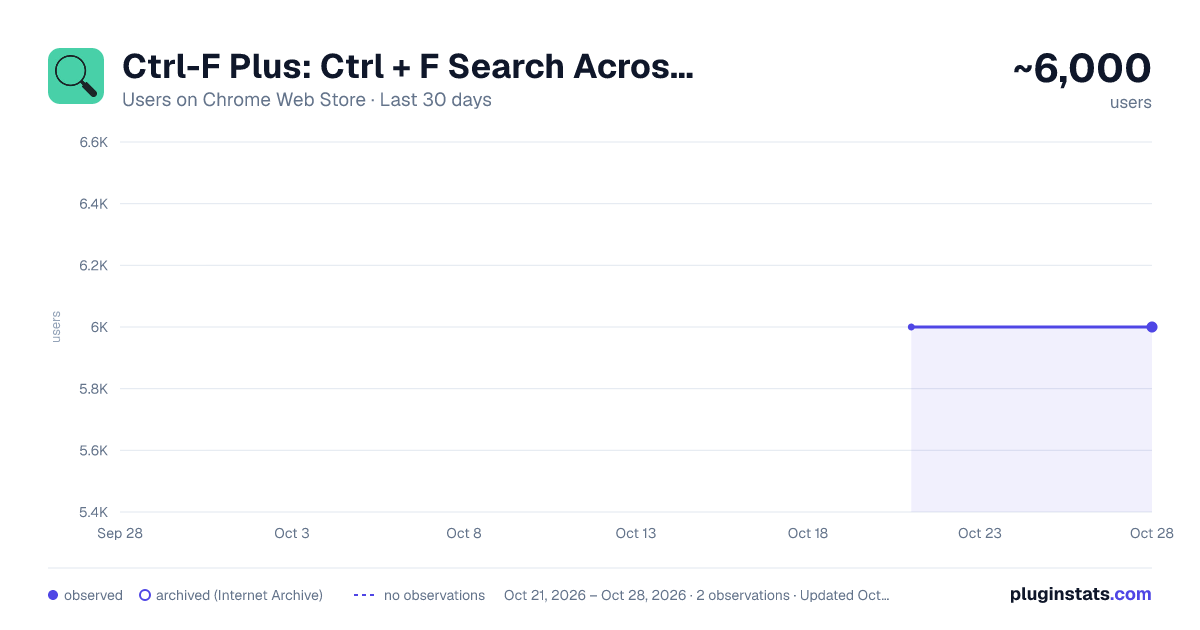
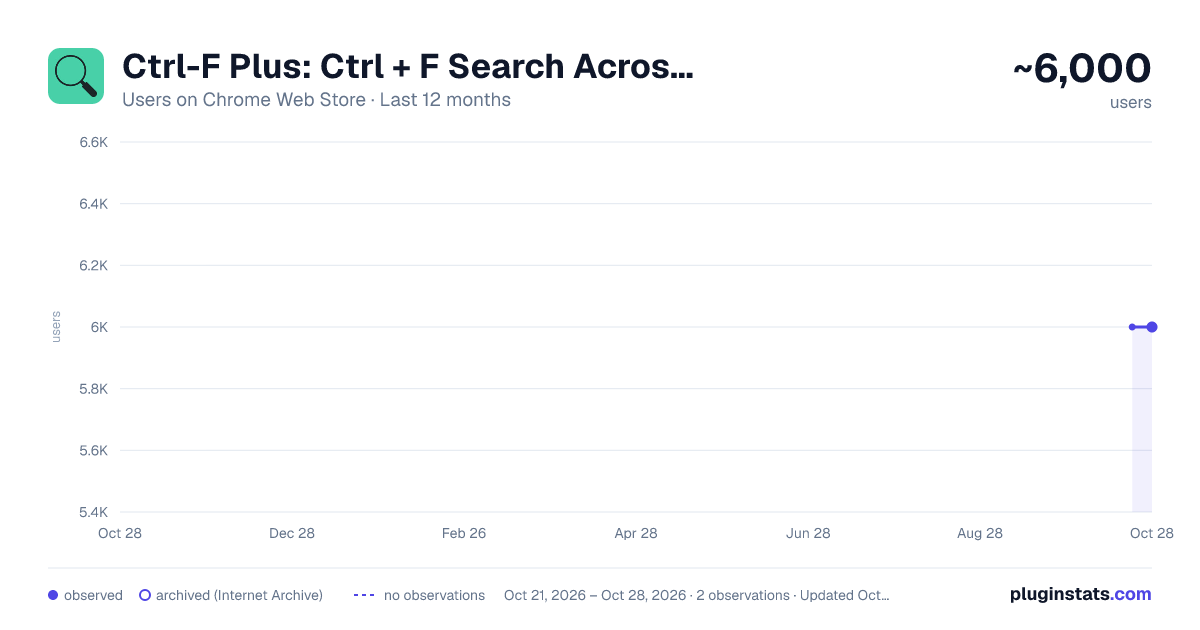
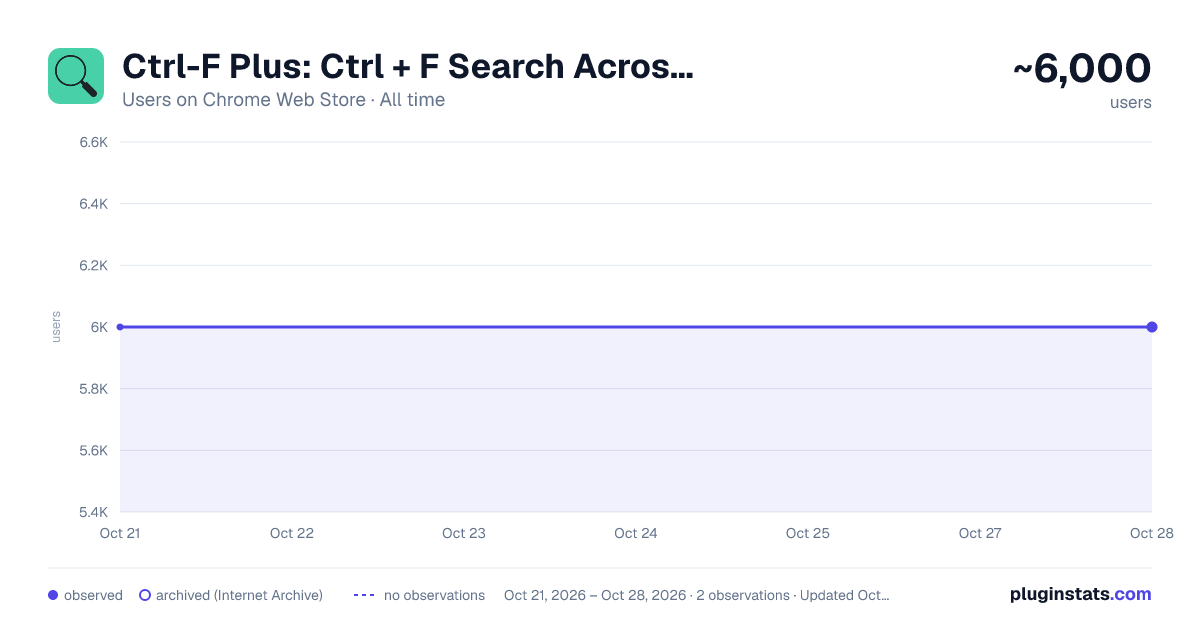
Ctrl-F Plus: Ctrl + F Search Across All Tabs has approximately 6,000 recorded users on Chrome Web Store, ranking #475 of 2,952 tracked listings.
Rating: 4.00 / 5 from 32 ratings
About Ctrl-F Plus: Ctrl + F Search Across All Tabs
Find words and phrases across ALL your open tabs! 🔍
Ctrl-F Plus enables cross-tab search functionality in a browser window by extending the browser's native Ctrl + F Find Feature (Cmd + F on Mac). Now you can find a specific word or phrase on any of your browser tabs without having to search each tab separately.
FEATURES
-
Extended Native Browser Search : Enhances the traditional 'Ctrl F' with powerful multi-tab capabilities.
-
All-Tab Search: No more switching between tabs. Find what you're looking for across all open tabs in your current window.
-
Intuitive Interface: Designed to look and feel like the browser's native find function, ensuring a seamless user experience.
-
Quick Activation: Simply use the
Ctrl + Shift + Fkeyboard command to activate the search.
USE CASES
-
Students: Quickly find references across multiple research papers or articles.
-
Professionals: Seamlessly search for client names or keywords across various reports.
-
Shoppers: Easily compare product details or prices across online stores.
⌨ KEYBOARD SHORTCUT SETUP FOR CTRL-F PLUS:
- Install "Ctrl-F Plus" in Chrome.
- Pin the extension:
- Click the puzzle piece icon (Extensions) in Chrome's top-right.
- Locate "Ctrl-F Plus" and click its pin icon.
- Right-click the "Ctrl-F Plus" icon and select "Set Keyboard Shortcut".
- Find "Ctrl-F Plus" in the list.
- Set the activation shortcut:
- Windows, Linux, ChromeOS:
Ctrl+Shift+F. - Mac:
⌘+Shift+F(orCommand+Shift+F).
- Close the window, and you're ready! Use the shortcut for multi-tab searches anytime.
❤️ LOVE CTRL-F PLUS?
- If you find our extension helpful, please consider leaving a 5-star 🌟 review and sharing your experience. Your support helps us grow and improve!
💖💖 REALLY REALLY LOVE CTRL-F PLUS?
- Consider supporting our team with a donation at: https://opencollective.com/ctrl-f-plus-chrome-extension
SUPPORT & FEEDBACK:
- Encounter an issue or have an idea? If you have any questions or feedback, we’d love to hear from you. Let us know at support@ctrl-f.plus.
Description from the Chrome Web Store listing.
README badge
Show your rank in a README or on your website. The badge updates automatically.
Charts
Images: 30d · 1y · all time · 1600×900 dark
Adoption over time
7/30/90-day growth
Ranking history
Ratings over time
Listing placement
Listing placement
Filled points are observed values; hollow points come from Internet Archive snapshots of the listing page. Dashed segments span periods with no observations — values between points are not interpolated.
Each band is one page of 20. Users on a linear scale. Placement is projected from users, so it can differ from the marketplace's own sort order. Hover a dot to see the listing.
Recent observations
Full history (1)Similar Chrome Web Store Tools plugins
All 20 Ctrl-F Plus: Ctrl + F Search Across All Tabs alternatives



Data source
Covers every Chrome Web Store extension with at least 100 users, found through the store's public sitemap. User counts are read from public listing pages. The 10% most-used extensions are refreshed daily, the next 40% weekly and the next 40% monthly; the least-used 10% are not refreshed. Google displays rounded user counts (and caps the display at 10,000,000+), so small changes may not be visible. Rating counts above 1,000 are rounded (e.g. 1.6K).
Listing: https://chromewebstore.google.com/detail/ctrl-f-plus-ctrl-+-f-sear/dkfbnlclahcmcgehpancgfhogmilankf. First seen Oct 21, 2026; last successful collection Oct 21, 2026. See the methodology.