 PluginStats
Window Resizer users statistics
By kainar.toleubaev · Chrome Web Store · Developer Tools
Use Window Resizer сhrome extension as a responsive checker and chrome resize window plugin for testing layouts on all screens.
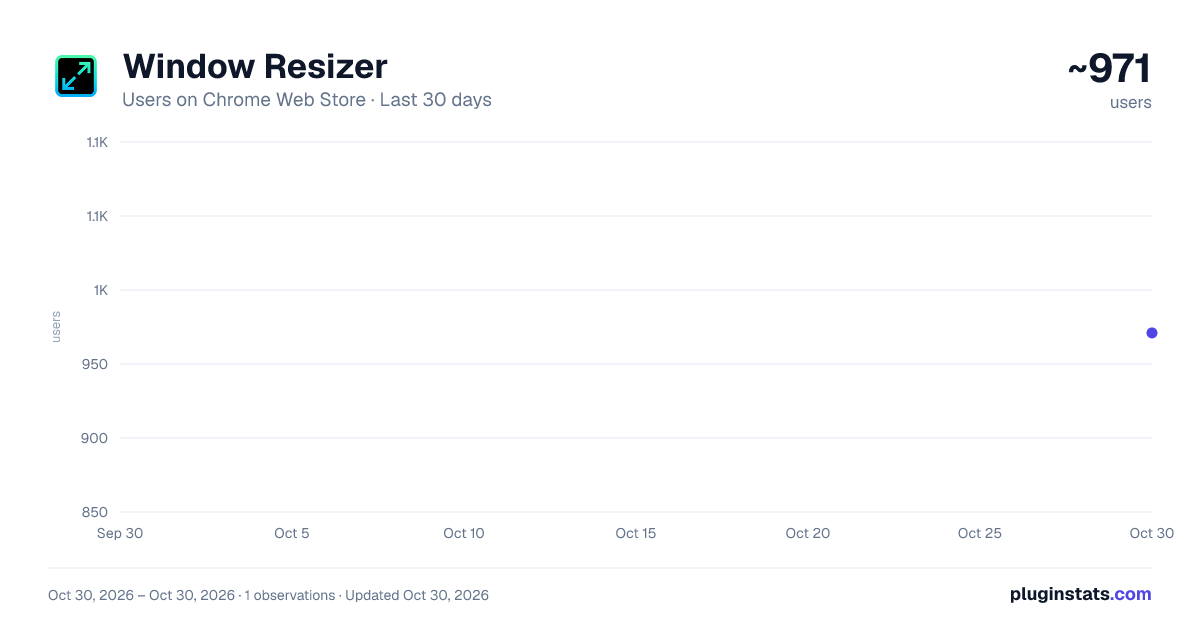
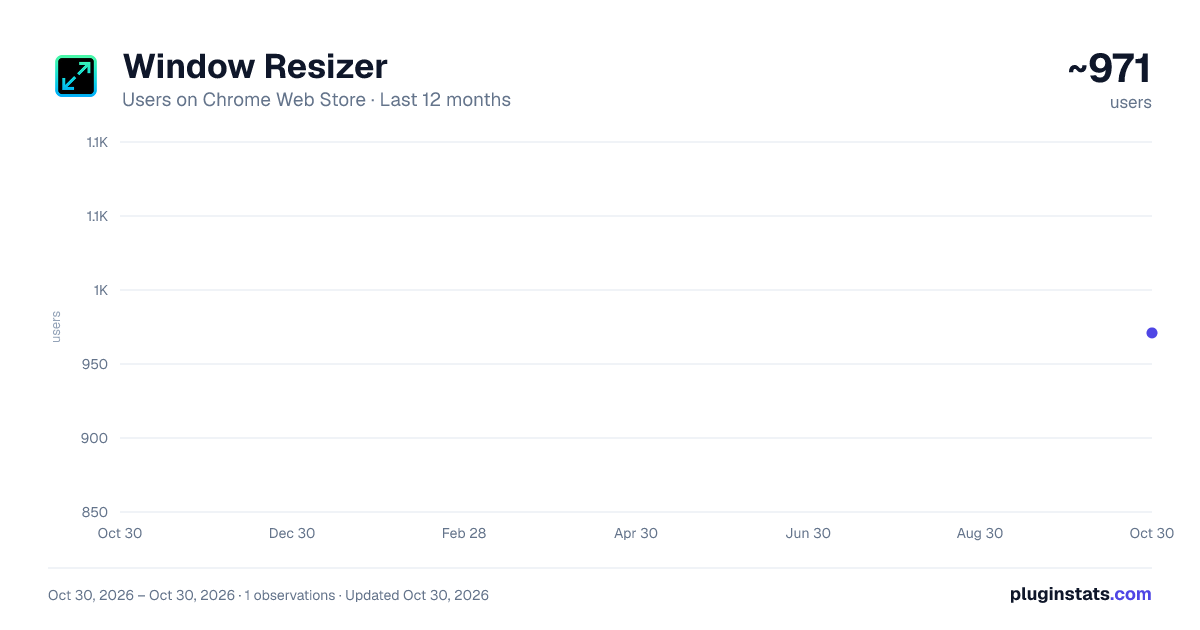
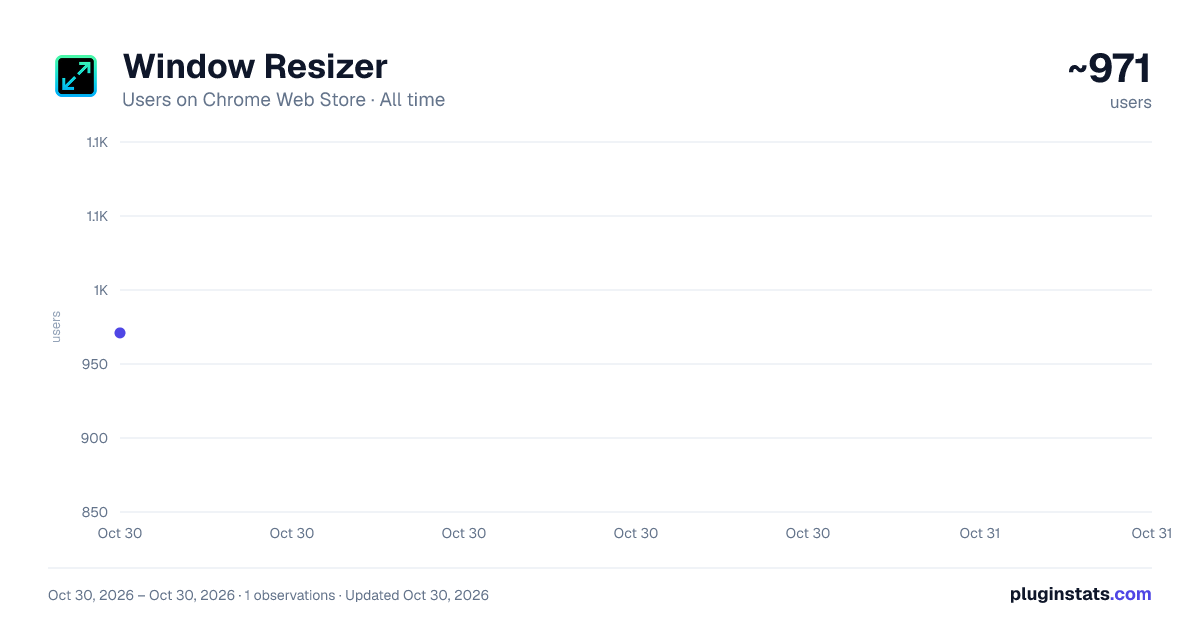
Window Resizer has approximately 971 recorded users on Chrome Web Store, ranking #2068 of 5,550 tracked listings.
Rating: 5.00 / 5 from 4 ratings
About Window Resizer
Use Window Resizer сhrome extension as a responsive checker and chrome resize window plugin for testing layouts on all screens.
🚀 Take full control of your browser testing workflow with this powerful viewport manager built for developers, designers, and QA engineers working in browser.
💡 This advanced window resizer chrome extension is designed to simplify how you check responsiveness and simulate multiple screen sizes instantly. Whether you’re building modern interfaces or debugging layouts, this responsive site checker becomes your daily companion.
⚙️ With this responsive design checker, you can quickly switch between predefined resolutions or create custom presets tailored for your workflow.
📊 Key benefits of using this window resizer google chrome solution: 1️⃣ Instantly adjust your browser for any resolution. 2️⃣ Simulate mobile, tablet as well as desktop views. 3️⃣ Save custom presets for repeated checks. 4️⃣ Boost productivity with fast switching. 5️⃣ Improve UI consistency across devices.
🎯 As a professional chrome extension window resizer, it allows precise control over dimensions, making it ideal for pixel-perfect design validation. The intuitive interface ensures you can focus on validation rather than configuration.
🔥 Why developers love this chrome window resizer extension: 🔹 Clean and minimal UI. 🔹 Fast resizing performance. 🔹 No page reload required. 🔹 Works with any website. 🔹 Fully customizable presets. 🔹 Smooth resizing, no layout glitches. 🔹 Resize browser window chrome.
🌍 The google chrome window resizer functionality makes it easy to validate layouts without opening developer tools. It’s perfect for both beginners and experienced professionals.
🧩 Use this addon window resizer for a smoother responsive testing workflow. The window resizer chrome plugin ensures that resizing actions are smooth and accurate every time.
⚡ How to resize a browser window? This resizer provides one-click solutions that save time and reduce friction in your workflow.
🛠️ Advanced features included in this chrome extension resize window tool: ➤ Custom width and height input for precise browser sizing. ➤ Device preset library with popular screen resolutions. ➤ Full-screen simulation with resizer support for realistic preview. ➤ Orientation switching between portrait and landscape. ➤ Multiple tab support for parallel checks with synchronized resizer. ➤ Quick access toolbar for instant resize controls and navigation. ➤ Ability to test edge-case resolutions like ultra-wide screens. ➤ Lightweight performance without slowing down your browser. ➤ Responsive web checker for instant design testing.
🧪 The chrome plugin resize window functionality is perfect for testing layouts across multiple screen sizes simultaneously. The extension makes it effortless to perform a responsive design test for any dimension.
📱 Beyond resizing, this resizer tool also works as a powerful responsive checker. It enables developers to validate layouts without switching tools. Whether you’re building apps or landing pages, this tool adapts to your needs.
🌐 Use it as a complete responsive site checker to ensure your designs adapt across devices. The built-in responsive design checker gives confidence before deployment. A window resizer plugin with custom presets for rapid testing.
📈 Key adaptive layout capabilities: • Real-time resizer for browser resizing. • Instant viewport switching support. • Accurate breakpoint checking. • Cross-device screen simulation. • Quick check of site responsiveness. • Support for modern adaptive frameworks. • Adaptive component checks with resizer.
⚙️ The integrated chrome resize window plugin enhances your workflow by combining resizing and testing into one seamless experience. It also acts as a reliable responsive web checker for modern projects.
🔍 Need to check site responsiveness? Perform a full responsive design test without leaving your browser.
❓ Wondering how to resize the browser window? A simple solution without complexity.
❓ Looking for how to change browser screen? Just click and apply presets instantly.
📌 Common use cases for this tool:
- Check responsive layouts on devices with a resizer.
- Debugging CSS breakpoints and layout issues.
- Previewing mobile views before release.
- Сhecking UI consistency with resizer controls.
- Performing quick QA checks without complex tools.
- Validating adaptive grids and flex layouts.
- Ensuring pixel-perfect rendering on different screens.
- Chrome screen size testing.
✅ You can easily check responsiveness of any site and instantly understand how it behaves across devices. Quickly resize chrome browser window to match any device resolution.
Description from the Chrome Web Store listing.
README badge
Show your rank in a README or on your website. The badge updates automatically.
Charts
Images: 30d · 1y · all time · 1600×900 dark
Adoption over time
7/30/90-day growth
Ranking history
Ratings over time
Listing placement
Listing placement
Filled points are observed values; hollow points come from Internet Archive snapshots of the listing page. Dashed segments span periods with no observations — values between points are not interpolated.
Each band is one page of 20. Users on a linear scale. Placement is projected from users, so it can differ from the marketplace's own sort order. Hover a dot to see the listing.
Recent observations
Full history (1)Similar Chrome Web Store Developer Tools plugins
All 20 Window Resizer alternatives



Data source
Covers every Chrome Web Store extension with at least 100 users, found through the store's public sitemap. User counts are read from public listing pages. The 10% most-used extensions are refreshed daily, the next 40% weekly and the next 40% monthly; the least-used 10% are not refreshed. Google displays rounded user counts (and caps the display at 10,000,000+), so small changes may not be visible. Rating counts above 1,000 are rounded (e.g. 1.6K).
Listing: https://chromewebstore.google.com/detail/window-resizer/cpddaepajglabiefkhnofjmjacdclkbc. First seen Oct 30, 2026; last successful collection Oct 30, 2026. See the methodology.