 PluginStats

DownQ users statistics
By ellie :3 · Chrome Web Store · Developer Tools
Your unofficial companion for managing Meta Quest game versions. Download specific releases, downgrade, and access DLCs with ease.
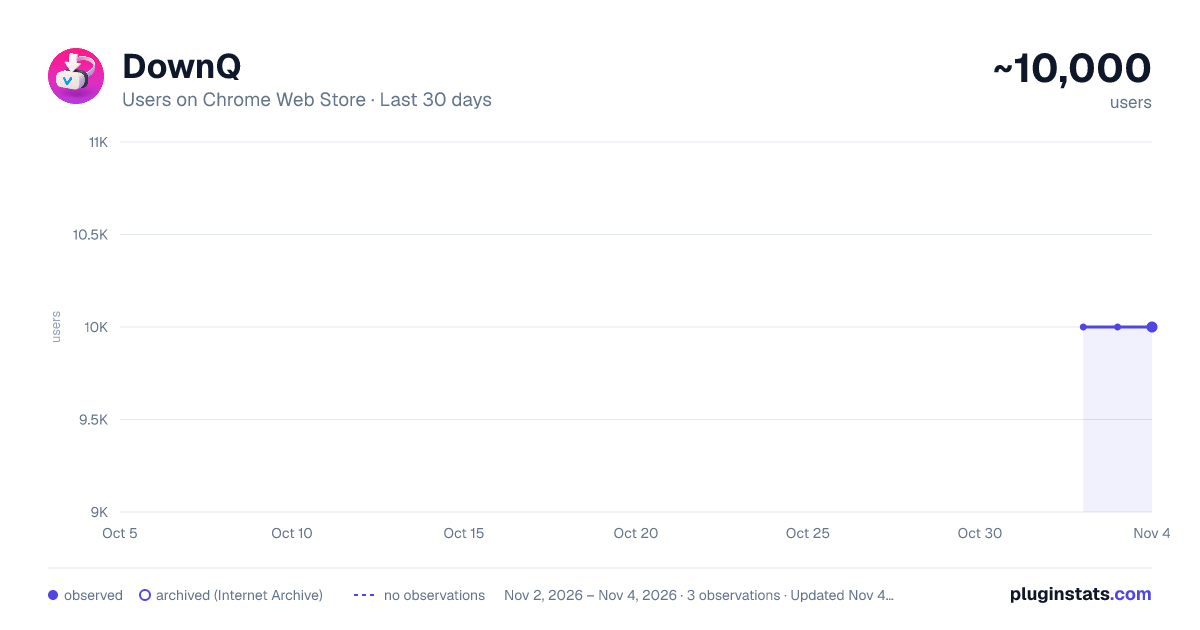
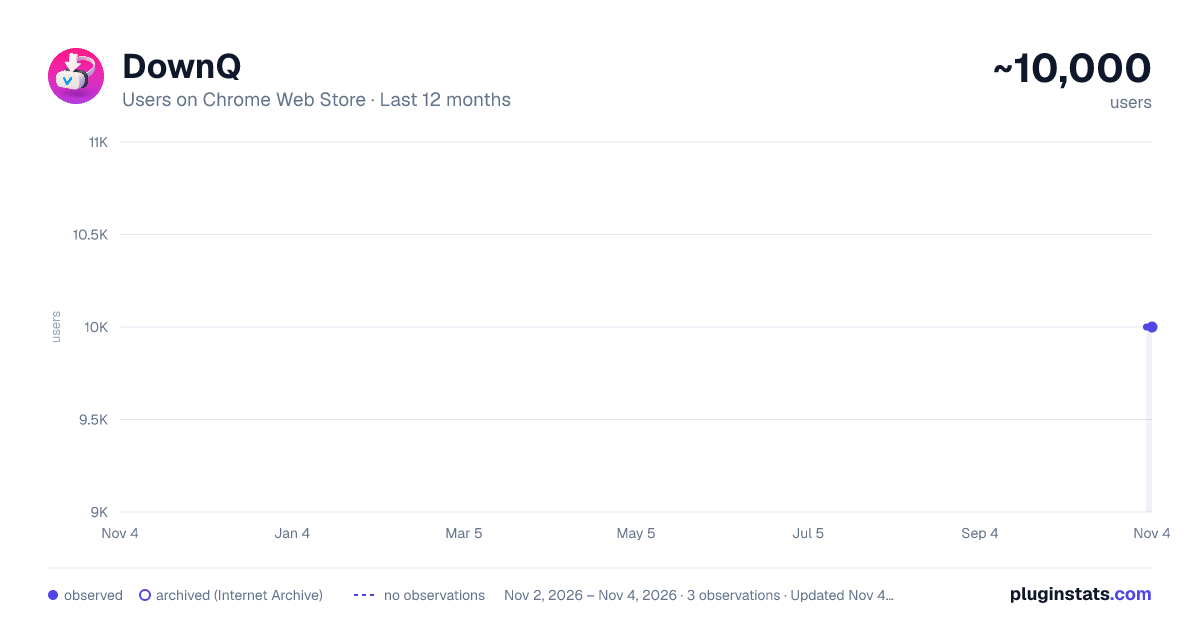
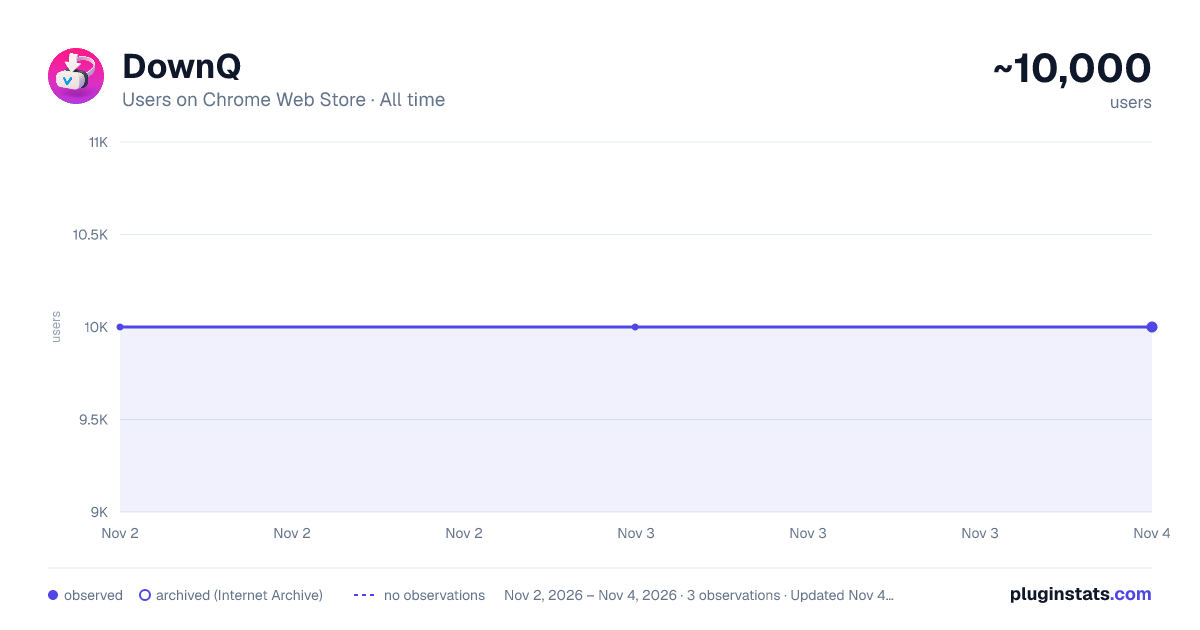
DownQ has approximately 10,000 recorded users on Chrome Web Store, ranking #788 of 6,786 tracked listings.
Rating: 3.70 / 5 from 52 ratings
About DownQ
Your unofficial companion for managing Meta Quest game versions. Download specific releases, downgrade, and access DLCs with ease.
A browser extension that allows you to easily downgrade and download Meta Quest (and older Oculus Rift, Go, Gear VR) apps and their DLCs directly from your browser.
This app is in no way affiliated with or endorsed by Meta.
Supported
- Downgrade mobile app binaries and assets
- Downgrade PC app binaries and assets
- Download DLCs
- Download DLC bundles
Tutorial
- Navigate to Meta Experiences.
- Find the app you want to downgrade or download.
- Log into secure.oculus.com.
- Click one of the blue "Downgrade" buttons in the bottom right corner of the app page.
- Choose your release channel and select the version you want to download.
- Wait for the download to complete. For mobile apps, use ADB to sideload the APK (and OBB if applicable). For PCVR apps, launch the downloaded executable.
TIP: When downloading PCVR apps, it's recommended to select or create a dedicated folder. Due to browser security (File System Access API), while you can select common directories like 'Downloads', DownQuest might have limitations creating specific sub-folders within them automatically.
Contains MIT licensed zlib.js library © 2012 imaya
Description from the Chrome Web Store listing.
README badge
Show your rank in a README or on your website. The badge updates automatically.
Charts
Images: 30d · 1y · all time · 1600×900 dark
Adoption over time
7/30/90-day growth
Ranking history
Ratings over time
Listing placement
Listing placement
Filled points are observed values; hollow points come from Internet Archive snapshots of the listing page. Dashed segments span periods with no observations — values between points are not interpolated.
Each band is one page of 20. Users on a linear scale. Placement is projected from users, so it can differ from the marketplace's own sort order. Hover a dot to see the listing.
Recent observations
Full history (2)Similar Chrome Web Store Developer Tools plugins
All 20 DownQ alternatives



Data source
Covers every Chrome Web Store extension with at least 100 users, found through the store's public sitemap. User counts are read from public listing pages. The 10% most-used extensions are refreshed daily, the next 40% weekly and the next 40% monthly; the least-used 10% are not refreshed. Google displays rounded user counts (and caps the display at 10,000,000+), so small changes may not be visible. Rating counts above 1,000 are rounded (e.g. 1.6K).
Listing: https://chromewebstore.google.com/detail/downq/clocmpojdjmikkaepgkmplgooejmnchb. First seen Nov 2, 2026; last successful collection Nov 3, 2026. See the methodology.