 PluginStats

Video to MP4 users statistics
Save videos as MP4 in any quality up to 4K. Fast one-click saving with real-time progress, format choice, and audio extraction.
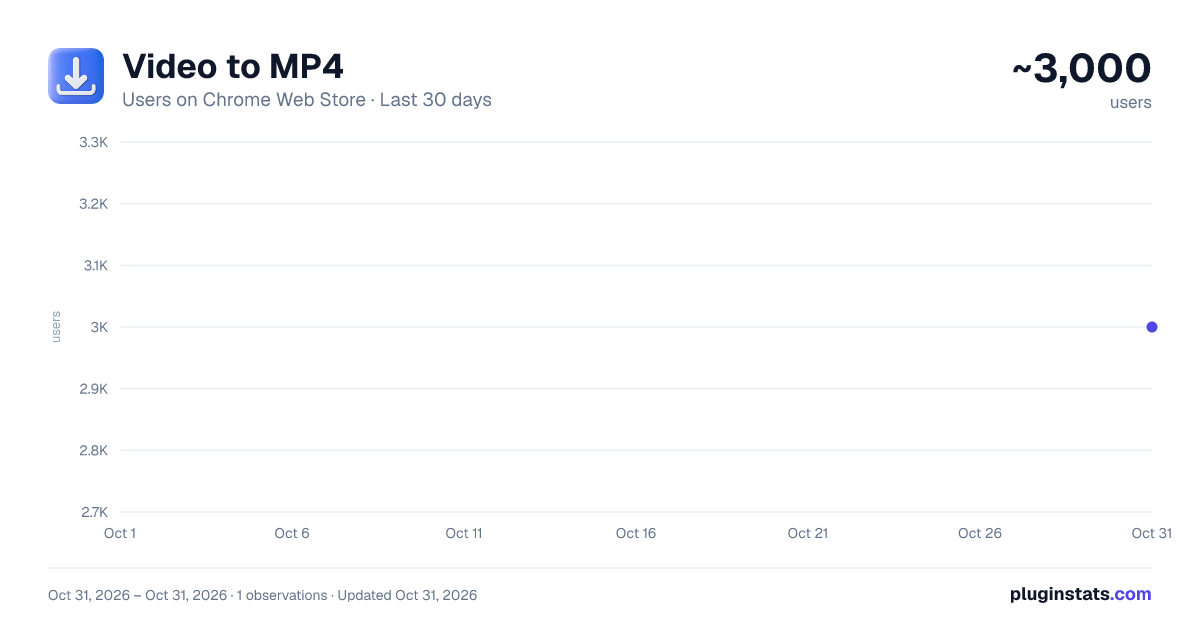
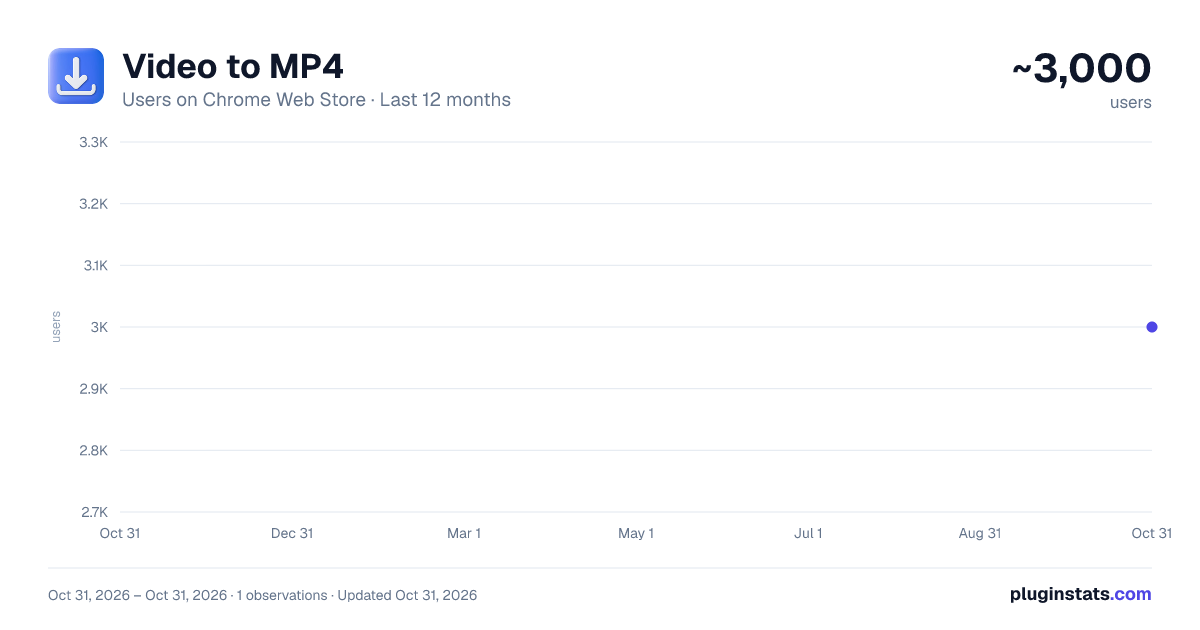
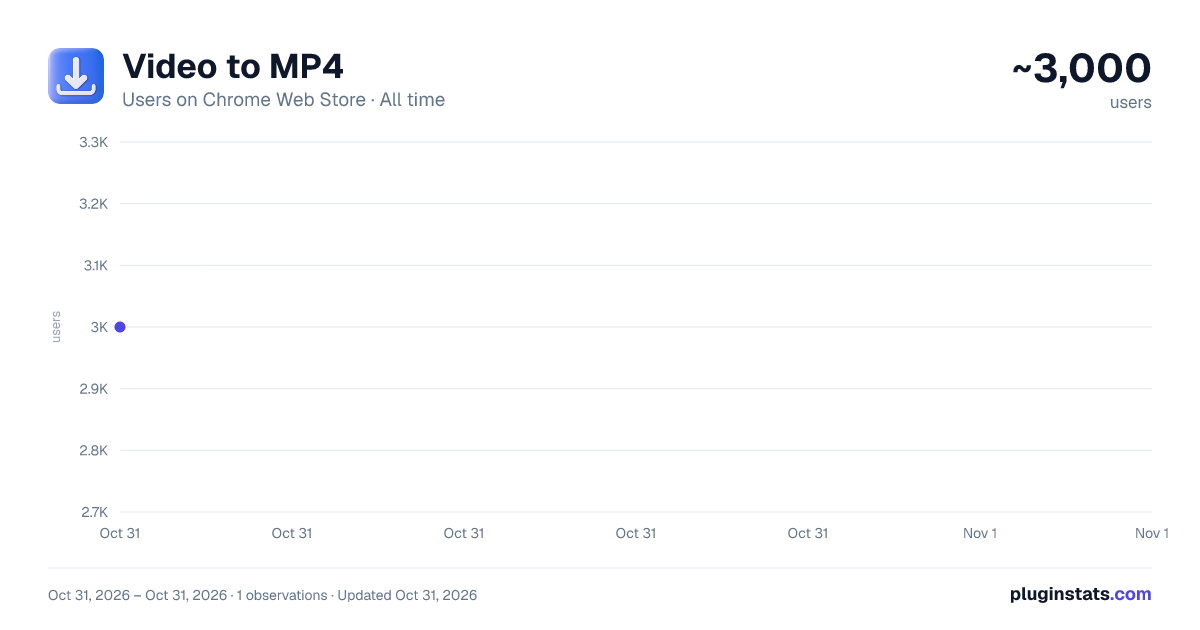
Video to MP4 has approximately 3,000 recorded users on Chrome Web Store, ranking #1427 of 6,786 tracked listings.
Rating: 4.50 / 5 from 11 ratings
About Video to MP4
Save videos as MP4 in any quality up to 4K. Fast one-click saving with real-time progress, format choice, and audio extraction.
🎬 Video to MP4 — Save Any Video as a Clean MP4 File
Video to MP4 is the simplest way to turn supported online videos into ready-to-play MP4 files you can keep forever. Pick the exact quality you want — from a lightweight 360p clip to a crisp 4K masterpiece — and the extension saves it in one click, with no confusing menus, no shady redirects, and no bloated software.
🎥 WHAT IT DOES
The extension detects every format available on a supported video page and lets you choose exactly what to save before the download starts. You see the resolution, the estimated file size, and the codec up front, so there are never any surprises. Keep the universal container for maximum compatibility across phones, TVs, editors, and every device you own — or grab audio only when you just need the sound.
Processing runs on fast cloud servers, so it does not tie up your computer and stays quick even for long, high-resolution videos. The original quality is preserved end to end, so your saved file looks exactly the way it was meant to.
🎯 WHAT YOU CAN SAVE
• Full-quality clips in 144p, 240p, 360p, 480p, 720p, 1080p, 1440p, and 4K • Music videos and performances for an offline collection • Tutorials, lectures, and how-to guides for studying • Talks, interviews, and podcasts you want to revisit later • Highlights, trailers, and short clips to share • Audio-only extraction when you only need the soundtrack
⭐ KEY FEATURES
🔘 One-click saving — A convenient button puts everything a click away. Select your format and the download starts immediately, with nothing to configure.
🎞️ Full quality selection — Choose from every resolution the source offers, all the way up to 4K (2160p). Balance sharpness and file size however you like.
📁 Universal format — Files are saved in the widely supported container that plays everywhere: phones, tablets, smart TVs, game consoles, and video editors. No conversion headaches later.
⚡ Fast cloud processing — Optimized servers handle the heavy lifting and finish in seconds, not minutes, even for lengthy 4K sources.
📊 Real-time progress — Watch each download as it happens, with a live percentage, current speed, and estimated time remaining, so you always know where things stand.
🎧 Audio extraction — Only need the sound? Pull clean, high-quality audio out of any supported video in a couple of clicks — great for music, podcasts, and lectures.
🌐 Available in 10 languages — Use the extension in English, Spanish, French, German, Portuguese, Chinese, Japanese, Korean, Turkish, or Russian. The interface follows your browser language automatically.
📝 Smart file naming — Each file is named after the original video title, so your library stays tidy without any manual renaming.
🔒 Encrypted transfers — Every request travels over secure, encrypted connections from the moment you click until the file lands on your device.
📖 HOW TO USE
1️⃣ Open any supported video page in your browser. 2️⃣ Click the extension icon in your toolbar. Available formats are detected and listed automatically, each showing resolution, type, and estimated size. 3️⃣ Pick the quality and format you want, then press the download button. Processing begins right away. 4️⃣ Track progress in the dedicated tab. When it finishes, the file saves straight to your downloads folder. Done.
💎 FREE & PREMIUM
The extension comes with a number of free downloads so you can try it with no commitment. If you need more, an optional Premium upgrade unlocks unlimited saving. You are always clearly informed before any purchase — there are no surprise charges and nothing is billed automatically without your consent. You can keep using your remaining free downloads without ever paying.
🔐 PRIVACY
To run the service and protect it from abuse, the extension creates a random, anonymous installation ID and sends the link of the video you choose to save to our servers for processing. Our servers temporarily record that installation ID, your IP address, and basic usage details such as download counts — used only for rate-limiting, reliability, and abuse prevention. Prepared files are deleted from our servers automatically a short time after you download them.
The extension does not collect your browsing history and only acts on pages where you choose to start a download. If you upgrade to Premium, your purchase is handled by our billing provider. Exactly what we store, how long we keep it, and who processes it are described in full in our Privacy Policy, linked from this listing and from the extension's settings page.
🚀 PERFORMANCE & RELIABILITY
The tool is built for speed and stability. Dedicated servers keep processing quick even during busy periods, and the extension itself is lightweight, so it will not slow down your browser or eat into your memory. If a download hits a temporary snag, automatic retry logic handles it gracefully, so you still get your file without starting over.
🏆 WHY CHOOSE THIS EXTENSION?
✅ Truly one-click operation — no complicated setup ✅ Every resolution supported, right up to 4K ✅ Universal format that plays on any device ✅ Fast cloud processing — no load on your computer ✅ Clean, intuitive interface anyone can use ✅ Works on all Chromium-based browsers — Chrome, Edge, Brave, and Opera ✅ Regular updates that keep it working smoothly ✅ Free downloads to start, with optional Premium for unlimited use ✅ Automatic file cleanup after every download
Install Video to MP4 today and start saving your favorite videos in the quality you deserve — fast, free, and private.
Description from the Chrome Web Store listing.
README badge
Show your rank in a README or on your website. The badge updates automatically.
Charts
Images: 30d · 1y · all time · 1600×900 dark
Adoption over time
7/30/90-day growth
Ranking history
Ratings over time
Listing placement
Listing placement
Filled points are observed values; hollow points come from Internet Archive snapshots of the listing page. Dashed segments span periods with no observations — values between points are not interpolated.
Each band is one page of 20. Users on a linear scale. Placement is projected from users, so it can differ from the marketplace's own sort order. Hover a dot to see the listing.
Recent observations
Full history (1)Similar Chrome Web Store Tools plugins
All 20 Video to MP4 alternatives



Data source
Covers every Chrome Web Store extension with at least 100 users, found through the store's public sitemap. User counts are read from public listing pages. The 10% most-used extensions are refreshed daily, the next 40% weekly and the next 40% monthly; the least-used 10% are not refreshed. Google displays rounded user counts (and caps the display at 10,000,000+), so small changes may not be visible. Rating counts above 1,000 are rounded (e.g. 1.6K).
Listing: https://chromewebstore.google.com/detail/video-to-mp4/gliecngablklgopemacgpaefdcebhflp. First seen Oct 31, 2026; last successful collection Oct 31, 2026. See the methodology.