 PluginStats
YouTube Control — Dock Comments to Sidebar, Split Player & Theater Max users statistics
By vishwa-vsr · Chrome Web Store · Tools
Block YouTube Shorts, dock comments to sidebar, sticky player, Comment Screenshot, Theater Max, and customize YouTube.
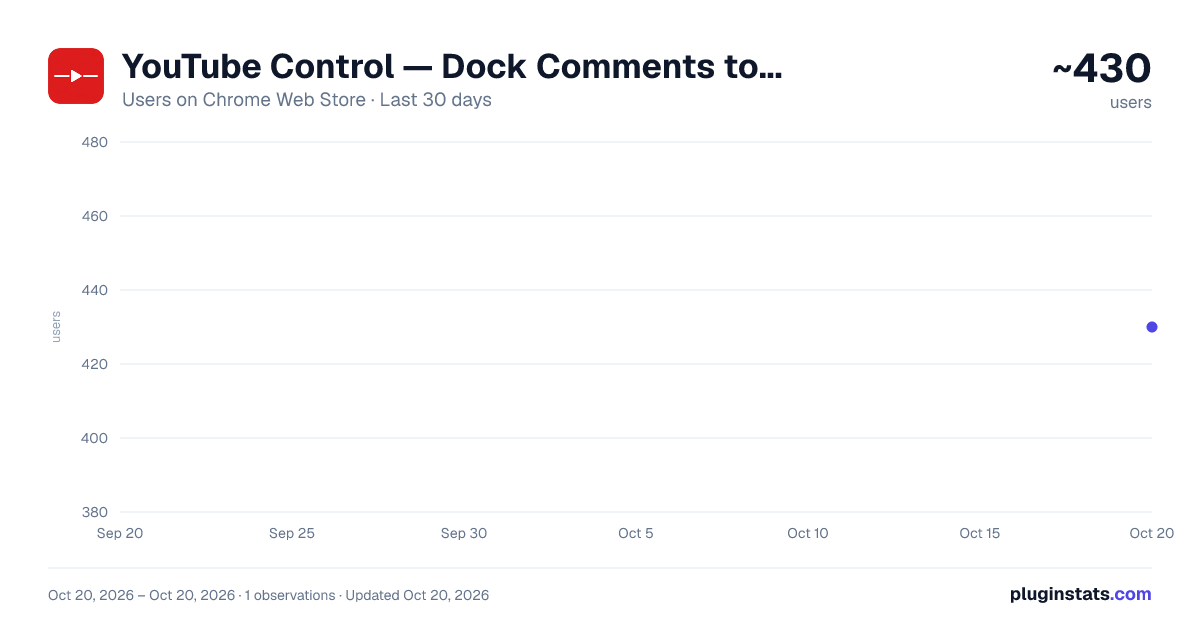
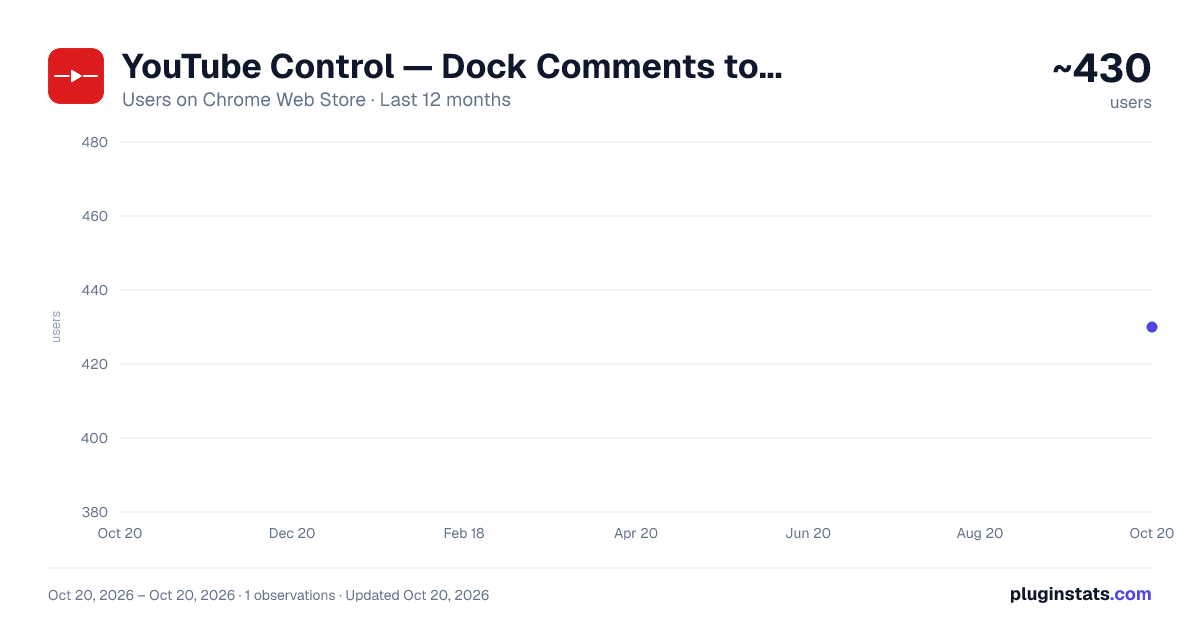
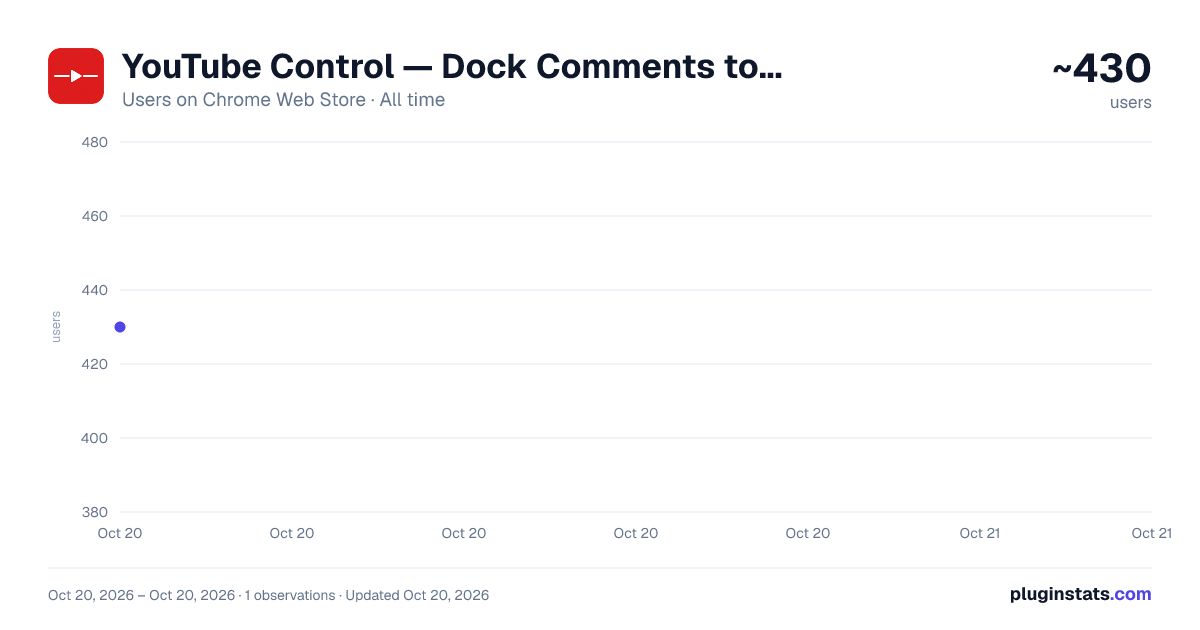
YouTube Control — Dock Comments to Sidebar, Split Player & Theater Max has approximately 430 recorded users on Chrome Web Store, ranking #1580 of 2,952 tracked listings.
Rating: 5.00 / 5 from 5 ratings
About YouTube Control — Dock Comments to Sidebar, Split Player & Theater Max
Block YouTube Shorts, dock comments to sidebar, sticky player, Comment Screenshot, Theater Max, and customize YouTube.
YouTube Control gives you 15+ tools to block distractions and customize every part of YouTube — from the home feed to the video player.
✦ BLOCK SHORTS & CLEAN YOUR FEED • Block YouTube Shorts — remove Shorts feeds, Shorts shelves, and Shorts tabs completely • Hide Home Feed — turn off video recommendations on the YouTube homepage • Hide Category Bar — remove filter chips (Trending, Music, Gaming, etc.) • Hide Mix Playlists — remove auto-generated Mixes and Radio playlists from feeds and watch page • Custom Grid Rows — choose 2, 3, 4, 5, or 6 thumbnails per row
✦ CUSTOMIZE YOUR WATCH EXPERIENCE • Dock Comments to Sidebar — read comments right next to the video, no scrolling • Sticky Video Player — keep the video pinned while you scroll through comments • Speed Switcher — 1-click switcher between 3 custom playback speeds (saved across videos) • Refresh Comments — reload new comments with 1 click without refreshing the page • Comment Screenshot — capture full comment threads and copy to clipboard as images • Hide Related Videos — remove suggested video sidebar • Hide Comments & Live Chat — turn off comments and live chat entirely
✦ VISUAL TOOLS & POWER FEATURES • Blur Thumbnails — soften thumbnails until hover to avoid clickbait • Block Ambient Mode — disable glowing background effects (saves GPU power) • Hide Scrollbars — remove visual scrollbars while keeping smooth mouse scrolling • Video Screenshot — capture full-resolution video frames with one click • Theater Max (Mini Fullscreen) — borderless window mode without hiding your browser tabs
✦ WHY YOUTUBE CONTROL? Unlike single-purpose Shorts blockers, YouTube Control lets you customize exactly which distractions to remove. Toggle each feature on or off — no all-or-nothing.
✦ PRIVACY FIRST YouTube Control runs 100% locally. Zero tracking. Zero data collection. Zero network requests. Your browsing stays private.
✦ OPEN SOURCE Fully open source and community-driven. Inspect the code, report bugs, or contribute: https://github.com/vishwa-vsr/YouTube-Control
✦ WORKS ON Chrome • Firefox • Edge
Description from the Chrome Web Store listing.
README badge
Show your rank in a README or on your website. The badge updates automatically.
Charts
Images: 30d · 1y · all time · 1600×900 dark
Adoption over time
7/30/90-day growth
Ranking history
Ratings over time
Listing placement
Listing placement
Filled points are observed values; hollow points come from Internet Archive snapshots of the listing page. Dashed segments span periods with no observations — values between points are not interpolated.
Each band is one page of 20. Users on a linear scale. Placement is projected from users, so it can differ from the marketplace's own sort order. Hover a dot to see the listing.
Recent observations
Full history (1)Similar Chrome Web Store Tools plugins
All 20 YouTube Control — Dock Comments to Sidebar, Split Player & Theater Max alternatives



Data source
Covers every Chrome Web Store extension with at least 100 users, found through the store's public sitemap. User counts are read from public listing pages. The 10% most-used extensions are refreshed daily, the next 40% weekly and the next 40% monthly; the least-used 10% are not refreshed. Google displays rounded user counts (and caps the display at 10,000,000+), so small changes may not be visible. Rating counts above 1,000 are rounded (e.g. 1.6K).
Listing: https://chromewebstore.google.com/detail/youtube-control-—-dock-co/ljinlboeiainceejndpicabkmheecnfj. First seen Oct 20, 2026; last successful collection Oct 20, 2026. See the methodology.