 PluginStats

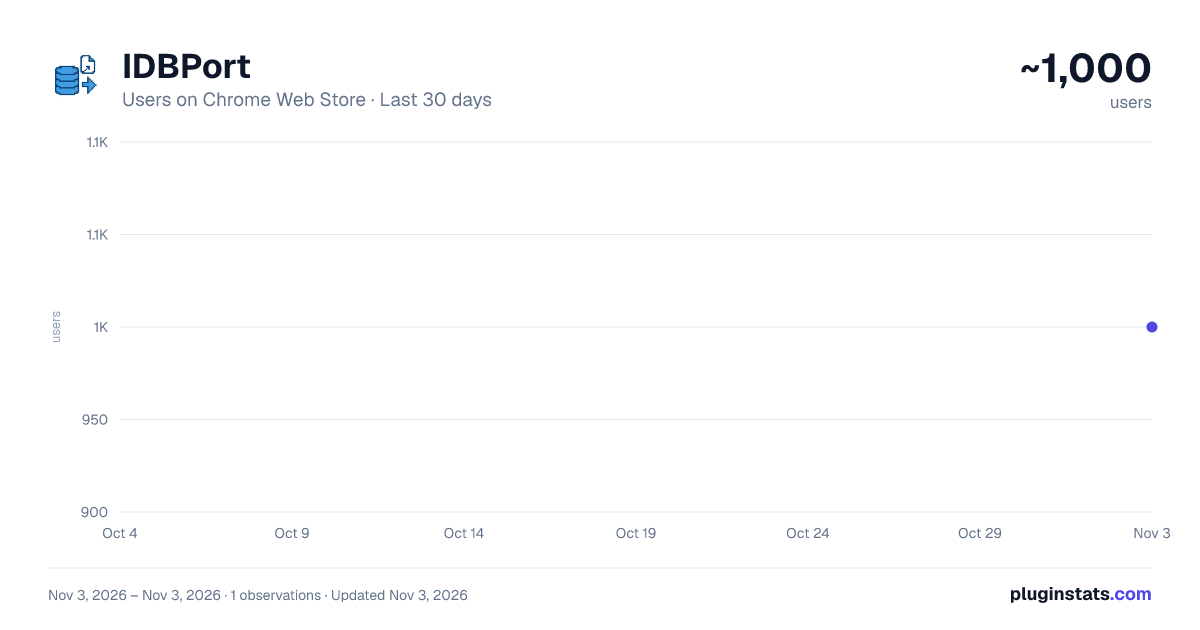
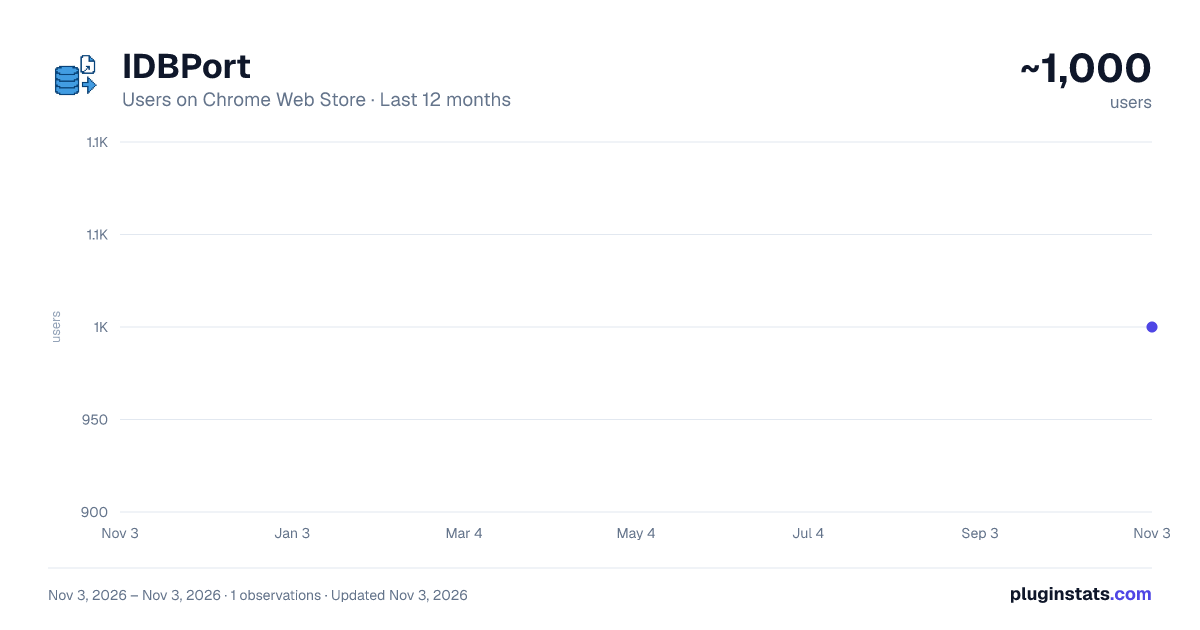
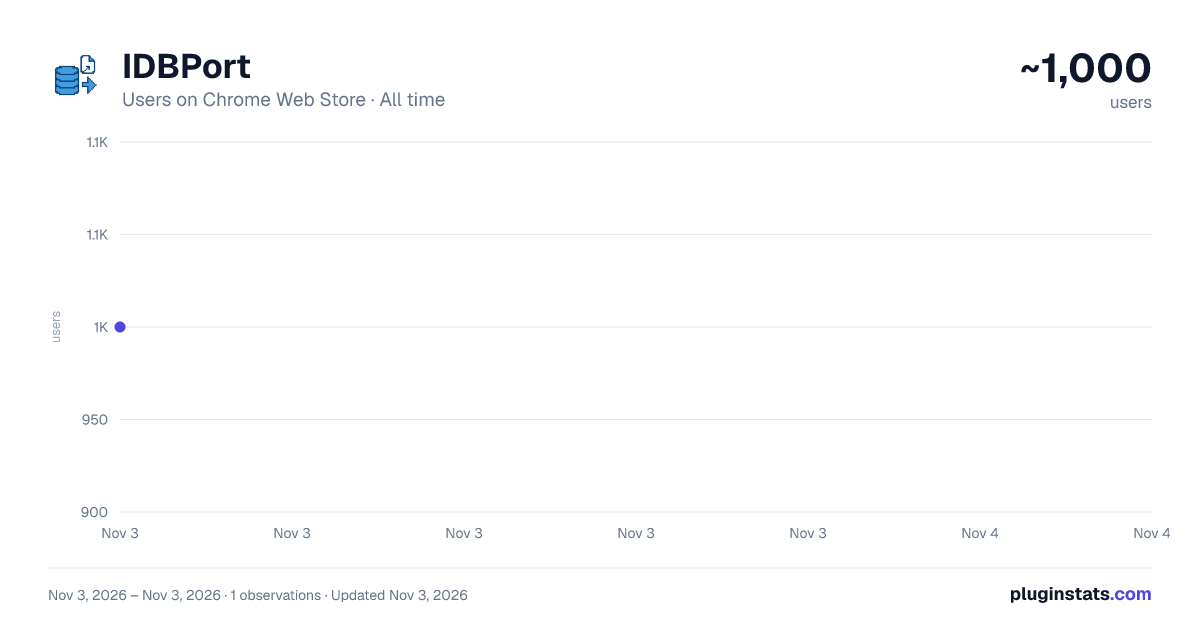
IDBPort has approximately 1,000 recorded users on Chrome Web Store, ranking #2659 of 7,624 tracked listings.
Rating: 5.00 / 5 from 8 ratings
About IDBPort
IndexedDB data Export and Import
Tired of IndexedDB tools that only let you export? IDBPort is a modern browser extension designed to let you easily export AND import your IndexedDB data. It's your complete solution for data backup, migration, and management for web applications.
Key Features:
- Seamless Export: Quickly select an IndexedDB database from the current website and export its entire content into a convenient
.idbfile. - Reliable Import: Effortlessly import data from a previously exported
.idbfile back into an IndexedDB database. Perfect for restoring data or setting up new environments. - User-Friendly Interface: A clean, intuitive, and responsive design (built with React and shadcn/ui) makes managing your data straightforward, even with no prior technical expertise.
Why Choose IDBPort?
Many tools stop at exporting. IDBPort fills the critical gap by providing robust import functionality, giving you full control over your local web application data for:
- Data migration across different browser profiles or machines.
- Creating reliable backups of critical application state.
- Easy restoration from backups.
- Testing applications with specific datasets.
How to Use:
- Click the IDBPort icon in your browser toolbar.
- The extension may ask for permission to access data on the current tab.
To Export Data:
- IDBPort will list available IndexedDB databases for the current page.
- Select the database you wish to export. (Firefox requires manual input of the database name).
- Click "Export" and save the
.idbfile.
To Import Data:
- Switch to the "Import" tab within the extension.
- Click "Choose File" and select your
.idbfile. - Data will be automatically imported.
Technology Used: Built with WXT, React, Tailwind CSS, shadcn/ui, and TypeScript.
Support & Contributions: We welcome your feedback and contributions! Please visit our Discrod group to report issues or suggest features. https://discord.gg/gFhKUthc88
Disclaimer: Please exercise caution when handling production data. It is always recommended to back up important data before performing any import or export operations.
Description from the Chrome Web Store listing.
README badge
Show your rank in a README or on your website. The badge updates automatically.
Charts
Images: 30d · 1y · all time · 1600×900 dark
Adoption over time
7/30/90-day growth
Ranking history
Ratings over time
Listing placement
Listing placement
Filled points are observed values; hollow points come from Internet Archive snapshots of the listing page. Dashed segments span periods with no observations — values between points are not interpolated.
Each band is one page of 20. Users on a linear scale. Placement is projected from users, so it can differ from the marketplace's own sort order. Hover a dot to see the listing.
Recent observations
Full history (1)Similar Chrome Web Store Tools plugins
All 20 IDBPort alternatives



Data source
Covers every Chrome Web Store extension with at least 100 users, found through the store's public sitemap. User counts are read from public listing pages. The 10% most-used extensions are refreshed daily, the next 40% weekly and the next 40% monthly; the least-used 10% are not refreshed. Google displays rounded user counts (and caps the display at 10,000,000+), so small changes may not be visible. Rating counts above 1,000 are rounded (e.g. 1.6K).
Listing: https://chromewebstore.google.com/detail/idbport/kmpakemocjdhfcpfggpodkjhmjibhhhm. First seen Nov 3, 2026; last successful collection Nov 3, 2026. See the methodology.