 PluginStats

TabMerger users statistics
Chrome Web Store · Workflow & Planning
Save open tabs into named, color-coded groups and restore them anytime. Works offline, with optional encrypted sync (Pro).
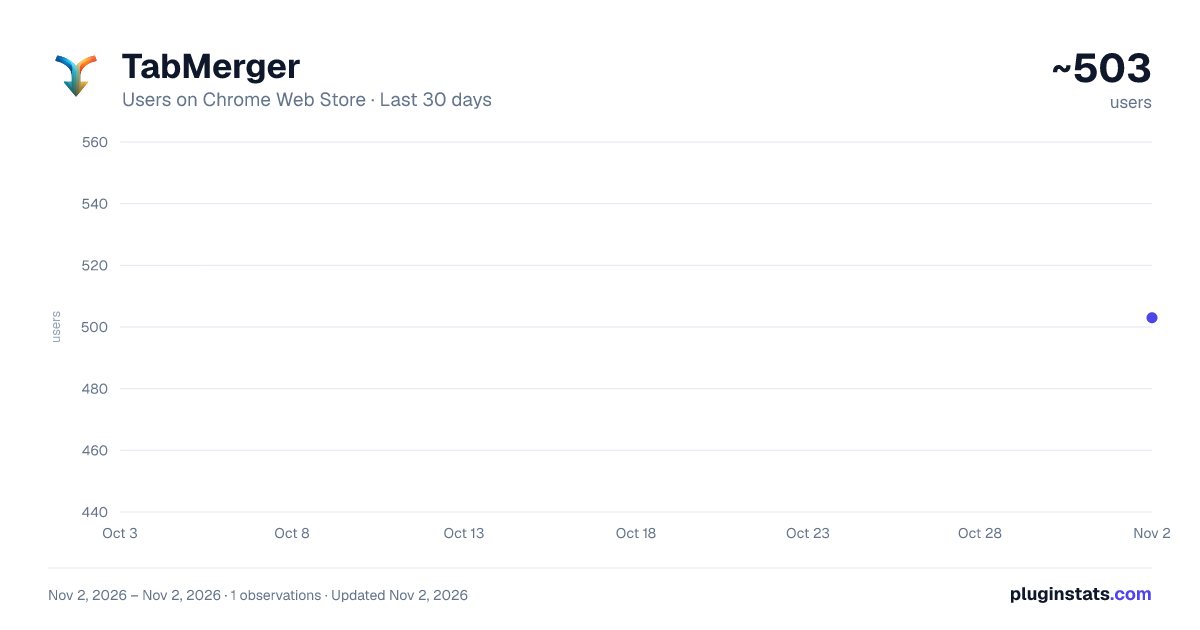
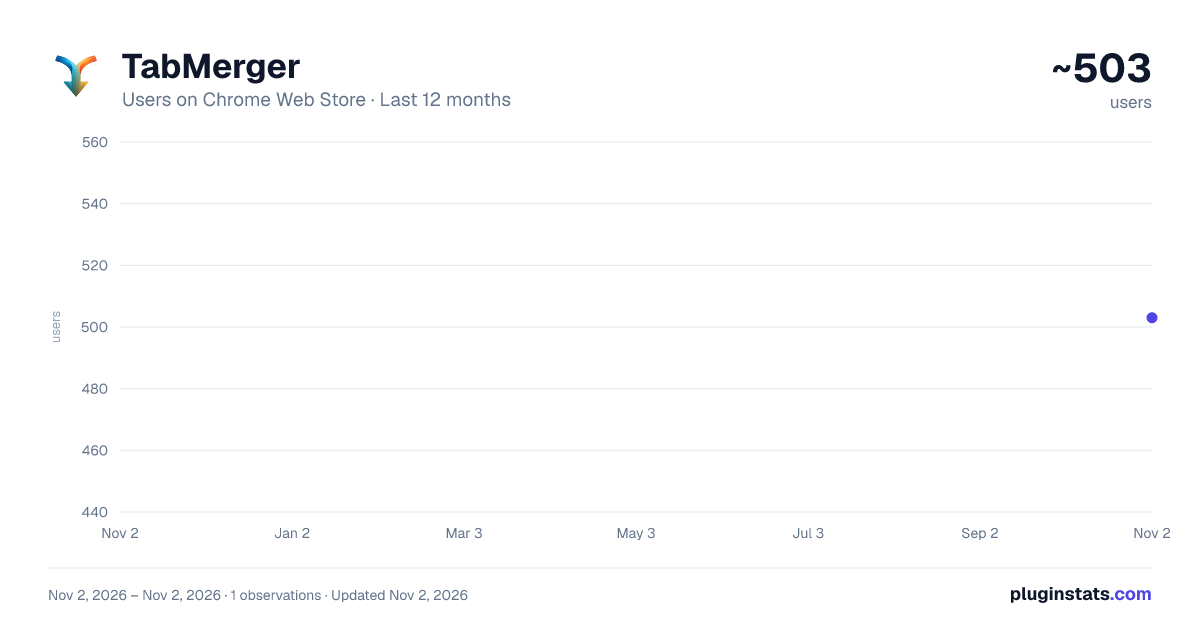
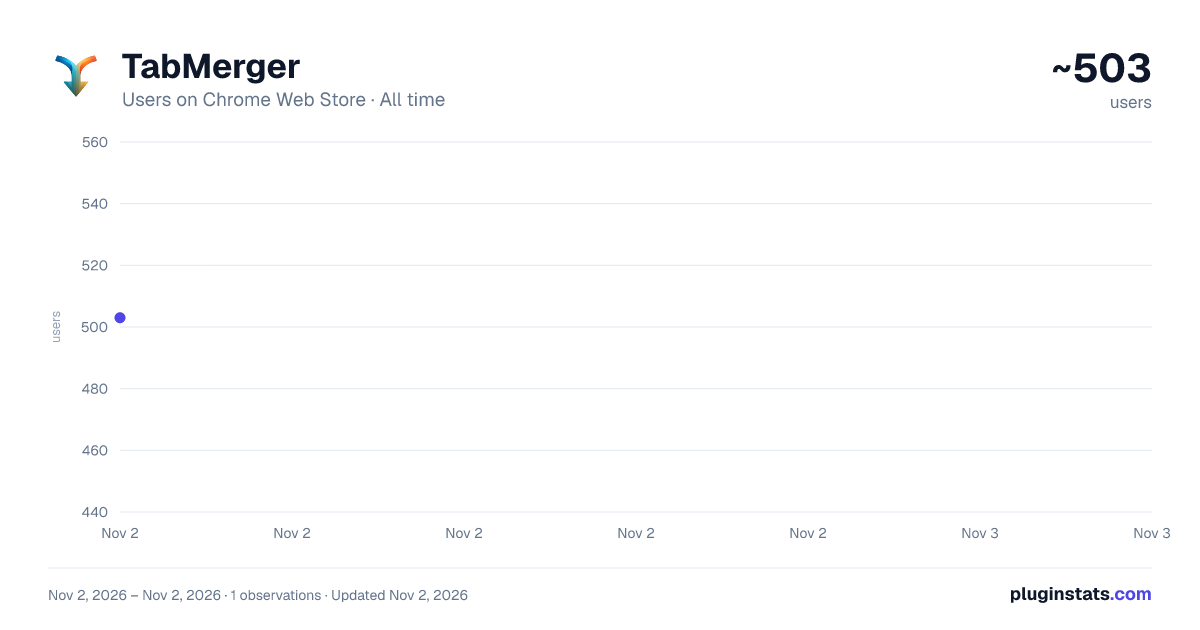
TabMerger has approximately 503 recorded users on Chrome Web Store, ranking #3312 of 6,672 tracked listings.
Rating: 4.60 / 5 from 28 ratings
About TabMerger
Save open tabs into named, color-coded groups and restore them anytime. Works offline, with optional encrypted sync (Pro).
TabMerger saves the tabs you have open into named, color-coded groups, so you can close them, clear your browser, and bring them back later: a single tab, one window, or a whole group.
WHAT YOU CAN DO
- Save the current tab, all tabs, the tabs to the left or right of it, or all other tabs. Use the popup, the right-click menu ("Save to TabMerger"), or keyboard shortcuts (Ctrl+Shift+S, K, U and P; Command instead of Ctrl on Mac). You can rebind them at chrome://extensions/shortcuts.
- Organize tabs into windows inside groups. Name each group, give it a color (12 presets or any custom color), star it to keep it at the top, or archive it.
- Restore one tab, one window or a whole group. Saved browser tab groups are recreated, and private windows reopen as private windows when you have allowed TabMerger in Incognito.
- Reorder by drag and drop, or with a keyboard-only move mode, across tabs, windows and groups.
- See a "Now Open" view that always mirrors the tabs open in your browser right now.
- Search every saved tab and group (Ctrl/Cmd+K).
- Add notes to tabs, windows and groups, give tabs a custom title, and set reminders that show a notification at the time you choose.
- Set URL rules that send matching tabs to a group automatically, and clean up duplicate tabs.
- Take saved sessions (snapshots of your groups) and restore them later.
- Undo and redo changes, and switch between light and dark themes.
- Import from a JSON file, a bookmarks HTML export, and export your data as JSON.
FREE AND PRO TabMerger works fully without an account. The free plan keeps everything in your browser and allows up to 5 groups, 50 saved tabs, 3 URL rules and 3 saved sessions.
Pro is a paid subscription bought on the TabMerger website (not inside the extension). It removes those limits and adds optional cloud sync of your groups and sessions between devices, a "Continue on other device" view, and encrypted share links for groups. Pro features need a signed-in account; prices and plans are on the website.
PRIVACY
- Your saved tabs stay in your browser's local storage unless you sign in to a Pro account and turn on sync.
- Synced content (tab URLs and titles, group and window names, notes, sessions) is encrypted on your device with a passphrase only you know before it is uploaded. We store ciphertext and cannot read it. If you lose the passphrase, we cannot recover that data.
- TabMerger does not read or change the pages you visit and does not ask for access to any website.
- Page images in tab previews are off by default. When you turn them on, hovering a tab sends that tab's address to TabMerger's preview service to fetch an image.
- The extension sends a small number of anonymous usage events (for example "group created", without any URLs or titles) to help us understand which features are used. See the privacy policy for the full list of what is collected and why.
Questions or feedback? Use the support links on this listing.
Description from the Chrome Web Store listing.
README badge
Show your rank in a README or on your website. The badge updates automatically.
Charts
Images: 30d · 1y · all time · 1600×900 dark
Adoption over time
7/30/90-day growth
Ranking history
Ratings over time
Listing placement
Listing placement
Filled points are observed values; hollow points come from Internet Archive snapshots of the listing page. Dashed segments span periods with no observations — values between points are not interpolated.
Each band is one page of 20. Users on a linear scale. Placement is projected from users, so it can differ from the marketplace's own sort order. Hover a dot to see the listing.
Recent observations
Full history (1)Similar Chrome Web Store Workflow & Planning plugins
All 20 TabMerger alternatives



Data source
Covers every Chrome Web Store extension with at least 100 users, found through the store's public sitemap. User counts are read from public listing pages. The 10% most-used extensions are refreshed daily, the next 40% weekly and the next 40% monthly; the least-used 10% are not refreshed. Google displays rounded user counts (and caps the display at 10,000,000+), so small changes may not be visible. Rating counts above 1,000 are rounded (e.g. 1.6K).
Listing: https://chromewebstore.google.com/detail/tabmerger/inmiajapbpafmhjleiebcamfhkfnlgoc. First seen Nov 2, 2026; last successful collection Nov 2, 2026. See the methodology.