 PluginStats
Followers Exporter for Thread users statistics
Followers Exporter for Threads - Scrape and export Threads followers & following to CSV, Excel, or JSON.
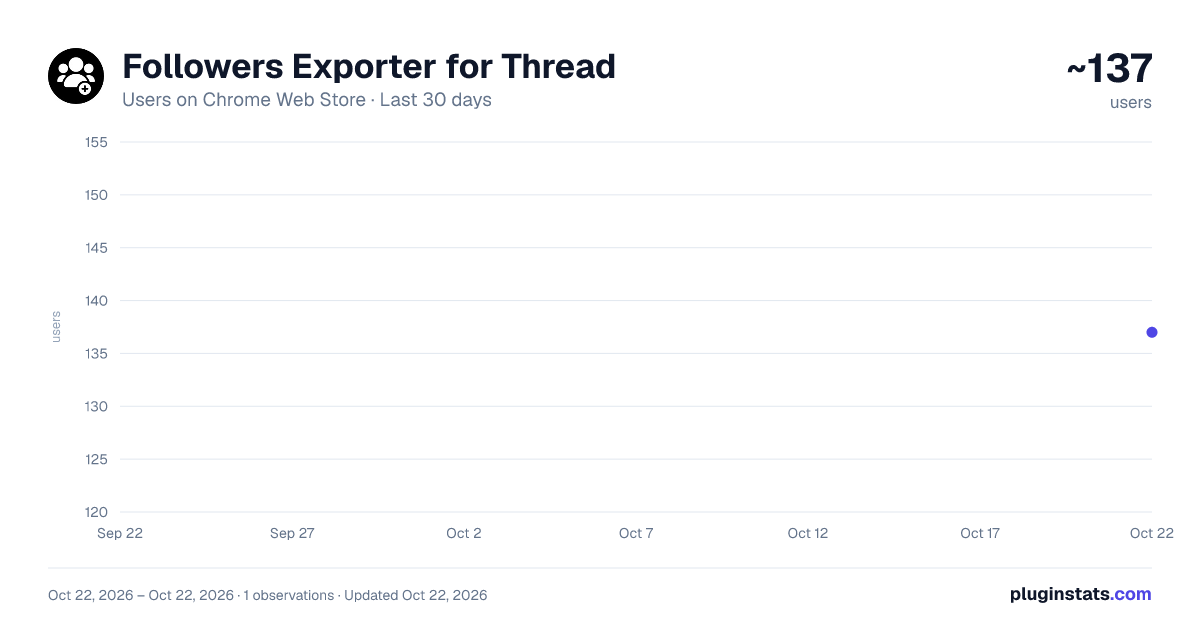
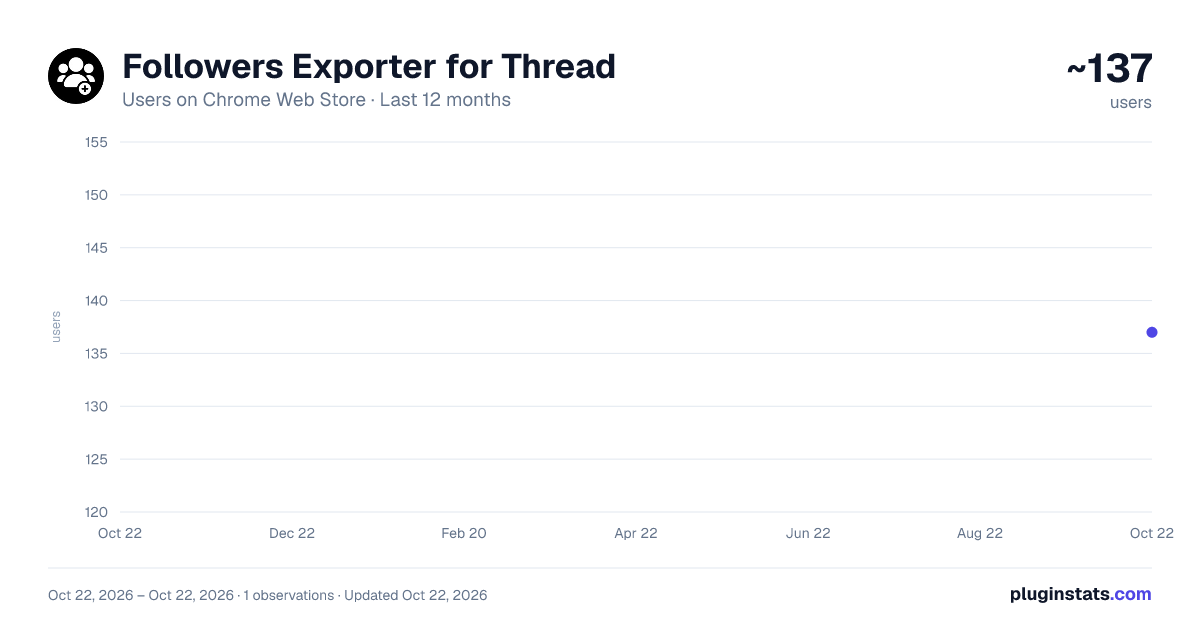
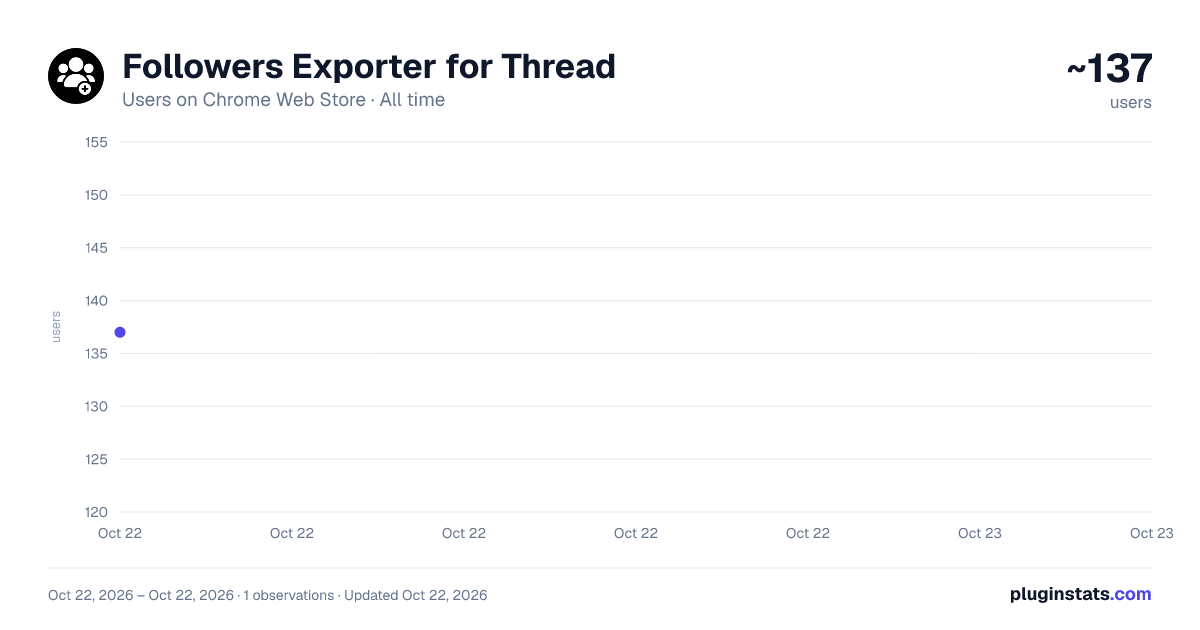
Followers Exporter for Thread has approximately 137 recorded users on Chrome Web Store, ranking #3378 of 3,853 tracked listings.
Rating: 5.00 / 5 from 2 ratings
About Followers Exporter for Thread
Followers Exporter for Threads - Scrape and export Threads followers & following to CSV, Excel, or JSON.
🚀 Threads Followers Exporter – Export Followers & Following from Threads.com Instantly!
Threads Followers Exporter is the ultimate Chrome extension that helps you export any Threads.com user’s followers and following lists in just one click. Whether you’re a digital marketer 📈, a social media strategist 🤳, a data analyst 📊, or just a curious user 👀 — this tool makes data extraction from Threads easy, fast, and powerful.
🧩 What Does It Do?
With Threads Followers Exporter, you can: • 📤 Export followers or following lists of any public Threads account • 📁 Download the data in CSV, JSON, or Excel (XLSX) formats • 🧠 Access detailed user info like username, full name, follower count, and more • 🔍 Analyze audience demographics, behavior, and growth potential • 🤝 Build prospect lists, find influencers, or manage community growth
✨ Core Features
✅ 1. One-Click Export
Just enter the username, choose followers or following, and hit Export. That’s it! No complicated setup, no login required.
📦 2. Multiple File Format Support
Export data in your preferred format: • 📄 CSV – Open with Google Sheets or Excel • 📊 XLSX – Ideal for large spreadsheets • 🧬 JSON – Great for developers or automation tools
📋 3. Rich User Data Fields
Each exported record includes: • 🆔 User ID (pk) • 🔗 Username • 🧾 Full Name • 🖼️ Profile Picture URL • 🧑💼 Bio Info • ✅ Verification Status • 📣 Follower Count
⚡ 4. High-Speed Extraction
Data fetching begins instantly after you initiate. Extraction is fast and smooth—even for accounts with thousands of users.
🔒 5. 100% Privacy Safe
All data processing is done locally on your browser. 🚫 We do not store, transmit, or access any of your data. Your activity is never logged, and no credentials are required.
🛠️ How to Use It
- 🔍 Click on the Threads Followers Exporter extension icon.
- 👤 Enter the Threads.com username you want to analyze.
- 🔄 Toggle between “Followers” and “Following” to select the type of data.
- 🚀 Hit Start Extraction to fetch data in real-time.
- 💾 Once completed, click Export to download your data.
💼 Who Is This For?
This tool is ideal for: • 🧠 Researchers gathering public data for academic or journalistic purposes • 📊 Marketers doing competitor research and audience segmentation • 🔍 Influencer managers tracking growth and reach • 📈 SaaS startups scraping social signals for AI tools or CRMs • 🤖 Developers needing JSON-formatted user metadata • 💡 Founders & solopreneurs building growth-hacking strategies
⚠️ Limitations & Tips • ⚠️ Some Threads accounts may return fewer than 100 entries due to their privacy settings or rate limits. • 🔁 For larger accounts, you may need to run multiple exports. • 🔧 Works best on Chrome or Chromium-based browsers (e.g., Edge, Brave).
🔐 Your Privacy Matters
We built Threads Followers Exporter with privacy and transparency in mind: ✅ No login or Threads credentials needed ✅ No external API calls to our servers ✅ All data stays within your browser session ✅ Fully client-side extraction
📝 Disclaimer
Threads Followers Exporter is an independently developed tool by BrowserAgents. We are not affiliated with Threads.net, Meta Inc., or Instagram in any way. All trademarks and logos belong to their respective owners.
📥 Get Started Now!
Ready to take control of Threads data? Download Threads Followers Exporter today and unlock a whole new world of insights, leads, and strategic growth opportunities. 🚀📊
Description from the Chrome Web Store listing.
README badge
Show your rank in a README or on your website. The badge updates automatically.
Charts
Images: 30d · 1y · all time · 1600×900 dark
Adoption over time
7/30/90-day growth
Ranking history
Ratings over time
Listing placement
Listing placement
Filled points are observed values; hollow points come from Internet Archive snapshots of the listing page. Dashed segments span periods with no observations — values between points are not interpolated.
Each band is one page of 20. Users on a linear scale. Placement is projected from users, so it can differ from the marketplace's own sort order. Hover a dot to see the listing.
Recent observations
Full history (1)Similar Chrome Web Store Tools plugins
All 20 Followers Exporter for Thread alternatives



Data source
Covers every Chrome Web Store extension with at least 100 users, found through the store's public sitemap. User counts are read from public listing pages. The 10% most-used extensions are refreshed daily, the next 40% weekly and the next 40% monthly; the least-used 10% are not refreshed. Google displays rounded user counts (and caps the display at 10,000,000+), so small changes may not be visible. Rating counts above 1,000 are rounded (e.g. 1.6K).
Listing: https://chromewebstore.google.com/detail/followers-exporter-for-th/gbakcifffbcdbjnnjanpdgdjhfbodnpa. First seen Oct 22, 2026; last successful collection Oct 22, 2026. See the methodology.