 PluginStats

TradChart to CSV Exporter users statistics
By emailsoft · Chrome Web Store · Workflow & Planning
Scan TradingView charts and export OHLC/Volume data to CSV .
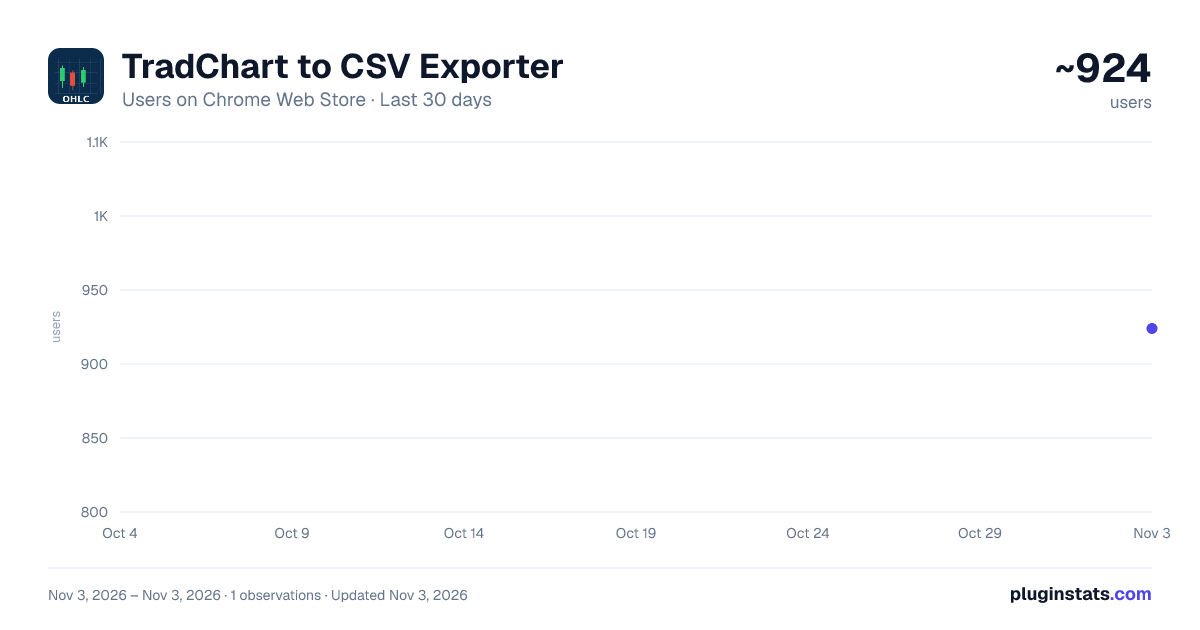
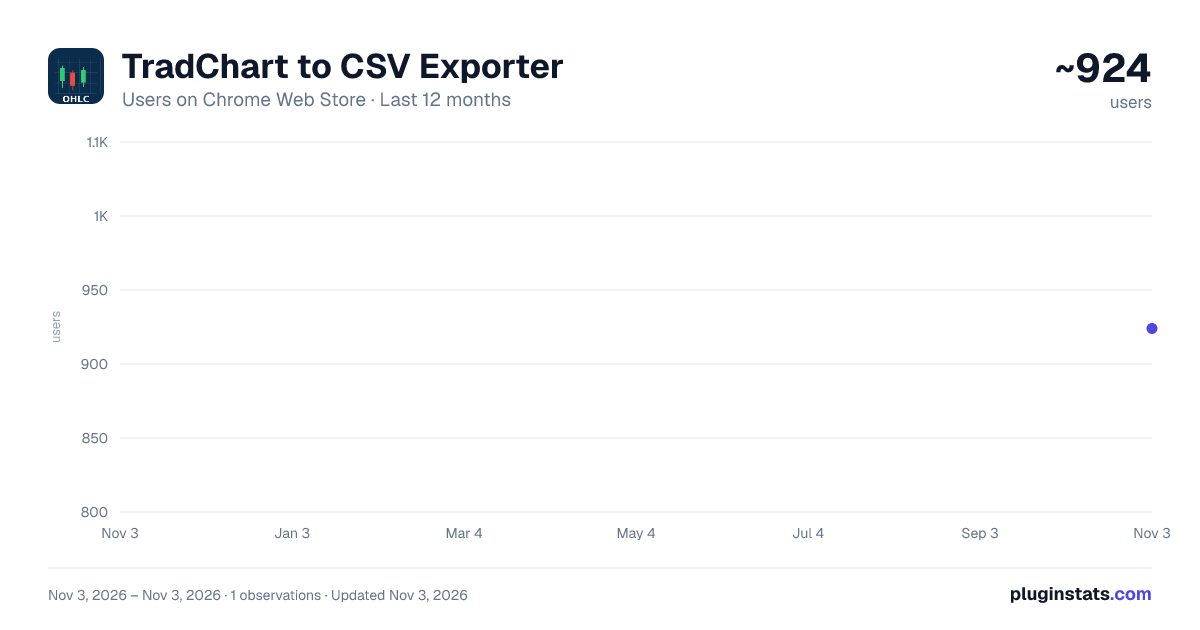
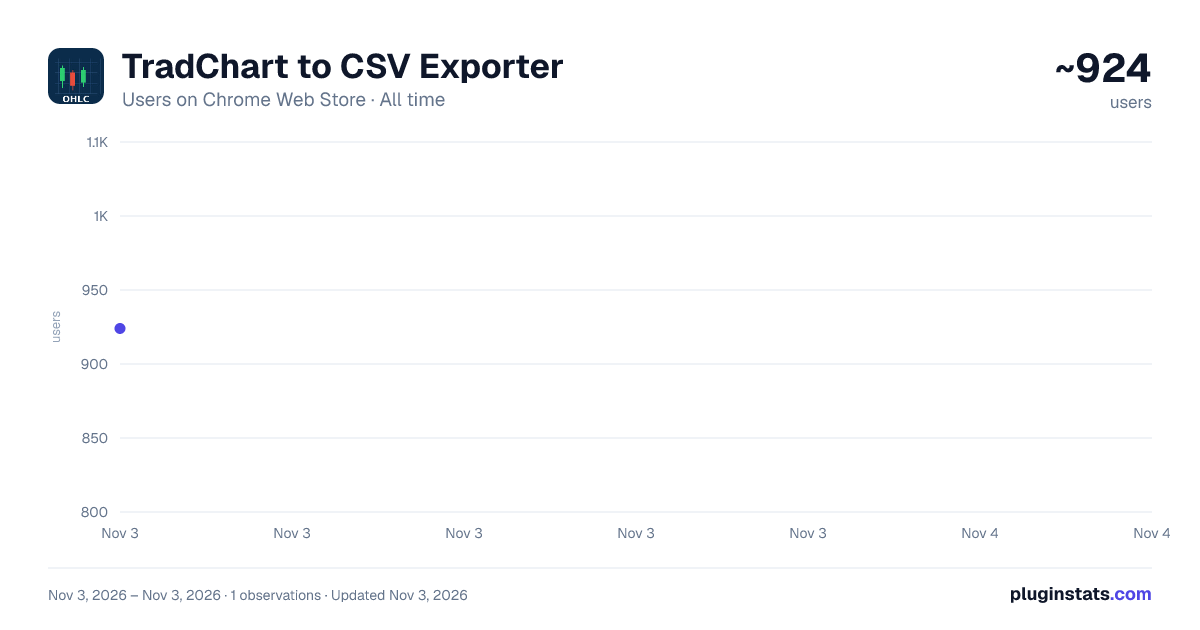
TradChart to CSV Exporter has approximately 924 recorded users on Chrome Web Store, ranking #2535 of 6,786 tracked listings.
Rating: 3.20 / 5 from 11 ratings
About TradChart to CSV Exporter
Scan TradingView charts and export OHLC/Volume data to CSV .
📈 Export TradingView Chart Data in One Click
This extension allows you to extract OHLC (Open, High, Low, Close) and Volume data directly from TradingView charts and save it as a CSV file compatible with Excel, Google Sheets, LibreOffice, and data analysis tools.
Perfect for traders, analysts, algo developers, back-testers, and anyone who needs clean historical chart data without manually copying values.
🚀 Key Features
✔️ Export OHLC + Volume data from any TradingView chart
✔️ Works with all symbols (stocks, crypto, forex, indices, futures, commodities, etc.)
✔️ Compatible with all timeframes (1m → 1M)
✔️ CSV format readable by Excel and Google Sheets
✔️ Built-in progress bar during export
✔️ Clean and minimal interface
✔️ Detects instrument name, timeframe, and exchange automatically
✔️ No TradingView API key required
✔️ No account login required
🆓 FREE Version Limitations
The free version allows exporting the first 25 rows of chart data.
🔓 Upgrade to PRO
Unlock unlimited exports with a one-time activation code. No subscription. No hidden fees.
In the extension popup you’ll find:
🔑 Unlock code field
💳 "Purchase Unlock Code" link
💡 Immediate activation without restart
Once activated, the PRO mode:
Removes all export limits
Hides the unlock section permanently
Works across all TradingView charts automatically
🛠️ Notes & Requirements
Works best when the chart is visible on the page
Supports both light and dark TradingView themes
Runs locally in your browser — no data is uploaded online
📂 Ideal For
Algorithmic traders
Quantitative analysts
Strategy developers
Market researchers
Students and educators
Python / Pine Script / Excel workflow users
🔒 Privacy
Your data never leaves your browser. No tracking, no cloud storage, no analytics.
Description from the Chrome Web Store listing.
README badge
Show your rank in a README or on your website. The badge updates automatically.
Charts
Images: 30d · 1y · all time · 1600×900 dark
Adoption over time
7/30/90-day growth
Ranking history
Ratings over time
Listing placement
Listing placement
Filled points are observed values; hollow points come from Internet Archive snapshots of the listing page. Dashed segments span periods with no observations — values between points are not interpolated.
Each band is one page of 20. Users on a linear scale. Placement is projected from users, so it can differ from the marketplace's own sort order. Hover a dot to see the listing.
Recent observations
Full history (1)Similar Chrome Web Store Workflow & Planning plugins
All 20 TradChart to CSV Exporter alternatives



Data source
Covers every Chrome Web Store extension with at least 100 users, found through the store's public sitemap. User counts are read from public listing pages. The 10% most-used extensions are refreshed daily, the next 40% weekly and the next 40% monthly; the least-used 10% are not refreshed. Google displays rounded user counts (and caps the display at 10,000,000+), so small changes may not be visible. Rating counts above 1,000 are rounded (e.g. 1.6K).
Listing: https://chromewebstore.google.com/detail/tradchart-to-csv-exporter/dafeajcefjolfbiigfkgddhgobfllcgi. First seen Nov 3, 2026; last successful collection Nov 3, 2026. See the methodology.