 PluginStats

Copy It All users statistics
By aaron.nathaniel95 · Chrome Web Store · Workflow & Planning
Hover-to-copy text, tables, images, and charts. Capture full pages as LLM-friendly bundles.
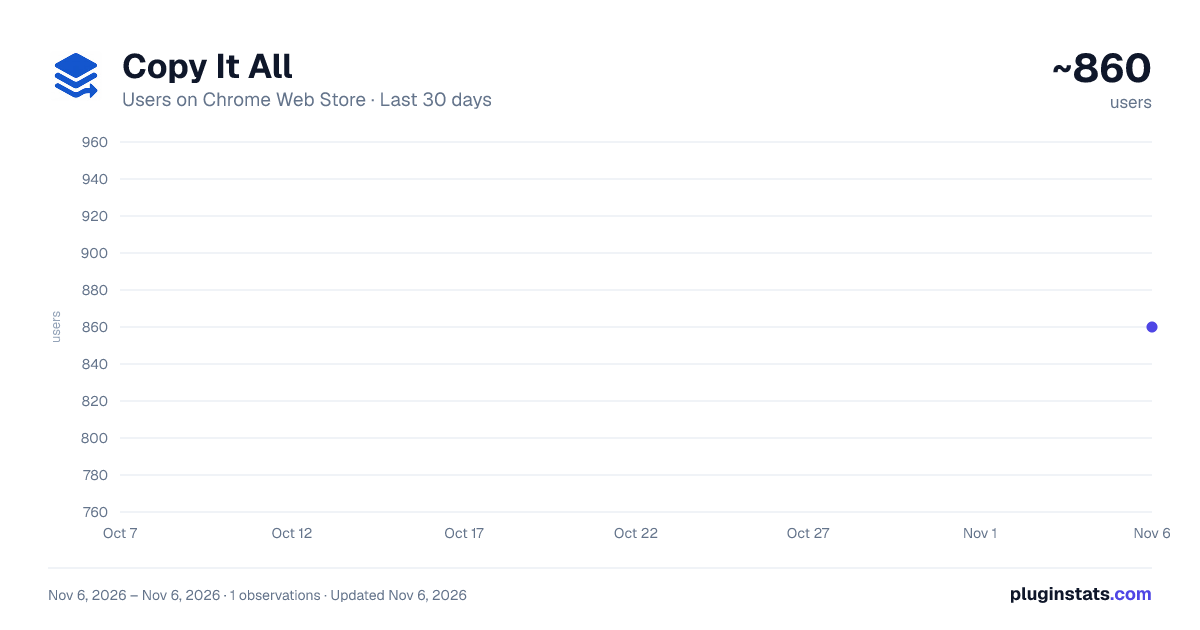
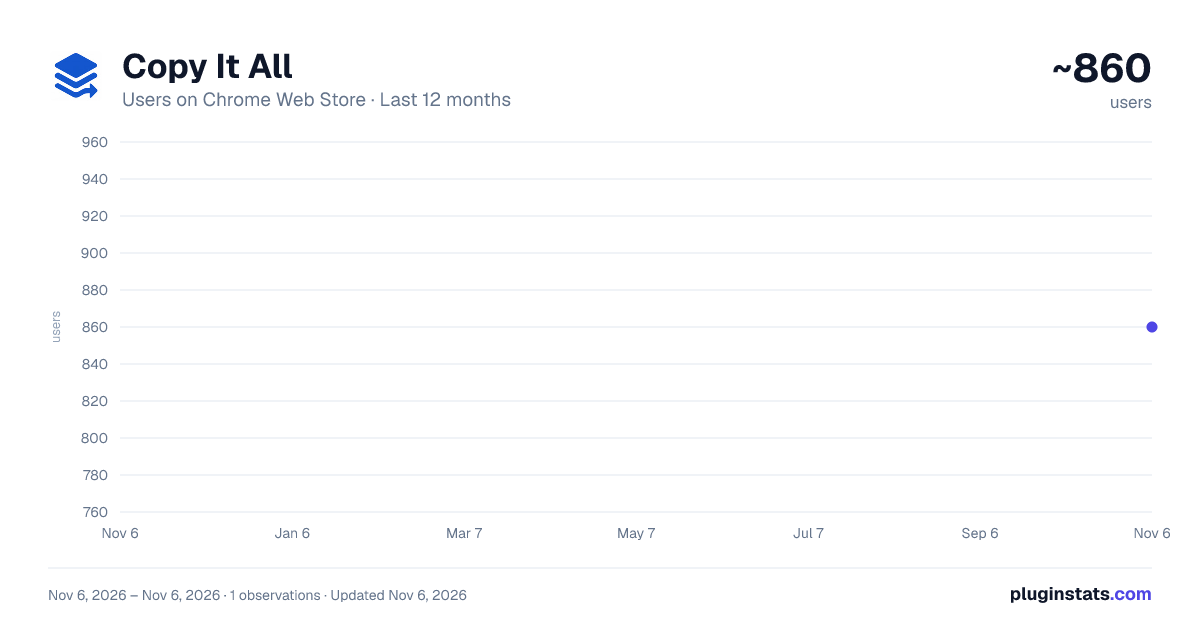
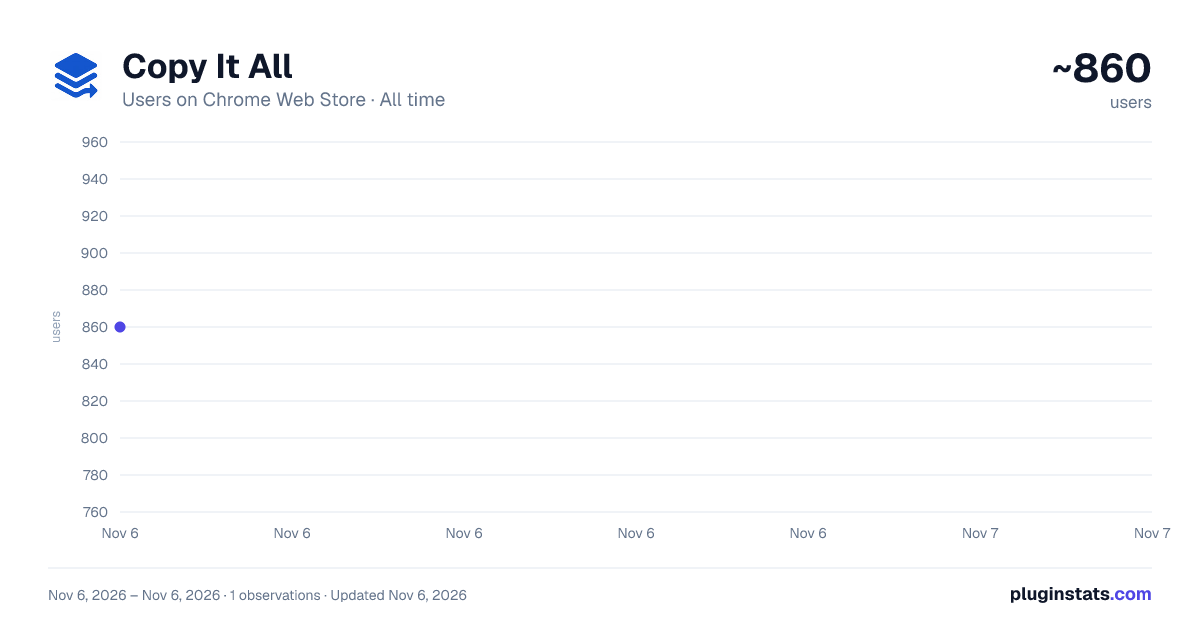
Copy It All has approximately 860 recorded users on Chrome Web Store, ranking #2995 of 7,624 tracked listings.
About Copy It All
Hover-to-copy text, tables, images, and charts. Capture full pages as LLM-friendly bundles.
Copy It All — Copy Anything, Capture Everything
Turn the web into your clipboard. Copy It All lets you grab clean text, tables, images, full-page screenshots, and even text inside images (OCR) in one click. It's fast, precise, privacy-friendly, and plays beautifully with your favorite LLMs (ChatGPT, Claude, Grok, Google AI Studio).
WHY YOU'LL LOVE IT
• Effortless copying: Hover to highlight, click to copy — no messy selections. • Pixel-perfect screenshots: Capture the current view or auto-scroll stitch full pages. • Extract text from images (OCR): Pull editable text out of screenshots, scanned docs, and charts — processed entirely on your device. • LLM-ready: Open your LLM with content ready to paste; text can auto-paste (limited per day on the free tier). • Organized history: Everything you copy appears in a tidy sidebar with thumbnails, CSV buttons, and re-copy actions. • Designer tools (Pro): Export a ZIP with page styles (CSV) + metadata for design audits and engineering handoff. • Privacy-first: All copying, capture, and OCR happen 100% on your device. The only network request is optional Pro license validation (details below).
WHAT YOU CAN COPY
• Text blocks: Paragraphs, headings, list items, code/pre, blockquotes. • Links: Copy link text or URL (toggle in Options). • Tables: One click to copy as CSV; download CSV from the history card. • Images/SVG/Canvas: Copy images directly; SVG and canvas are handled intelligently with fallbacks. One-click on-device OCR extracts text from any image. • Full pages: Scroll-and-stitch a long page into a single clean PNG (UI auto-hides during capture).
HOW IT WORKS (QUICK START)
• Install, then click the extension icon (or pin it). • Choose your copy trigger (Popup → "Copy Trigger"):
- Highlight to Copy: Drag to select text, release to copy.
- Hold + Click: Hold your activation key (Alt/Ctrl/Shift — your choice in Options), then click. • Hover + Click to copy. A small toast confirms success, and the item appears in history. • Open the sidebar for history (hover/copy items show up with previews and actions).
- CAPTURE & EXPORT
• Current View: One-click PNG of the visible area; copied to clipboard and saved. • Full Page: Auto-scroll stitch with smart fallbacks for very long pages. • Region Snip (Pro): Drag a rectangle to capture exactly what you need (great for charts). • Style Export — CSV ZIP (Pro): Creates a ZIP containing:
- page-styles.csv — computed fonts, colors, spacing, layout, and geometry for text-bearing elements
- page-metadata.csv — URL, title, viewport size, page size, timestamp, element count
- Ideal for design audits, QA, and reproducing UI in code.
- LLM INTEGRATION
• Providers: ChatGPT, Claude, Grok, Google AI Studio (Gemini). • Open button in the popup launches your chosen provider. • Text can auto-paste (free tier may limit to 10/day; Pro is unlimited); images focus the input and prompt you to press Ctrl+V where sites block programmatic attachment.
- TEXT FROM IMAGES (OCR)
• Click "Extract text" on any image in the sidebar to run on-device OCR. The recognized text is copied to your clipboard and added to history. • No image ever leaves your device — recognition runs locally. • Free: 5 extractions/day. Pro: unlimited.
- SIDEBAR & HISTORY
• Every copy or capture appears in a clean timeline with:
- Thumbnails for images
- "Copy" / "Open & Paste" (text), "Open" (image)
- "Extract text" (image → OCR)
- "Download CSV" (table) and "Download" (ZIP style export)
- Remove item, or keep everything (Pro plans lift free-tier limits) • Use the site toggle in the popup to enable/disable on the current site instantly.
KEYBOARD SHORTCUTS
• Toggle picker: Alt+Shift+P • Capture current view: Alt+Shift+V • Full page capture: Alt+Shift+S • Style export (ZIP): Alt+Shift+E • Tip: You can change the activation key (Alt/Ctrl/Shift) for "Hold + Click" in Options.
OPTIONS YOU CAN CUSTOMIZE
• Activation key: Alt, Ctrl, or Shift • Copy trigger: Highlight to Copy or Hold + Click • Always-On picker (Pro): Keep hover highlighting active without holding a key • Citations: Append page title + URL to copied text • Link behavior: Copy link text, URL, or let links behave normally • Site rules: Allow all, Allowlist, or Denylist, with a per-site toggle in the popup
PRIVACY & SECURITY
• All copying, screenshot capture, and OCR are processed 100% locally on your device. We do not collect, transmit, or sell your browsing data, page content, or personal information. • The only network request is optional Pro license verification: if you enter a Pro license key, the extension sends that key and an anonymous, randomly generated device ID to copyitall.com solely to validate your purchase and manage device seats. No page content, browsing history, or personal data is transmitted. The free version makes no network requests at all. • Clipboard writes and downloads occur only after explicit user actions. • Host permissions are required so the extension can operate on pages you visit — your page data never leaves the device.
TROUBLESHOOTING & RESET…
Description from the Chrome Web Store listing.
README badge
Show your rank in a README or on your website. The badge updates automatically.
Charts
Images: 30d · 1y · all time · 1600×900 dark
Adoption over time
7/30/90-day growth
Ranking history
Ratings over time
Listing placement
Listing placement
Filled points are observed values; hollow points come from Internet Archive snapshots of the listing page. Dashed segments span periods with no observations — values between points are not interpolated.
Each band is one page of 20. Users on a linear scale. Placement is projected from users, so it can differ from the marketplace's own sort order. Hover a dot to see the listing.
Recent observations
Full history (1)Similar Chrome Web Store Workflow & Planning plugins
All 20 Copy It All alternatives



Data source
Covers every Chrome Web Store extension with at least 100 users, found through the store's public sitemap. User counts are read from public listing pages. The 10% most-used extensions are refreshed daily, the next 40% weekly and the next 40% monthly; the least-used 10% are not refreshed. Google displays rounded user counts (and caps the display at 10,000,000+), so small changes may not be visible. Rating counts above 1,000 are rounded (e.g. 1.6K).
Listing: https://chromewebstore.google.com/detail/copy-it-all/ankonlnjfdgdoelekledpagmehicaiic. First seen Nov 6, 2026; last successful collection Nov 6, 2026. See the methodology.