 PluginStats

Sheets Image Exporter users statistics
By mypostmail77 · Chrome Web Store · Tools
Saves selected images from Google Sheets to Google Drive and locally
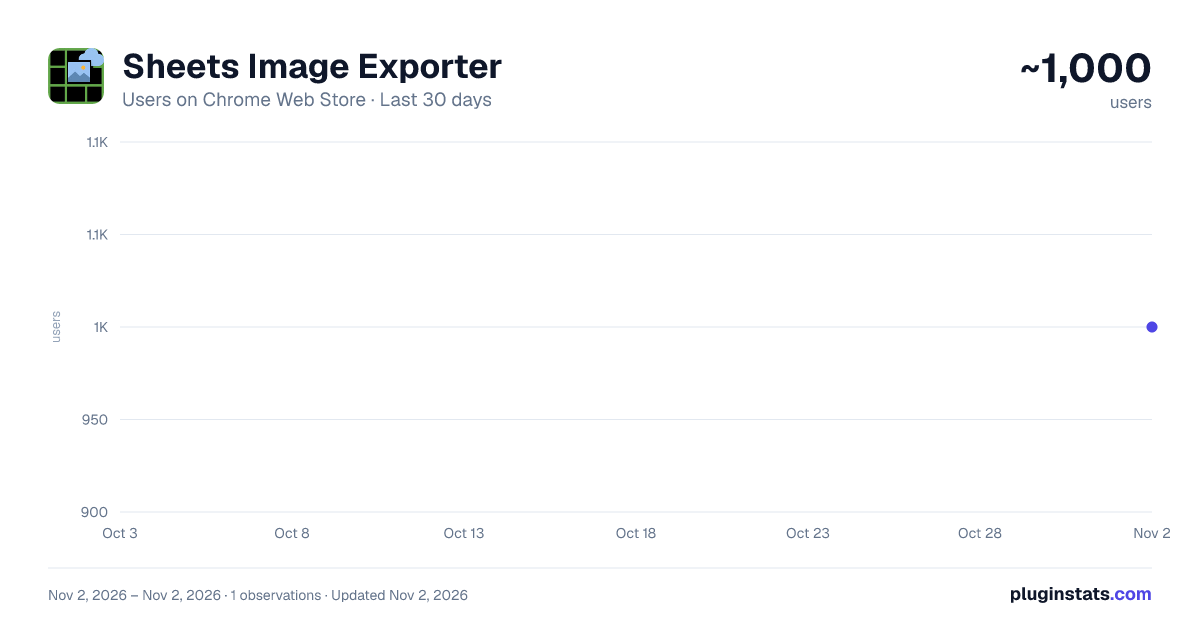
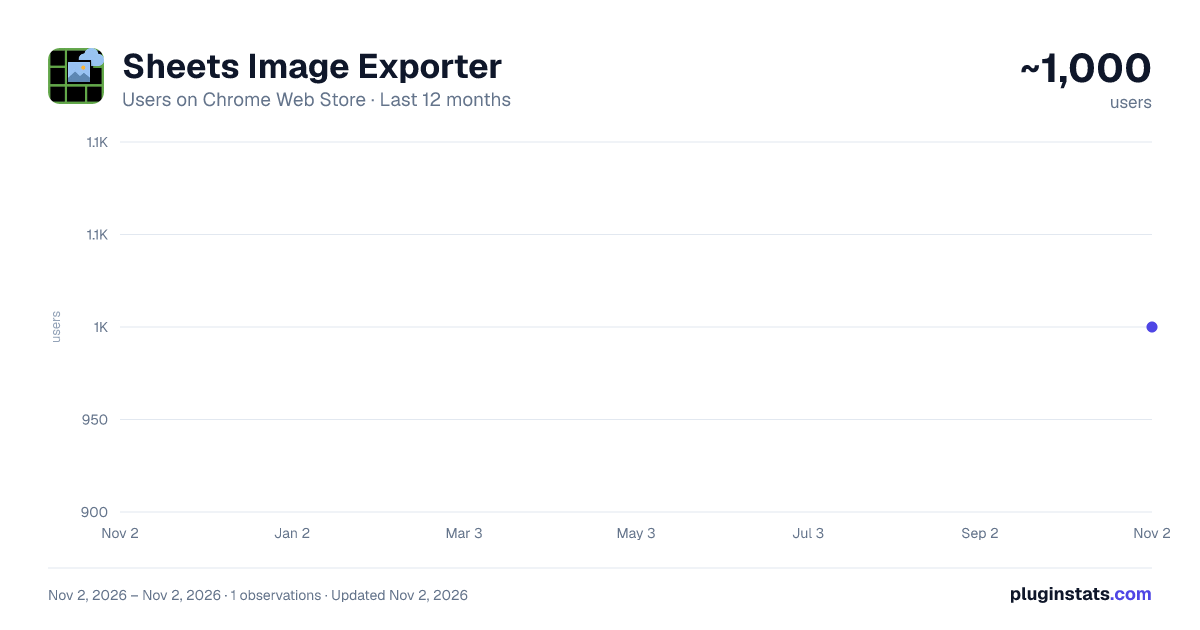
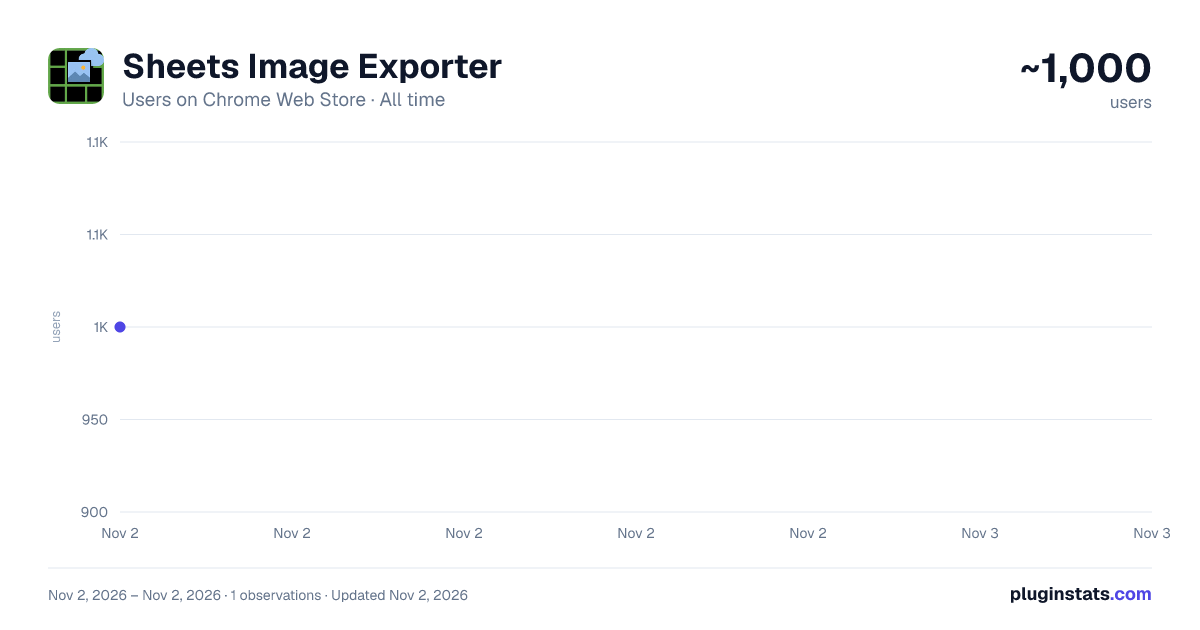
Sheets Image Exporter has approximately 1,000 recorded users on Chrome Web Store, ranking #2409 of 6,672 tracked listings.
Rating: 5.00 / 5 from 1 ratings
About Sheets Image Exporter
Saves selected images from Google Sheets to Google Drive and locally
Sheets Image Exporter
Easily save and export images from Google Sheets with Sheets Image Exporter. This Chrome extension simplifies image management by allowing you to save images to Google Drive or download them locally.
Key Features
- Save to Google Drive: Upload images to a specified Google Drive folder.
- Local Download: Download images as a ZIP archive in your preferred format.
- Customizable Image Quality: Choose PNG or JPEG format and adjust compression for local downloads.
- Custom CSS Selector: Use a custom or optimized default CSS selector for image selection.
- User-Friendly Interface: Preview and select images with checkboxes.
How to Use
- Open Google Sheets with images.
- Select images using Ctrl/Shift for multiple selections.
- Click the extension icon.
- Enter a Google Drive Folder ID (from
https://drive.google.com/drive/folders/FOLDER_ID) or leave blank for local download. - (Optional) Adjust the CSS selector or use the default.
- Select images from the list and click "Save to Drive" or "Download Locally."
- (Optional) Delete selected images with the Delete key.
Permissions Explained
- Access to Google Drive to save images.
- Google authentication for secure file uploads.
Privacy and Security
We respect your privacy. This extension:
- Collects only necessary data (Folder ID, CSS selector, temporary OAuth token, images).
- Does not share data with third parties.
- Complies with Google API User Data Policy.
- Stores settings securely in Chrome storage and removes OAuth tokens after use.
See Privacy Policy for Sheets Image Exporter (https://baublys.ru/privacy-policy-for-sheets-image-exporter/) for details.
Support
Contact us at mypostmail77@gmail.com for assistance.
Simplify image management in Google Sheets with seamless Google Drive integration and local export!
Note: Requires a Google account with access to Google Sheets and Google Drive (for Drive saving).
Description from the Chrome Web Store listing.
README badge
Show your rank in a README or on your website. The badge updates automatically.
Charts
Images: 30d · 1y · all time · 1600×900 dark
Adoption over time
7/30/90-day growth
Ranking history
Ratings over time
Listing placement
Listing placement
Filled points are observed values; hollow points come from Internet Archive snapshots of the listing page. Dashed segments span periods with no observations — values between points are not interpolated.
Each band is one page of 20. Users on a linear scale. Placement is projected from users, so it can differ from the marketplace's own sort order. Hover a dot to see the listing.
Recent observations
Full history (1)Similar Chrome Web Store Tools plugins
All 20 Sheets Image Exporter alternatives



Data source
Covers every Chrome Web Store extension with at least 100 users, found through the store's public sitemap. User counts are read from public listing pages. The 10% most-used extensions are refreshed daily, the next 40% weekly and the next 40% monthly; the least-used 10% are not refreshed. Google displays rounded user counts (and caps the display at 10,000,000+), so small changes may not be visible. Rating counts above 1,000 are rounded (e.g. 1.6K).
Listing: https://chromewebstore.google.com/detail/sheets-image-exporter/infelhpemoennpbejdfpfaiiffackhnf. First seen Nov 2, 2026; last successful collection Nov 2, 2026. See the methodology.