 PluginStats

ChatGPT Usage Extension users statistics
By Roni Gal · Chrome Web Store · Developer Tools
See how much ChatGPT usage you have left, including Codex limits, model caps, feature quotas and reset times.
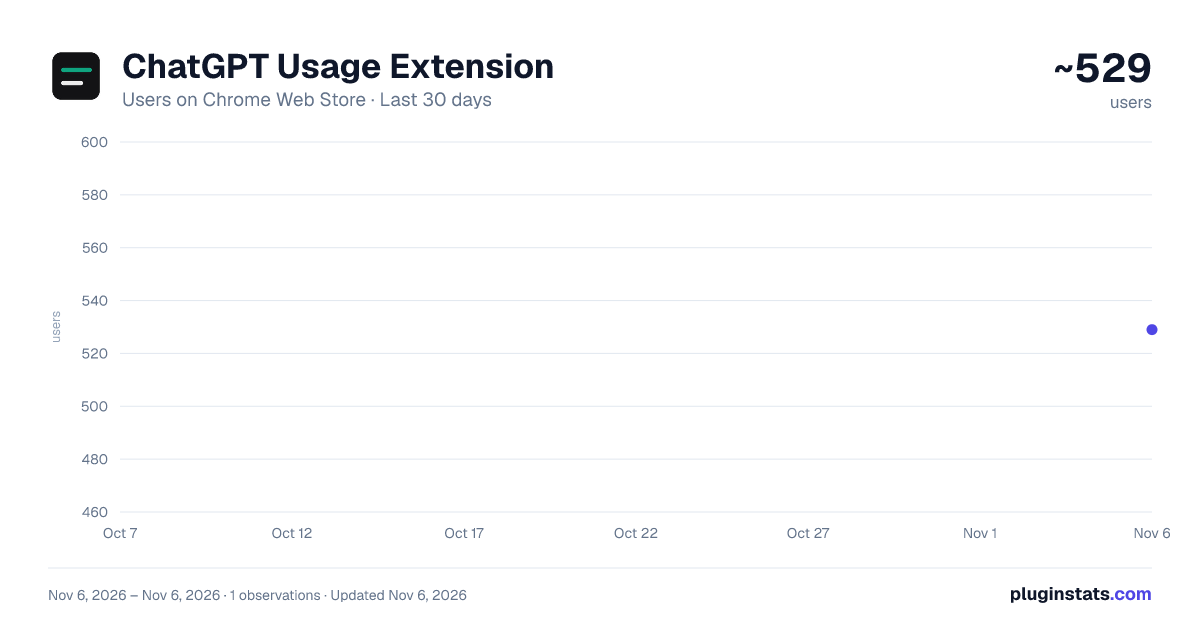
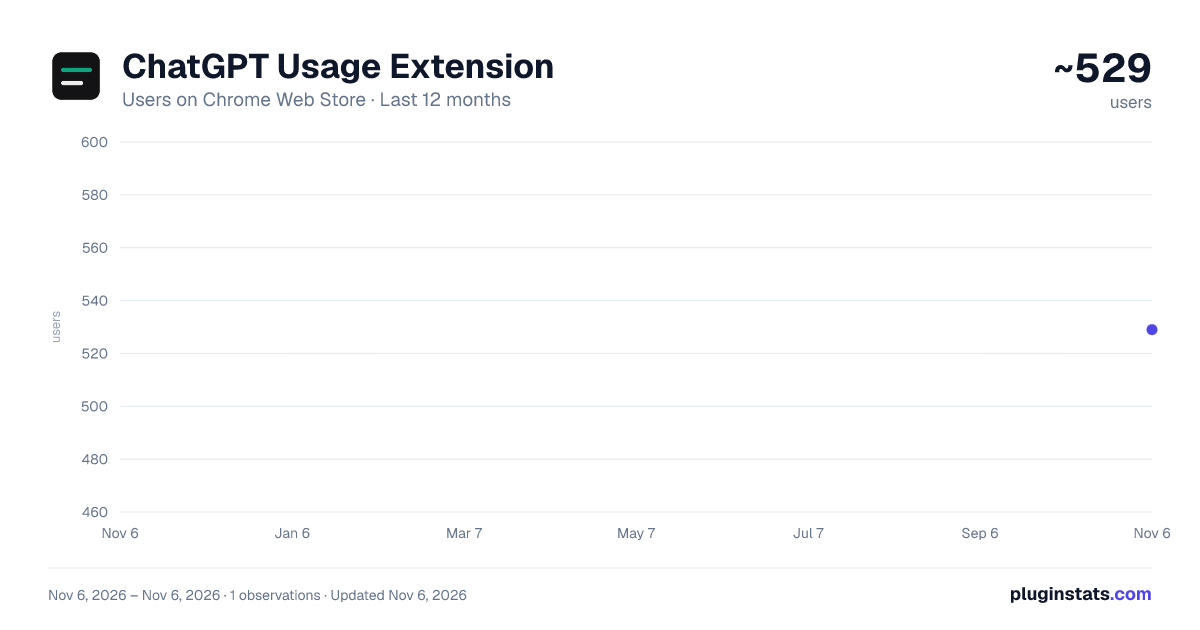
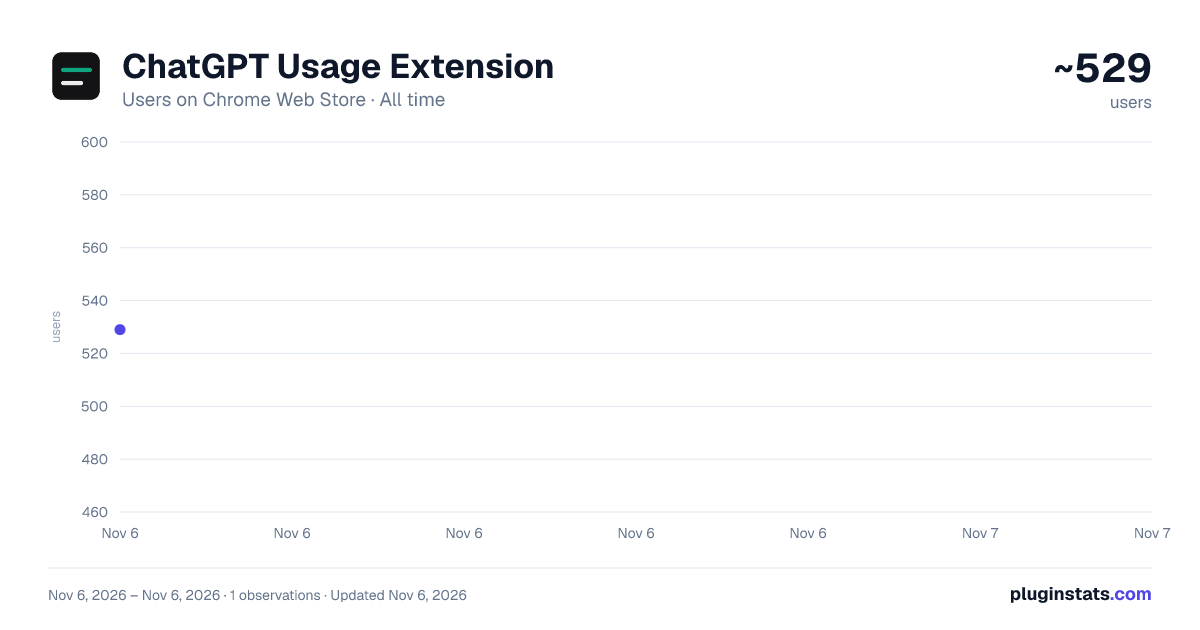
ChatGPT Usage Extension has approximately 529 recorded users on Chrome Web Store, ranking #3727 of 7,624 tracked listings.
Rating: 5.00 / 5 from 1 ratings
About ChatGPT Usage Extension
See how much ChatGPT usage you have left, including Codex limits, model caps, feature quotas and reset times.
Know how much of your ChatGPT plan you have left, and the exact time each limit resets, without opening Settings.
ChatGPT Usage Extension reads the usage ChatGPT already reports for the account you are signed in to. A small widget on chatgpt.com shows your plan windows, any separate model or code review limit, and how many uses you have left for features such as Thinking, Deep research, image generation, video generation, file uploads, long text pastes and Agent mode. The toolbar icon shows the main plan percent from any tab, and its popup shows the full plan bars and feature counts, including when no ChatGPT tab is open. The figures are ChatGPT's own. The extension does not count messages and does not estimate how fast you are using them.
KEY FEATURES
Plan limits at a glance Progress bars show the percent used of every plan window ChatGPT reports, the same figures as Settings > Usage. A plan can show more than one bar at once. Plus, for example, shows a 5-hour limit and a weekly limit together. Other plans show a daily, weekly or monthly window, or another length, and each bar is labeled by that real length. These plan limits are the allowance shared by ChatGPT, Codex, Work, Workspace Agents and ChatGPT for Excel. The widget runs on chatgpt.com, including the Codex pages on that site. It does not run inside the Codex CLI, the desktop app or Excel.
Per-model and code review limits If your plan meters a model on its own, such as GPT-5.3-Codex-Spark, that model gets its own bar, under the name ChatGPT sends. A separate code review limit gets its own bar too. Each bar has its own percent and its own reset time, so you can see a model cap exhausted while the main plan window still has room.
Feature quotas, as a count left See how many uses you have left for features ChatGPT meters separately, and when each one resets. The list includes only the features your account actually has. Names you may see include Thinking, Deep research, image generation, video generation, file uploads, long text pastes and Agent mode. Any other feature ChatGPT reports is shown too, under a readable name. The rows closest to empty are listed first. Each row reads like "3 left". Zero left is red. One or two left is amber.
Exact reset times Every plan bar and every feature row shows the exact date and time it resets, in your local time and language, for example "Resets Oct 5, 11:02 PM". There is no countdown.
Color coded status Bars are green up to 60% used, amber above 60%, and red above 85%. A banner appears when ChatGPT reports that your main plan limit is reached.
Toolbar badge and popup The toolbar icon shows the percent used of the first plan window, color coded, and keeps the last percent after you close ChatGPT. Hover the icon to see every plan, model and code review window. Click it to open a popup with the plan bars, the feature counts, the reset times and your plan badge. From the popup you can refresh, open chatgpt.com, or turn the on-page widget off. Refresh works even when no ChatGPT tab is open, as long as this browser is signed in to ChatGPT.
Refreshes on its own Usage updates after each ChatGPT reply finishes, when you return to the tab, when a reset time passes, and about every five minutes while the tab is visible. Switching account or workspace updates the numbers without a reload. To refresh immediately, use the refresh button in the toolbar popup. The on-page widget has no refresh button of its own.
Plan badge Shows your plan, such as FREE, GO, PLUS, PRO, BUSINESS, ENTERPRISE, EDU or WORKSPACE. Pro Lite is shown as PRO. A Business or Enterprise workspace shows the usage of the workspace you are signed in to.
Put it where you want it Drag the widget anywhere on the page and it stays there after a reload. Collapse it to a compact bar that still shows your main plan limits, or close it until you move to another page. You can also hide it from the popup until you turn it back on. The badge and the popup keep working while the on-page widget is hidden. The widget does not appear on the sign-in page or on shared-chat links.
Ten themes, synced Pick from ten presets with a single slider, or reset to the default that follows ChatGPT's light and dark mode. The theme syncs across computers where you are signed in to Chrome. The position, the collapsed state and whether the widget is shown stay on this computer.
Stays out of the way The widget renders in an isolated Shadow DOM, so it cannot clash with ChatGPT's styles. If you are signed out, or ChatGPT reports no usage data, it does not appear.
WHY THESE PERMISSIONS
Access to chatgpt.com Needed to show the widget on chatgpt.com and to read your usage from ChatGPT with your existing session. The extension runs on chatgpt.com and nowhere else.
Storage Remembers the widget position, whether it is collapsed, whether it is shown, your theme, the last usage snapshot for the popup, and the percentages on the toolbar badge.
PRIVACY
There is no analytics, no tracking and no server of its own. Requests go only to chatgpt.com, using your existing session. The session token is kept in memory only and is never stored. Nothing is sent to the developer or to any third party.
FAQ
I installed it and I don't see the widget. Sign in to chatgpt.com and reload the page. The widget appears only when ChatGPT reports usage for your account. It stays off the sign-in page and off shared links. If you turned it off, open the toolbar popup and switch "Show widget on ChatGPT" back on. The toolbar badge and the popup still show your limits while the widget is hidden.
Does it count my chat messages? No. It shows the percent used of the plan and model windows ChatGPT reports, and how many uses are left for the features ChatGPT tracks. ChatGPT does not publish a general message counter, so the extension does not invent one.…
Description from the Chrome Web Store listing.
README badge
Show your rank in a README or on your website. The badge updates automatically.
Charts
Images: 30d · 1y · all time · 1600×900 dark
Adoption over time
7/30/90-day growth
Ranking history
Ratings over time
Listing placement
Listing placement
Filled points are observed values; hollow points come from Internet Archive snapshots of the listing page. Dashed segments span periods with no observations — values between points are not interpolated.
Each band is one page of 20. Users on a linear scale. Placement is projected from users, so it can differ from the marketplace's own sort order. Hover a dot to see the listing.
Recent observations
Full history (1)Similar Chrome Web Store Developer Tools plugins
All 20 ChatGPT Usage Extension alternatives



Data source
Covers every Chrome Web Store extension with at least 100 users, found through the store's public sitemap. User counts are read from public listing pages. The 10% most-used extensions are refreshed daily, the next 40% weekly and the next 40% monthly; the least-used 10% are not refreshed. Google displays rounded user counts (and caps the display at 10,000,000+), so small changes may not be visible. Rating counts above 1,000 are rounded (e.g. 1.6K).
Listing: https://chromewebstore.google.com/detail/chatgpt-usage-extension/pfkbilmnnaimbpcdmgfknnekpefimaek. First seen Nov 6, 2026; last successful collection Nov 6, 2026. See the methodology.