 PluginStats
Send to Claude users statistics
By takoyaki · Chrome Web Store · Tools
Send text to Claude via URL parameters, context menu, and custom prompts
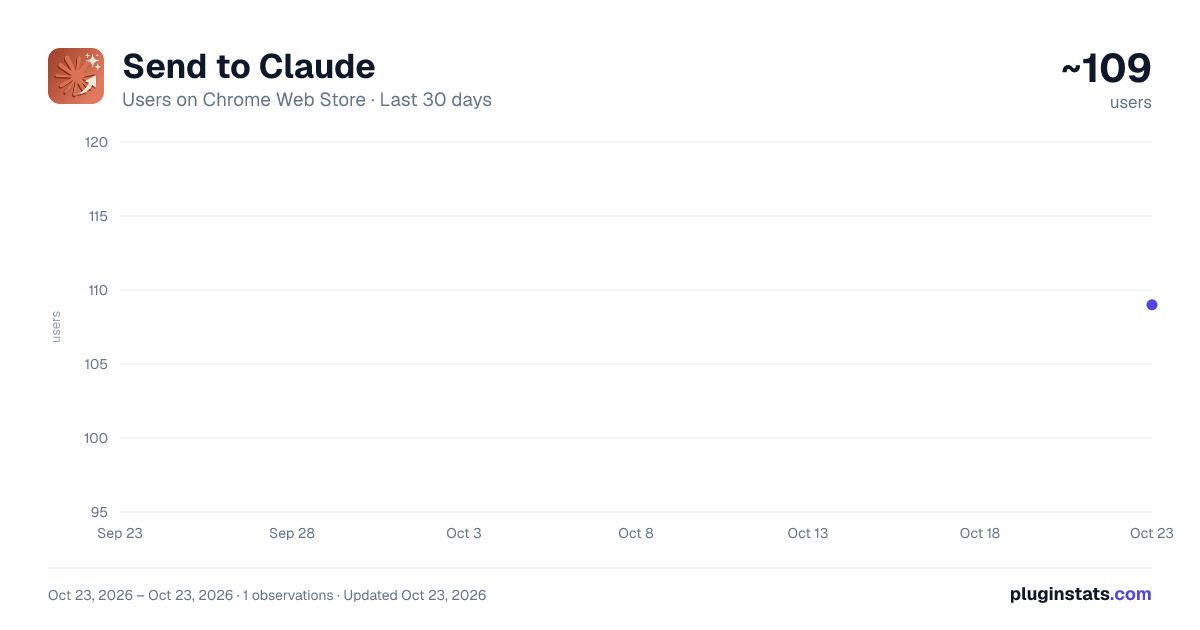
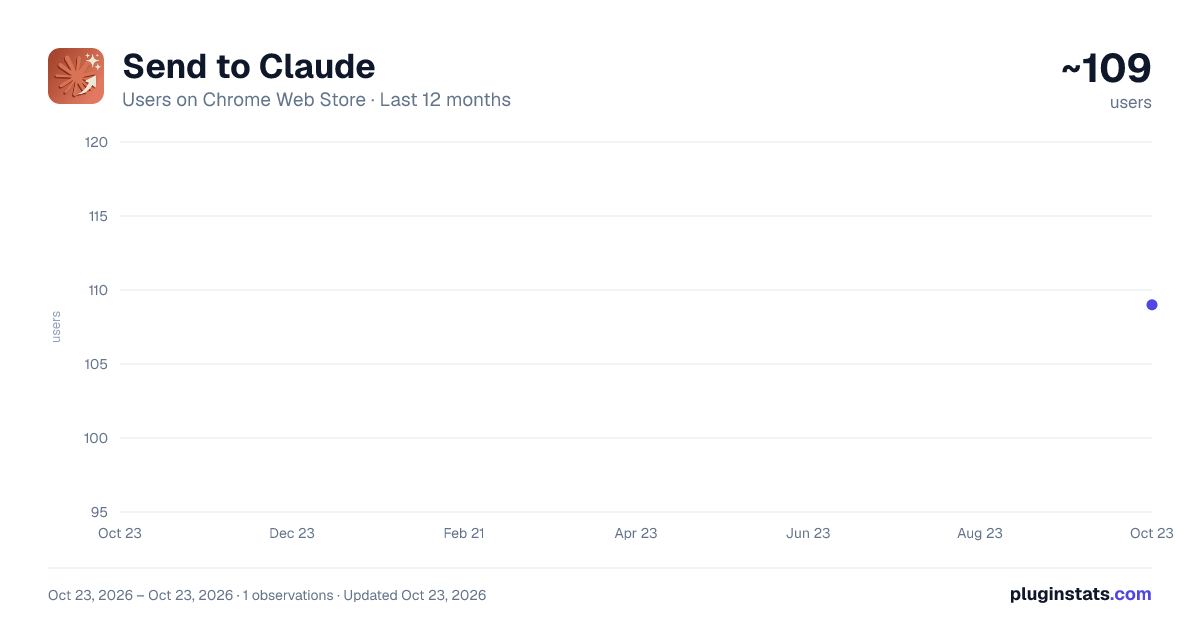
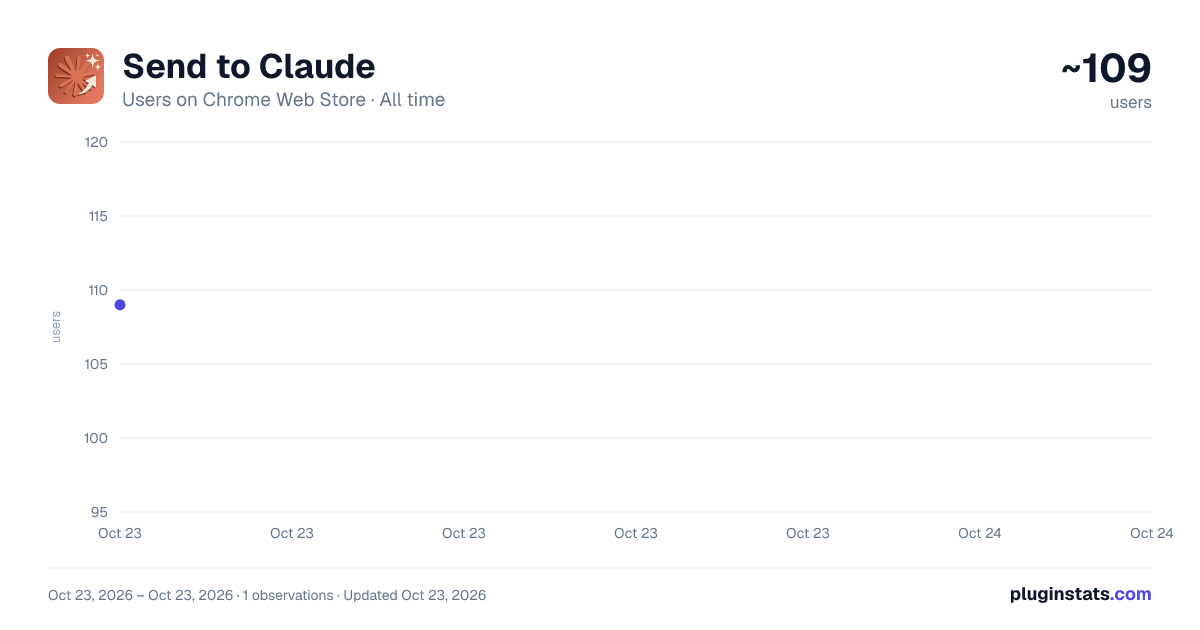
Send to Claude has approximately 109 recorded users on Chrome Web Store, ranking #3728 of 3,853 tracked listings.
About Send to Claude
Send text to Claude via URL parameters, context menu, and custom prompts
【Detailed Description】
■ Overview Send to Claude is a Chrome extension that automatically fills and submits prompts to Claude using URL parameters.
■ Key Features ✓ Auto-fill prompts from URL parameters ✓ JavaScript API for external integration ✓ Context menu to send selected text to Claude ✓ Large prompt support
■ How to Use
【Basic Usage】
Simply add the ?prompt= parameter to the Claude URL.
Example: https://claude.ai/new?prompt=Tell me about AI
When you access this URL, the prompt "Tell me about AI" will be automatically filled and submitted.
【Disable Auto-Submit】
To fill the prompt without automatically submitting it, add autosubmit=false.
Example: https://claude.ai/new?prompt=Explain quantum computing&autosubmit=false
In this case, the prompt is filled but the send button is not pressed.
【JavaScript API Usage】 You can call this extension directly from your web page.
■ Basic Usage:
// extension ID
const extensionId = "gcbomhdkipopmgjemnonhhmmfggffnno";

// Send prompt to Claude
chrome.runtime.sendMessage(
extensionId,
{
type: "autofill",
prompt: "Tell me about AI",
autoSubmit: true // Set false to fill without sending
},
(response) => {
if (chrome.runtime.lastError) {
console.error("Failed:", chrome.runtime.lastError.message);
} else if (response && response.success) {
console.log("Success:", response);
}
}
);
■ Promise-based version (async/await support):
function sendToClaude({ prompt, autoSubmit = true }) {
return new Promise((resolve, reject) => {
chrome.runtime.sendMessage(
extensionId,
{ type: "autofill", prompt, autoSubmit },
(response) => {
if (chrome.runtime.lastError) {
reject(new Error(chrome.runtime.lastError.message));
} else if (response?.success) {
resolve(response);
} else {
reject(new Error("Request failed"));
}
}
);
});
}

// Usage example
async function askClaude() {
try {
await sendToClaude({
prompt: "Explain artificial intelligence",
autoSubmit: true
});
console.log("Sent to Claude");
} catch (error) {
console.error("Error:", error.message);
}
}
■ Connection check (ping):
// Check if the extension is available
chrome.runtime.sendMessage(
extensionId,
{ type: "ping" },
(response) => {
if (chrome.runtime.lastError) {
console.log("Extension not found");
} else {
console.log("Connection OK:", response);
}
}
);
■ Benefits of JavaScript API:
- Support for large prompts (thousands of lines of data)
- No URL length limitations
- Direct integration with web applications
- Can be triggered by user actions like clicks
■ Notes:
- Does not work with file:// protocol (requires http:// or https://)
【Context Menu Integration】 Select text on any webpage, right-click to see "Send to Claude" in the context menu.
■ Basic Feature: Sends selected text directly to Claude.
■ How to Use:
- Select text on any webpage
- Right-click and choose "Send to Claude"
- Claude tab opens with the selected text filled in
【Custom Prompts】 Register frequently used prompts as custom menu items from the settings page.
■ Setting Up Custom Prompts:
- Right-click the extension icon → select "Options" Or, right-click anywhere and select "⚙️ Configure Custom Prompts"
- Click "Add New Prompt"
- Enter a menu label (e.g., "Translate to English") and prompt template (e.g., "Please translate the following text to English:")
- Choose to enable/disable auto-submit (enabled by default)
- Click Save
■ Using Custom Prompts:
- Select text on any webpage
- Right-click and choose your custom prompt
- The custom prompt and selected text are combined and sent to Claude
■ Benefits of Custom Prompts:
- Execute common tasks with one click
- Organize prompts by task (translation, summarization, code explanation, etc.)
- Share standardized prompts with your team
- Configure auto-submit per prompt
【Add Custom Prompts via URL】 You can add custom prompts directly from an external URL. Place an "Add this prompt" link on websites or blogs to allow one-click custom prompt registration.
■ URL Format: chrome-extension://gcbomhdkipopmgjemnonhhmmfggffnno/add_custom_prompt.html?label=Menu+Label&prompt=Prompt+Template&auto_submit=1
■ Parameters:
- label: Menu label (e.g., Translate to English)
- prompt: Prompt template (e.g., Please translate the following text to English:)
- auto_submit: Enable/disable auto-submit (optional, default: true. Set false or 0 to disable)
■ How to Use:
- Access a URL in the format above
- A registration form pre-filled with the parameters is displayed
- Edit the content as needed and click Save
■ Use Cases for URL-based Registration:
- Place "Add this prompt" links on websites or blogs
- Distribute URLs to share custom prompts within your team
- One-click addition from prompt collection pages
■ Use Cases
【Bookmarks】 Save frequently used prompts as bookmarks for quick access with one click.
【Web Application Integration】 Use the JavaScript API to call Claude directly from web applications. Example: Explain data analysis results with Claude, integrate with code generation tools
【Custom Shortcuts】 Convert specific tasks or questions into URLs and share them with your team.
【Large Data Processing】 Via JavaScript API, you can send thousands of lines of data or code to Claude without worrying about URL length limits.
━━━━━━━━━━━━━━━━━━━━━━━━━━━━━━━━━━━━━━━━
【Update History】
■ Version 1.0.0 ✓ Initial release ✓ Auto-fill prompts from URL parameters ✓ External integration via JavaScript API
━━━━━━━━━━━━━━━━━━━━━━━━━━━━━━━━━━━━━━━━
Description from the Chrome Web Store listing.
README badge
Show your rank in a README or on your website. The badge updates automatically.
Charts
Images: 30d · 1y · all time · 1600×900 dark
Adoption over time
7/30/90-day growth
Ranking history
Ratings over time
Listing placement
Listing placement
Filled points are observed values; hollow points come from Internet Archive snapshots of the listing page. Dashed segments span periods with no observations — values between points are not interpolated.
Each band is one page of 20. Users on a linear scale. Placement is projected from users, so it can differ from the marketplace's own sort order. Hover a dot to see the listing.
Recent observations
Full history (1)Similar Chrome Web Store Tools plugins
All 20 Send to Claude alternatives



Data source
Covers every Chrome Web Store extension with at least 100 users, found through the store's public sitemap. User counts are read from public listing pages. The 10% most-used extensions are refreshed daily, the next 40% weekly and the next 40% monthly; the least-used 10% are not refreshed. Google displays rounded user counts (and caps the display at 10,000,000+), so small changes may not be visible. Rating counts above 1,000 are rounded (e.g. 1.6K).
Listing: https://chromewebstore.google.com/detail/send-to-claude/gcbomhdkipopmgjemnonhhmmfggffnno. First seen Oct 23, 2026; last successful collection Oct 23, 2026. See the methodology.