 PluginStats
Task & Time Tracker Management Tool – Track, Analyze & Manage Work users statistics
Track tasks, manage time, and boost productivity effortlessly. Stay organized & optimize your workflow with smart time tracker!
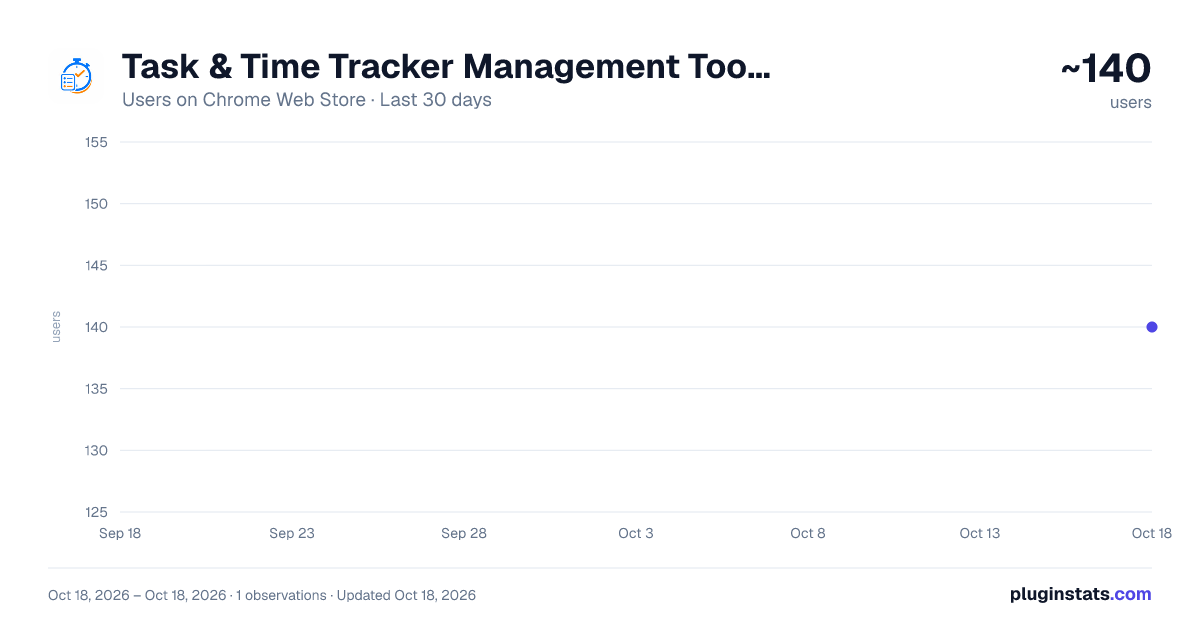
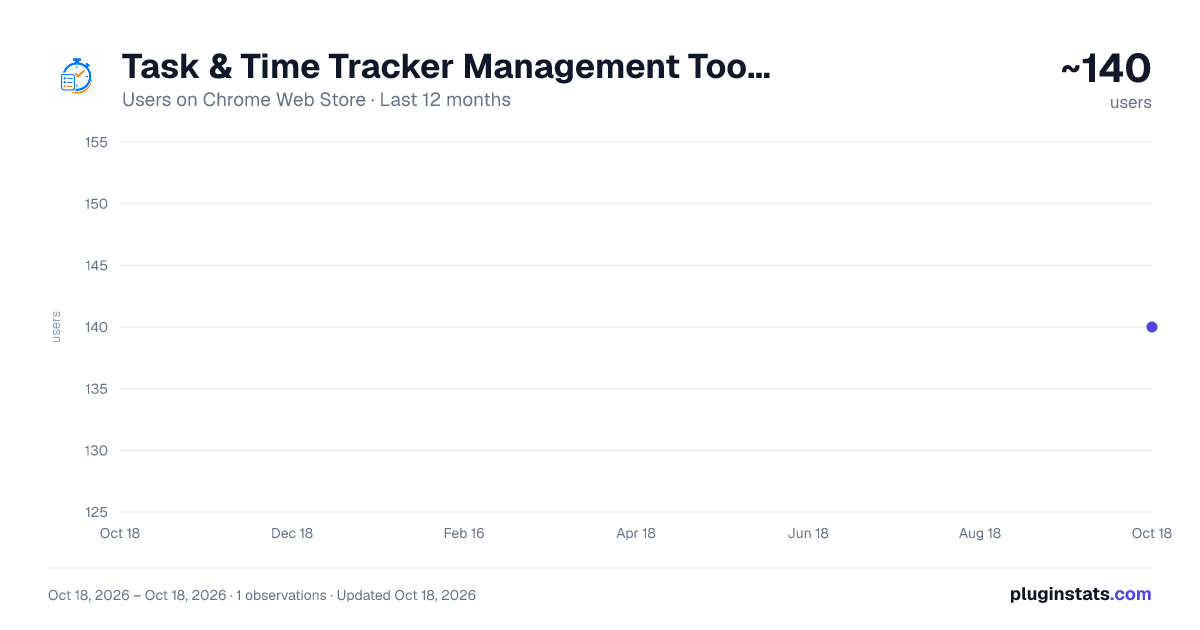
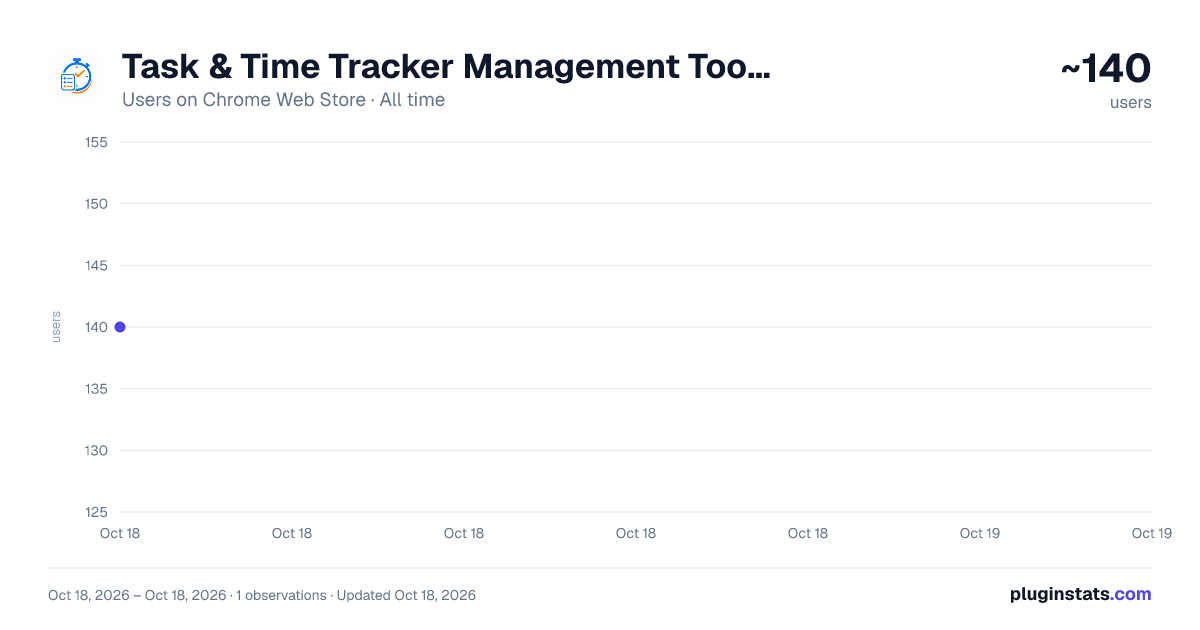
Task & Time Tracker Management Tool – Track, Analyze & Manage Work has approximately 140 recorded users on Chrome Web Store.
It ranks #1784 of 2,033 tracked Chrome Web Store listings by users.
It is rated 5.0 out of 5 from 2 ratings.
PluginStats has 1 daily observations since Oct 18, 2026; the latest is from Oct 18, 2026.
Rating: 5.00 / 5 from 2 ratings
About Task & Time Tracker Management Tool – Track, Analyze & Manage Work
Track tasks, manage time, and boost productivity effortlessly. Stay organized & optimize your workflow with smart time tracker!
Task Tracker Pro: Revolutionizing Time Management and Productivity
In today's fast-paced world, effective time management is the key to success in both personal and professional spheres. Task Tracker Pro is not just another time management tool; it's a comprehensive productivity ecosystem designed to help you take control of your time, boost your efficiency, and achieve your goals. Whether you're a busy professional, a student juggling multiple courses, or an entrepreneur wearing many hats, Task Tracker Pro is your ultimate companion in the quest for peak productivity.
Key Features of Task Tracker Pro:
1. Intuitive Task Tracking: Easily add, manage, and organize your tasks with our user-friendly interface. Each task can be assigned a name and a detailed description, allowing you to capture all necessary information at a glance.
2. Built-in Timer: Start and stop timers for each task with a single click. This feature enables you to accurately track the time spent on different activities, helping you understand your work patterns and identify areas for improvement.
3. Hourly Notifications: Stay aware of your time investment with hourly notifications. This gentle reminder system helps you maintain focus and make informed decisions about task switching or taking breaks.
4. Data Export: Export your task and time data to CSV format, compatible with Excel and other spreadsheet applications. This feature facilitates in-depth analysis of your productivity trends and supports data-driven decision-making.
5. Persistent Storage: Your tasks and time data are securely stored, ensuring that you never lose track of your progress, even if you close your browser or restart your computer.
6. Clean, Modern Interface: With a sleek, intuitive design, Task Tracker Pro is not only functional but also a pleasure to use. The visually appealing interface helps reduce cognitive load, allowing you to focus on what truly matters - your tasks.
How Task Tracker Pro Boosts Productivity:
1. Time Awareness: By tracking time spent on tasks, you gain a clear understanding of how you're allocating your hours. This awareness is the first step towards optimizing your time usage.
2. Focus Enhancement: The timer feature creates a sense of urgency and helps you stay focused on the task at hand. By breaking your work into timed sessions, you can leverage techniques like the Pomodoro method to maintain high levels of concentration.
3. Priority Management: As you track tasks and their durations, you'll be better equipped to prioritize your workload. You can identify which tasks are taking up most of your time and adjust your schedule accordingly.
4. Progress Tracking: With Task Tracker Pro, you can easily monitor your progress over time. This not only provides a sense of accomplishment but also helps in setting realistic goals for future tasks.
5. Work-Life Balance: By having a clear picture of your time allocation, you can ensure a healthy balance between work and personal life. The hourly notifications serve as gentle reminders to take breaks and avoid burnout.
6. Data-Driven Improvements: The ability to export and analyze your task data allows you to make informed decisions about your work habits. You can identify patterns, optimize your routines, and continuously improve your productivity.
Industry-Specific Applications:
1. Software Development: For software developers, Task Tracker Pro is an invaluable tool for managing complex projects. Use it to track time spent on coding, debugging, and testing. The detailed task descriptions can be used to note specific issues or implementation details.
How to use: - Create separate tasks for different features or modules - Use the timer to track coding sessions and ensure balanced work on various aspects of the project - Utilize the description field to note down important code snippets or debugging steps - Export data to analyze time spent on different phases of development
2. Marketing and Advertising: Marketers can use Task Tracker Pro to manage multiple campaigns and client projects simultaneously. Track time spent on content creation, social media management, and campaign analysis.
How to use: - Set up tasks for each client or campaign - Use timers to track time spent on creative processes vs. analytical tasks - Leverage hourly notifications to ensure balanced attention to different clients - Export data to provide accurate time reports to clients or for internal billing purposes
3. Education: Teachers and educators can utilize Task Tracker Pro to balance lesson planning, grading, and administrative tasks. Students can use it to manage study sessions and assignment work.
How to use for teachers: - Create tasks for lesson planning, grading, and administrative work - Use timers to ensure efficient use of prep time - Track time spent on different subjects or classes to ensure balanced attention
How to use for students: - Set up tasks for different subjects or assignments - Use timers to implement effective study techniques like the Pomodoro method - Track time spent on various subjects to ensure balanced study habits
4. Healthcare: Medical professionals can use Task Tracker Pro to manage patient consultations, research, and administrative tasks. It's particularly useful for maintaining work-life balance in a demanding field.
How to use: - Create tasks for patient consultations, research, and paperwork - Use timers to ensure appropriate time allocation for each patient - Utilize hourly notifications as reminders for breaks or shift changes - Export data to analyze time spent on direct patient care vs. administrative tasks
5. Legal Profession: Lawyers and legal professionals can benefit from Task Tracker Pro in managing case work, client meetings, and billable hours.…
Description from the Chrome Web Store listing.
Where Task & Time Tracker Management Tool – Track, Analyze & Manage Work sits in the listing
Each band is one page of 20. Users on a log scale. Placement is projected from users, so it can differ from the marketplace's own sort order. Hover a dot to see the listing.
Charts
Images: 30d · 1y · all time · 1600×900 dark
Adoption over time
7/30/90-day growth
Ranking history
Filled points are observed values; hollow points come from Internet Archive snapshots of the listing page. Dashed segments span periods with no observations — values between points are not interpolated.
Recent observations
Full history (1)Similar Chrome Web Store Tools plugins




Data source
User counts are read from public Chrome Web Store listing pages. Google displays rounded user counts (and caps the display at 10,000,000+), so small changes may not be visible. Rating counts above 1,000 are rounded (e.g. 1.6K).
Listing: https://chromewebstore.google.com/detail/task-time-tracker-managem/nplnnecopkiljgciljckohagjhngphmi. First seen Oct 18, 2026; last successful collection Oct 18, 2026. See the methodology.