 PluginStats

PDF Clear - Watermark Remover users statistics
By Innvexia · Chrome Web Store · Tools
Interactive canvas-based PDF watermark remover with intelligent color blending and seamless removal.
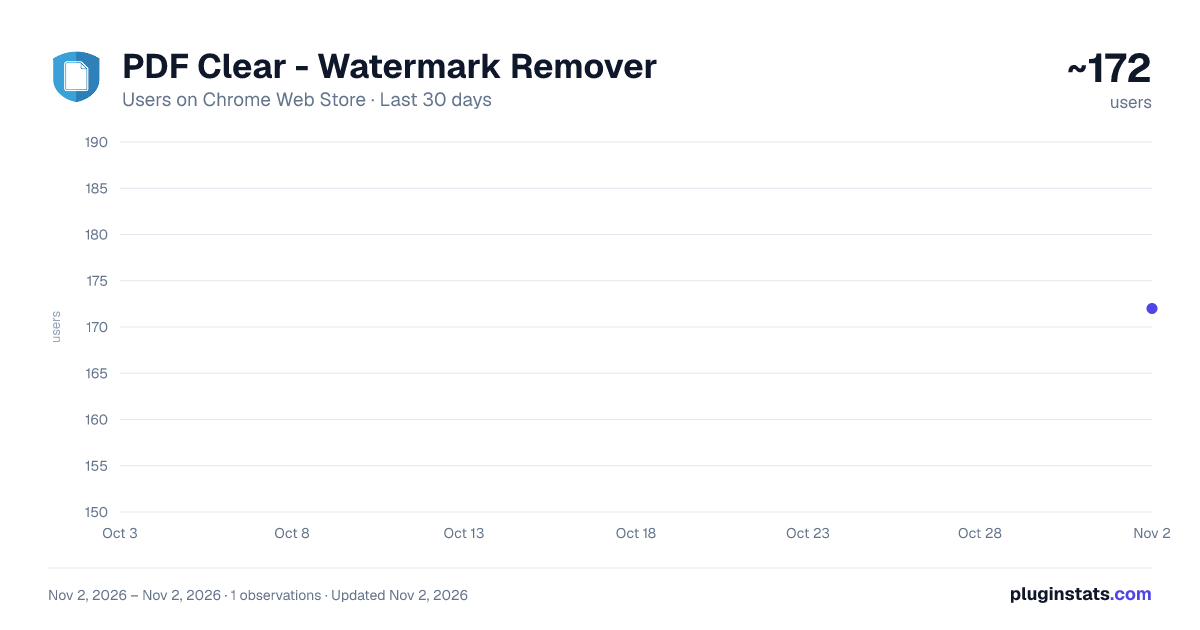
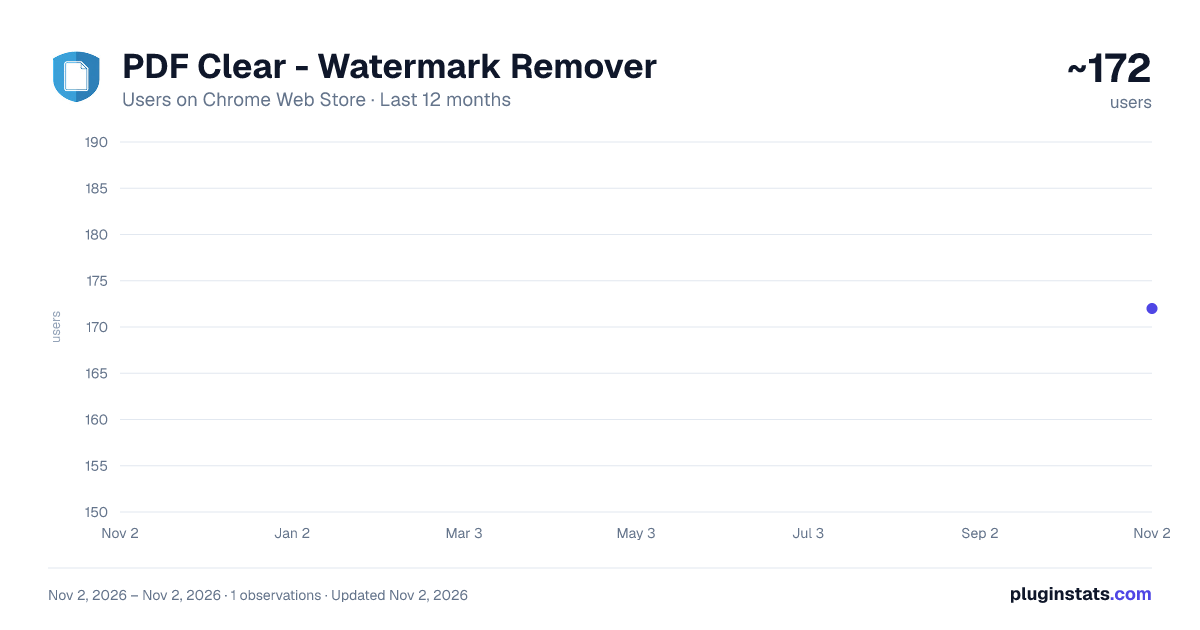
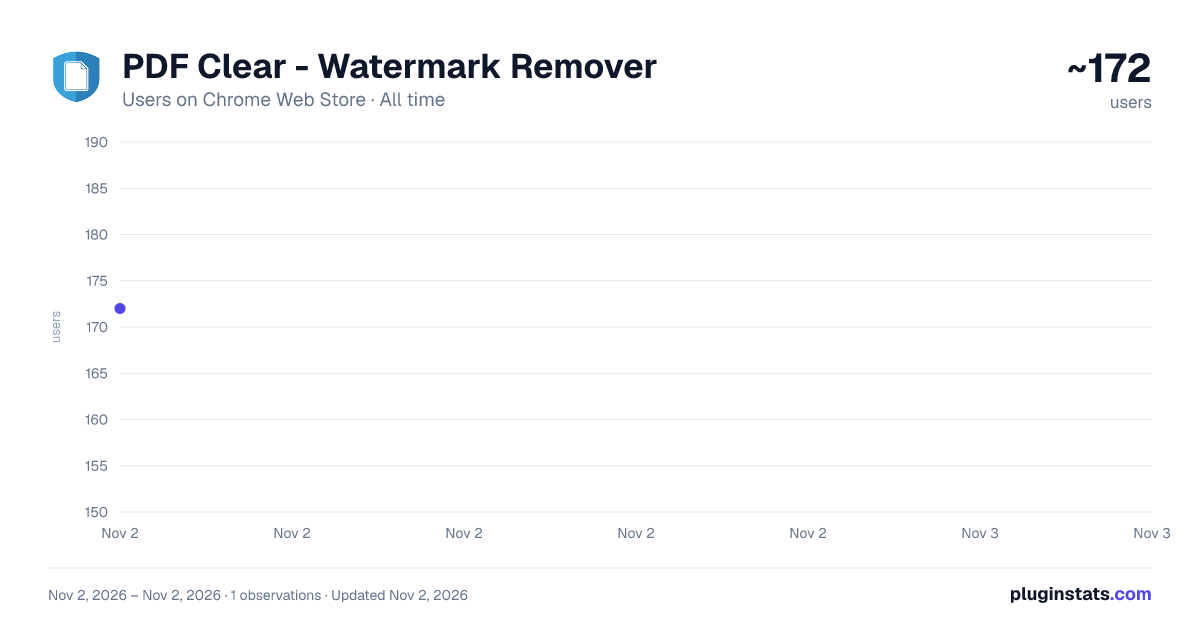
PDF Clear - Watermark Remover has approximately 172 recorded users on Chrome Web Store, ranking #5405 of 6,786 tracked listings.
About PDF Clear - Watermark Remover
Interactive canvas-based PDF watermark remover with intelligent color blending and seamless removal.
PDF Clear – Watermark Remover
PDF Clear is a simple Chrome extension that helps you remove visible watermarks from PDF files using a hands-on, visual approach.
Instead of running risky automatic tools that often damage text or layouts, PDF Clear lets you manually clean watermark areas on a canvas, so you can control exactly what gets removed and what stays untouched.
Everything runs inside your browser. Your files are never uploaded anywhere.
What You Can Do
Open a PDF directly in the extension
Visually select watermark areas
Clean them using smooth color blending
Download the updated PDF instantly
No accounts. No sign-ups. No background processes.
Why Use PDF Clear?
Most watermark remover tools either:
Break the document layout
Remove useful content along with the watermark
Or require uploading sensitive files to unknown servers
PDF Clear avoids all of that by keeping things manual, local, and transparent.
You see what you’re removing — and you decide when it’s done.
Privacy & Permissions
The extension only asks for download permission so it can save your cleaned PDF
No tracking
No analytics
No external servers
Your files stay on your computer.
FAQ Does this remove watermarks automatically?
No. PDF Clear is a manual tool by design. This avoids accidental damage to text and images that automatic removers often cause.
Will my PDF quality be affected?
If you use it carefully, the original content stays intact. Results depend on how complex the watermark and background are.
Are my PDFs uploaded anywhere?
No. All processing happens locally in your browser.
Can I use it on scanned PDFs?
Yes, but scanned documents may need more manual cleanup depending on scan quality.
Does it work offline?
Yes. Once installed, you can use it without an internet connection.
Is it free?
Yes. The current version is free.
Is it legal to use?
Only remove watermarks from documents you own or have permission to edit. You are responsible for how you use the extension.
Description from the Chrome Web Store listing.
README badge
Show your rank in a README or on your website. The badge updates automatically.
Charts
Images: 30d · 1y · all time · 1600×900 dark
Adoption over time
7/30/90-day growth
Ranking history
Ratings over time
Listing placement
Listing placement
Filled points are observed values; hollow points come from Internet Archive snapshots of the listing page. Dashed segments span periods with no observations — values between points are not interpolated.
Each band is one page of 20. Users on a linear scale. Placement is projected from users, so it can differ from the marketplace's own sort order. Hover a dot to see the listing.
Recent observations
Full history (1)Similar Chrome Web Store Tools plugins
All 20 PDF Clear - Watermark Remover alternatives



Data source
Covers every Chrome Web Store extension with at least 100 users, found through the store's public sitemap. User counts are read from public listing pages. The 10% most-used extensions are refreshed daily, the next 40% weekly and the next 40% monthly; the least-used 10% are not refreshed. Google displays rounded user counts (and caps the display at 10,000,000+), so small changes may not be visible. Rating counts above 1,000 are rounded (e.g. 1.6K).
Listing: https://chromewebstore.google.com/detail/pdf-clear-watermark-remov/jlofbggkodfpgigjgmfbcjdgbgmfafle. First seen Nov 2, 2026; last successful collection Nov 2, 2026. See the methodology.