 PluginStats

YouTube Transcript users statistics
Instant YouTube video transcripts you can view, copy, or download.
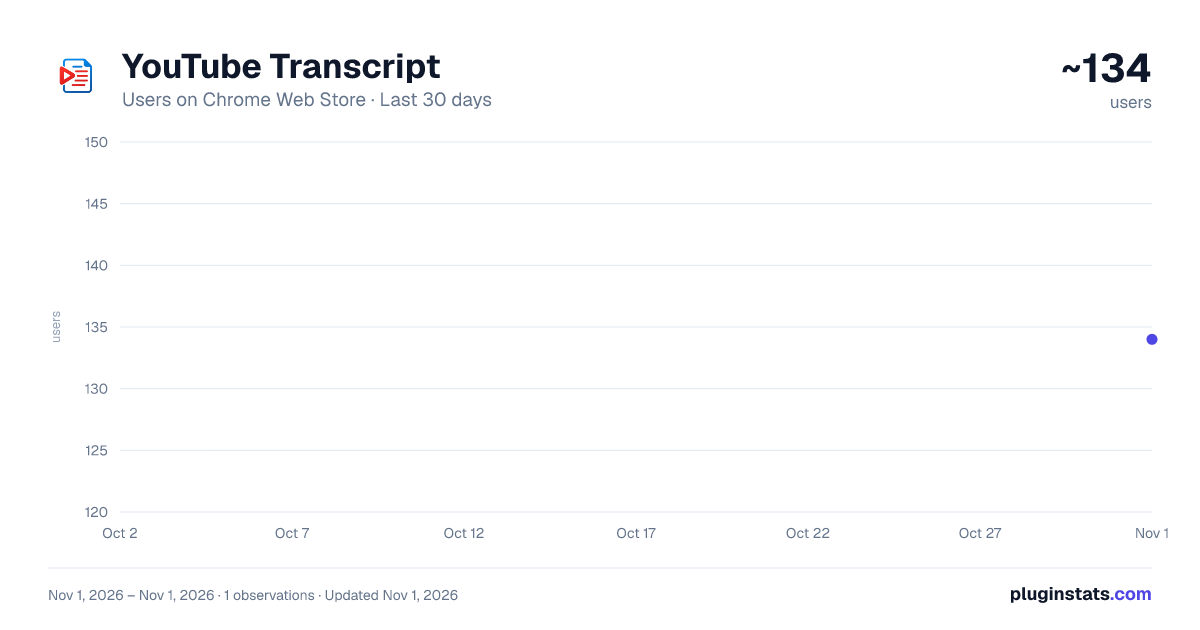
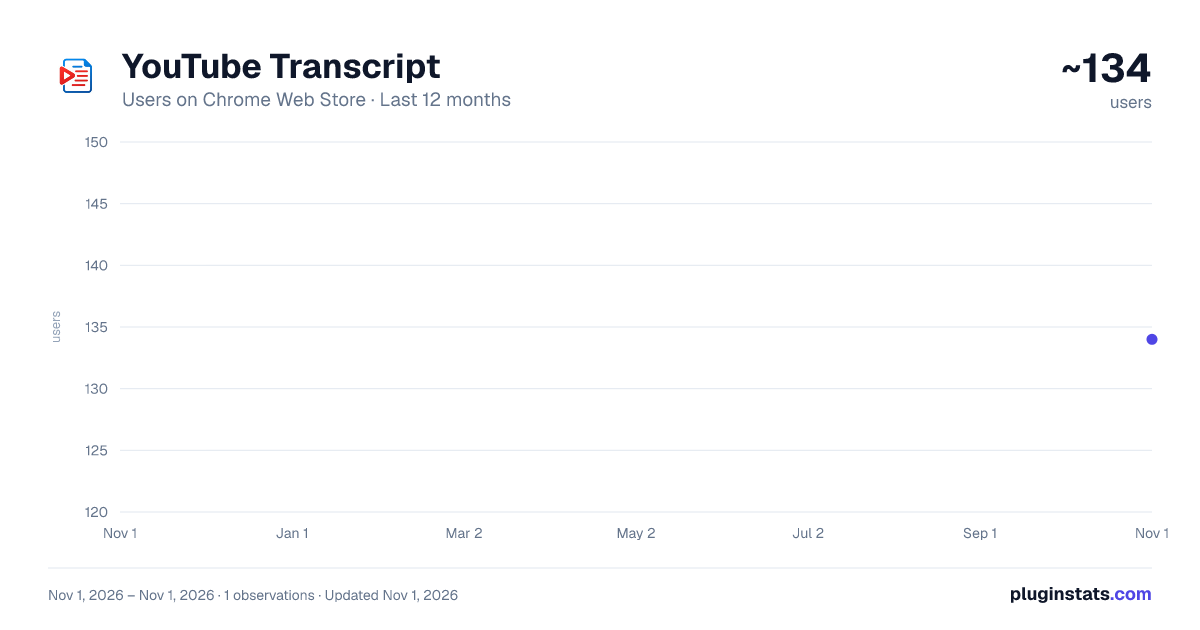
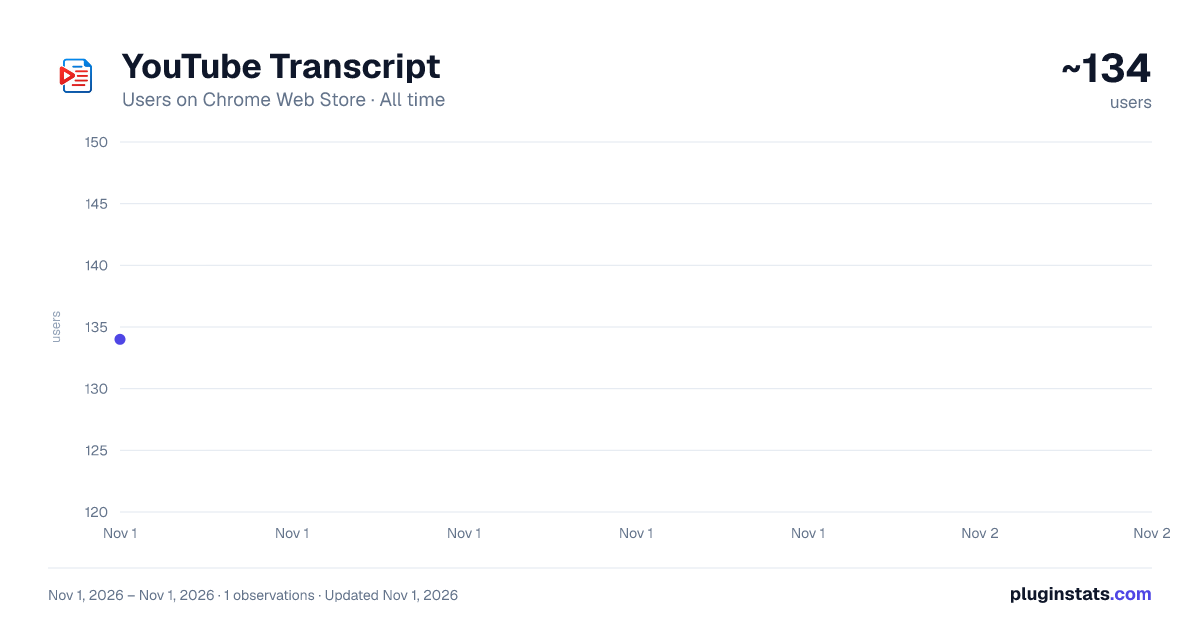
YouTube Transcript has approximately 134 recorded users on Chrome Web Store, ranking #5574 of 6,300 tracked listings.
Rating: 5.00 / 5 from 1 ratings
About YouTube Transcript
Instant YouTube video transcripts you can view, copy, or download.
YouTube Transcript gives you clean, accurate transcripts directly inside YouTube. Once installed and signed in through AppVector (one-time login), the transcript panel appears automatically whenever you watch a supported video — no buttons to hunt for, no extra steps. Whether you're studying, reviewing tutorials, extracting scripts, or analyzing long videos, this tool saves time and removes the need for manual note-taking. ⭐ Key Features ✔ Transcript Appears Automatically The transcript loads beside the YouTube video as soon as the page opens — no need to click the extension icon. ✔ Time-Synced Timestamps Every line includes clickable timestamps, so you can jump to specific moments instantly. ✔ One-Click Copy & Download Copy the entire transcript instantly or download it as a TXT file for offline review or editing. ✔ Clean, Minimal Interface Displays a clean, readable transcript panel without pop-ups, clutter, or distractions. ✔ Smart Auto-Detection The panel appears only when a video supports captions, keeping your browsing experience smooth and focused.
🎯 Perfect For Students & Educators Turn lectures and explanations into ready-to-review notes. Content Creators Extract scripts, summaries, talking points, and keyword ideas instantly. Researchers & Analysts Scan long interviews and discussions quickly with structured text. Professionals & Teams Convert webinars, training modules, and presentations into searchable text.
🚀 How to Use Install YouTube Transcript from the Chrome Web Store
Log in once via AppVector
Open any YouTube video
The transcript window appears automatically beside the video
Copy or download text whenever you need
No repeated logins. No buttons to click. No complicated settings.
🧰 Why This Tool Stands Out Transcript appears automatically, right where you need it
Accurate, distraction-free formatting
One-time login through AppVector
Works with long videos and fast-paced content
Built for speed and stability
Cleaner experience than traditional transcript extractors
Unlike tools that require manually opening popups, switching tabs, or clicking icons, this extension integrates directly into your YouTube viewing flow.
📘 Additional Benefits ✔ Saves Hours of Note-Taking Extract key ideas instantly instead of replaying videos over and over. ✔ Boosts Productivity Ideal for workflows involving research, scriptwriting, editing, knowledge extraction, and content repurposing. ✔ Enhances Learning A clean transcript improves comprehension, accessibility, and studying efficiency. ✔ Perfect for Long-Form Content Great for lectures, interviews, tutorials, webinars, presentations, and panel discussions.
💡 Common Use Cases Converting lectures into summarized notes
Creating scripts or summaries for content
Extracting quotes for blogs or research
Reviewing technical explanations
Saving important webinars for reference
Converting video content into written resources
🔒 Privacy & Security A secure one-time login via AppVector is required. No repeated authentication, no unnecessary data collection — the extension runs only when needed.
⭐ Your All-in-One YouTube Transcript Panel Designed for speed, clarity, and simplicity — this extension transforms YouTube videos into clean, usable text right beside your screen, helping you learn, research, and create smarter.
Description from the Chrome Web Store listing.
README badge
Show your rank in a README or on your website. The badge updates automatically.
Charts
Images: 30d · 1y · all time · 1600×900 dark
Adoption over time
7/30/90-day growth
Ranking history
Ratings over time
Listing placement
Listing placement
Filled points are observed values; hollow points come from Internet Archive snapshots of the listing page. Dashed segments span periods with no observations — values between points are not interpolated.
Each band is one page of 20. Users on a linear scale. Placement is projected from users, so it can differ from the marketplace's own sort order. Hover a dot to see the listing.
Recent observations
Full history (1)Similar Chrome Web Store Tools plugins
All 20 YouTube Transcript alternatives



Data source
Covers every Chrome Web Store extension with at least 100 users, found through the store's public sitemap. User counts are read from public listing pages. The 10% most-used extensions are refreshed daily, the next 40% weekly and the next 40% monthly; the least-used 10% are not refreshed. Google displays rounded user counts (and caps the display at 10,000,000+), so small changes may not be visible. Rating counts above 1,000 are rounded (e.g. 1.6K).
Listing: https://chromewebstore.google.com/detail/youtube-transcript/emhooelcelgimejjpbiinmjehbbagpie. First seen Nov 1, 2026; last successful collection Nov 1, 2026. See the methodology.