 PluginStats

DeploySentinel Recorder users statistics
Chrome Web Store · Developer Tools
Record browser interactions to auto generate Cypress, Playwright and Puppeteer test scripts.
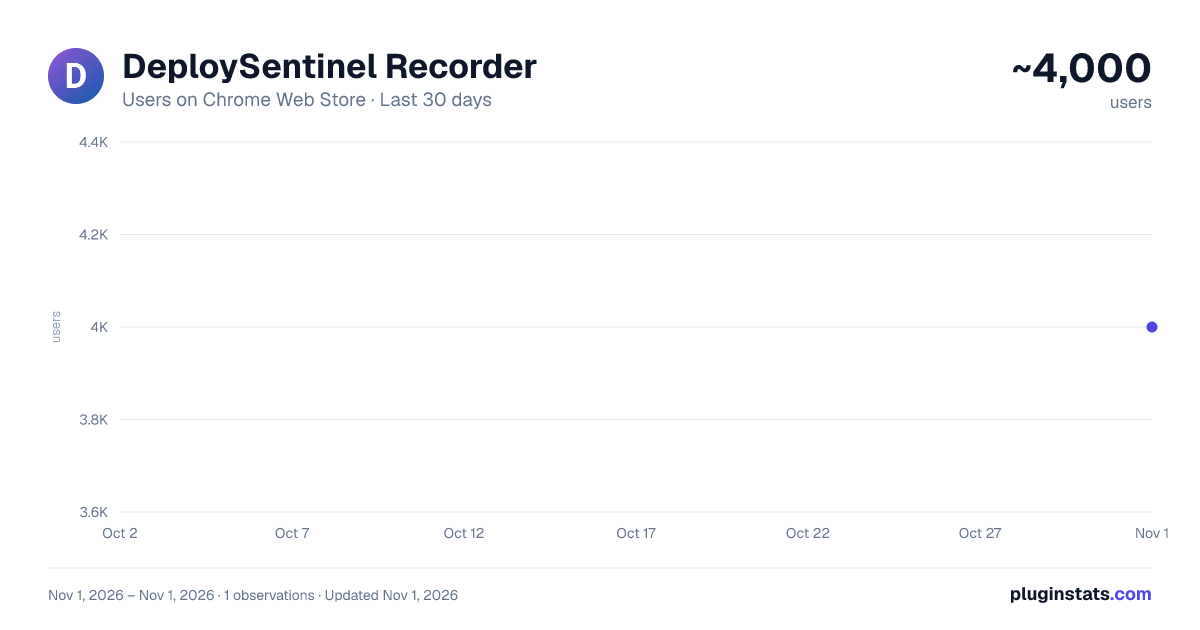
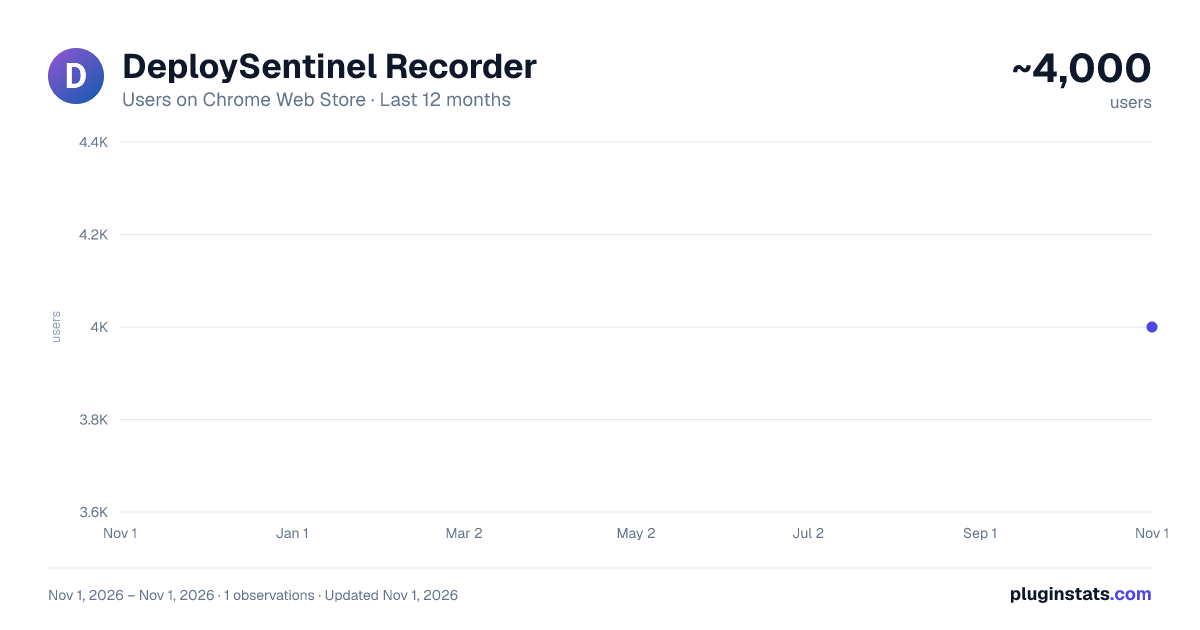
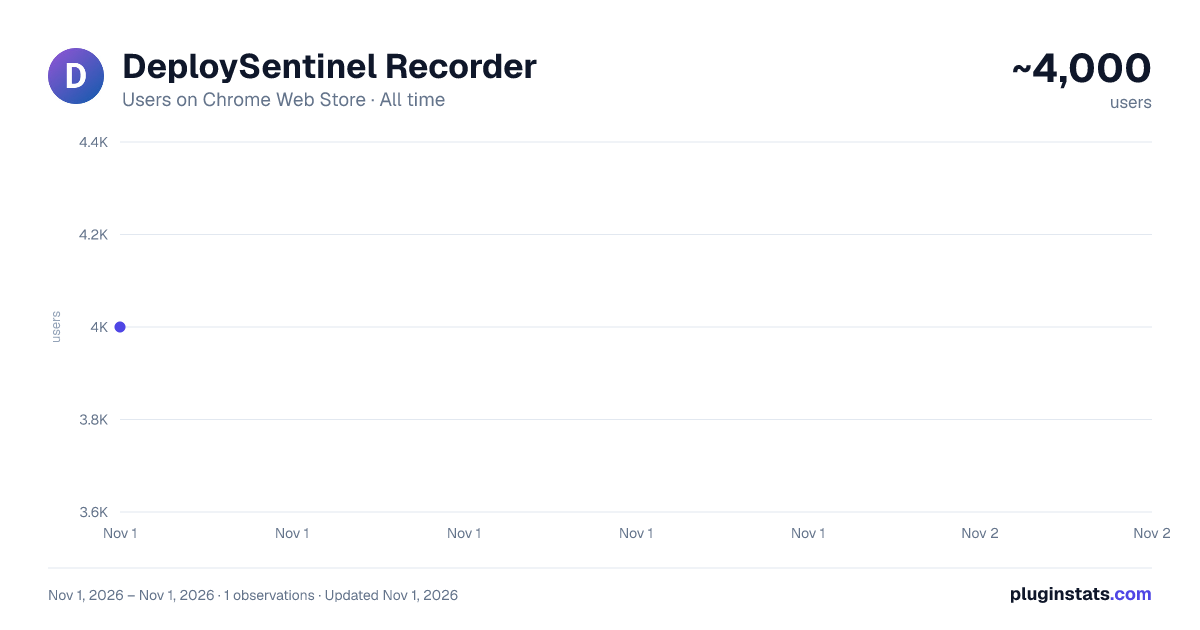
DeploySentinel Recorder has approximately 4,000 recorded users on Chrome Web Store, ranking #1312 of 7,072 tracked listings.
Rating: 4.50 / 5 from 16 ratings
About DeploySentinel Recorder
Record browser interactions to auto generate Cypress, Playwright and Puppeteer test scripts.
Simply step through your website while recording with DeploySentinel Recorder and the extension will convert the captured user flow into a Cypress, Playwright or Puppeteer script.
✨ Features
- 💻 Automatically capture clicks, keyboard inputs, window resizes, and scroll events.
- 🤖 Generate clean and commented scripts for Cypress, Playwright and Puppeteer.
- 📋 Preview recording progress and copy generated scripts mid-test to clipboard.
- 📛 Generate element selectors using
idandclassas well as other HTML properties (ex.aria-label,alt,name,data-testid) - 🖱 Capture hover events via context menu option (right-click)
- ✅ Assert/wait for specific text to be visible on the page
- 📸 Generate full page screenshot events
✨ Getting Started
- Visit the site you want to start recording from
- Click the extension icon and click "Start Recording from Current Tab"
- Use the site as you would normally (click links, fill forms, etc.) Right-click an element and select "Record hover over element" to record a hover event over an element.
- Click "End Test" whenever you are done. You can copy the generated script via the recording overlay.
- Click the extension icon and select "View Last Recording" to access the last recorded test any time afterwards.
Pro tip: To view captured steps or generated code mid-recording, click "Show More" in the recording overlay.
Learn more from the docs: https://www.deploysentinel.com/docs/recorder
Have feedback or want to contribute improvements? View this extension on Github: https://github.com/DeploySentinel/Recorder
Description from the Chrome Web Store listing.
README badge
Show your rank in a README or on your website. The badge updates automatically.
Charts
Images: 30d · 1y · all time · 1600×900 dark
Adoption over time
7/30/90-day growth
Ranking history
Ratings over time
Listing placement
Listing placement
Filled points are observed values; hollow points come from Internet Archive snapshots of the listing page. Dashed segments span periods with no observations — values between points are not interpolated.
Each band is one page of 20. Users on a linear scale. Placement is projected from users, so it can differ from the marketplace's own sort order. Hover a dot to see the listing.
Recent observations
Full history (1)Similar Chrome Web Store Developer Tools plugins
All 20 DeploySentinel Recorder alternatives



Data source
Covers every Chrome Web Store extension with at least 100 users, found through the store's public sitemap. User counts are read from public listing pages. The 10% most-used extensions are refreshed daily, the next 40% weekly and the next 40% monthly; the least-used 10% are not refreshed. Google displays rounded user counts (and caps the display at 10,000,000+), so small changes may not be visible. Rating counts above 1,000 are rounded (e.g. 1.6K).
Listing: https://chromewebstore.google.com/detail/deploysentinel-recorder/geggbdbnidkhbnbjoganapfhkpgkndfo. First seen Nov 1, 2026; last successful collection Nov 1, 2026. See the methodology.