 PluginStats

TakeFullPage - Full Page Screenshot & Screen Capture users statistics
By Md Shamim Ali · Chrome Web Store · Workflow & Planning
Capture full page and area screenshots. Edit, annotate, export as PNG or PDF, copy to clipboard, or get instant cloud links.
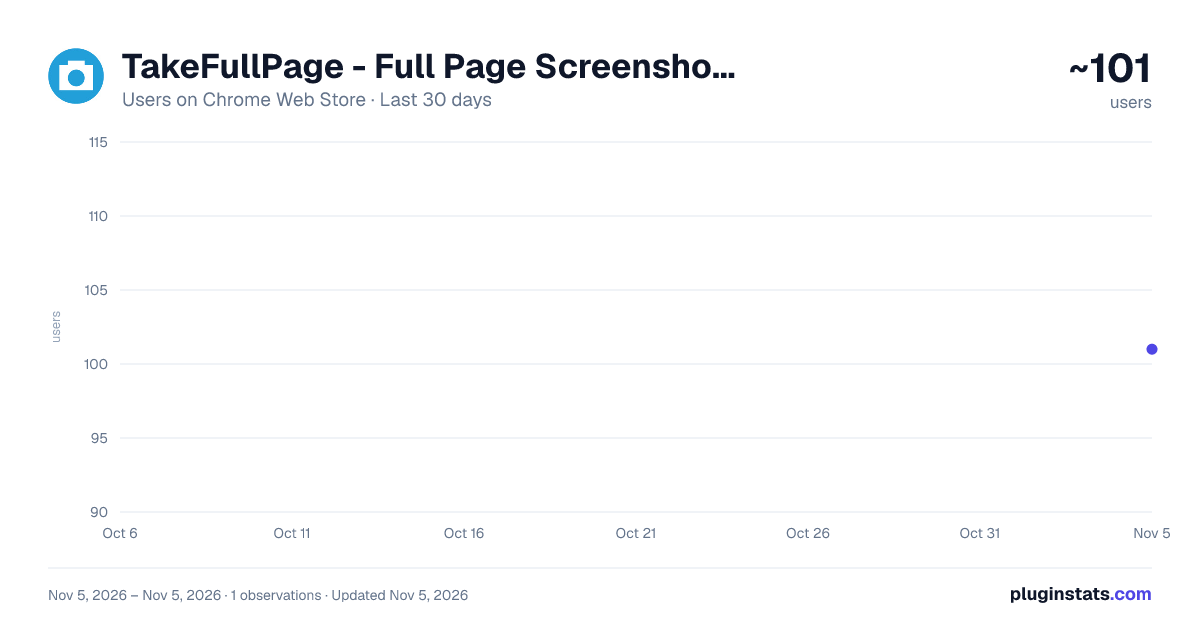
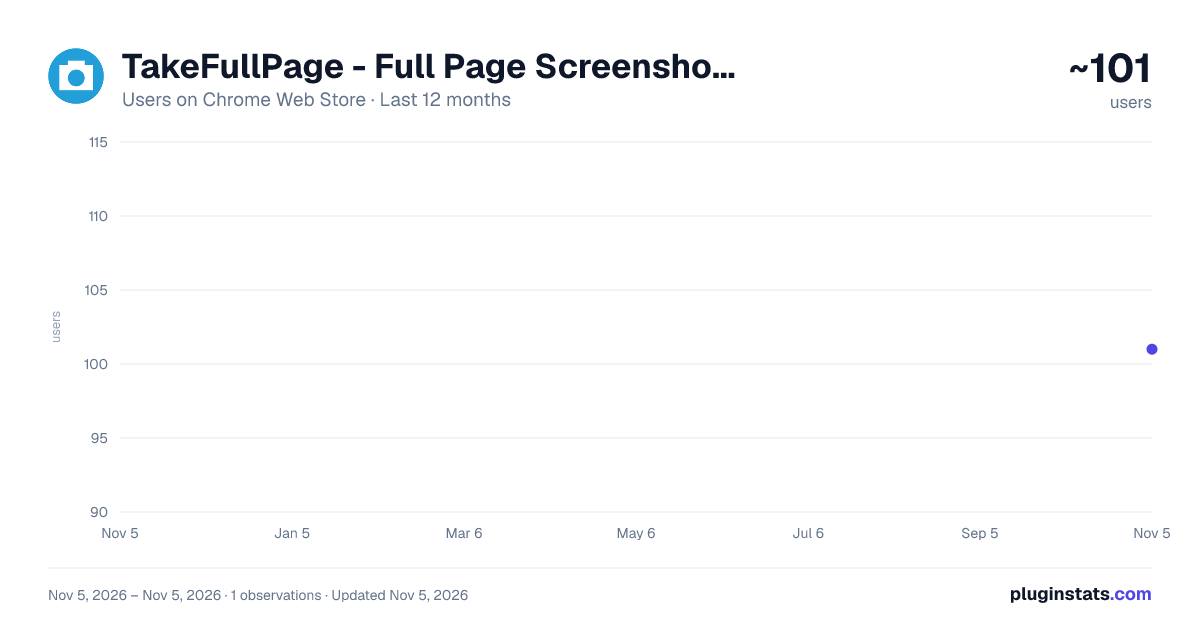
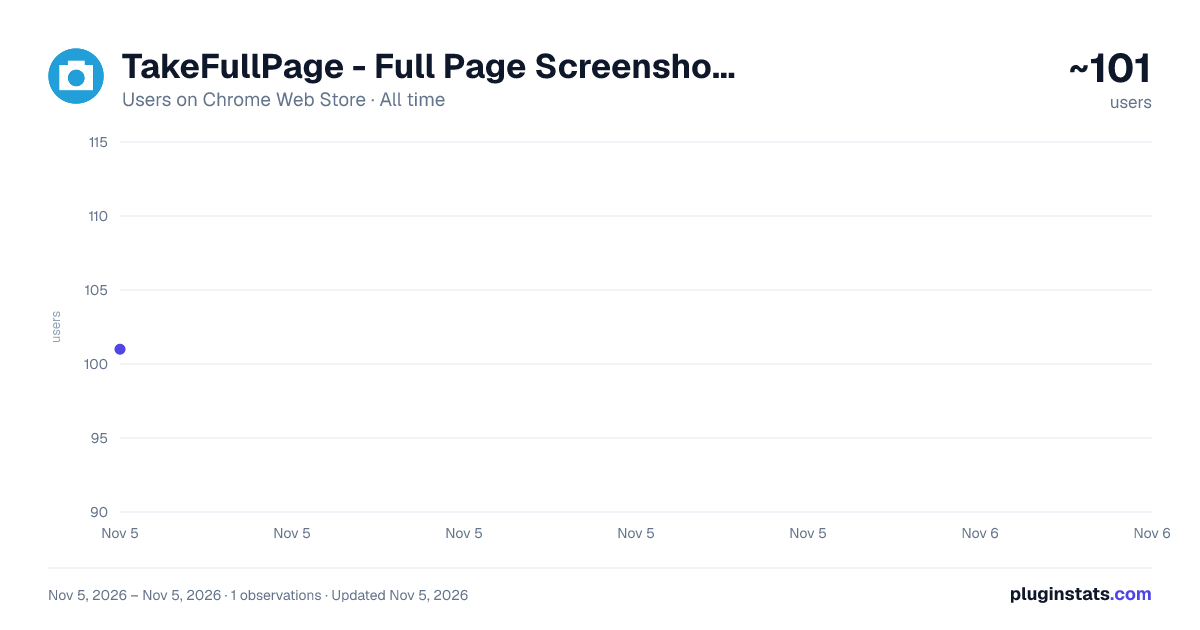
TakeFullPage - Full Page Screenshot & Screen Capture has approximately 101 recorded users on Chrome Web Store, ranking #7301 of 7,342 tracked listings.
Rating: 4.80 / 5 from 20 ratings
About TakeFullPage - Full Page Screenshot & Screen Capture
Capture full page and area screenshots. Edit, annotate, export as PNG or PDF, copy to clipboard, or get instant cloud links.
TakeFullPage - Full Page Screenshot & Screen Capture is a lightweight, all-in-one Chrome extension for capturing full-page webpages, selecting custom screen areas, extracting text (OCR), editing on-screen, and exporting or sharing in seconds.
Capture complete scrollable webpages, long Google Sheets, infinite feeds, or snap any custom area with pixel-perfect precision — 100% free, private, and ad-free.
WHAT'S NEW IN v1.0.7:
• Multi-Language OCR (Bengali + English Support): Now extract and copy text seamlessly in both English and Bengali (বাংলা) directly from screenshots with 100% offline accuracy. • Edge Auto-Scrolling on Area Selection: Dragging your selection near the top or bottom of the screen automatically scrolls the webpage smoothly — perfect for capturing long sections even with a broken mouse wheel! • Move-First Default Selection Mode: Area capture now defaults to Move & Select mode (↖️), preventing accidental pencil marks when dragging or repositioning your selection box. • Responsive & Touch Emulation Support: Fully optimized for mobile views, responsive device testing (e.g. 320px narrow screens), and touchscreen gestures. • Background Telegram Delivery: Send screenshots to your Telegram chat or channel instantly in the background — even if you close the extension popup immediately after clicking! • Ultra-Fast Cloud Sharing: Re-architected cloud upload engine now generates clean, Lightshot-style shareable links (https://dododeck.com/shot/...) in just 1–2 seconds. • Zero-Downscaling Crisp Resolution: Advanced high-fidelity engine preserves 100% full pixel dimensions without any blur, ensuring fine text and graphics remain pin-sharp. • Unlimited Capture Architecture (64MB+ Fix): Direct IndexedDB pipeline eliminates browser IPC message limits, allowing seamless capture of ultra-long, image-dense pages.
KEY FEATURES
• Full Page Capture (Websites & Google Sheets) Capture complete, scrollable webpages from top to bottom in ultra-high resolution. Our intelligent stitcher handles sticky headers, fixed navigation bars, Google Sheets, and infinite feeds seamlessly without visible seams or duplicate headers.
• Capture Selected Area Select and capture any part of your screen instantly:
- Live width and height dimension badge
- Edge Auto-Scroll: Drag selection to the edge to scroll long pages effortlessly
- 8 resize handles and dedicated "Move" handle to reposition the selection anywhere on the screen
- Move-First Mode: Reposition and resize freely without unwanted pencil marks
- On-screen quick toolbar with pen, line, arrow, rectangle, highlighter, text, and blur
- Adjustable brush size slider with quick presets (Thin, Normal, Thick, Jumbo)
- 1-click Copy to clipboard, Instant Save, or Cloud Share
• OCR & Text Recognition (English + Bengali)
- Extract text directly from any captured area or screenshot
- Native support for English and Bengali (বাংলা) text recognition
- Copy extracted text straight to your clipboard with zero manual re-typing
• Creative Studio & Annotation Editor Open captured screenshots directly in the built-in editor:
- Crop and pan to focus on specific sections
- Pen and highlighter tools for drawing and emphasizing details
- Shapes: Rectangles, circles, arrows, lines, and numbered steps (1, 2, 3...)
- Emoji stickers & callouts
- Text tool with adjustable size, color, and font
- Blur and redaction tools to hide confidential passwords or sensitive details
- Window Mockups: macOS window headers, borders, gradient backgrounds, and URL/Date stamps
- Full Undo and Redo history controls
• Dark & Light Theme Support
- Instant theme toggle button in header and menu
- Automatically respects your system OS preference or saves your chosen theme (Dark or Light) for comfortable viewing day and night
• Export & Sharing Options
- Copy directly to clipboard with one click (Ctrl+C)
- Export as high-quality PNG image
- Export as single-page or multi-page PDF document
- Clean Cloud Links: Upload and get an instant, permanent Lightshot-style link to view in full resolution
- Background Telegram Sharing: Send screenshots directly to your Telegram chat or channel via your own configured bot
• Zoom & View Controls Inspect your screenshots comfortably with Fit Page, Fit Width, Actual Size (100%), and smooth zoom controls.
HOW IT WORKS
- Open the webpage or Google Sheet you want to capture.
- Click the TakeFullPage icon in your Chrome toolbar (tip: Pin it for 1-click access!).
- Choose your capture mode:
- Click "Capture Full Page" for entire scrollable pages.
- Click "Capture Selected Area" to select any specific part of the screen.
- (Optional) Toggle between Dark and Light mode anytime using the sun/moon icon.
- Edit, annotate, blur sensitive content, extract text, or apply window mockup frames.
- Copy to clipboard, download as PNG/PDF, send to Telegram, or generate an instant cloud share link!
PRIVACY & PERMISSIONS
• 100% Local-First Processing: Screenshot capturing, stitching, canvas annotations, and PDF generation are performed locally on your device. • Zero Tracking & No Ads: TakeFullPage does not track your browsing activity, inject ads, or collect personal data. • Cloud Upload: Screenshot upload only occurs when you explicitly click the "Get Link" button to create a shareable link. • Optional Bot Sharing: If used, your bot token and chat ID are stored locally in your browser and used only when you explicitly trigger the share action.
Description from the Chrome Web Store listing.
README badge
Show your rank in a README or on your website. The badge updates automatically.
Charts
Images: 30d · 1y · all time · 1600×900 dark
Adoption over time
7/30/90-day growth
Ranking history
Ratings over time
Listing placement
Listing placement
Filled points are observed values; hollow points come from Internet Archive snapshots of the listing page. Dashed segments span periods with no observations — values between points are not interpolated.
Each band is one page of 20. Users on a linear scale. Placement is projected from users, so it can differ from the marketplace's own sort order. Hover a dot to see the listing.
Recent observations
Full history (1)Similar Chrome Web Store Workflow & Planning plugins
All 20 TakeFullPage - Full Page Screenshot & Screen Capture alternatives



Data source
Covers every Chrome Web Store extension with at least 100 users, found through the store's public sitemap. User counts are read from public listing pages. The 10% most-used extensions are refreshed daily, the next 40% weekly and the next 40% monthly; the least-used 10% are not refreshed. Google displays rounded user counts (and caps the display at 10,000,000+), so small changes may not be visible. Rating counts above 1,000 are rounded (e.g. 1.6K).
Listing: https://chromewebstore.google.com/detail/takefullpage-full-page-sc/fnplfhfcdoijjdlgapbllpacgcihllig. First seen Nov 5, 2026; last successful collection Nov 5, 2026. See the methodology.