 PluginStats
页查查 - CSS检查器 users statistics
By liteyais · Chrome Web Store · Tools
一键查看网页元素CSS样式,预览下载图片/视频/SVG,图层结构可视化,前端开发者必备的效率工具。
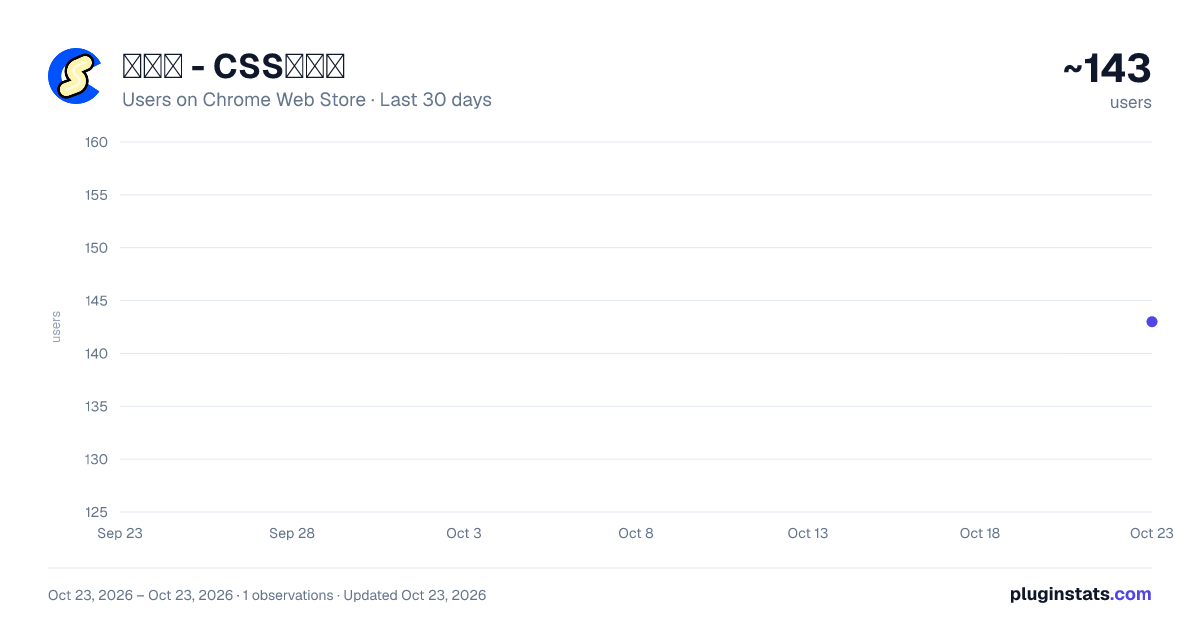
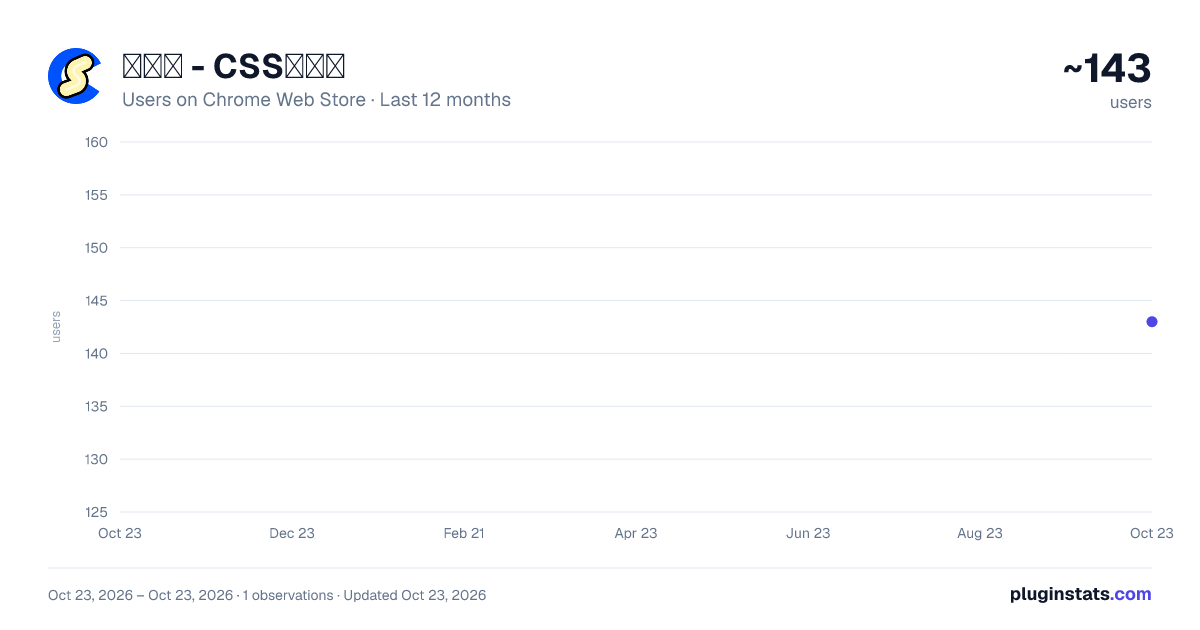
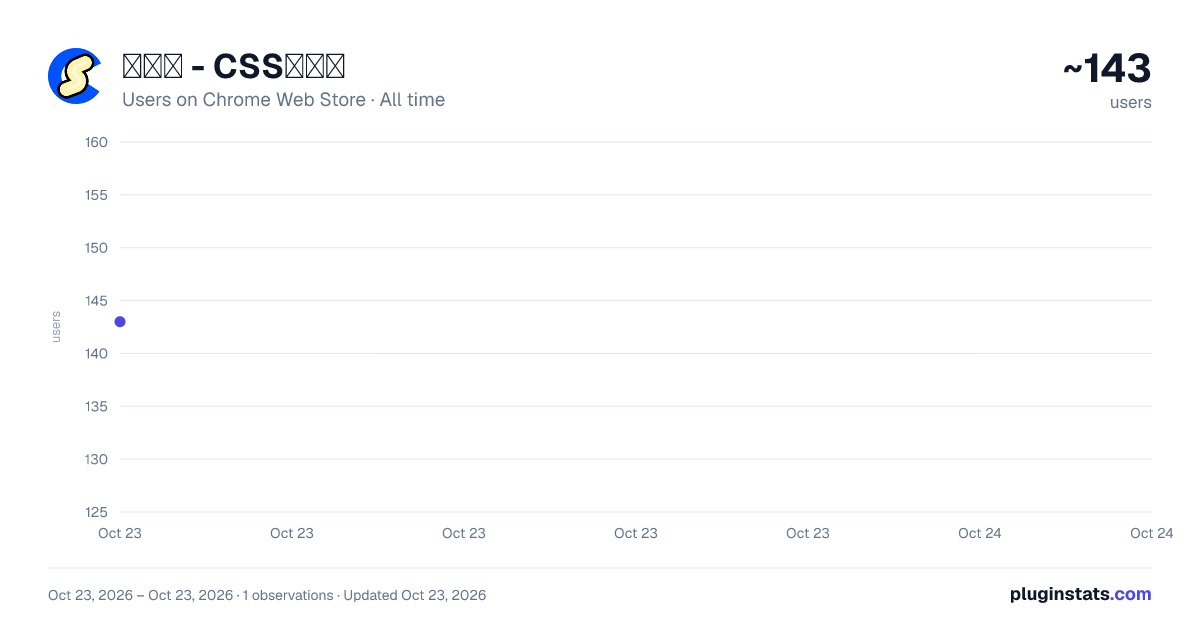
页查查 - CSS检查器 has approximately 143 recorded users on Chrome Web Store, ranking #3934 of 4,553 tracked listings.
Rating: 5.00 / 5 from 4 ratings
About 页查查 - CSS检查器
一键查看网页元素CSS样式,预览下载图片/视频/SVG,图层结构可视化,前端开发者必备的效率工具。
🔍 核心功能
- CSS 即时检视:点击页面任意元素,自动输出CSS 属性
- 媒体预览与下载:选中图片/SVG/视频元素即可预览缩略图、查看格式/尺寸,一键下载到本地
- 文字一键复制:选中文字元素可直接复制文字内容
- DOM 图层面板:树形结构可视化当前页面节点层级,可吸附于主面板旁
- 页面轮廓网格:一键展示所有元素边框,快速查看布局结构
- 元素间距测量:选中元素后鼠标移动到相邻元素上即可显示两者间距
- 暗黑模式:明暗主题随时切换,适配不同工作环境
- 多语言支持:简体中文、繁體中文、English、日本語、한국어 五种语言
==============================================
🔍 Core Features
-
CSS Instant Inspection: Click any element on the page to automatically output CSS properties
-
Media Preview and Download: Select an image/SVG/video element to preview thumbnails, view format/size, and download to local with one click
-
Text One-Click Copy: Select a text element to directly copy the text content
-
DOM Layer Panel: Visualize the current page node hierarchy in a tree structure, which can be attached to the main panel
-
Page Outline Grid: One-click to display all element borders, quickly view the layout structure
-
Element Spacing Measurement: Move the mouse to the adjacent element after selecting an element to display the spacing between them
-
Dark Mode: Switch between light and dark themes at any time, adaptable to different working environments
-
Multilingual Support: Simplified Chinese, Traditional Chinese, English, Japanese, Korean, five languages
Description from the Chrome Web Store listing.
README badge
Show your rank in a README or on your website. The badge updates automatically.
Charts
Images: 30d · 1y · all time · 1600×900 dark
Adoption over time
7/30/90-day growth
Ranking history
Ratings over time
Listing placement
Listing placement
Filled points are observed values; hollow points come from Internet Archive snapshots of the listing page. Dashed segments span periods with no observations — values between points are not interpolated.
Each band is one page of 20. Users on a linear scale. Placement is projected from users, so it can differ from the marketplace's own sort order. Hover a dot to see the listing.
Recent observations
Full history (1)Similar Chrome Web Store Tools plugins
All 20 页查查 - CSS检查器 alternatives



Data source
Covers every Chrome Web Store extension with at least 100 users, found through the store's public sitemap. User counts are read from public listing pages. The 10% most-used extensions are refreshed daily, the next 40% weekly and the next 40% monthly; the least-used 10% are not refreshed. Google displays rounded user counts (and caps the display at 10,000,000+), so small changes may not be visible. Rating counts above 1,000 are rounded (e.g. 1.6K).
Listing: https://chromewebstore.google.com/detail/页查查-css检查器/fkkgnnieicfhijjebnebjbgibfhmmkjh. First seen Oct 23, 2026; last successful collection Oct 23, 2026. See the methodology.