 PluginStats

CS2 Stash Enhancer users statistics
By Barto Dev · Chrome Web Store · Games
Counter Strike 2 CS2Stash extension. Allows to inspect custom skin floats, patterns & view rare patterns.
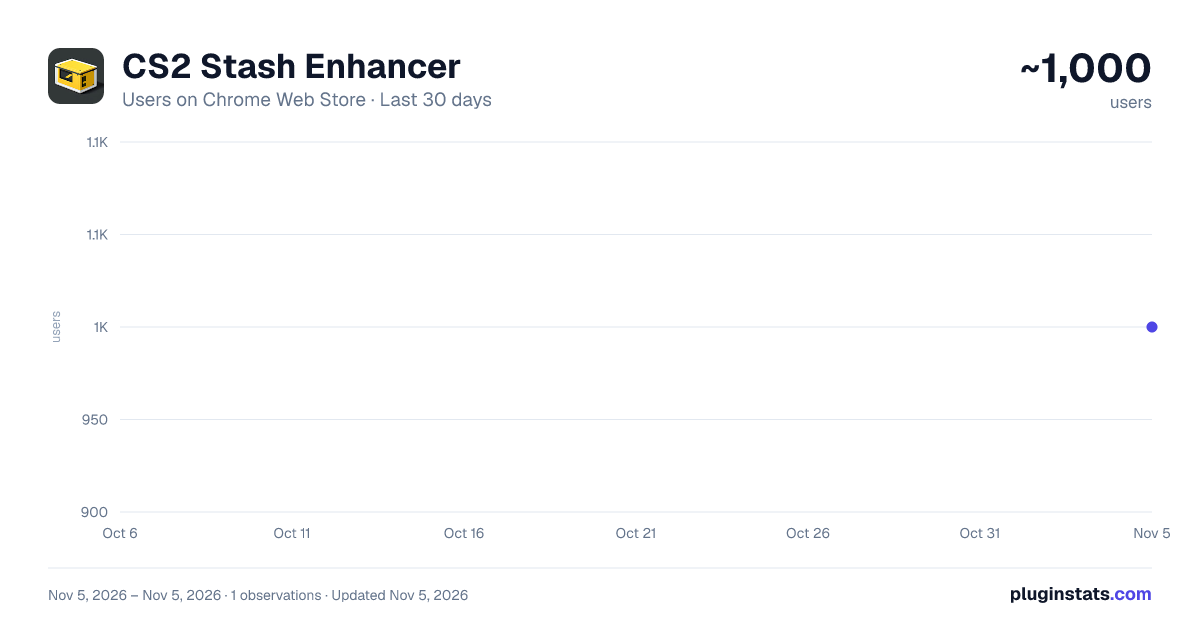
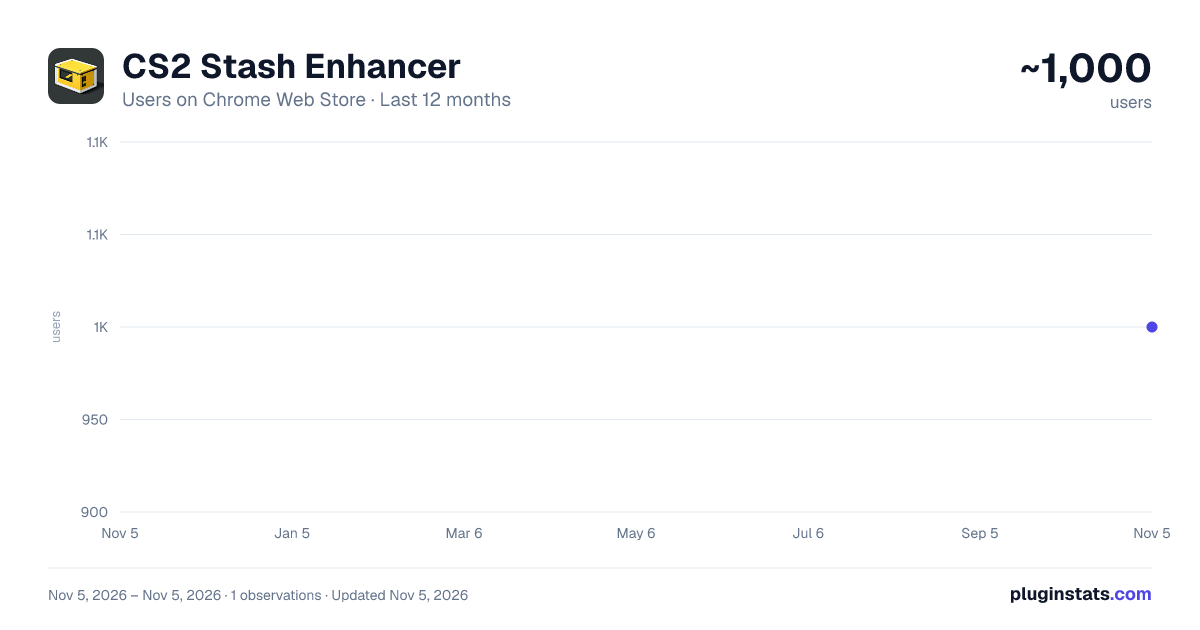
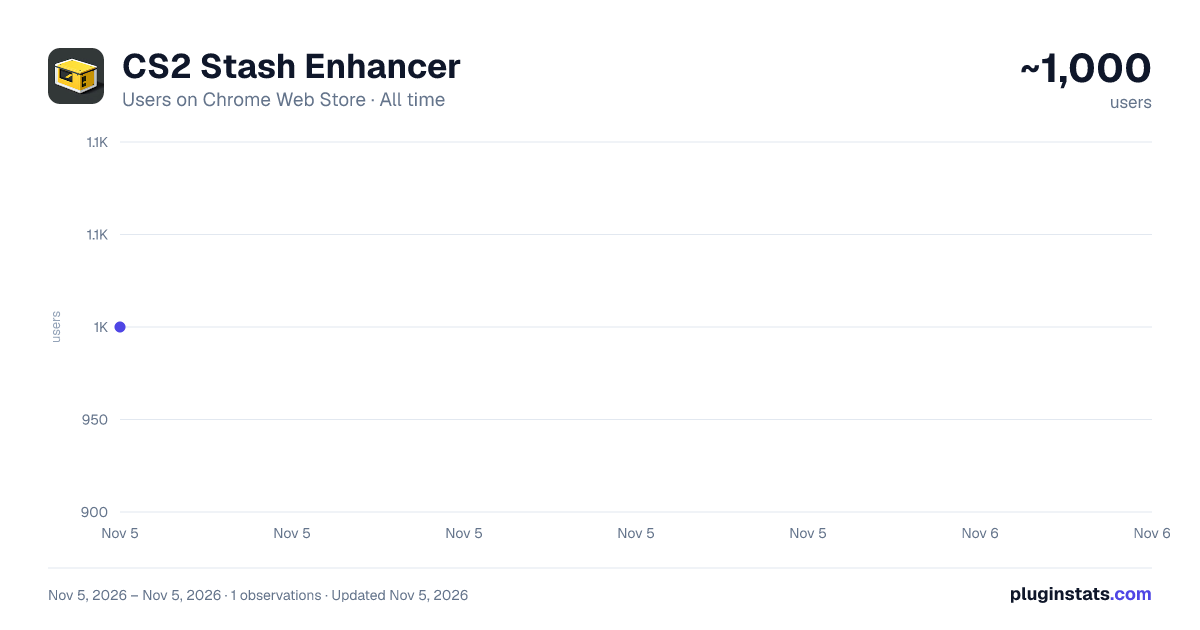
CS2 Stash Enhancer has approximately 1,000 recorded users on Chrome Web Store, ranking #2658 of 7,342 tracked listings.
Rating: 5.00 / 5 from 5 ratings
About CS2 Stash Enhancer
Counter Strike 2 CS2Stash extension. Allows to inspect custom skin floats, patterns & view rare patterns.
⭐️Description: The aim of this extension is to enhance CS2Stash by introducing extra functionalities not currently available on the website. It grants users the capability to access more details regarding Counter Strike 2 skins, examine specific float values and patterns of skins, and easily locate rare patterns.
This lightweight extension offers inspect links for viewing skins in the main menu and !gen codes for inspecting skins on custom Counter Strike servers.
It's a third-party extension that's integrated within with https://stash.clash.gg, serving as a small project dedicated to the CS community. It's provided completely free of charge and without any advertisements.
Fully compatible with Chromium-based browsers such as Chrome, Edge, Brave, Opera, and Opera GX.
⭐️Features: • Pattern and Float Editing: Users can modify the pattern and float of the skin they are currently viewing and then inspect it seamlessly. • Multiple Phases Support: Users can view skins with multiple phases, such as Doppler with Phase 1-4, Ruby Sapphire, or Black Pearl variants. • Gen Code Generation: The extension generates the !gen code, enabling users to inspect skins on custom Counter Strike 2 servers effortlessly. • Inspect Code Generation: Users can generate inspect codes to paste inspect links directly into the Counter Strike 2 console for quick access. • Rare Pattern Database: The extension includes a comprehensive database of rare patterns, providing information on their rarities, such as case-hardened tiers. • Customizable Settings: Users have the flexibility to tweak certain parameters within the extension to tailor their experience according to their preferences.
⭐️Usage Instructions:
-
Install : Begin by installing the extension.
-
Visit the Website: Navigate to https://stash.clash.gg and select a skin or glove.
-
Select Skin Wear and Pattern: Choose the desired skin wear and pattern, then click the corresponding button to inspect in-game. Counter Strike will open, showcasing the exact skin as displayed.
-
Pin the Addon: For convenience, pin the addon to your browser tab to access custom and additional features.
⭐️Additional: If you wish to contact me, please utilize the email provided on the store page or any of the social links available in the extension. You can easily access these links once you pin the extension to your browser.
Tags: counter strike 2, csgo, cs, cs2stash, csgostash, inspect skins, float value, find skin pattern, browser extension, chromium-based browsers, skin wear, glove inspection, in-game inspection, browser addon, contact information, social links, installation guide, skin database, gaming community, rare skins, custom servers, skin customization, pattern recognition, user interface, seamless integration, user support, feedback, community engagement
Description from the Chrome Web Store listing.
README badge
Show your rank in a README or on your website. The badge updates automatically.
Charts
Images: 30d · 1y · all time · 1600×900 dark
Adoption over time
7/30/90-day growth
Ranking history
Ratings over time
Listing placement
Listing placement
Filled points are observed values; hollow points come from Internet Archive snapshots of the listing page. Dashed segments span periods with no observations — values between points are not interpolated.
Each band is one page of 20. Users on a linear scale. Placement is projected from users, so it can differ from the marketplace's own sort order. Hover a dot to see the listing.
Recent observations
Full history (1)Similar Chrome Web Store Games plugins
All 20 CS2 Stash Enhancer alternatives



Data source
Covers every Chrome Web Store extension with at least 100 users, found through the store's public sitemap. User counts are read from public listing pages. The 10% most-used extensions are refreshed daily, the next 40% weekly and the next 40% monthly; the least-used 10% are not refreshed. Google displays rounded user counts (and caps the display at 10,000,000+), so small changes may not be visible. Rating counts above 1,000 are rounded (e.g. 1.6K).
Listing: https://chromewebstore.google.com/detail/cs2-stash-enhancer/foacepfkmbckfdnbgmphekpbamedhmjj. First seen Nov 5, 2026; last successful collection Nov 5, 2026. See the methodology.