 PluginStats
FlashType — Free Text Expander & Snippets users statistics
By actuallyusefulextensions · Chrome Web Store · Communication
Unlimited free text snippets that expand anywhere. No account, no limits. Import from Text Blaze, Magical & TextExpander.
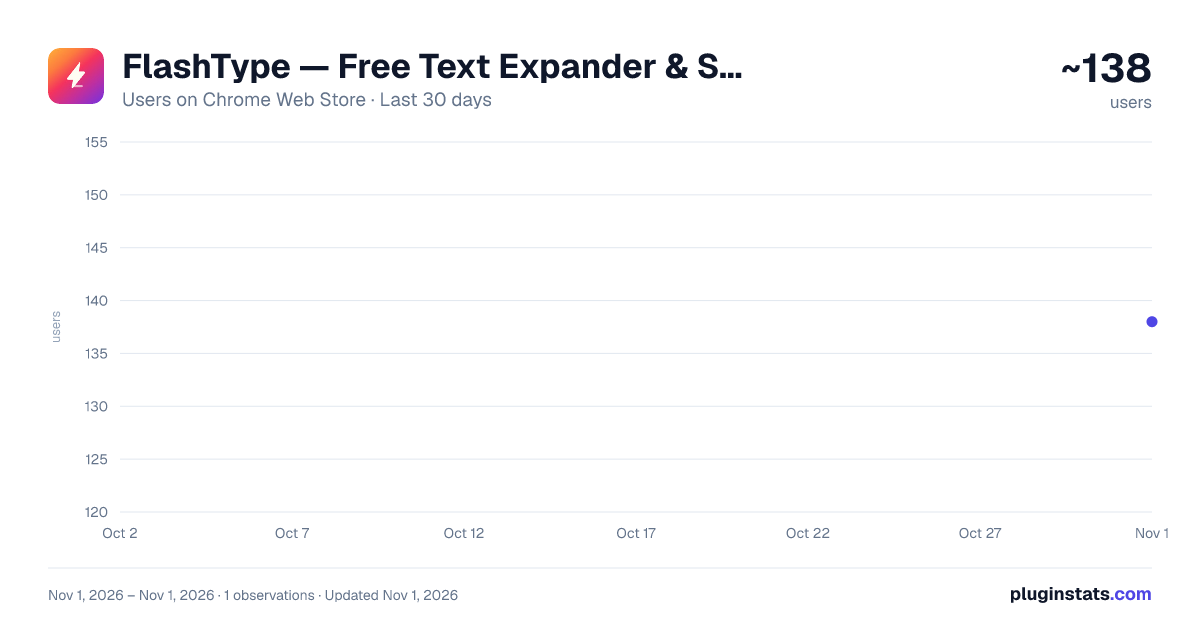
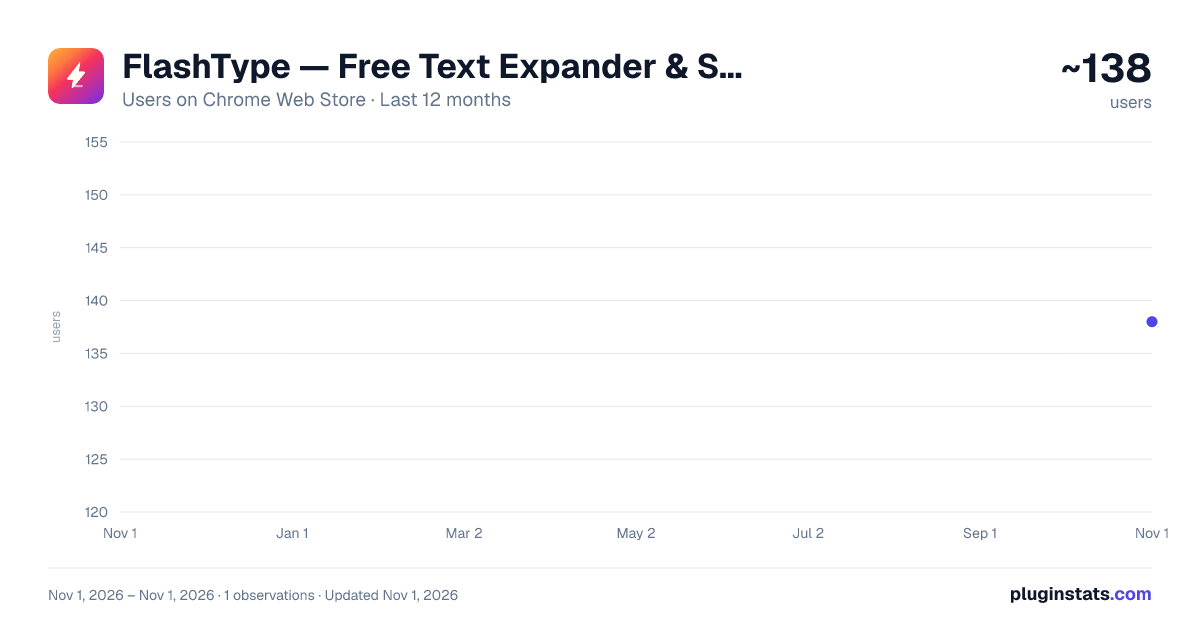
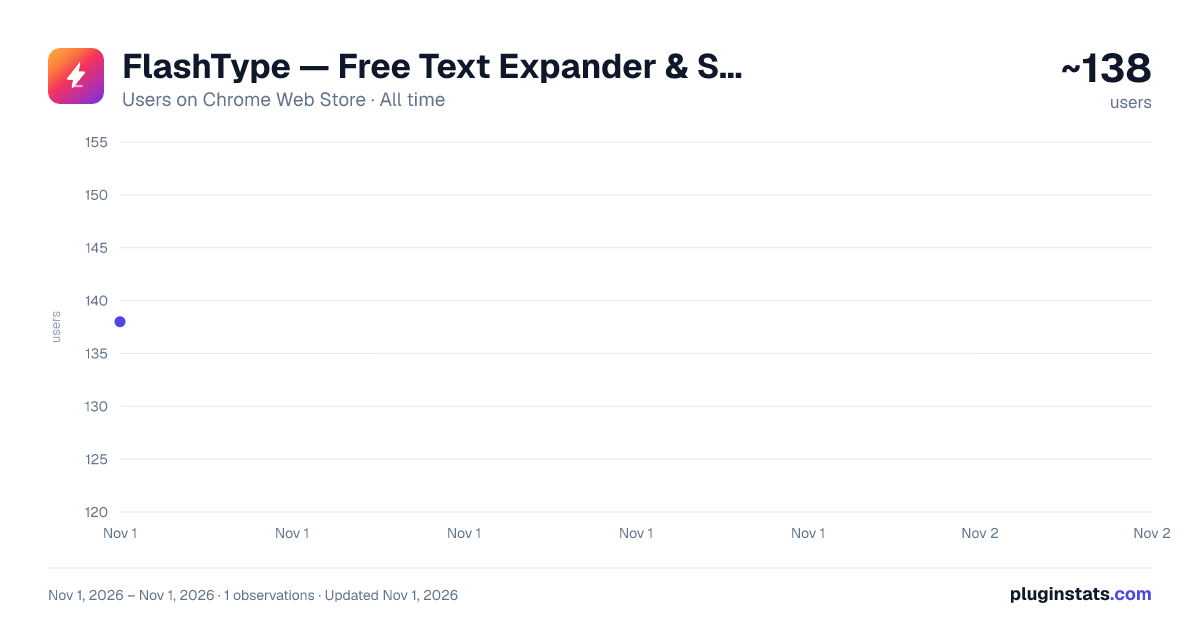
FlashType — Free Text Expander & Snippets has approximately 138 recorded users on Chrome Web Store, ranking #5508 of 6,300 tracked listings.
Rating: 5.00 / 5 from 3 ratings
About FlashType — Free Text Expander & Snippets
Unlimited free text snippets that expand anywhere. No account, no limits. Import from Text Blaze, Magical & TextExpander.
Type less. Say more. FlashType turns short shortcuts into full messages — anywhere you type on the web. Free, unlimited, and no account required.
Tired of retyping the same emails, replies, and phrases all day? Save them once as a snippet, give it a short shortcut like /thanks or /refund, and FlashType expands it into the full text the instant you type it — in Gmail, LinkedIn, your help desk, your CRM, chat, forms, and almost any text box on the web.
Most text expanders lock the useful parts behind a paywall or a snippet limit. FlashType doesn't. Unlimited snippets, all the features, completely free — and you can start in seconds without creating an account.
WHY PEOPLE SWITCH TO FLASHTYPE • Free and unlimited — no snippet caps, no trials, no "upgrade to unlock." • Start instantly — no sign-up required to use it. • Works where you already write — email, social, docs-style editors, support tools, CRMs, and forms. • Private by design — your snippets live on your device; nothing you type is tracked or sold.
WHAT YOU CAN DO • Text expansion — turn /sig, /addr, /pitch into full blocks of text instantly. • Fill-in-the-blank fields — leave gaps like [[Customer name]] and dropdowns, and FlashType asks for them as you insert. • Dates and date math — drop in today's date, or "14 days from now," automatically. • Rich text — bold, italics, links, and lists carry into apps that support them. • 1,000+ ready-made templates — sales, support, recruiting, everyday replies — add with one click. • Command palette — a keyboard launcher (Ctrl/Cmd+Shift+Space) to find and insert any snippet without leaving the keyboard. • Dictation — speak into any field and FlashType types it for you (Ctrl/Cmd+Shift+Y). • Folders, search, and organization — keep a big library tidy and findable. • Team libraries — share a set of snippets so everyone stays on-message. • Light and dark, with a polished, fast interface that stays out of your way.
COMING FROM TEXT BLAZE, MAGICAL, OR TEXTEXPANDER? Bring your snippets with you. FlashType imports directly from Text Blaze, Magical, and TextExpander exports — you won't lose your library.
GREAT FOR Customer support and success • Sales and outbound • Recruiters • Founders and solo operators • Developers • Anyone who answers a lot of email or types the same things over and over.
YOUR PRIVACY FlashType is local-first: your snippets are stored on your device. Nothing you type on web pages is collected, and there are no ads and no usage tracking. Data only leaves your device if you choose to sign in and turn on sync to share your library across your own devices.
Install FlashType, type a shortcut, and watch it expand. Free, unlimited, and ready in seconds.
Description from the Chrome Web Store listing.
README badge
Show your rank in a README or on your website. The badge updates automatically.
Charts
Images: 30d · 1y · all time · 1600×900 dark
Adoption over time
7/30/90-day growth
Ranking history
Ratings over time
Listing placement
Listing placement
Filled points are observed values; hollow points come from Internet Archive snapshots of the listing page. Dashed segments span periods with no observations — values between points are not interpolated.
Each band is one page of 20. Users on a linear scale. Placement is projected from users, so it can differ from the marketplace's own sort order. Hover a dot to see the listing.
Recent observations
Full history (1)Similar Chrome Web Store Communication plugins
All 20 FlashType — Free Text Expander & Snippets alternatives



Data source
Covers every Chrome Web Store extension with at least 100 users, found through the store's public sitemap. User counts are read from public listing pages. The 10% most-used extensions are refreshed daily, the next 40% weekly and the next 40% monthly; the least-used 10% are not refreshed. Google displays rounded user counts (and caps the display at 10,000,000+), so small changes may not be visible. Rating counts above 1,000 are rounded (e.g. 1.6K).
Listing: https://chromewebstore.google.com/detail/flashtype-—-free-text-exp/cpfofnhnnfdhjkpgeabckaoopljigdon. First seen Nov 1, 2026; last successful collection Nov 1, 2026. See the methodology.