 PluginStats
Speak! - Speech-To-Text Smart Dictation users statistics
Chrome Web Store · Communication
Dictate with ease anywhere on the web using auto-editing by resaying, automatic punctuation and other conveniences.
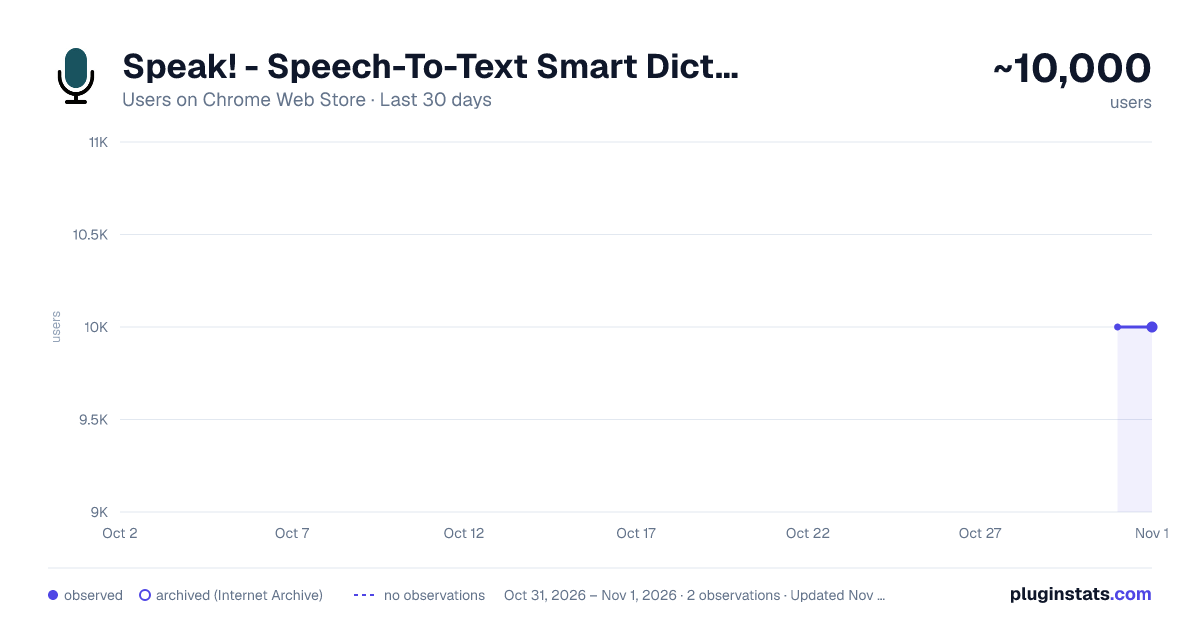
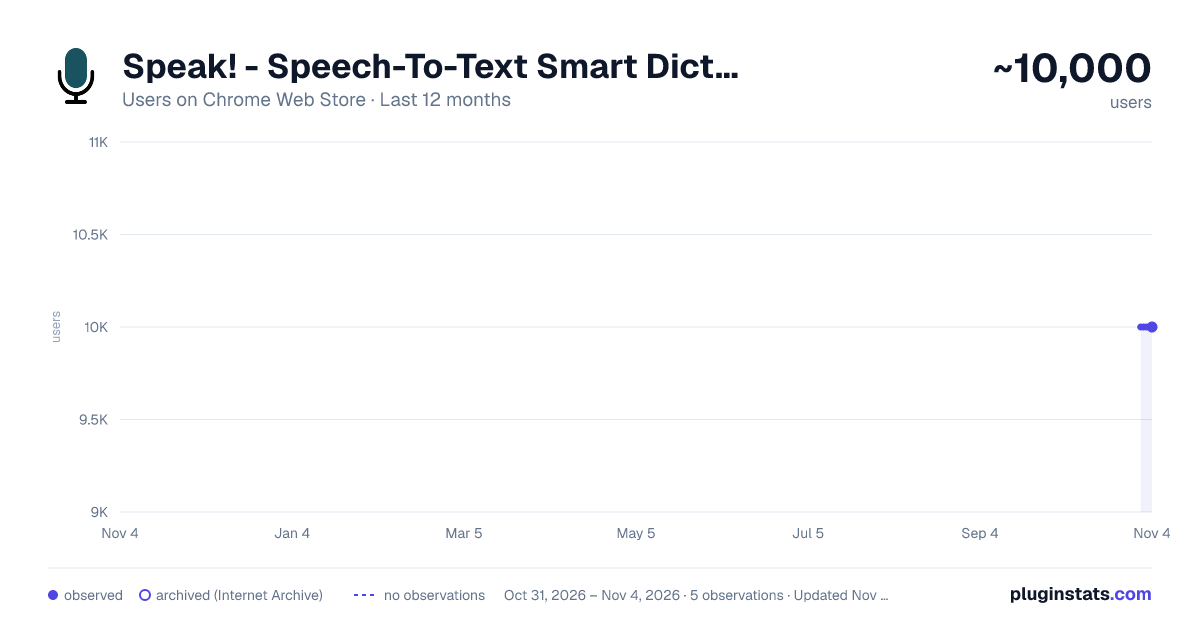
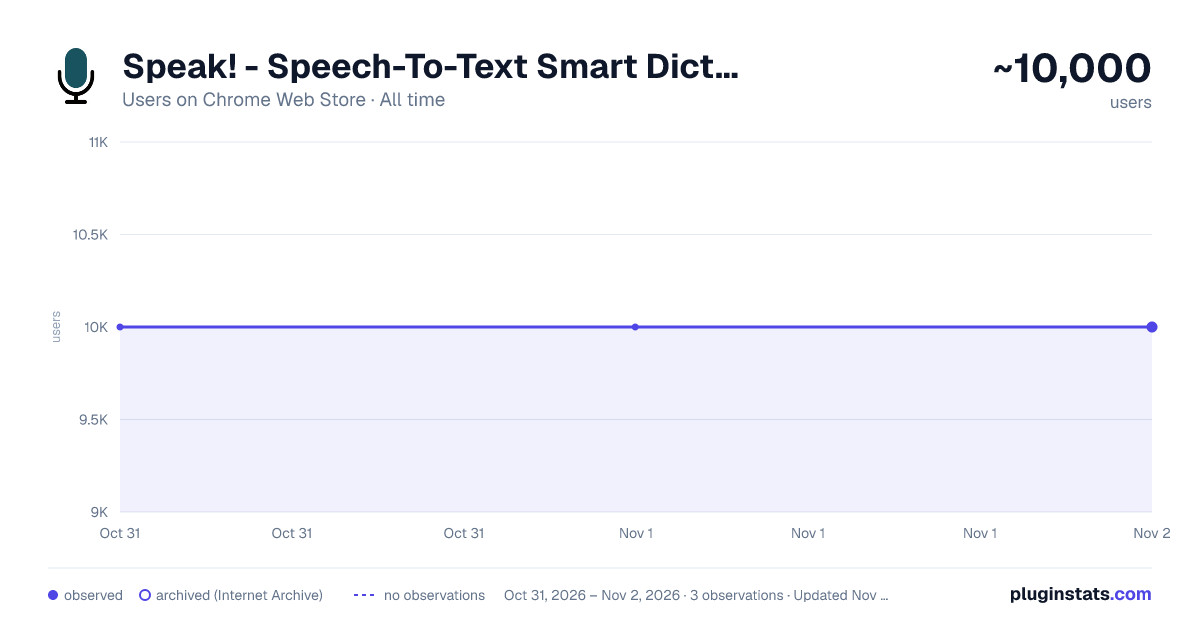
Speak! - Speech-To-Text Smart Dictation has approximately 10,000 recorded users on Chrome Web Store, ranking #722 of 6,300 tracked listings.
Rating: 4.10 / 5 from 72 ratings
About Speak! - Speech-To-Text Smart Dictation
Dictate with ease anywhere on the web using auto-editing by resaying, automatic punctuation and other conveniences.
Enjoy intuitive, next-generation dictation and voice recognition virtually everywhere online, featuring advanced capabilities such as:
AUTO-EDITING BY RESAYING Easily correct misheard words or phrases, or rephrase simply by resaying. No need for cumbersome use of mouse, keyboard or voice commands. Speak! will automatically locate and amend the relevant text, adjusting punctuation as necessary.
You can easily correct by resaying for instance, the mishearing "catch the police find" of "attached please find," or rephrase "Love is all we need" as "All you need is love."
This makes dictation more intuitive and natural.
REAL-TIME AUTO-CORRECTION Speak! fixes in real time many common slips of the tongue and speaking errors, further speeding up dictation.
AUTO-PUNCTUATION As you create and edit your message or text by dictation, punctuation is automatically applied and adjusted.
AUTO-ADJUSTMENT Speak! automatically adjusting the surrounding text when you make insertions and replacements via dictation.
AUTOMATIC LANGUAGE SWITCHING Multi-lingual users rejoice! Speak recognizes 70+ languages including German, Hindi, Portuguese, etc. and can auto-switch between your preferred languages based on the current context, for example, based on who you are chatting with in messaging apps like WhatsApp. You can also easily switch languages from the page context menu or by just saying "to Spanish", "to French", etc.
CONVENIENT SHORTCUTS You can activate the extension, if you prefer, by just double-clicking in a text field. There are also handy keyboard shortcuts for toggling dictation and switching languages.
VOICE COMMANDS FOR EDITING AND FORMATING: Undo/Redo — undoes/redoes the last inserted transcript or auto-edit. Formatting: — Use commands like "in quotes," "in parentheses," "capitalized," and "all caps" to format selected text or as you speak. For instance, when you say "in quotes Indiana Jones", the resulting text will appear as “Indiana Jones”.
EMOTICONS WITH VOICE: Express yourself with over 50 emoticons, like "happy face" for 😊 or "grinning face" for 😁, etc.
SUPPORT Would love to hear your feedback! If you encounter an issue, a particular site does not work or you have a suggestion, use the feedback option from the extension menu or email us at support@kredor.com.
For detailed guidance and tips, visit our website: https://kredor.com/products/speak.
PLEASE NOTE: Speak does not work with Google Docs and Word Online yet. These sites and a few others don't use regular text fields for input or have blocked microphone access, which prevents Speak from working with them.
Description from the Chrome Web Store listing.
README badge
Show your rank in a README or on your website. The badge updates automatically.
Charts
Images: 30d · 1y · all time · 1600×900 dark
Adoption over time
7/30/90-day growth
Ranking history
Ratings over time
Listing placement
Listing placement
Filled points are observed values; hollow points come from Internet Archive snapshots of the listing page. Dashed segments span periods with no observations — values between points are not interpolated.
Each band is one page of 20. Users on a linear scale. Placement is projected from users, so it can differ from the marketplace's own sort order. Hover a dot to see the listing.
Recent observations
Full history (2)Similar Chrome Web Store Communication plugins
All 20 Speak! - Speech-To-Text Smart Dictation alternatives



Data source
Covers every Chrome Web Store extension with at least 100 users, found through the store's public sitemap. User counts are read from public listing pages. The 10% most-used extensions are refreshed daily, the next 40% weekly and the next 40% monthly; the least-used 10% are not refreshed. Google displays rounded user counts (and caps the display at 10,000,000+), so small changes may not be visible. Rating counts above 1,000 are rounded (e.g. 1.6K).
Listing: https://chromewebstore.google.com/detail/speak-speech-to-text-smar/glklbjgdbdmlmjomcdhmjjklkeoghihh. First seen Oct 31, 2026; last successful collection Nov 1, 2026. See the methodology.