 PluginStats

Strava Feed Filter users statistics
By intc21 · Chrome Web Store · Social Networking
Filter activities on the Strava dashboard feed.
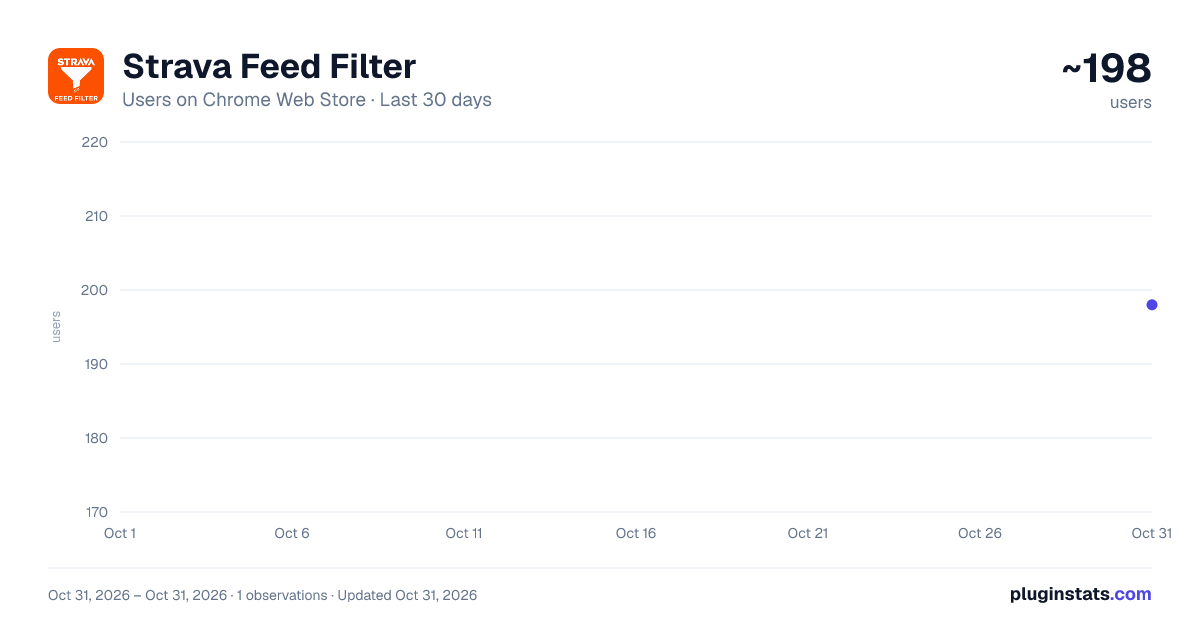
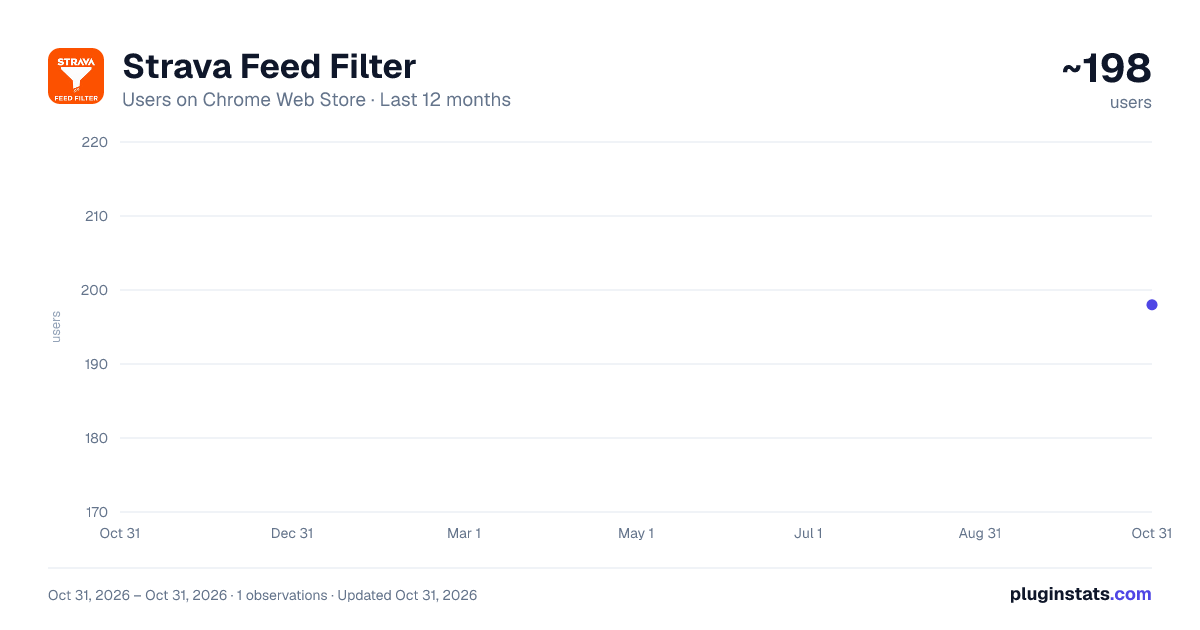
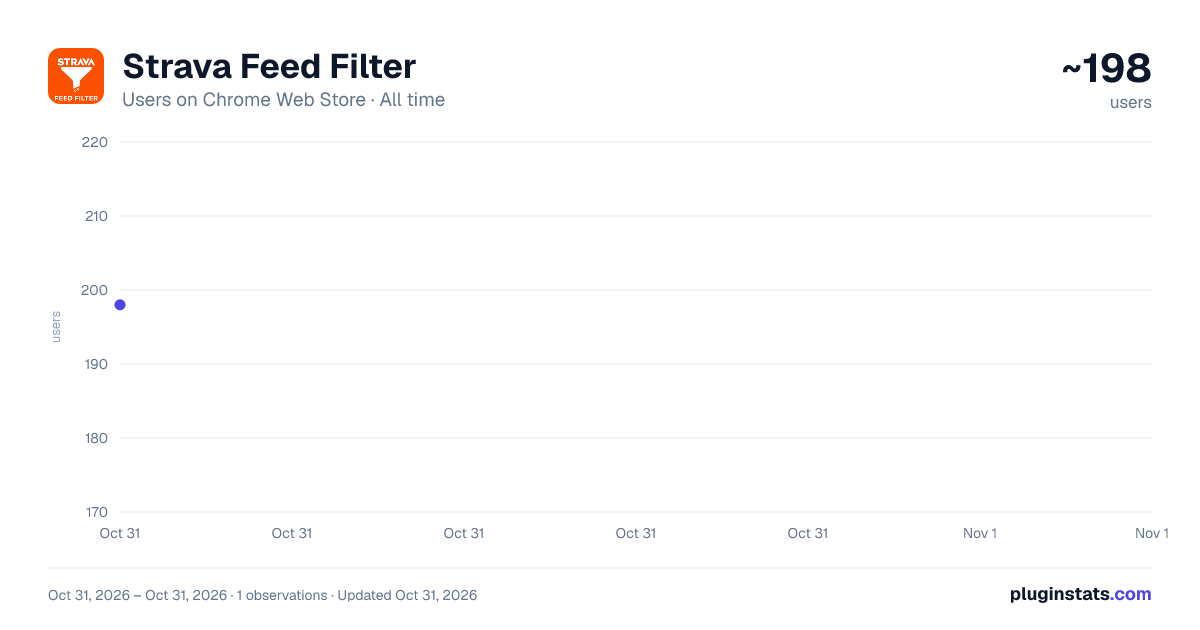
Strava Feed Filter has approximately 198 recorded users on Chrome Web Store, ranking #5086 of 6,786 tracked listings.
Rating: 5.00 / 5 from 2 ratings
About Strava Feed Filter
Filter activities on the Strava dashboard feed.
Tired of your Strava feed being cluttered with every trip to the corner shop, indoor trainer session, and 5-minute dog walk? This extension is your digital bouncer for the Strava feed!
When your feed is flooded with noise, you end up missing the activities that actually matter – that epic century ride from your cycling buddy, your friend's first marathon PR, or those inspiring mountain adventures that motivated you to get out there in the first place. Don't let the clutter bury the content that sparks your passion!
Take back control of your activity feed by filtering out the noise and focusing on what matters to you. Whether it's hiding those "quick grocery runs," endless virtual rides, or activities from that one friend who logs literally everything, this extension lets you curate your feed to see only the content you care about.
Key Features:
✨ SMART FILTERING
- Keyword filtering to hide specific activities
- Activity Type Filtering: Granular control over 40+ activity types (Run, Ride, Virtual activities, etc.)
💡 Quick tip – isolate one type fast: Click "Select All", then deselect the activity you'd like to show. For example, to see only hikes: open Activity Types, press Select All, then untick Hike. The feed will show only hikes while hiding every other category.
💡 Want the opposite? Hit Clear All and tick just the one type you want to hide.
- Distance, duration, and elevation filters
- Pace filtering for runs
- Hide activities without GPS maps
- Whitelist favourite athletes whose activities always show
- Ignore specific athletes to hide all their content
📱 MOBILE-FRIENDLY (NEW in v2.4.5!)
- Notification bell on mobile screens (≤990px) for quick access to Strava notifications
- Real-time unread notification badge
- Tap to view notification dropdown
- Responsive design that adapts to your screen size
- Desktop (>1479px): Full filter panel in header
- Tablet (991px-1479px): Secondary navigation bar
- Mobile (≤990px): Compact nav + notification bell
🎨 CUSTOMIZABLE INTERFACE
- Resizable panel: Drag left or right edge to adjust width (280px - 600px)
- Draggable settings panel – position it anywhere
- Panel size and position persist across sessions
- Responsive layout adapts to your device
- Real-time activity counting
- Works seamlessly with Strava's interface
⚡ CONVENIENCE FEATURES
- "Give Kudos to Everyone" button for visible activities
- "Show More Stats" detailed activity viewer
- Import/Export settings for easy backup
- Reset to defaults option
Perfect for cyclists, runners, and fitness enthusiasts who want a cleaner, more focused Strava experience. No more scrolling through endless commutes and coffee shop visits – just the activities that inspire you!
Works on desktop and mobile. Respects your privacy – all filtering happens locally in your browser.
Description from the Chrome Web Store listing.
README badge
Show your rank in a README or on your website. The badge updates automatically.
Charts
Images: 30d · 1y · all time · 1600×900 dark
Adoption over time
7/30/90-day growth
Ranking history
Ratings over time
Listing placement
Listing placement
Filled points are observed values; hollow points come from Internet Archive snapshots of the listing page. Dashed segments span periods with no observations — values between points are not interpolated.
Each band is one page of 20. Users on a linear scale. Placement is projected from users, so it can differ from the marketplace's own sort order. Hover a dot to see the listing.
Recent observations
Full history (1)Similar Chrome Web Store Social Networking plugins
All 20 Strava Feed Filter alternatives



Data source
Covers every Chrome Web Store extension with at least 100 users, found through the store's public sitemap. User counts are read from public listing pages. The 10% most-used extensions are refreshed daily, the next 40% weekly and the next 40% monthly; the least-used 10% are not refreshed. Google displays rounded user counts (and caps the display at 10,000,000+), so small changes may not be visible. Rating counts above 1,000 are rounded (e.g. 1.6K).
Listing: https://chromewebstore.google.com/detail/strava-feed-filter/geihkfcdimdmlckcgkebcdajdlmeppff. First seen Oct 31, 2026; last successful collection Oct 31, 2026. See the methodology.