 PluginStats

Perfect Audio users statistics
By perfectaudioapp · Chrome Web Store · Tools
Capture Audio from Your Browser in Perfect Quality, Record Vocals & Detect Key and BPM.
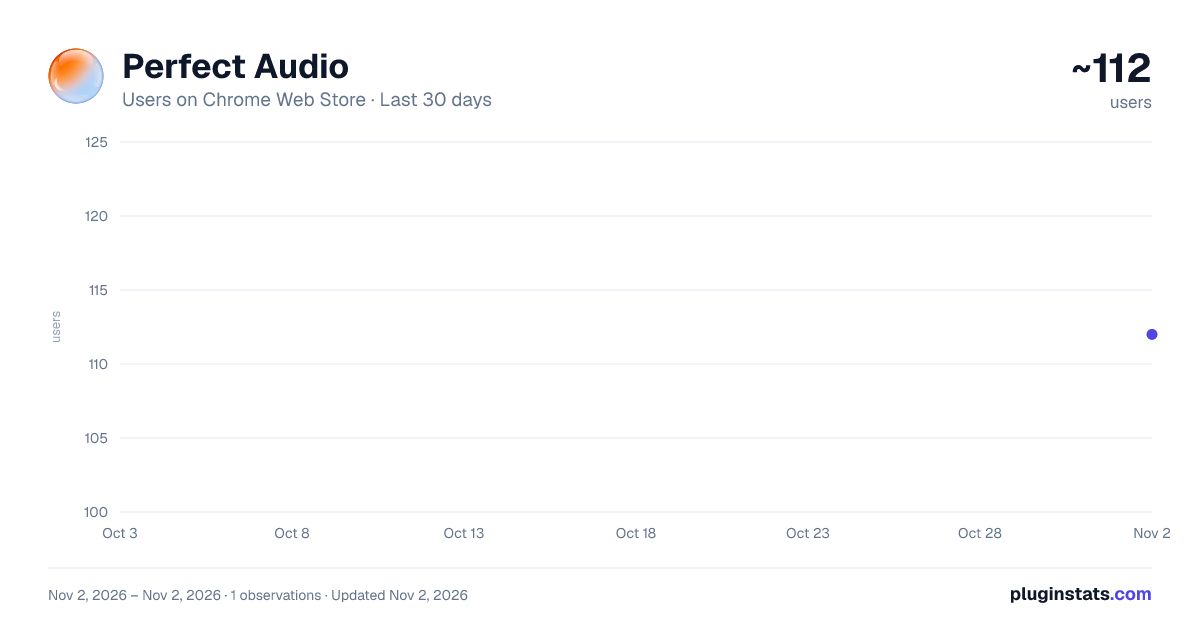
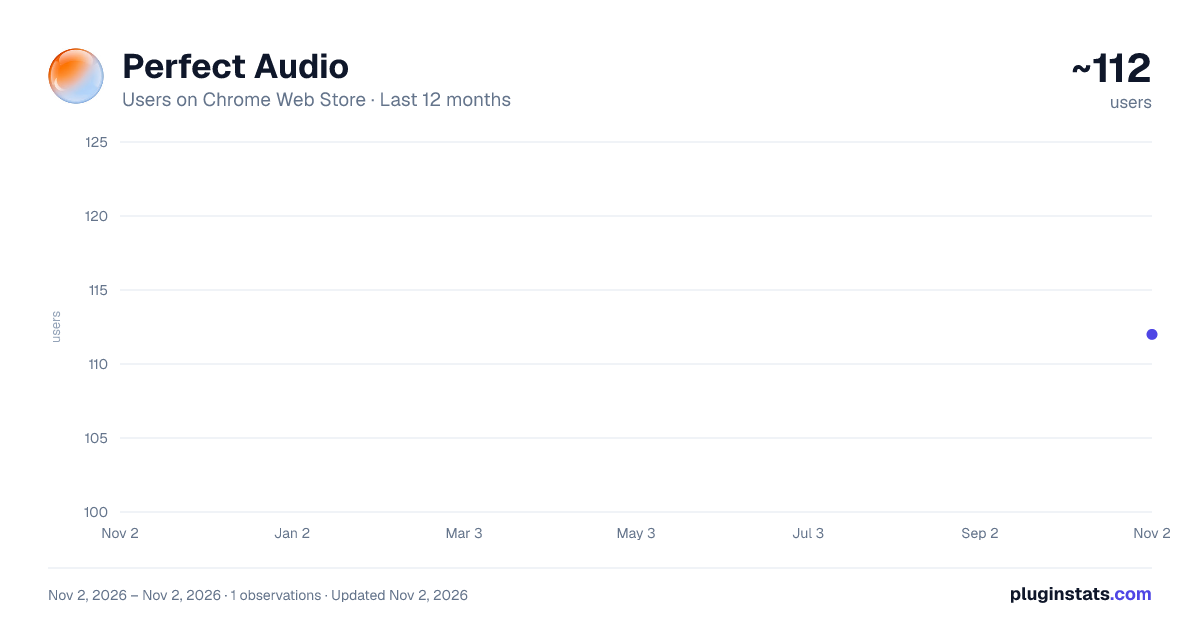
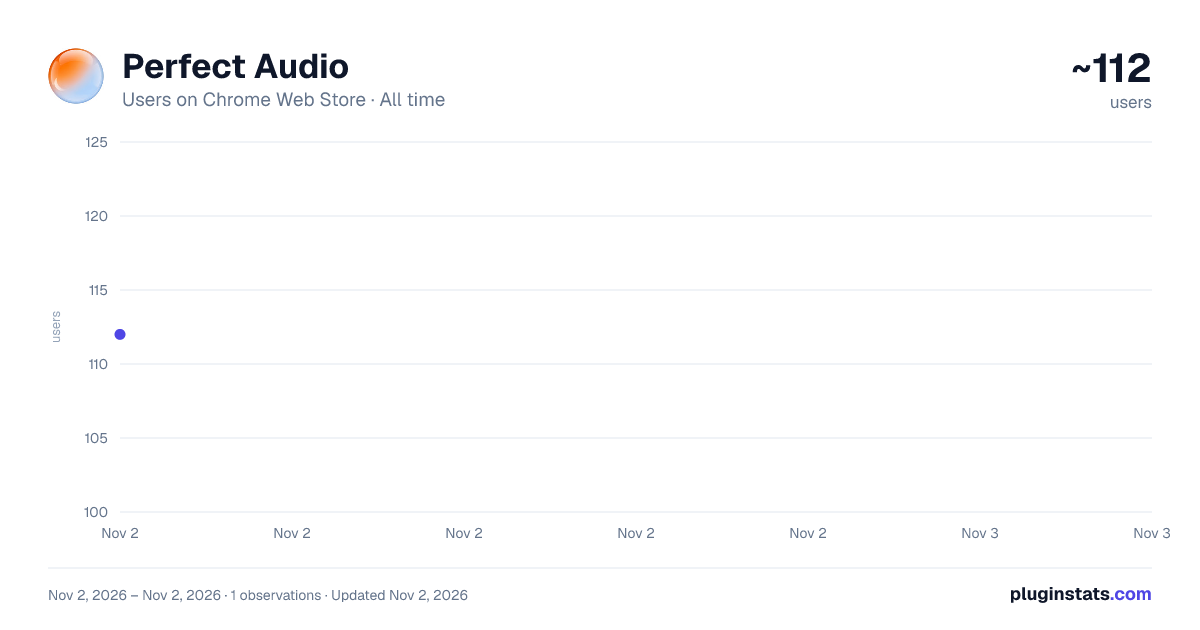
Perfect Audio has approximately 112 recorded users on Chrome Web Store, ranking #6466 of 6,786 tracked listings.
Rating: 5.00 / 5 from 4 ratings
About Perfect Audio
Capture Audio from Your Browser in Perfect Quality, Record Vocals & Detect Key and BPM.
Overview
PerfectAudio – Browser Audio Capture, Mic Recorder, BPM & Key Finder
Capture audio from your browser in original quality, record vocals, and detect BPM & Key — simple for everyday use, powerful for advanced audio production.
PerfectAudio is a powerful browser audio capture and recording tool that lets you capture audio directly from your browser tabs, record high-quality microphone audio with optional real-time headphone monitoring and built-in reverb controls, and detect BPM & Key.
Switch between Light and Dark mode to match your workflow and studio environment.
PerfectAudio is designed for browser audio capture, vocal recording, music production, sampling, and audio editing — with Studio Mode available by default for simple everyday recording, and an optional upgrade to Producer Mode for advanced music production, sampling, and precision editing tools.
🎙 Studio Mode – Simple, Everyday Audio Recording
Designed for quick, easy recording with no setup — perfect for voice notes, meetings, ideas, content creation, and everyday audio capture.
• Unlimited browser tab audio Capture • High & Studio-quality microphone recording • Shorter microphone recordings in Studio Mode • Use built-in or external microphones (including professional mics via audio interfaces) • Select your preferred microphone input device • Record tab + mic simultaneously • Record audio in real time while listening • Real-time monitoring with volume control • Built-in reverb controls with adjustable ducking • Built-in keyboard shortcuts (view and customise in Settings) for faster recording and playback • My Collection with Downloads, Imports, and Liked recordings • Interactive waveform playback and controls
🎛 Producer Mode – Unlock Advanced Creator Tools
Optional upgrade for users who need deeper control for music production, sampling, and precise audio editing.
• Unlimited browser tab audio Capture • Unlimited microphone recording time • Studio-quality mic recording • Use built-in or external microphones (including professional mics via audio interfaces) • Select your preferred microphone input device • Record tab + mic simultaneously • Real-time monitoring with volume control • Built-in reverb controls with adjustable ducking • Built-in keyboard shortcuts (view and customise in Settings) for a faster workflow • BPM detection & tap tempo • Key detection & Key & Harmony tools • Metronome with volume control • Snap Grid & precision editing tools • Transpose and speed controls • Import audio files into your collection • DAW quicksend to send audio directly to your DAW folder
🎙 Browser Audio Capture
• Capture audio directly from browser tabs • Record microphone input • Record browser audio + mic together • Capture audio while playing in real time • Real-time monitoring with volume control • Built-in reverb controls with adjustable ducking
🎛 Audio Recording & Editing
• High-quality microphone recording for professional sound • Interactive waveform display • Ultra-precise looping for detailed editing and sampling • Loop, reverse, and zoom controls • Snap grid and precision tools (Producer Mode) • Smooth playback and scrubbing
🎵 BPM & Key Finder
• Automatic BPM detection (Producer Mode) • Accurate key detection & harmony tools (Producer Mode) • Tap tempo and metronome (Producer Mode) • Transpose and speed controls (Producer Mode)
📁 My Collection & Audio Library
• Access Downloads, Imports, and Liked recordings instantly • Fast, organised audio file management • Instant playback and preview • Export audio as WAV, MP3, or WebM • Import audio files (Producer Mode)
🔒 Privacy First
PerfectAudio only records audio when you start recording.
No audio is recorded or stored without your action or consent.
Turn your browser into a powerful audio capture, recording, and music production workspace with PerfectAudio.
Description from the Chrome Web Store listing.
README badge
Show your rank in a README or on your website. The badge updates automatically.
Charts
Images: 30d · 1y · all time · 1600×900 dark
Adoption over time
7/30/90-day growth
Ranking history
Ratings over time
Listing placement
Listing placement
Filled points are observed values; hollow points come from Internet Archive snapshots of the listing page. Dashed segments span periods with no observations — values between points are not interpolated.
Each band is one page of 20. Users on a linear scale. Placement is projected from users, so it can differ from the marketplace's own sort order. Hover a dot to see the listing.
Recent observations
Full history (1)Similar Chrome Web Store Tools plugins
All 20 Perfect Audio alternatives



Data source
Covers every Chrome Web Store extension with at least 100 users, found through the store's public sitemap. User counts are read from public listing pages. The 10% most-used extensions are refreshed daily, the next 40% weekly and the next 40% monthly; the least-used 10% are not refreshed. Google displays rounded user counts (and caps the display at 10,000,000+), so small changes may not be visible. Rating counts above 1,000 are rounded (e.g. 1.6K).
Listing: https://chromewebstore.google.com/detail/perfect-audio/cmaefpcnpcmbnafgcjeabmjdaaodneib. First seen Nov 2, 2026; last successful collection Nov 2, 2026. See the methodology.