 PluginStats
Meet Recorder users statistics
Record Google Meet meetings with one click. Captures full video and audio of all participants.
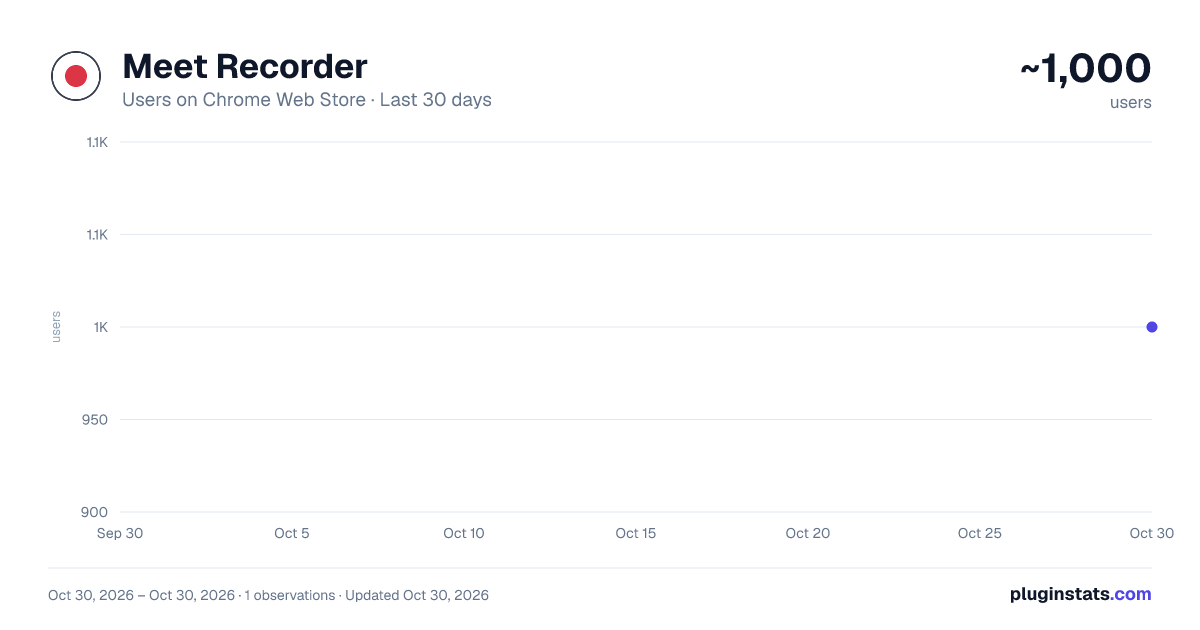
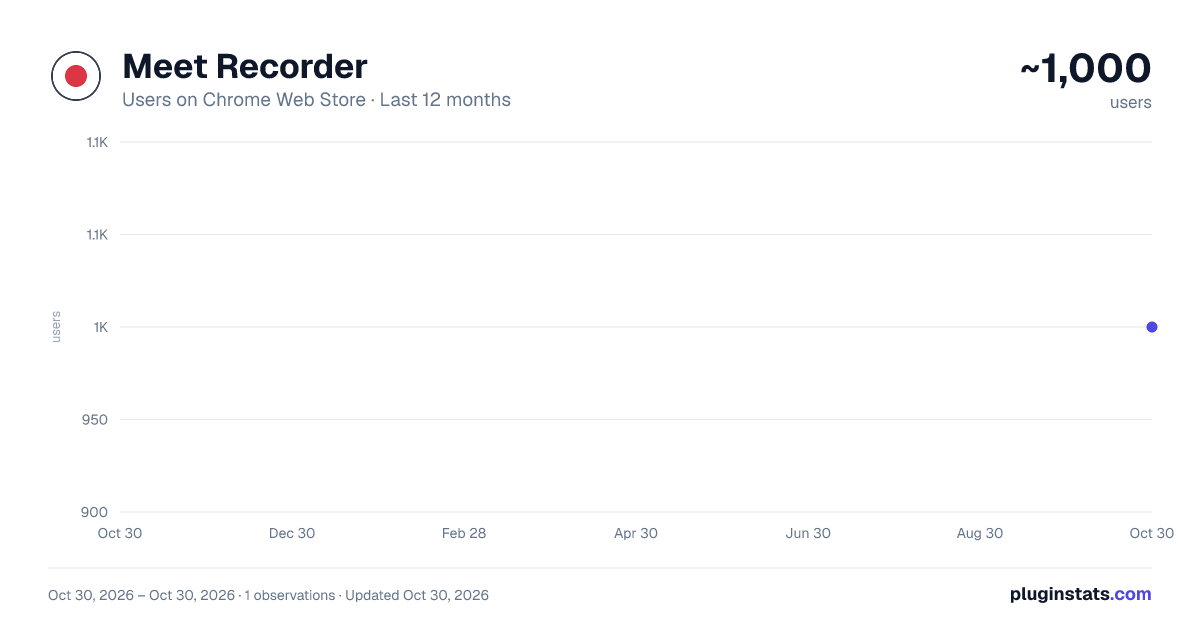
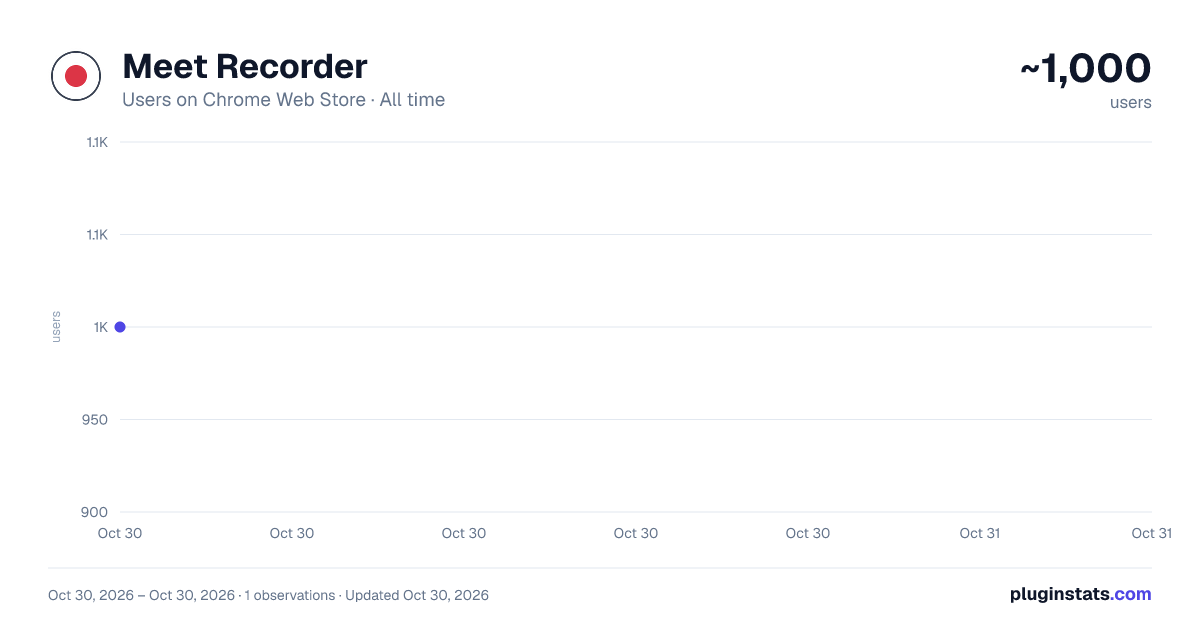
Meet Recorder has approximately 1,000 recorded users on Chrome Web Store, ranking #2022 of 5,550 tracked listings.
Rating: 4.80 / 5 from 5 ratings
About Meet Recorder
Record Google Meet meetings with one click. Captures full video and audio of all participants.
Meet Recorder lets you record your Google Meet calls with a single click. It captures the full meeting video along with audio from all participants and saves recordings directly to your computer — no cloud, no accounts, no subscriptions.
HOW IT WORKS
- Join a Google Meet call
- Click the Meet Recorder extension icon
- Click "Start Recording"
- Share the current tab when prompted (one-time per recording)
- Allow microphone access for your voice
- Click "Stop Recording" when done — your WebM file downloads automatically
FEATURES
- One-click recording of Google Meet meetings
- Captures all participants' audio via WebRTC
- Records your microphone audio
- Captures the full meeting screen (grid view, presentations, screen shares)
- Live "Recording" indicator on the Meet page
- Timer showing recording duration
- Auto-stops when the meeting ends
- Saves locally as WebM video — plays in Chrome, Firefox, Edge, and VLC
- No data ever leaves your computer
- No account required
- No cloud upload
- No subscription fees
- Works completely offline after installation
WHAT GETS RECORDED
- Video: The Google Meet tab as you see it (all participant tiles, shared screens, presentations)
- Audio: All participants' voices + your microphone
PRIVACY Meet Recorder does not collect, transmit, or store any personal data. All recordings are saved directly to your local device using your browser's download functionality. No data is sent to any server. No analytics. No tracking.
PERMISSIONS EXPLAINED
- Active Tab: Identifies the current Google Meet tab for recording
- Storage: Remembers recording state within the browser session (cleared when browser closes)
OUTPUT FORMAT Recordings are saved as WebM files (VP9 video + Opus audio). These play natively in Chrome, Firefox, Edge, and VLC media player.
TIPS
- For best results, refresh the Google Meet page after installing the extension
- Make sure to allow microphone access when prompted
- The extension icon shows a red "REC" badge while recording
SUPPORT If you encounter any issues, please leave a review or report on the support page.
Description from the Chrome Web Store listing.
README badge
Show your rank in a README or on your website. The badge updates automatically.
Charts
Images: 30d · 1y · all time · 1600×900 dark
Adoption over time
7/30/90-day growth
Ranking history
Ratings over time
Listing placement
Listing placement
Filled points are observed values; hollow points come from Internet Archive snapshots of the listing page. Dashed segments span periods with no observations — values between points are not interpolated.
Each band is one page of 20. Users on a linear scale. Placement is projected from users, so it can differ from the marketplace's own sort order. Hover a dot to see the listing.
Recent observations
Full history (1)Similar Chrome Web Store Tools plugins
All 20 Meet Recorder alternatives



Data source
Covers every Chrome Web Store extension with at least 100 users, found through the store's public sitemap. User counts are read from public listing pages. The 10% most-used extensions are refreshed daily, the next 40% weekly and the next 40% monthly; the least-used 10% are not refreshed. Google displays rounded user counts (and caps the display at 10,000,000+), so small changes may not be visible. Rating counts above 1,000 are rounded (e.g. 1.6K).
Listing: https://chromewebstore.google.com/detail/meet-recorder/ckhbiniaebiodaaammoppdjiljknffdg. First seen Oct 30, 2026; last successful collection Oct 30, 2026. See the methodology.